
1. Koniec produktuview
This manual provides instructions for the OEM A3050/A3053/A3054 Right Earbud Replacement for AirPod (4th Generation). This product is designed to replace a single right earbud and is compatible with the original AirPods 4 A3058 Charging Case. Please note, this earbud is not for the ANC (Active Noise Cancellation) version.

Image: The OEM A3050/A3053/A3054 Right Earbud Replacement, showing its design and form factor.
2. Zgodność
It is crucial to verify the model of your existing earbuds and charging case to ensure compatibility. This replacement earbud is specifically designed for:
- Earbud (4th Generation) models: A3050, A3053, A3054.
- Model etui ładującego: A3058.
Ważna uwaga: This earbud is niezgodny with the Earbuds ANC (4th Generation) models (A3055, A3056, A3057) and charging case model A3059.
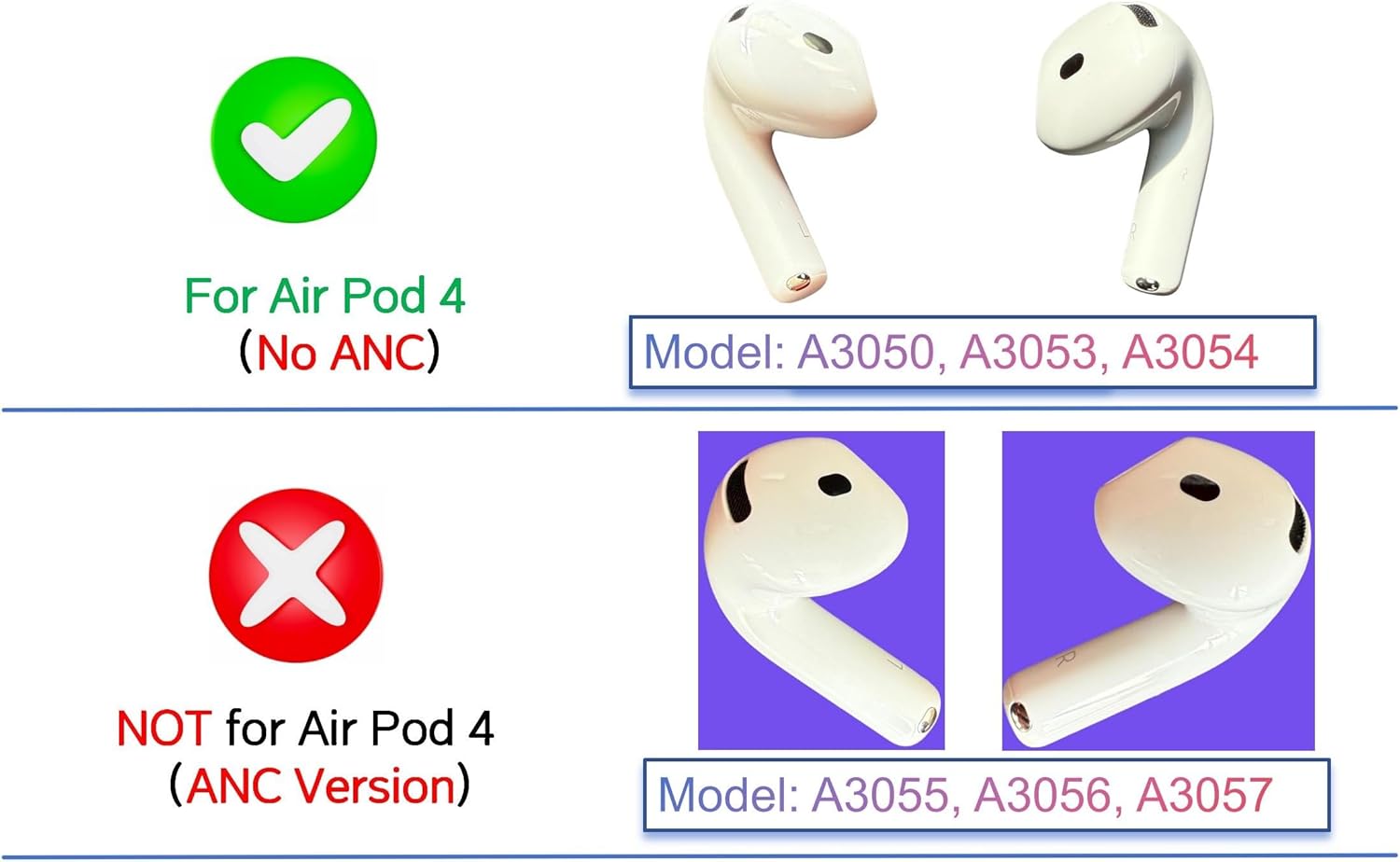
Image: A visual guide illustrating compatibility with non-ANC AirPods 4th Generation (models A3050, A3053, A3054) and incompatibility with ANC versions (models A3055, A3056, A3057).
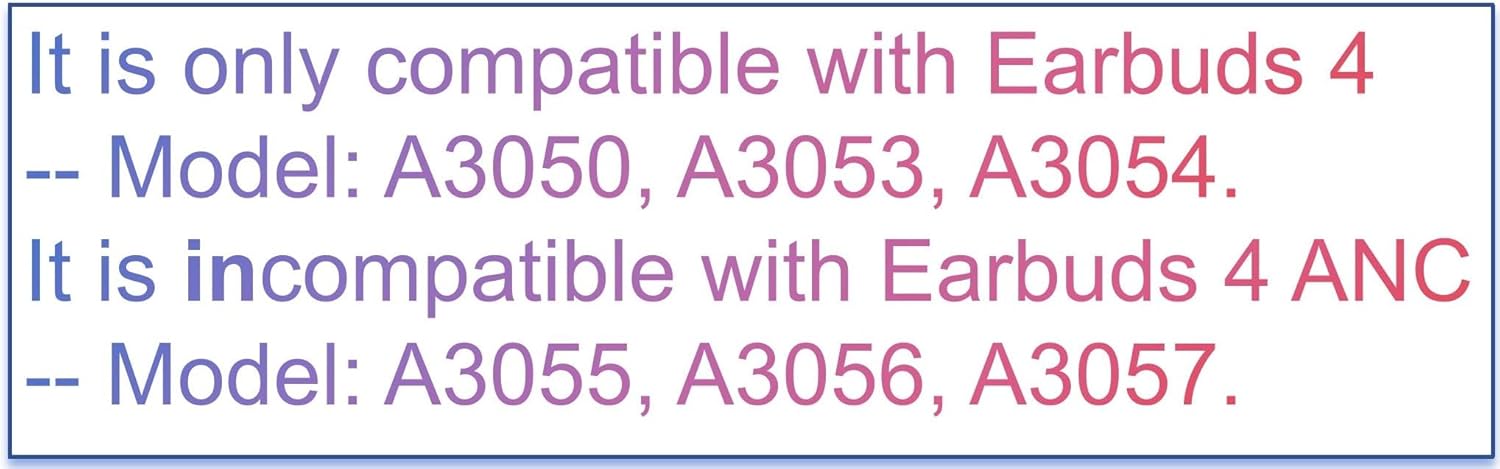
Image: Text emphasizing compatibility with A3050, A3053, A3054 models and incompatibility with A3055, A3056, A3057 models.
3. Instrukcje konfiguracji i parowania
Follow these steps carefully to pair your new right earbud with your existing AirPods setup. Patience is key during the pairing process, as it may take some time.
- Forget Your Earbuds from Bluetooth List:
- Otwórz ustawienia Bluetooth w swoim urządzeniu.
- Locate your Earbuds in the list of devices.
- Select "Forget This Device" or similar option to remove them from your Bluetooth list.
- Naładuj słuchawki douszne:
- Plug the charging case into a power source.
- Place the new earbud into the charging case.
- Ensure the charging case is close to your iPhone/iPad during charging.
- Allow the earbud to charge for 30-60 minut. For older firmware versions, this might take 2-3 hours or even overnight.
- Reset Your Earbuds:
- Unplug the charging cable from the case.
- Otwórz pokrywę etui ładującego.
- Press and hold the setup button on the back of the case for approximately 15 seconds. The status light on the front of the case will flash amber, then white.
- Connect Your Earbuds:
- With the charging case lid open and both earbuds inside, place your Earbuds close to your iPhone or iPad.
- Follow the on-screen prompts on your device to connect.
If the pairing process does not succeed on the first attempt, please repeat Step 2 (charging) and allow more time before attempting Step 3 (reset) again. Ensure both the left and right earbuds (if you have both) are compatible models.

Image: A comprehensive guide detailing the four steps for pairing your earbud, including forgetting the device, charging, resetting, and connecting.
4. Ładowanie
The earbud charges when placed inside the compatible charging case (model A3058). To charge the case itself, connect it to a power source using a compatible cable. A fully charged case can provide multiple charges to the earbud, allowing for portable charging without a direct power supply.
The status light on the front of the charging case indicates the charging status:
- Bursztyn: Charging or less than one full charge remaining.
- Zielony: W pełni naładowany.
5. Rozwiązywanie Problemów
If you encounter issues with your replacement earbud, consider the following troubleshooting steps:
- Earbud Not Pairing:
- Ensure you have followed all pairing instructions precisely, especially forgetting the device from your Bluetooth list.
- Allow sufficient charging time (30-60 minutes, or longer for older firmware) before attempting to reset and pair.
- Verify that the model numbers of your earbuds (A3050/A3053/A3054) and charging case (A3058) are compatible. Mismatched models will prevent pairing.
- Try repeating the charging and reset steps multiple times.
- Brak dźwięku lub przerywane połączenie:
- Ensure the earbud is fully charged.
- Check your device's Bluetooth connection and ensure the earbud is selected as the audio output.
- Zbliż się do podłączonego urządzenia, aby uniknąć zakłóceń.
W przypadku powtarzających się problemów zapoznaj się z sekcją pomocy poniżej.
6. Specyfikacje
| Funkcja | Szczegół |
|---|---|
| Marka | Mienowa |
| Numer modelu | Right A3050/A3053/A3054 |
| Kompatybilne urządzenia | AirPods 4th Generation (Non-ANC) |
| Kompatybilne modele telefonów | Apple AirPods (4th Generation), A3050, A3053, A3054, A3058 (charging case) |
| Tworzywo | Plastikowy |
| Waga przedmiotu | 0.95 uncji |
| Wymiary opakowania | 3.7 x 2.5 x 1 cala |
7. Wsparcie
For any pairing issues or further assistance, please contact our support team:
- E-mail: support@audiospare.com
You can also find additional guidelines and resources by scanning the QR code below or visiting the provided URL:
Image: A QR code and URL for accessing additional pairing guidelines and support information.
Online Guidelines: https://audiospare.com/2025/01/09/guideline-for-airpods-pairing/