
Havion D2
Havion D2 Wired Video Doorbell Camera User Manual
Model: D2 | Brand: Havion
1. Wprowadzenie
This manual provides detailed instructions for the installation, operation, and maintenance of your Havion D2 Wired Video Doorbell Camera. Please read this manual thoroughly before using the product to ensure proper function and safety. The Havion D2 offers advanced security features including dual cameras, 5MP (3K) resolution, AI motion detection, and two-way audio communication.
2. Zawartość opakowania
Sprawdź, czy w przesyłce znajdują się wszystkie elementy wymienione poniżej:
- Havion D2 Wired Video Doorbell Camera
- Dzwonek wewnętrzny
- Śruby montażowe i kotwy
- Instrukcja obsługi (ten dokument)

Image: Havion D2 Wired Video Doorbell Camera, indoor chime, and a smartphone displaying the app interface.
3. Koniec produktuview
The Havion D2 is designed to provide comprehensive security for your home entrance. Key features include:
- Podwójny aparat: Main 5MP (3K) camera and a sub-camera for head-to-toe view.
- 160° Ultraszeroki Viewkąt ing: Minimizes blind spots.
- 2-inch OLED Screen: Provides instant feedback and interactive display.
- Wykrywanie ruchu AI: Recognizes people, packages, vehicles, and pets.
- Podwójne czujniki ruchu: PIR and radar sensors reduce false alarms.
- Wbudowana pamięć eMMC o pojemności 32 GB: Local storage for recordings, no subscription fees.
- Dwukierunkowy dźwięk: Communicate with visitors via the Havion app.
- Zaawansowane widzenie w nocy: Dual-light infrared and white-light cameras for 24/7 monitoring.
- Integracja inteligentnego domu: Kompatybilny z Amazon Alexa i Asystentem Google.
- Zasilanie przewodowe: Ensures continuous operation without battery concerns.

Image: Diagram illustrating key features of the Havion D2 doorbell, including 2K camera, dual lenses, dual sensors, 32GB eMMC/cloud storage, 160° view angle, 2-way audio, 2'' OLED screen, smart app, AI motion, and 3.0A fast charging.

Obraz: Szczegółowy view of the Havion D2 doorbell components, highlighting the main camera (5MP, 160° wide angle), sub-camera (2MP), and 2-inch True Color OLED screen.
4. Konfiguracja i instalacja
4.1 Lista kontrolna przed instalacją
- Upewnij się, że Twoja sieć Wi-Fi obsługuje częstotliwość 2.4 GHz (częstotliwość 5 GHz nie jest obsługiwana).
- Confirm you have existing doorbell wiring (8-24VAC).
- Download the Havion app from your smartphone's app store.
4.2 Fizyczna instalacja
- Wyłącz zasilanie: Before beginning, turn off the power to your existing doorbell at the circuit breaker.
- Remove Existing Doorbell: Disconnect and remove your old doorbell button.
- Zamontuj wspornik: Use the provided mounting screws and anchors to secure the mounting bracket to your wall. Ensure it is level.
- Podłącz przewody: Connect your existing doorbell wires to the terminals on the back of the Havion D2 doorbell. The D2 is designed for wired power, ensuring continuous operation.
- Podłącz dzwonek do drzwi: Secure the Havion D2 doorbell to the mounting bracket.
- Install Indoor Chime: Plug the indoor chime into a standard wall outlet within range of your doorbell.
- Przywróć zasilanie: Turn the power back on at the circuit breaker. The doorbell should power on.
4.3 App Pairing and Initial Setup
- Pobierz aplikację: Szukaj "Havion" in your app store and download the official application.
- Utwórz konto: Otwórz aplikację i postępuj zgodnie z instrukcjami wyświetlanymi na ekranie, aby utworzyć nowe konto lub się zalogować.
- Dodaj urządzenie: Tap the "+" icon to add a new device. Select the Havion D2 Video Doorbell.
- Parowanie Bluetooth: The Havion D2 supports Bluetooth network pairing for a faster and simpler setup compared to traditional QR code methods. Follow the app's prompts to connect via Bluetooth.
- Połącz się z Wi-Fi: Wybierz sieć Wi-Fi 2.4 GHz i wprowadź hasło.
- Pełna konfiguracja: Follow any remaining instructions in the app to finalize the setup, including naming your device and adjusting initial settings. The built-in 2-inch OLED screen provides instant feedback during this process.

Image: A smartphone displaying the Havion app interface, showing a live view from the doorbell camera and options to modify device name, disconnect lock, and share device.
5. Działanie
5.1 Na żywo View i dwukierunkowe audio
- Open the Havion app and select your D2 doorbell to access the live view.
- Tap the microphone icon to initiate two-way audio communication with visitors.
- The 2-inch OLED screen on the doorbell will display "Calling" when someone presses the doorbell button.

Image: Illustration of real-time two-way audio communication via the Havion app, showing a user talking to visitors.
5.2 Detekcja ruchu i alerty
- The D2 features advanced AI motion detection, recognizing people, packages, vehicles, and pets.
- Dual PIR and radar sensors work together to significantly reduce false alarms (up to 95%).
- Otrzymuj powiadomienia w czasie rzeczywistym na swój smartfon po wykryciu ruchu.
- Adjust motion sensitivity and detection zones within the Havion app settings.

Image: Illustration of the Havion D2's smart detection capabilities, showing a delivery person being recognized and the doorbell's radar sensors in action.

Image: A man walking a dog, with a green box highlighting the enhanced motion detection area of the Havion D2 doorbell.
5.3 Dual Camera Functionality
- The main camera provides a wide-angle view Twojego otoczenia.
- The sub-camera offers a head-to-toe view, ensuring packages left on your doorstep are visible.
- Przełączaj się między aparatem views lub view both simultaneously within the Havion app.

Image: Illustration showing the dual camera coverage of the Havion D2, with a wide-angle view i paczka view na ekranie smartfona.
5.4 Widzenie nocne
- The D2 is equipped with dual-light infrared and white-light cameras for clear night vision.
- White-light cameras activate upon motion detection to provide color night vision and deter unwanted visitors.

Image: Comparison of standard night vision (black and white) and Havion's advanced night vision with activated white-light for clearer, illuminated views.
5.5 Integracja inteligentnego domu
- The Havion D2 is compatible with Amazon Alexa and Google Assistant.
- Follow the instructions in your Alexa or Google Home app to link your Havion account and enable voice commands.
- Example commands: "Alexa, show me the front door," or "Hey Google, what's happening at the doorbell?"
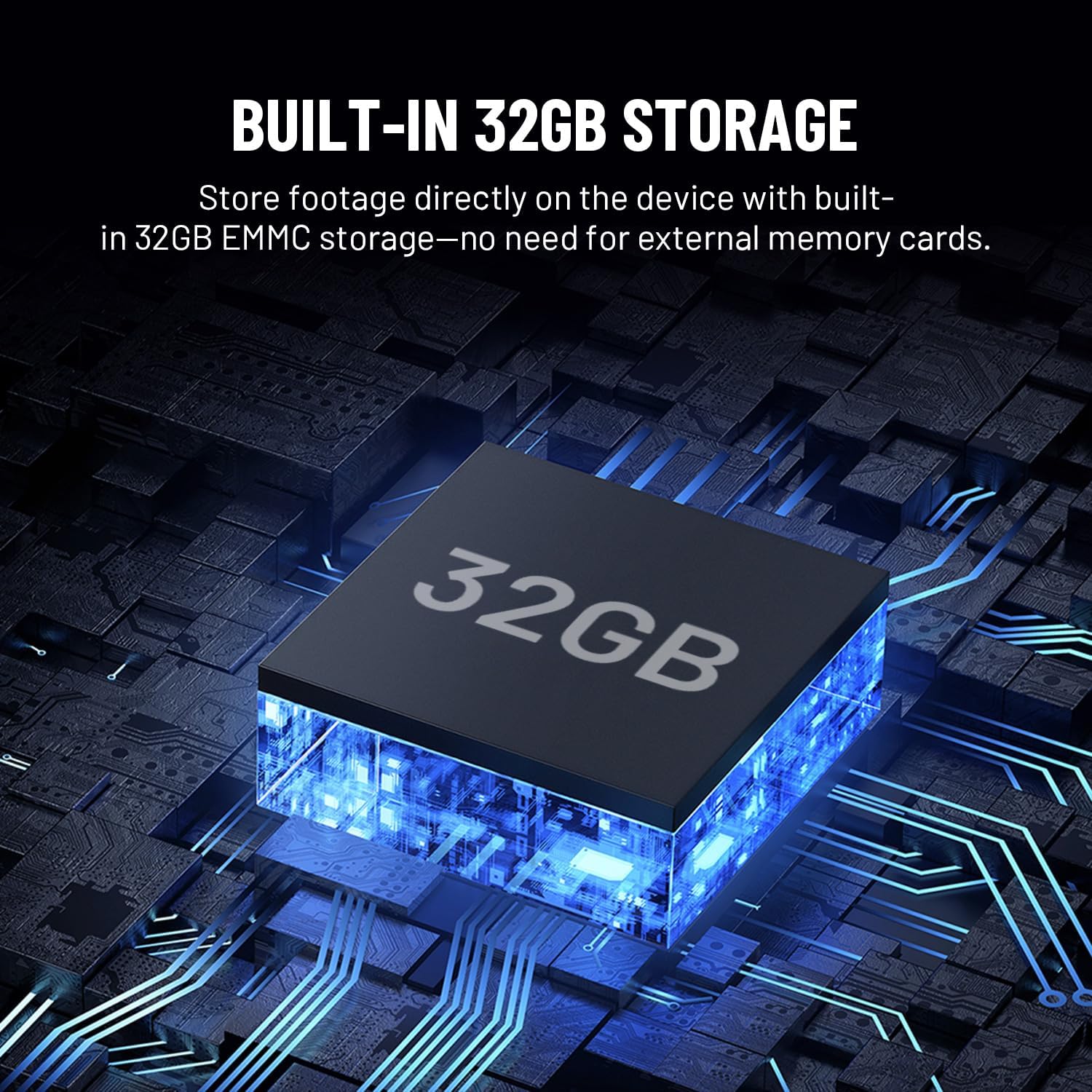
Image: Illustration showing the Havion D2 doorbell integrated into a smart home ecosystem, with a floor plan indicating connected devices like a smart lock and the doorbell.
6. Konserwacja
- Czyszczenie: Delikatnie przetrzyj obiektyw kamery i powierzchnię dzwonka miękką szmatką.amp płótno. Unikaj ściernych środków czyszczących.
- Aktualizacje oprogramowania układowego: Regularly check the Havion app for firmware updates to ensure optimal performance and access to new features.
- Składowanie: The D2 has built-in 32GB eMMC local storage. Review and manage recordings through the Havion app.
- Odporność na warunki atmosferyczne: The doorbell is designed to be durable and weather-resistant with an IP66 waterproof rating.

Image: The Havion D2 doorbell mounted on a wall, with water droplets indicating its weather-resistant design.
7. Rozwiązywanie Problemów
| Problem | Możliwa przyczyna | Rozwiązanie |
|---|---|---|
| Dzwonek nie włącza się. | No power from existing wiring; circuit breaker off. | Check circuit breaker. Ensure wires are correctly connected to the doorbell terminals. Verify existing wiring provides 8-24VAC. |
| Nie można połączyć się z siecią Wi-Fi. | Incorrect Wi-Fi password; 5GHz network selected; weak signal. | Ensure correct 2.4GHz Wi-Fi network is selected and password is accurate. Move doorbell closer to router or consider a Wi-Fi extender. |
| Częste rozłączenia. | Weak Wi-Fi signal; network interference. | Improve Wi-Fi signal strength. Ensure no other devices are causing interference. Restart router and doorbell. |
| Motion alerts are too frequent/infrequent. | Motion sensitivity settings are too high/low. | Adjust motion detection sensitivity and detection zones in the Havion app. |
| Dwukierunkowa transmisja dźwięku nie działa. | Microphone/speaker permissions not granted to app; network issues. | Sprawdź uprawnienia aplikacji na swoim smartfonie. Upewnij się, że połączenie internetowe jest stabilne. |
8. Specyfikacje
| Funkcja | Szczegół |
|---|---|
| Nazwa modelu | D2 |
| Marka | Havion |
| Zastosowanie wewnątrz/na zewnątrz | Plenerowy |
| Źródło zasilania | Corded Electric (8-24VAC) |
| Protokół łączności | Wi-Fi (tylko 2.4 GHz) |
| Rozdzielczość przechwytywania wideo | 5MP (3K) / 1920p |
| Składowanie | Built-in 32GB eMMC Local Storage |
| Wyświetlacz | Ekran OLED 2 cala |
| Funkcja specjalna | 2-Way Audio, AI Motion Detection, Dual Cameras, Night Vision |
| Kompatybilne urządzenia | Smartfon, Amazon Alexa, Asystent Google |
| Typ montażu | Montaż ścienny |
| Wymiary produktu | 5 x 2 x 1 cala |
| Waga przedmiotu | 1 funt |
9. Gwarancja i wsparcie
Havion provides reliable after-sales support, including a 2-year warranty. In case of product issues, a replacement will be provided in exchange for repairs.
For detailed warranty information or technical assistance, please refer to the official Havion website or contact customer support through the Havion app.
You can visit the Havion Store for more information: Havion Store on Amazon
Ask a question about this manual
Ask about setup, troubleshooting, compatibility, parts, safety, or missing instructions. Manuals+ will review the question and use this page’s manual context to help answer it.