
Wstęp
This manual provides essential information for setting up, operating, and maintaining your ASUS TUF Gaming VG27AQM5A monitor. The VG27AQM5A is a 27-inch QHD (2560x1440) gaming monitor featuring a Fast IPS panel, 300Hz refresh rate, and 0.3ms GTG response time. It incorporates ASUS Extreme Low Motion Blur Sync and Adaptive Sync technology for smooth gaming, HDR support, and a 95% DCI-P3 color gamut for exceptional visual performance. Please read this manual thoroughly before using the product.
Co jest w pudełku
Ostrożnie rozpakuj pudełko i upewnij się, że wszystkie elementy są obecne i w dobrym stanie. Jeśli któregokolwiek z nich brakuje lub jest uszkodzony, skontaktuj się ze sprzedawcą.
- ASUS TUF Gaming VG27AQM5A Monitor
- Kabel DisplayPort
- Przewód zasilający i adapter
- Szybki przewodnik
- Karta gwarancyjna

Organizować coś
Zespół monitora
Attach the stand base to the stand neck, then secure the assembled stand to the back of the monitor. Ensure all screws are tightened appropriately. The monitor supports VESA wall mounting (100 x 100mm) for alternative installation.

Podłączanie do urządzenia
Connect your computer or other video source to the monitor using the appropriate cables. The monitor supports DisplayPort, HDMI, and USB Type-C connections. Ensure the power adapter is connected to the monitor and a power outlet.


Instrukcja obsługi
Włączanie/wyłączanie zasilania
Naciśnij przycisk zasilania znajdujący się na monitorze, aby go włączyć lub wyłączyć. Kontrolka zasilania zaświeci się, gdy monitor jest aktywny.
Menu ekranowe (OSD)
Use the joystick and buttons on the back or bottom of the monitor to navigate the OSD menu. This menu allows you to adjust various settings such as brightness, contrast, color modes, and input selection.
Funkcje GamePlus
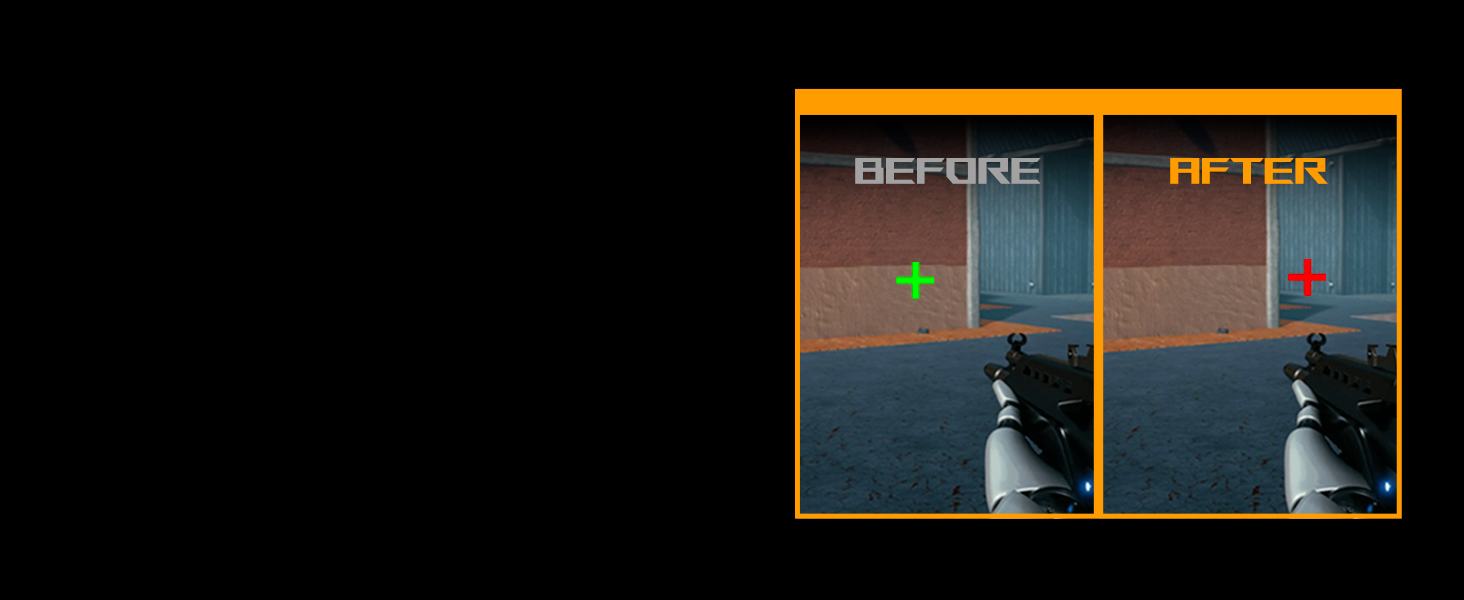
The monitor includes GamePlus features designed to enhance your gaming experience. These include a crosshair overlay, timer, FPS counter, and display alignment tools. Access these through the OSD menu.

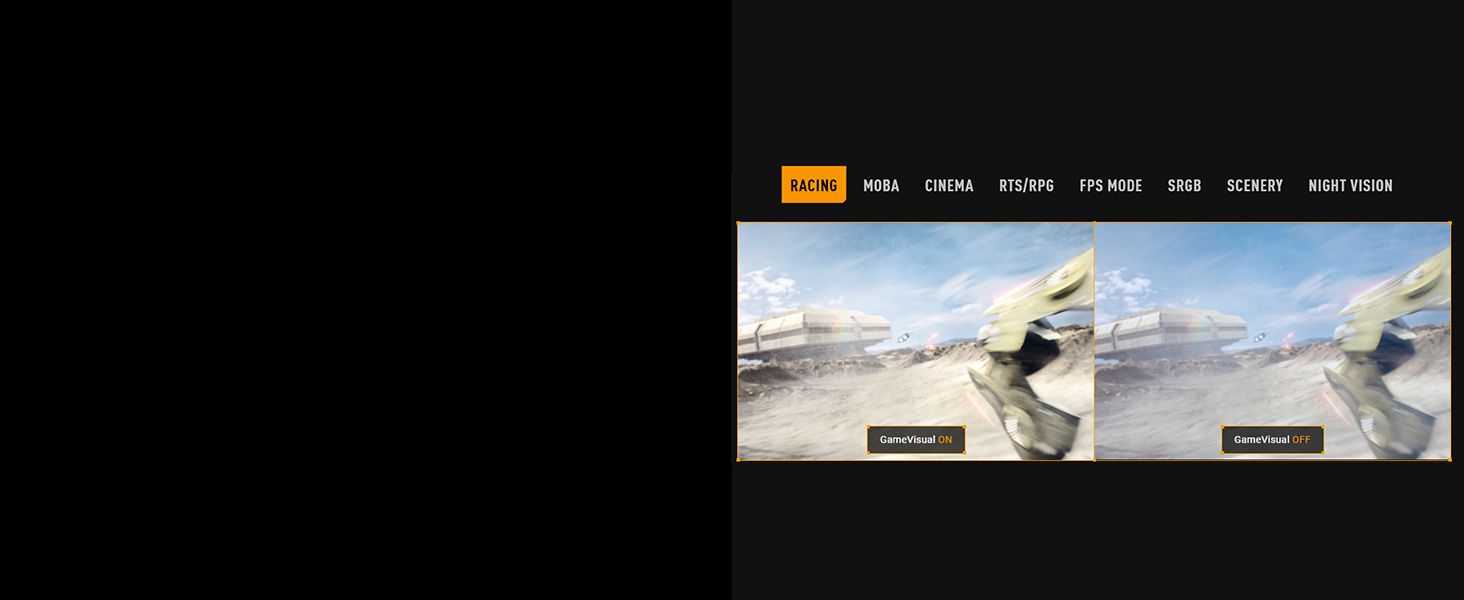
GameVisual Modes
Select from various GameVisual preset modes optimized for different content types, such as Racing, MOBA, Cinema, RTS/RPG, FPS, sRGB, Scenery, and Night Vision. These modes adjust display settings for optimal viewing.
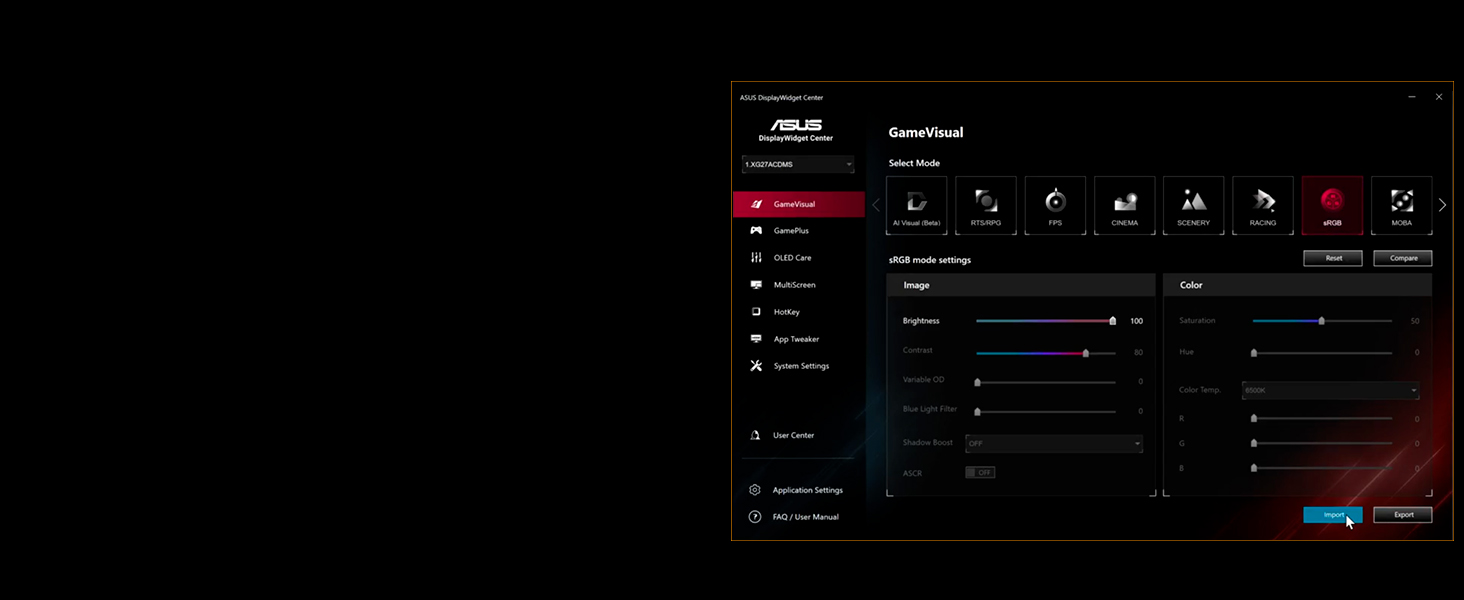
DisplayWidget Center Software
The DisplayWidget Center software allows you to adjust monitor settings directly from your Windows operating system using a mouse, providing a convenient alternative to the OSD menu.
Cechy
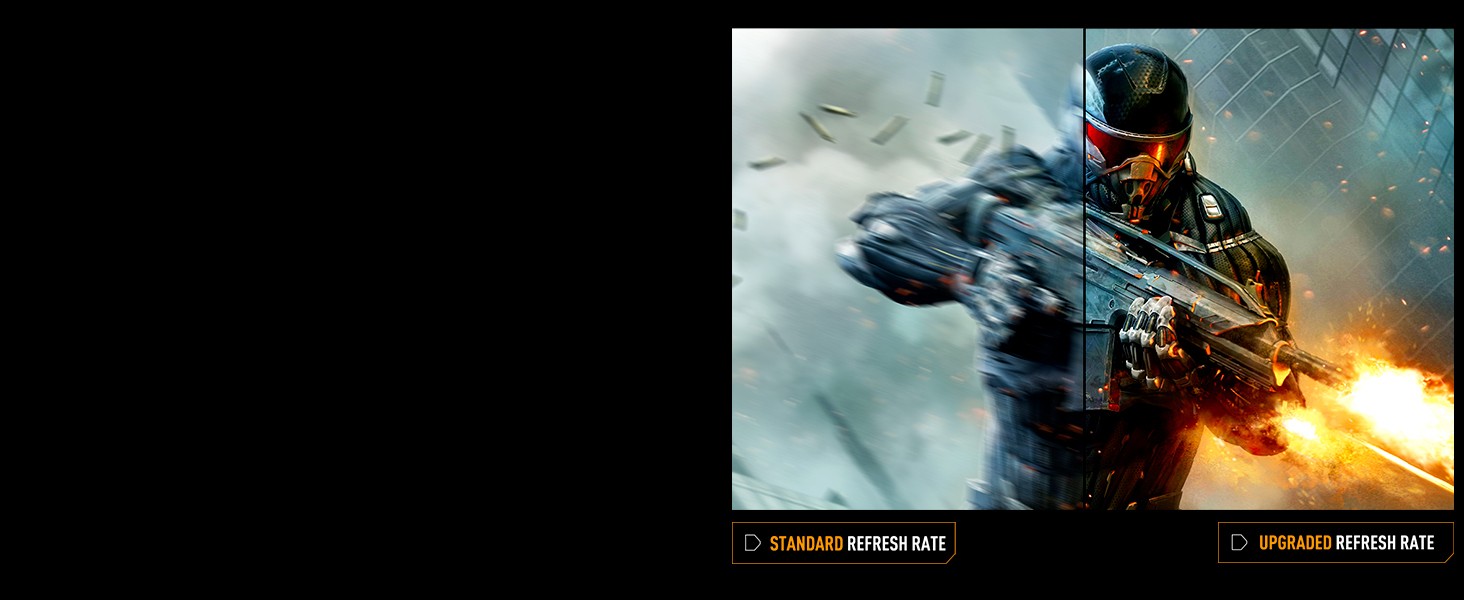
Wysoka częstotliwość odświeżania i szybki czas reakcji
Experience fluid visuals with a 300Hz refresh rate and a rapid 0.3ms (GTG) response time, ideal for fast-paced gaming.

Technologia adaptacyjnej synchronizacji
The monitor supports AMD FreeSync Premium and is G-SYNC compatible, ensuring tear-free and stutter-free gaming by synchronizing the monitor's refresh rate with your GPU's frame rate.

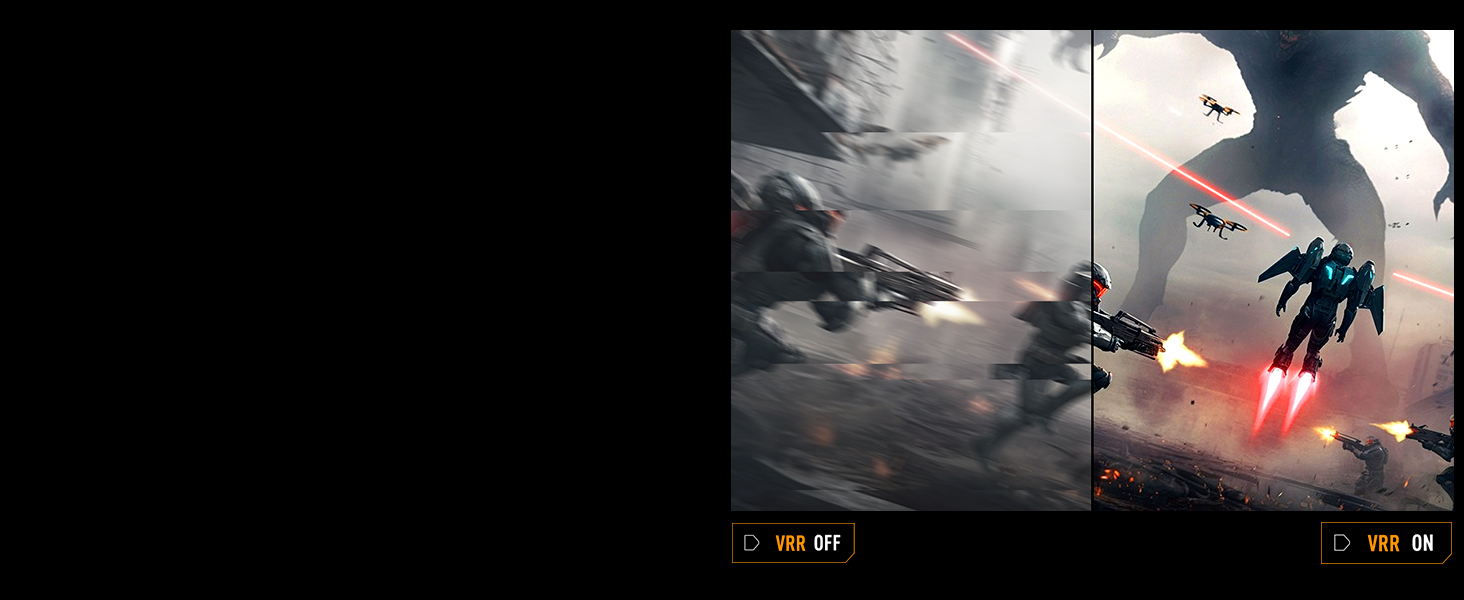
Synchronizacja z ekstremalnie niskim rozmyciem ruchu (ELMB)
ELMB Sync allows Extreme Low Motion Blur and Adaptive Sync technologies to operate simultaneously, further reducing ghosting and tearing for exceptionally sharp gaming visuals.
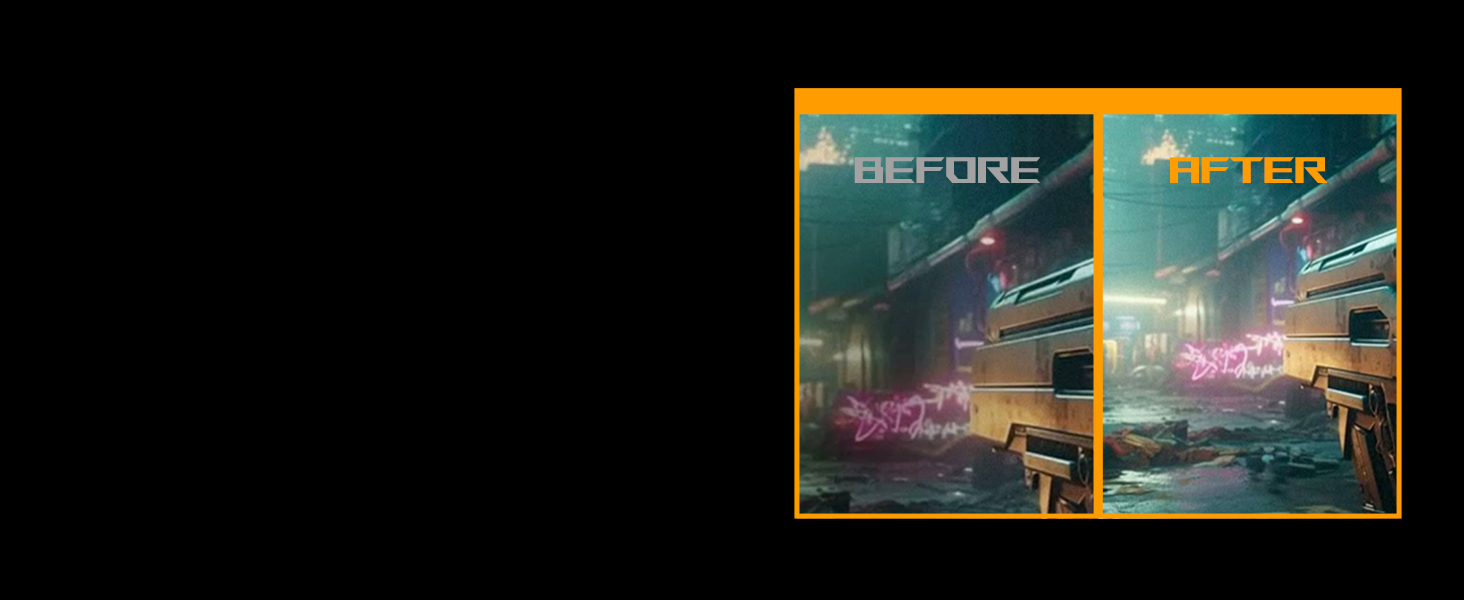
Wzmocnienie Cienia
Shadow Boost technology enhances image details in dark areas without over-exposing bright regions, providing a clearer view in dimly lit game environments.
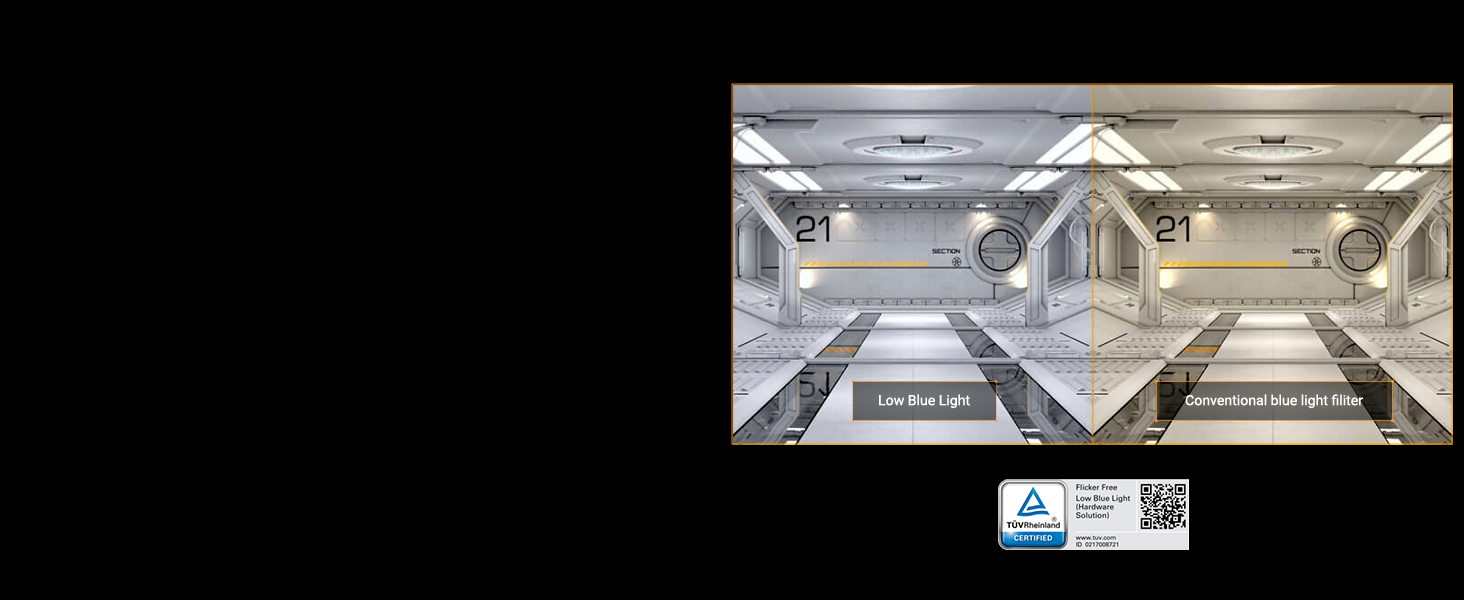
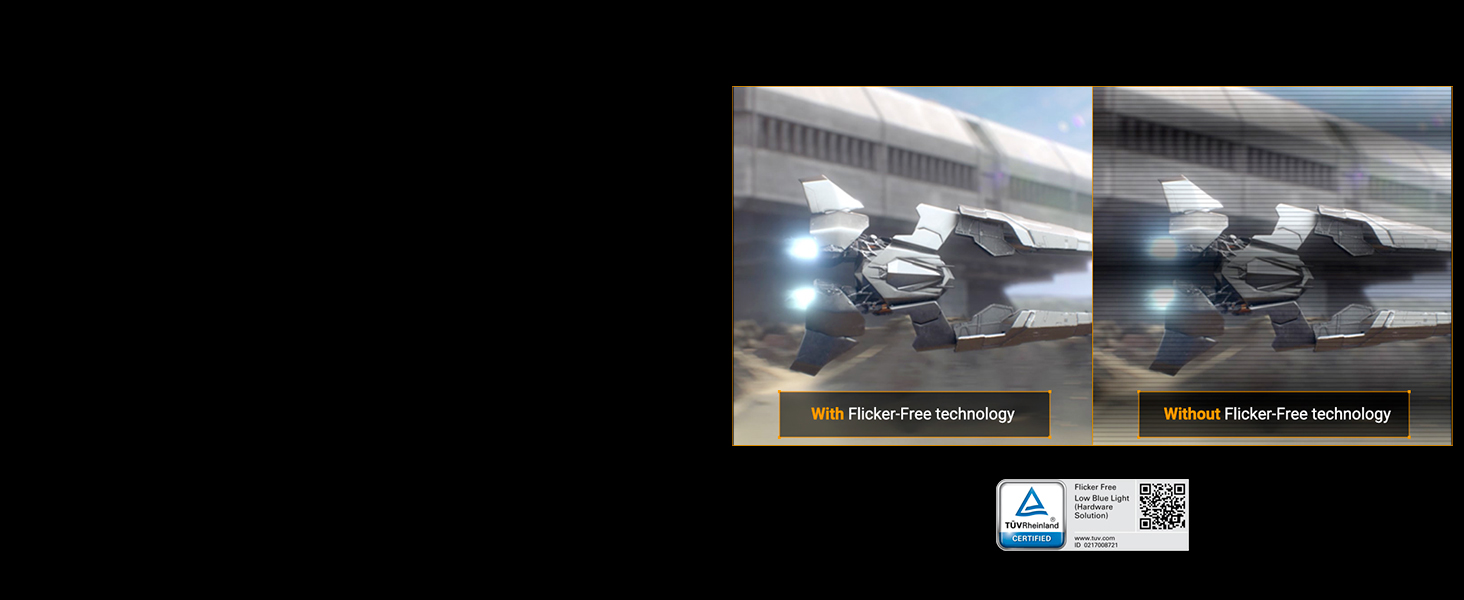
Funkcje pielęgnacji oczu
The monitor incorporates Flicker-Free technology and Low Blue Light filters to minimize eye strain during extended use. These features are TÜV Rheinland certified.
Wbudowane głośniki
The monitor includes built-in speakers for audio output. An earphone jack is also available for private listening.
Konserwacja
Czyszczenie monitora
Aby wyczyścić ekran monitora, delikatnie przetrzyj go miękką, niepozostawiającą włókien ściereczką. W przypadku uporczywych zabrudzeń,ampen the cloth with a small amount of water or a mild, non-abrasive screen cleaner. Avoid using harsh chemicals or abrasive materials, as these can damage the screen surface. For the monitor casing, należy używać miękkiej, suchej ściereczki.
Składowanie
Podczas przechowywania monitora przez dłuższy czas należy upewnić się, że jest on wyłączony i odłączony od wszystkich kabli. Przechowuj go w chłodnym, suchym miejscu, najlepiej w oryginalnym opakowaniu, aby chronić go przed kurzem i uszkodzeniami mechanicznymi.
Rozwiązywanie problemów
Jeśli masz problemy z monitorem, zapoznaj się z poniższymi typowymi procedurami rozwiązywania problemów:
- Brak zasilania: Ensure the power cord is securely connected to both the monitor and a working power outlet. Check if the power adapter's indicator light is on.
- Brak sygnału: Verify that the video cable (DisplayPort, HDMI, or USB-C) is correctly connected to both the monitor and your computer. Ensure the correct input source is selected in the monitor's OSD menu.
- Migotanie lub zniekształcenie obrazu: Check the video cable for damage. Try a different cable or port. Ensure your graphics card drivers are up to date. Adjust refresh rate settings in your operating system.
- Martwe piksele: While rare, a small number of non-performing pixels is inherent in LCD technology. If you observe a significant number of dead pixels, refer to the warranty policy for potential service options.
- Problemy z dźwiękiem: Ensure the audio cable (if using a separate one) is connected, or that audio is being transmitted via HDMI/DisplayPort. Check monitor volume settings and your computer's audio output settings.
Aby uzyskać bardziej szczegółowe informacje dotyczące rozwiązywania problemów lub uporczywych problemów, zapoznaj się z pełną instrukcją obsługi dostępną w dziale pomocy technicznej ASUS webodwiedź witrynę lub skontaktuj się z działem obsługi klienta ASUS.
Specyfikacje
| Marka | ASUS |
| Numer modelu | VG27AQM5A |
| Rozmiar ekranu | 27 cali |
| Rezolucja | QHD (2560x1440) |
| Typ panelu | Prawie IPS |
| Częstotliwość odświeżania | 300 Hz |
| Czas reakcji | 0.3 ms (GTG min.) |
| Proporcje obrazu | 16:9 |
| Współczynnik kontrastu | 1300:1 |
| Jasność | 1027.8 lm |
| Gama kolorów | 95% DCI-P3 |
| Viewing kąt | 178 stopnia |
| Łączność | 2x HDMI 2.1, 1x DisplayPort, 1x USB, 1x USB Type-C, Earphone Jack |
| Technologia adaptacyjnej synchronizacji | FreeSync Premium (G-SYNC Compatible) |
| Cechy specjalne | ELMB Sync, Shadow Boost, DisplayWidget Center, Blue Light Filter, Built-In Speakers, Eye Care, Flicker-Free |
| Typ montażu | VESA 100 x 100 |
| Wymiary przedmiotu (gł. x szer. x wys.) | 8.4" gł. x 24.2" szer. x 17.9" wys. |
| Waga przedmiotu | 10.1 funta |
Gwarancja i wsparcie
The ASUS TUF Gaming VG27AQM5A monitor comes with a 3-letnia gwarancja producenta. This warranty covers defects in materials and workmanship under normal use. For warranty claims or technical support, please contact ASUS customer service or visit the official ASUS support webZachowaj dowód zakupu w celu potwierdzenia gwarancji.
Dodatkowe plany ochrony mogą być dostępne do nabycia u sprzedawcy.
Filmy o produktach
ASUS Monitor for Gaming TUF Series Overview
Wideo: Oficjalnyview of the ASUS TUF series monitors, highlighting features relevant to gaming. This video is provided by ASUS Computer International Direct.


