
Wstęp
This manual provides detailed instructions for the setup, operation, and maintenance of your usogood D45 2.5K Indoor Security Camera. Please read this manual thoroughly before using the product to ensure proper functionality and safety.
Co jest w pudełku
Sprawdź, czy po rozpakowaniu znajdują się wszystkie elementy:
- 2 x Indoor Security Camera
- 1 x User Manual (EN/DE/IT/FR/ES)
- 2 x Uchwyt ścienny
- 4 x Base Screw & 4 x Base Bolts
- 2 x Power Cord & 2 x Adapter
Organizować coś
1. Instalacja fizyczna
The usogood D45 camera offers flexible installation options, including tabletop, ceiling, or wall mounting.
Video: usogood 4MP Pet Camera Easy to Install. This video demonstrates the simple installation process for the camera on a table, ceiling, or wall.
- Umiejscowienie blatu: Wystarczy umieścić kamerę na płaskiej i stabilnej powierzchni.
- Montaż na suficie/ścianie:
- Attach the wall bracket to your desired location using the provided screws and bolts.
- Securely attach the camera to the mounted bracket. Ensure the camera is firmly in place.
2. App Installation and Camera Connection
To operate your usogood D45 camera, you need to install the Canny Cam app on your smartphone and connect the camera to your Wi-Fi network.
Video: Connecte Usogood D45 with Canny Cam APP. This video guides you through connecting your camera to the Canny Cam application.
- Download the Canny Cam App: Szukaj "Canny Cam" in your smartphone's app store (iOS or Android) and install it.
- Włącz kamerę: Connect the camera to a power source using the provided power cord and adapter. The camera will initiate its startup sequence.
- Dodaj urządzenie w aplikacji:
- Open the Canny Cam app and tap the '+' icon to add a new device.
- Select 'PTZ Cameras' from the device type options.
- Confirm the camera is powered on and click 'Next'.
- Enter your 2.4GHz or 5GHz Wi-Fi network name and password. Ensure your phone is connected to the same Wi-Fi network.
- Press the 'RESET' button on the camera for 1 second until you hear a voice message.
- The app will display a QR code. Hold your phone's screen towards the camera lens at a distance of 15-25cm until the camera emits a prompt sound, indicating successful scanning.
- Once connected, name your camera (e.g., "Living Room Camera," "Pet Cam") and complete the setup.
Note: The camera supports both 2.4GHz and 5GHz dual-band Wi-Fi bands for a stable connection.
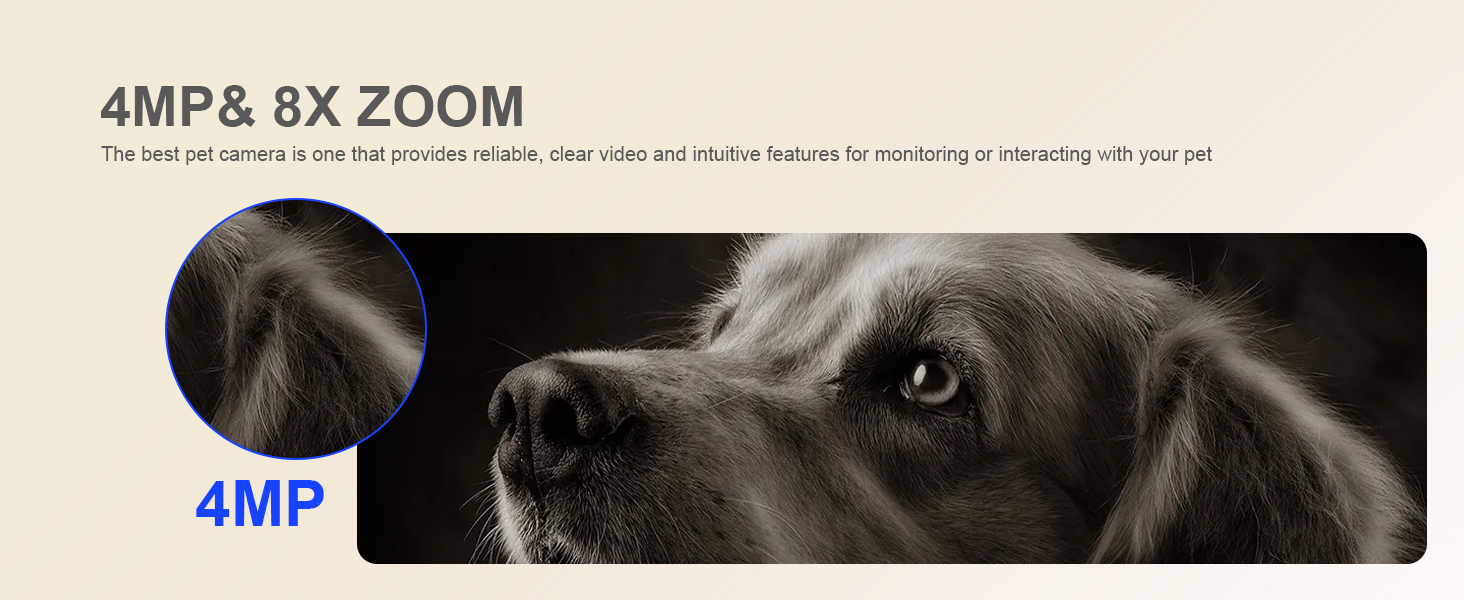
Image: The usogood D45 camera supports both 2.4GHz and 5GHz dual-band Wi-Fi connections for enhanced signal stability and speed.
Instrukcja obsługi
1. Na żywo View i odtwarzanie
Uzyskaj dostęp do transmisji wideo w czasie rzeczywistym iview nagrano footage directly from the Canny Cam app.
Video: Pet camera indoor Video Playback. This video demonstrates how to view żyćtage and access recorded video playback within the app.
- Na żywo View: Select your camera from the app's main screen to view kanał na żywo.
- Odtwarzanie nagranego dźwięku: Navigate to the 'Local' or 'Cloud' tab within the camera interface to access recorded videos. You can select specific timeframes for review.
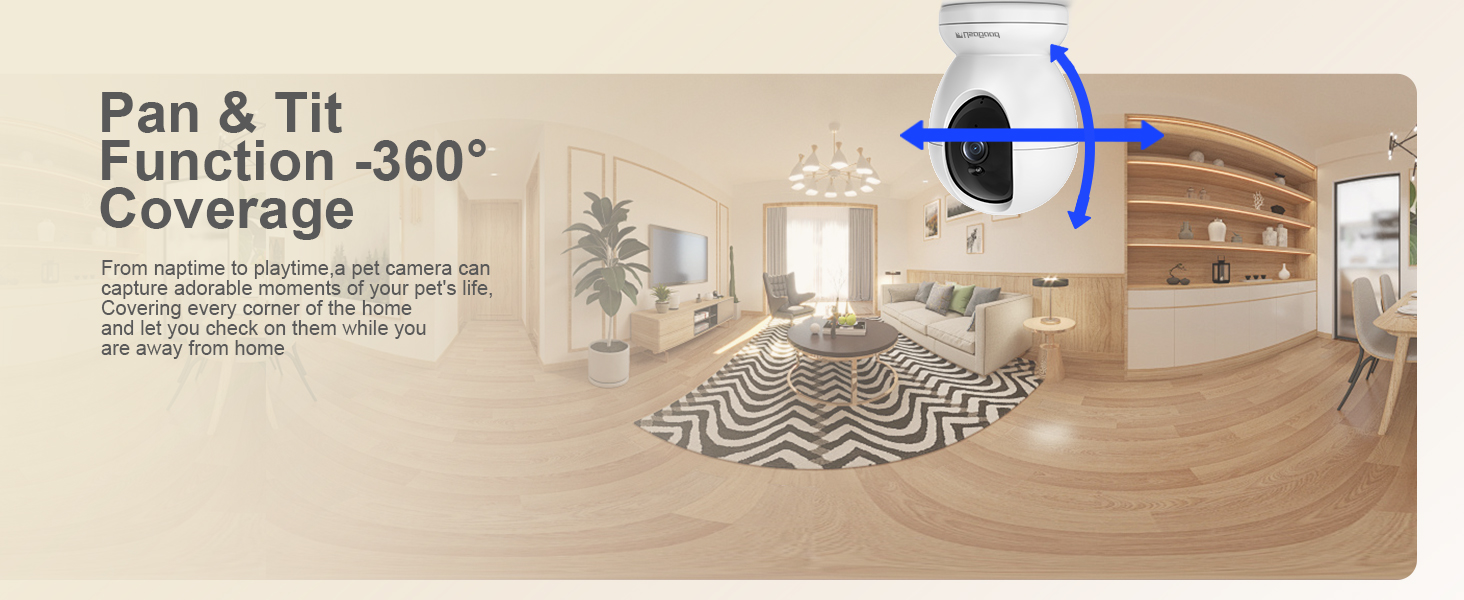
Image: The camera supports 24/7 continuous recording, allowing you to review footage w dowolnym momencie.
2. Pan and Tilt Control (360° Coverage)
The usogood D45 camera offers 355° horizontal pan and 115° vertical tilt, providing comprehensive coverage of your indoor space.
Video: 360 Security Camera Indoor, Baby/Pet Camera with Phone App (Preview). This short video demonstrates the 360-degree pan and tilt functionality of the camera.
- Na żywo view interface of the Canny Cam app, use the directional controls to remotely adjust the camera's viewkąt.
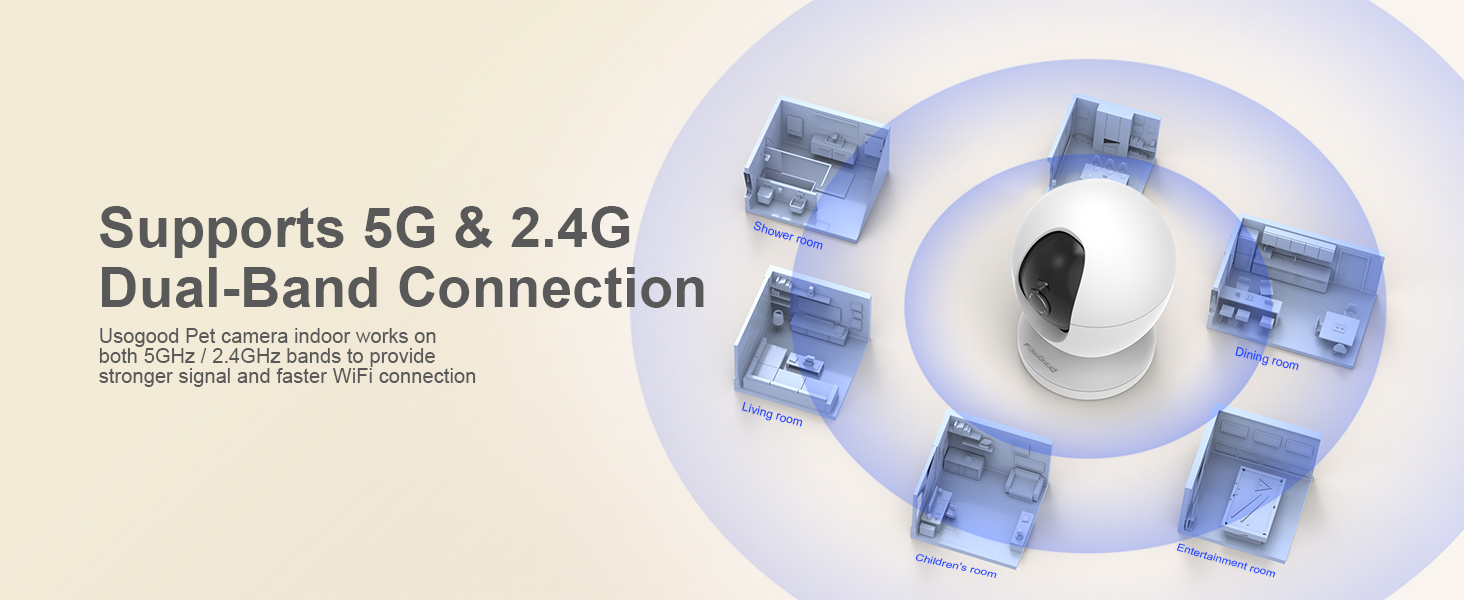
Image: The camera's pan and tilt function provides 360-degree coverage, ensuring no corner of your home is missed.
3. Dźwięk dwukierunkowy
The built-in microphone and speaker allow for two-way communication through the camera.
- Na żywo view, dotknij ikony mikrofonu, aby mówić przez kamerę.
- The camera's speaker will transmit your voice, and you can hear audio from the camera's environment.
4. Wizja nocna
The camera features Starlight Night Vision with High sensitivity IR-CUT technology, providing clear images up to 12 meters (approximately 39 feet) even in complete darkness.
- Widzenie nocne włącza się automatycznie w warunkach słabego oświetlenia.
- For specific scenarios (e.g., monitoring through a window), you may manually adjust night vision settings in the app if reflections occur.

Image: Crystal-Clear Color Night Vision. Monitor movements clearly even in low light.
5. Motion and Sound Detection with Alerts
The camera utilizes AI recognition to differentiate between humans and other objects, providing accurate motion tracking and instant notifications.
Video: Smart AI Detection Alert (Preview). This short video demonstrates the camera's smart detection and alert features for human, motion, and sound events.
- Włącz wykrywanie: In the app's settings, navigate to 'Alarm Management' or 'Notifications' to enable Motion Detection, Human Detection, and Sound Detection.
- Regulacja czułości: Adjust the sensitivity levels (Low, Middle, High, Highest) for motion and sound detection to suit your environment.
- Automatyczne śledzenie: Enable 'Active Tracking' to allow the camera to automatically follow detected movement. (Note: Automatic tracking supports only left and right movements, not up and down.)
- Natychmiastowe powiadomienia: Receive real-time alerts on your smartphone when motion or sound is detected.
- Alarm detekcji: If enabled, the camera can sound an alarm to deter intruders.

Image: Human Detection & Instant Notification. The camera detects human presence and sends immediate alerts to your phone.
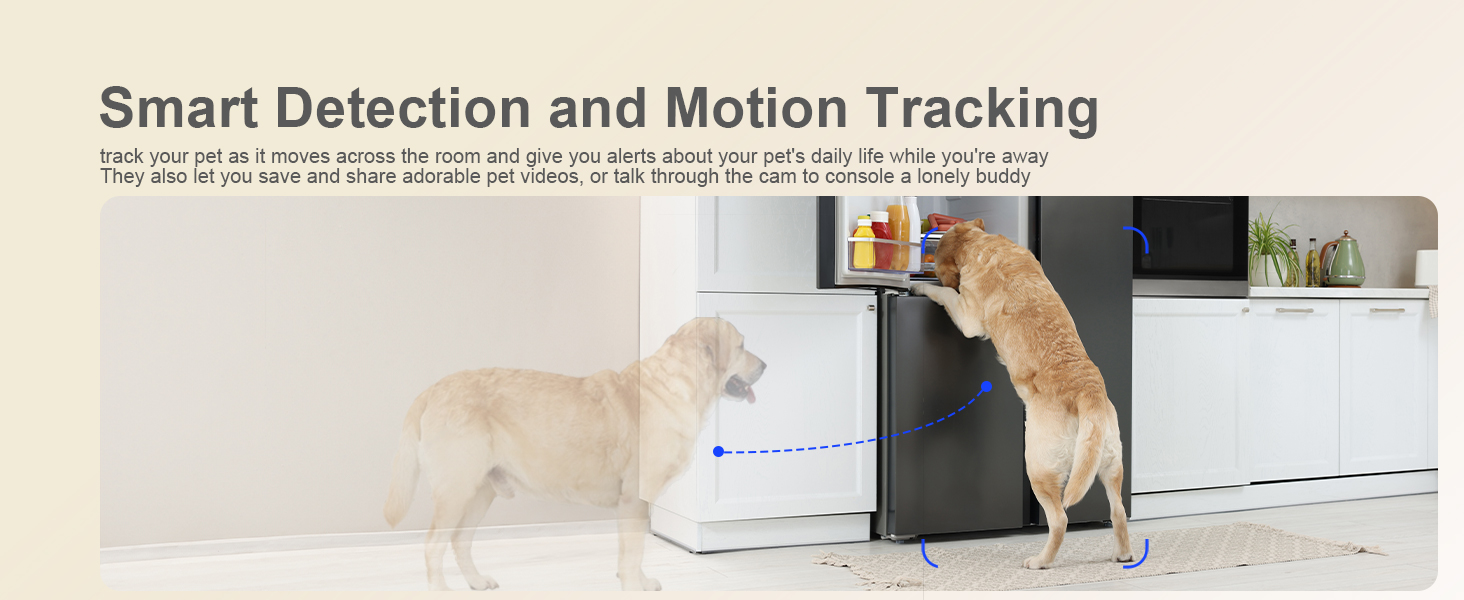
Image: Smart Detection features include Human Detection, Area Detection, and Noise Detection.
6. Opcje przechowywania
The usogood D45 camera supports both local and cloud storage for your recordings.
- Pamięć lokalna: Insert a Micro SD card (up to 128GB, not included) into the camera's SD card slot for continuous 24/7 recording.
- Przechowywanie w chmurze: Optional cloud storage is available via subscription within the Canny Cam app. This provides off-site backup of your footage.
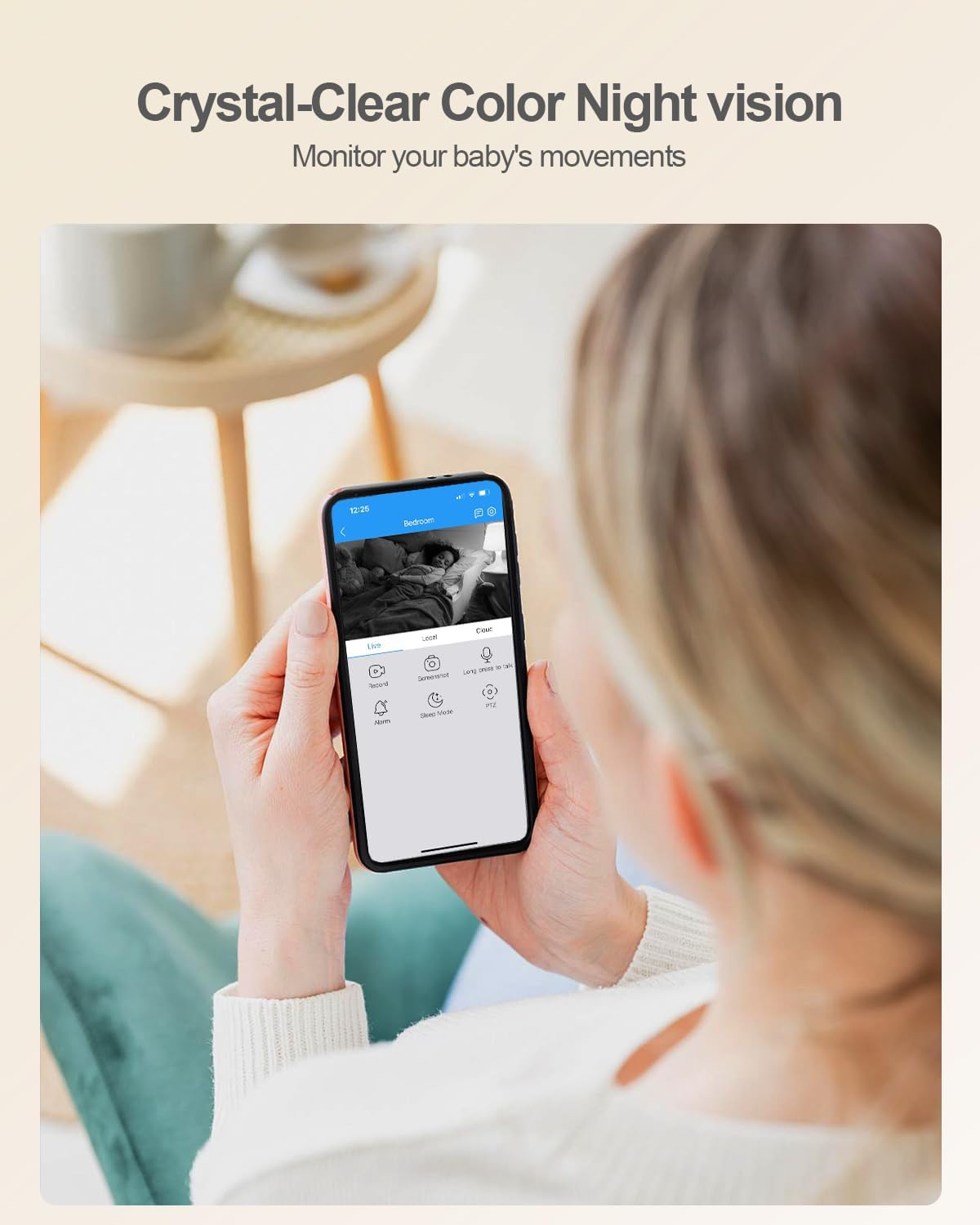
Image: The camera features an SD card slot for local storage, supporting up to 128GB.
Konserwacja
- Czyszczenie: Do czyszczenia obiektywu i korpusu aparatu używaj miękkiej, suchej ściereczki. Unikaj stosowania silnych środków chemicznych i materiałów ściernych.
- Aktualizacje oprogramowania: Regularly check the Canny Cam app for firmware updates. Keeping your camera's software up-to-date ensures optimal performance and security.
- Cykl zasilania: Jeśli wystąpią problemy z aparatem, spróbuj odłączyć go od źródła zasilania na 10 sekund, a następnie podłączyć ponownie.
Rozwiązywanie problemów
| Problem | Możliwe rozwiązanie |
|---|---|
| Kamera nie łączy się z siecią Wi-Fi. |
|
| Słaba jakość obrazu lub opóźnienie. |
|
| Detekcja ruchu nie działa lub zbyt wiele fałszywych alarmów. |
|
| Night vision is unclear or has reflections. |
|
| Cannot hear audio or two-way talk not functioning. |
|
Specyfikacje
| Funkcja | Szczegół |
|---|---|
| Marka | usogood |
| Numer modelu | D45 |
| Technologia łączności | Przewodowy (zasilanie), Wi-Fi (dane) |
| Zastosowanie wewnątrz/na zewnątrz | Wnętrz |
| Rozdzielczość przechwytywania wideo | 2.5K (4 MP) |
| Viewing kąt | 360 stopni (obrót/pochylenie) |
| Pan Range | 355° |
| Zakres pochylenia | 115° |
| Technologia bezprzewodowa | 2.4Ghz & 5Ghz WiFi |
| Cechy specjalne | 2-Way Audio, 2.5K Resolution, Easy to Install, Night Vision, Auto Motion Tracking, AI Detection |
| Wizja nocna | Starlight, up to 10 meters (33 feet) |
| Opcje przechowywania | Karta Micro SD (do 128 GB, nie jest dołączona), pamięć masowa w chmurze (wymagana subskrypcja) |
| Tryb pracy | Dźwięk i ruch |
| Kompatybilne urządzenia | Smartfon (Android, iOS) |
| Źródło zasilania | Elektryczny przewodowy |
| Wymiary przedmiotu | 2.29 x 2.3 x 3.7 cala |
Gwarancja
The usogood D45 Indoor Security Camera comes with a 2-letnia gwarancja. Zachowaj dowód zakupu na wypadek roszczeń gwarancyjnych.
Obsługa klienta
For any questions, technical assistance, or warranty inquiries, please contact usogood customer service. You can typically find contact information on the product packaging, the official usogood website, or through the Canny Cam app's support section.
Email support is often available at support@cannycam.com as indicated in the app connection steps.