
Wstęp
This manual provides instructions for the proper use and maintenance of your KODAK MicroSD Card 256GB UHS-II U3 V60. This high-performance memory card is designed for demanding applications such as 4K and 8K video recording, high-resolution photography, and rapid data transfer.
The KODAK MicroSD Card offers a storage capacity of 256GB and features UHS-II interface with U3 and V60 speed ratings, ensuring fast read and write speeds for efficient workflow.
Produkt ponadview

Obraz: Przód view of a Kodak MicroSD card. Note: The image displays a 128GB card, but this product is the 256GB version.
The KODAK MicroSD Card is a compact, high-capacity storage solution. It is designed for use in a wide range of compatible devices, including digital cameras, drones, smartphones, and other devices requiring high-speed data storage.
Główne cechy obejmują:
- Ultraszybka wydajność: Up to 300MB/s read speed and 160MB/s write speed.
- Optimized for 4K/8K Video: Supports continuous recording of ultra-high-definition video.
- Duża pojemność: 256GB storage for extensive photo and video libraries.
- UHS-II Interface: Provides advanced speed capabilities.
- Trwałość: Designed to be drop-proof and temperature-proof.
- SD Adapter Included: For compatibility with devices that use standard SD card slots.
Organizować coś
1. Wkładanie karty MicroSD
- Identify the MicroSD Card Slot: Locate the microSD card slot on your compatible device (e.g., camera, drone, smartphone). Refer to your device's manual for exact location and orientation.
- Włóż kartę: Gently push the KODAK MicroSD card into the slot with the gold contacts facing the correct direction, as indicated by your device. A click sound usually confirms proper insertion. Do not force the card.
2. Using the SD Adapter

Image: Packaging of a Kodak MicroSD card, illustrating the included SD adapter. Note: The image displays a 128GB card, but this product is the 256GB version.
The included SD adapter allows the microSD card to be used in devices that accept standard SD cards.
- Insert MicroSD into Adapter: Slide the KODAK MicroSD card into the designated slot on the SD adapter until it clicks into place.
- Włóż adapter do urządzenia: Insert the SD adapter (with the microSD card inside) into the SD card slot of your device.
3. Formatting the Card
For optimal performance and compatibility, it is recommended to format the microSD card using your device's formatting function before first use. Formatting erases all data on the card, so ensure no important filesą obecne.
- Access your device's settings or menu.
- Locate the storage or memory card options.
- Select the option to "Format" or "Erase" the card.
- Potwierdź działanie.
Instrukcja obsługi
1. Recording 4K/8K Video and High-Resolution Photos
The KODAK MicroSD Card's V60 speed rating supports sustained write speeds necessary for recording high-bitrate 4K and 8K video, as well as capturing rapid-fire high-resolution photos.
- Ensure your device is set to the desired resolution and frame rate.
- Begin recording or capturing as per your device's instructions.
- The card's performance minimizes dropped frames and ensures smooth capture.
2. Przenoszenie Files
Przenieść files to or from the microSD card:
- Remove Card Safely: Always safely eject the card from your device before physical removal to prevent data corruption.
- Insert into Card Reader: Insert the microSD card (or the SD adapter with the microSD card) into a compatible card reader connected to a computer. For optimal speeds, use a UHS-II compatible card reader.
- Dostęp Files: The card will appear as a removable drive on your computer. You can then drag and drop filew razie potrzeby.

Image: A Kodak MicroSD card with icons indicating compatibility with various devices such as laptops, cameras, drones, and smartphones. Note: The image displays a 128GB card, but this product is the 256GB version.
Konserwacja
1. Safe Handling and Storage
- Wyrzuć bezpiecznie: Always use the "Safely Remove Hardware" option on your computer or the eject function on your device before physically removing the card.
- Chroń kontakty: Avoid touching the gold contacts on the card to prevent damage or data corruption.
- Przechowuj prawidłowo: When not in use, store the microSD card in its protective case or a secure compartment to prevent physical damage, dust, and static electricity.
2. Cechy trwałości
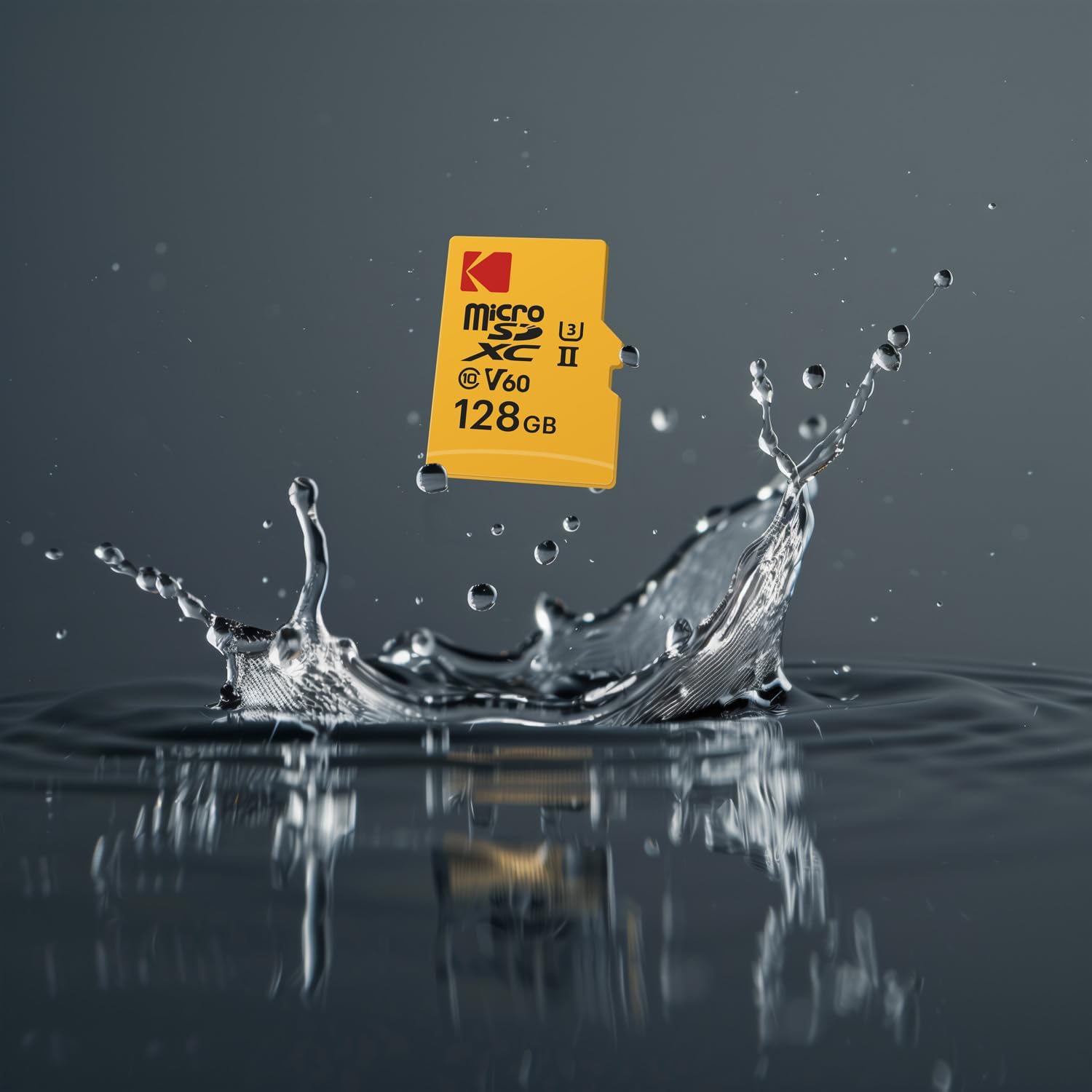
Image: A Kodak MicroSD card splashing into water, illustrating its robust design. Note: The image displays a 128GB card, but this product is the 256GB version.
The KODAK MicroSD Card is designed with enhanced durability:
- Odporność na upadek: Resists damage from accidental drops.
- Odporność na temperaturę: Operates reliably in a wide range of temperatures.
While durable, avoid exposing the card to extreme conditions beyond its specified operating range, strong magnetic fields, or harsh chemicals.
3. Kopia zapasowa danych
Regularly back up important data from your microSD card to another storage device (e.g., computer hard drive, cloud storage) to prevent data loss.
Rozwiązywanie problemów
| Problem | Możliwa przyczyna | Rozwiązanie |
|---|---|---|
| Urządzenie nie rozpoznało karty. |
|
|
| Niska prędkość odczytu/zapisu. |
|
|
| Errors during recording or transfer. |
|
|
| Card difficult to insert/remove. |
|
|
Specyfikacje
| Marka | KODAK |
| Numer modelu | EKMSDM256GUHS2V1K |
| Pojemność pamięci masowej | 256 GB |
| Typ pamięci flash | Mikro SDXC |
| Interfejs sprzętowy | microSDXC |
| Prędkość odczytu | Do 300 MB/s |
| Prędkość zapisu | Do 160 MB/s |
| Klasa prędkości | UHS-II, U3, V60 |
| Cechy specjalne | Drop Proof, Lightweight, Temperature Proof |
| Waga przedmiotu | 3 gramów (ok. 0.106 uncji) |
| Kompatybilne urządzenia | Cameras, Drones, Smartphones, and other devices supporting microSDXC |
Gwarancja i wsparcie
Ograniczona gwarancja
This KODAK MicroSD Card comes with a Limited Warranty. Please refer to the warranty information provided with your product packaging or visit the official KODAK webSzczegółowe warunki gwarancji, jej czas trwania i procedury reklamacyjne można znaleźć na stronie internetowej.
Obsługa klienta
For technical assistance, troubleshooting beyond this manual, or warranty inquiries, please contact KODAK customer support. Contact information can typically be found on the product packaging or the official KODAK webstrona.


