
Wstęp
Dziękujemy za zakupasing the RadioShack 240W Retro Style Bluetooth Vintage Speaker. This manual provides essential information for the safe and efficient use of your speaker. Please read it thoroughly before operation and retain it for future reference.

Figure 1: RadioShack Retro Style Bluetooth Vintage Głośnik
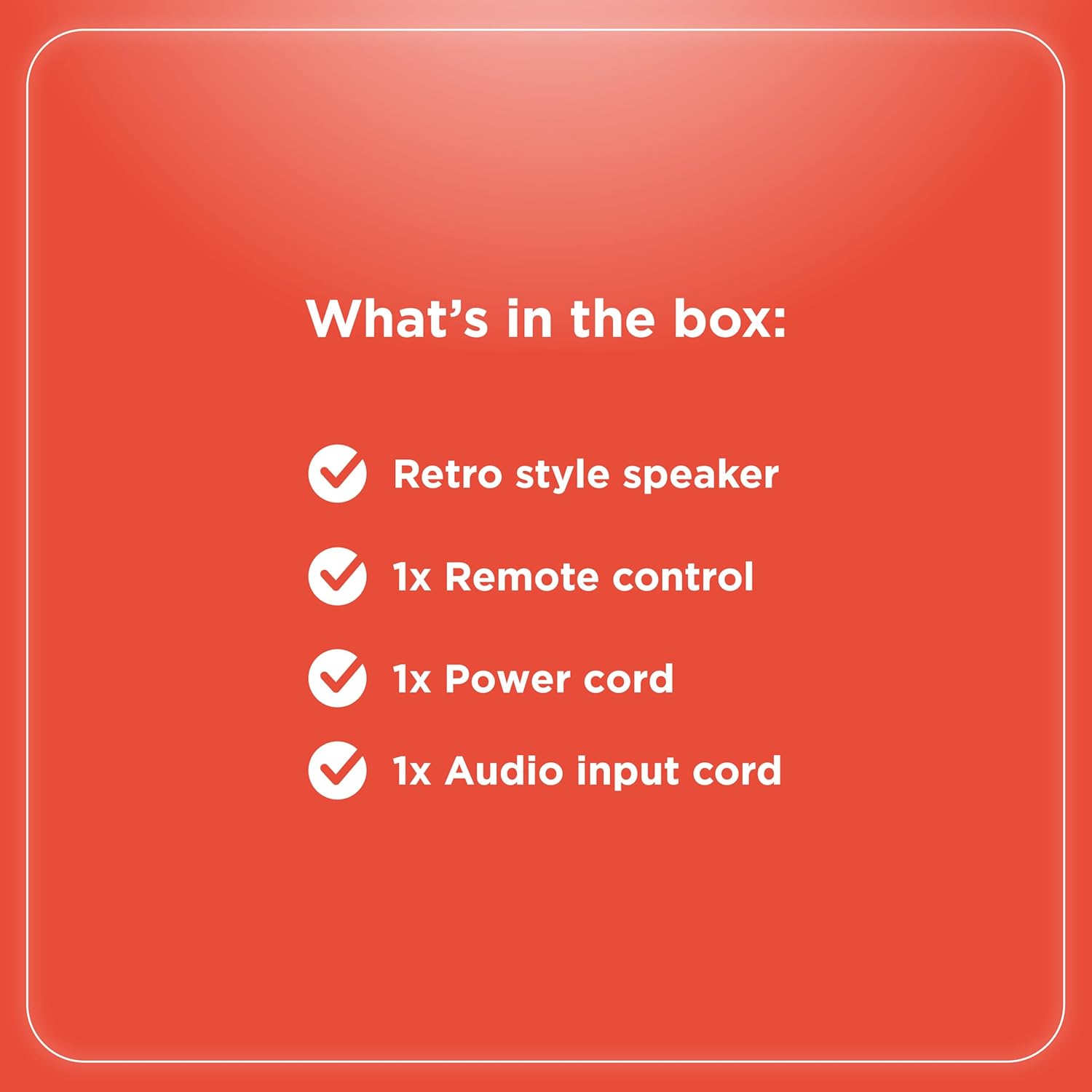
Zawartość opakowania
Sprawdź, czy w opakowaniu znajdują się wszystkie elementy:
- Retro style speaker
- 1x Pilot zdalnego sterowania
- 1x Kabel zasilający
- 1x Audio input cord

Rysunek 2: Zawartość opakowania
Organizować coś
- Podłączenie zasilania: Connect the provided power cord to the speaker's power input and then to a standard electrical outlet.
- Umieszczenie: Umieść głośnik na stabilnej, płaskiej powierzchni. Zapewnij odpowiednią wentylację wokół urządzenia.
- Antenna (FM Radio): Rozłóż antenę FM, aby uzyskać optymalny odbiór radia.
- Podłączanie urządzeń zewnętrznych:
- Wejście AUX: Use the included audio input cord to connect devices via the AUX port.
- Wejście USB: Włóż dysk USB z plikami MP3 files do portu USB w celu odtwarzania.
- Optical/ARC Input: Connect compatible devices using an optical cable or HDMI ARC cable (not included) to the respective ports.
Rysunek 3: Połączenia na panelu tylnym

Rysunek 4: Opcje łączności
Instrukcja obsługi
Kontrola nadview
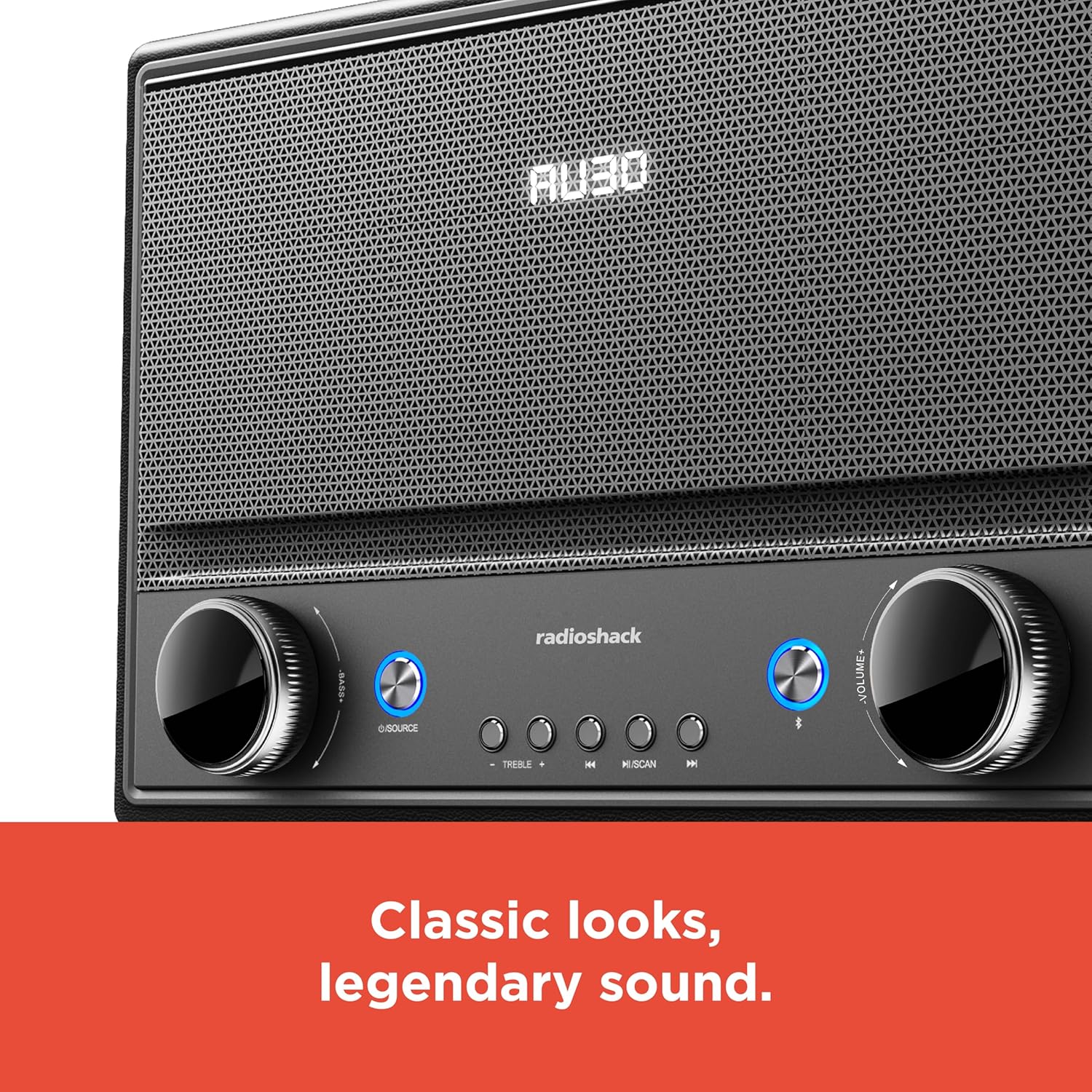
Rysunek 5: Elementy sterujące na panelu przednim
- Włączanie/wyłączanie: Press the Power button (usually located on the front panel or remote) to turn the speaker on or off.
- Wybór źródła: Press the "SOURCE" button repeatedly to cycle through input modes: Bluetooth, FM Radio, USB, AUX, Optical, ARC.
- Regulacja głośności: Rotate the "VOLUME" knob clockwise to increase volume and counter-clockwise to decrease it. Alternatively, use the volume buttons on the remote control.
- Kontrola tonów: Użyj pokręteł „BASS” i „TREBLE”, aby dostosować niskie i wysokie częstotliwości wyjścia audio.
- Parowanie Bluetooth:
- Select Bluetooth mode using the "SOURCE" button. The speaker will enter pairing mode, indicated by a flashing LED.
- On your device (smartphone, tablet, etc.), enable Bluetooth and search for "RadioShack Speaker".
- Select the speaker from the list to pair. A confirmation tone will sound upon successful connection.
- Obsługa radia FM:
- Select FM Radio mode.
- Naciśnij przycisk „SCAN”, aby automatycznie przeskanować i zapisać dostępne stacje FM.
- Use the "PREV" and "NEXT" buttons to navigate between saved stations or manually tune.
- Odtwarzanie z USB:
- Włóż dysk USB zawierający dźwięk w formacie MP3 files do portu USB.
- Select USB mode. Playback should begin automatically.
- Use the "PLAY/PAUSE", "PREV", and "NEXT" buttons to control playback.

Figure 6: Intuitive Controls
Konserwacja
- Czyszczenie: Use a soft, dry cloth to clean the speaker's exterior. Do not use liquid cleaners or abrasive materials, especially on the leather body and metal grill.
- Składowanie: Jeśli głośnik nie będzie używany przez dłuższy czas, należy przechowywać go w chłodnym, suchym miejscu, z dala od bezpośredniego światła słonecznego i ekstremalnych temperatur.
- Unikaj wilgoci: Chroń głośnik przed wodą i wysoką wilgotnością, aby zapobiec uszkodzeniu jego wewnętrznych podzespołów.
Rozwiązywanie problemów
| Problem | Możliwa przyczyna | Rozwiązanie |
|---|---|---|
| Brak zasilania | Przewód zasilający nie jest podłączony; gniazdko jest nieaktywne. | Upewnij się, że przewód zasilający jest prawidłowo podłączony do głośnika i do działającego gniazdka elektrycznego. |
| Brak dźwięku | Volume too low; incorrect source selected; device not connected properly. | Increase volume. Select the correct input source. Check all cable connections or Bluetooth pairing. |
| Bluetooth nie łączy się | Głośnik nie jest w trybie parowania; urządzenie jest za daleko; występują zakłócenia. | Ensure speaker is in Bluetooth pairing mode. Move device closer to speaker. Disconnect other Bluetooth devices. |
| Słaby odbiór FM | Antena nie jest wysunięta; słaby sygnał. | Fully extend the FM antenna. Try repositioning the speaker for better signal. |
Specyfikacje
- Marka: RadioShack
- Numer modelu: 4001974
- Moc wyjściowa: 240 watów
- Technologia łączności: Bluetooth, USB, AUX, FM Radio, Optical, ARC
- Wymiary produktu (dł. x szer. x wys.): 8.98" x 15.75" x 10.79"
- Źródło zasilania: Elektryczny przewodowy
- Technologia tunera: FM
- Obsługiwane pasma radiowe: 2-pasmowy
- Tworzywo: Skóra, Metal
- Dodatek specjalny: Styl retro
Gwarancja
The manufacturer's warranty information is not provided in the product details. Please refer to your purchase receipt or contact the retailer for specific warranty terms.
Wsparcie
For further assistance or inquiries, please visit the official RadioShack website or contact their customer support. Keep your model number (4001974) handy when seeking support.
Official RadioShack Store: RadioShack Store on Amazon
