
1. Wprowadzenie
The ORGBRO X3 is a compact and portable Bluetooth thermal printer designed for various printing needs, including study notes, labels, photos, and more. This device utilizes thermal printing technology, eliminating the need for ink or toner. Its high-resolution output ensures clear and stable prints. This manual provides detailed instructions for setting up, operating, and maintaining your ORGBRO X3 printer.
2. Zawartość opakowania
Sprawdź, czy w przesyłce znajdują się wszystkie elementy:
- ORGBRO X3 Mini Thermal Printer
- 1 Roll of 80mm x 3m White Sticker Thermal Paper
- 3 Rolls of 80mm x 3m Colored Thermal Paper (Yellow, Pink, Blue)
- Kabel ładujący USB
- Instrukcja obsługi (ten dokument)

Image: The ORGBRO X3 printer shown with various printed materials and included paper rolls.
3. Koniec produktuview
Familiarize yourself with the main components of your ORGBRO X3 printer:

Image: The ORGBRO X3 printer demonstrating Bluetooth connectivity with a smartphone and icons representing various app functions like document printing, template printing, label printing, sticker selection, scanning, and graffiti.
Kluczowe komponenty:
- Przycisk zasilania: Located on the top, used to turn the printer on/off.
- Otwór wyjściowy papieru: Where printed paper emerges.
- Pokrywa komory papieru: Opens to load thermal paper.
- Port ładowania: Do podłączenia kabla ładującego USB.
- Kontrolka: Displays printer status (e.g., charging, connected, error).
4. Konfiguracja
4.1 Ładowanie drukarki
- Podłącz dołączony kabel ładujący USB do portu ładowania drukarki.
- Podłącz drugi koniec kabla USB do standardowego zasilacza USB (nie ma go w zestawie) lub do portu USB komputera.
- The indicator light will show the charging status. Ensure the printer is fully charged before first use for optimal battery life.
4.2 Ładowanie papieru termicznego
- Delikatnie otwórz pokrywę komory papieru.
- Insert a roll of thermal paper into the compartment, ensuring the printing side faces the print head. The printing side is typically smoother and will produce a mark when scratched lightly with a fingernail.
- Pull a small length of paper out of the compartment, extending it past the paper exit slot.
- Zamknij pokrywę komory papieru, aż zatrzaśnie się na swoim miejscu.

Image: The ORGBRO X3 printer demonstrating the maximum printing width of 3.15 inches (80mm) and examples of various paper sizes it supports, including 0.7" (18mm), 1.1" (28mm), 2.09" (53mm), and 3.15" (80mm).
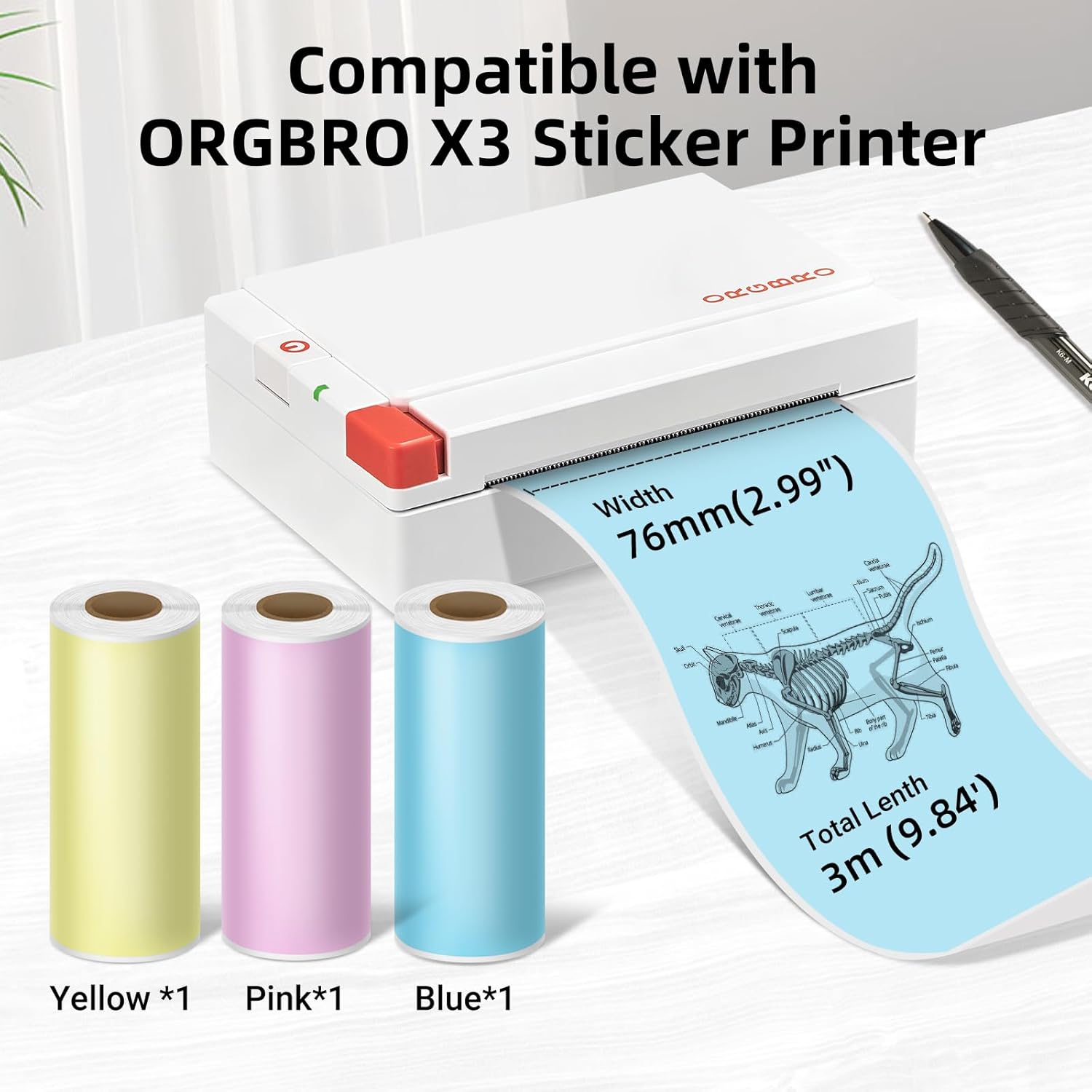
Image: The ORGBRO X3 printer shown alongside three rolls of colored thermal paper (yellow, pink, blue), indicating compatibility and dimensions of 76mm (2.99") width and 3m (9.84') total length.
4.3 Instalacja aplikacji i parowanie Bluetooth
- Pobierz aplikację: Szukaj the 'ORGBRO' app in your smartphone's app store (Google Play Store for Android or Apple App Store for iOS). Install the application.
- Włącz drukarkę: Press and hold the power button on the ORGBRO X3 printer until the indicator light illuminates.
- Włącz Bluetooth: On your smartphone, go to your device's Bluetooth settings and ensure Bluetooth is enabled.
- Paruj urządzenie: Open the ORGBRO app. The app should automatically detect nearby ORGBRO X3 printers. Select 'X3' from the list of available devices to establish a connection. Follow any on-screen prompts to complete the pairing process.
5. Instrukcja obsługi
5.1 Printing Functions
The ORGBRO app offers various functions to maximize your printer's utility:
- Drukowanie dokumentu: Print text documents, notes, or web pages directly from your phone.
- Template Printing: Utilize pre-designed templates for labels, lists, or decorative elements.
- Drukowanie etykiet: Utwórz niestandardowe etykiety do celów organizacyjnych, wysyłkowych lub użytku osobistego.
- Stickers for Selection: Access a library of stickers to enhance your prints.
- Funkcja skanowania: Convert physical documents or drawings into digital format for printing.
- Graffiti Function: Draw or write directly within the app and print your creations.

Image: The ORGBRO X3 printer illustrating its wide range of uses in daily life, including printing labels for gifts, pictures, stickers, study notes, and shopping lists.

Image: The ORGBRO X3 printer depicted as a 'Mini thermal printer - Home companion', showcasing applications such as family category labels, study notes, gift cards, and photos.
5.2 Printing Tips
- The ORGBRO X3 is a thermal printer and prints only in black. Color printing is not supported.
- Ensure the thermal paper is loaded correctly with the printing side facing the print head.
- For best results, use ORGBRO brand thermal paper.
- The included paper rolls are self-adhesive, allowing you to easily stick your prints.
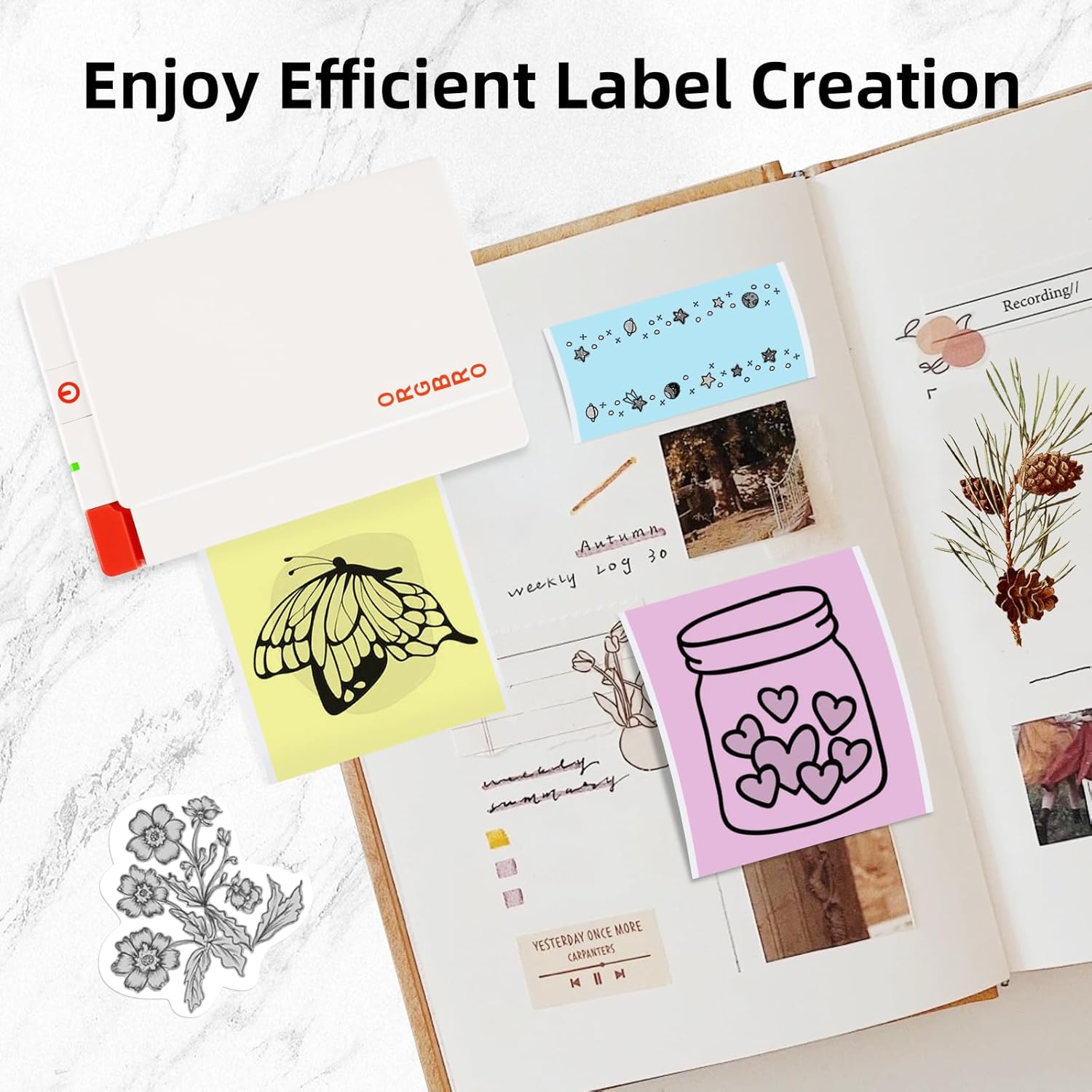
Image: Demonstrates the features of ORGBRO sticker paper, highlighting clear printing, easier tearing, and strong adhesive properties.

Image: Shows various creative labels and stickers printed with the ORGBRO X3 printer, arranged in a journal, illustrating efficient label creation.

Image: A child coloring a printed image from the ORGBRO X3 printer, emphasizing the 'Free Coloring, Free Imagination' aspect.
6. Konserwacja
6.1 Czyszczenie głowicy drukującej
To ensure optimal print quality, periodically clean the print head:
- Wyłącz drukarkę i odłącz ją od źródła zasilania.
- Otwórz pokrywę komory papieru.
- Delikatnie przetrzyj głowicę drukującą wacikiem bawełnianym.ampened with isopropyl alcohol. Allow it to dry completely before closing the cover and using the printer.
6.2 Przechowywanie papieru
Proper storage of thermal paper helps maintain its quality and longevity:
- Store thermal paper in a cool, dry place.
- Keep away from direct sunlight, high humidity, and excessive heat.
- Minimize friction or pressure on the paper rolls to prevent premature discoloration.
7. Rozwiązywanie Problemów
If you encounter issues with your ORGBRO X3 printer, refer to the following common problems and solutions:
- Drukarka się nie włącza: Ensure the printer is fully charged. Connect it to a power source and try again.
- Nie można połączyć się przez Bluetooth:
- Ensure Bluetooth is enabled on your smartphone and the printer is on.
- Uruchom ponownie drukarkę i smartfon.
- Make sure the ORGBRO app has Bluetooth permissions.
- Poor print quality (faint or blank prints):
- Sprawdź, czy papier termiczny został prawidłowo włożony, stroną do zadrukowania skierowaną do góry.
- The paper roll might be depleted; replace it with a new one.
- Wyczyść głowicę drukującą zgodnie z opisem w rozdziale Konserwacja.
- Ensure the paper is not old or damaged from improper storage.
- Zakleszczenie papieru:
- Wyłącz drukarkę.
- Open the paper compartment cover and carefully remove any jammed paper.
- Ensure the paper is loaded straight and not wrinkled.
- Drukarka nie odpowiada: Try resetting the printer by turning it off and on again. If the issue persists, contact customer support.
8. Specyfikacje
| Funkcja | Specyfikacja |
|---|---|
| Model | ORGBRO X3 |
| Technologia druku | Thermal Printing (Inkless) |
| Rezolucja | 300 DPI |
| Szerokość drukowania | 2-3 inches (50-80mm), Max 3.15 inches (80mm) |
| Prędkość drukowania | Up to 47 inches per minute (20 mm/second) |
| Łączność | Bluetooth |
| Rodzaj papieru | Thermal Paper (Non-adhesive and Self-adhesive) |
| Paper Roll Dimensions | 80mm (3.15 inches) wide x 3m (9.84 feet) long |
| Źródło zasilania | Akumulator do ponownego ładowania |
9. Gwarancja i obsługa klienta
The ORGBRO X3 Sticker Printer comes with a standard manufacturer's warranty. For specific warranty details, please refer to the warranty card included in your package or visit the official ORGBRO website. If you have any questions, require technical assistance, or need to report a defect, please contact ORGBRO customer support through the contact information provided on the product packaging or the official webStrona. Kontaktując się z pomocą techniczną, przygotuj model produktu i datę zakupu.