
RAYKUBE M5 TT Silver
Instrukcja obsługi inteligentnego zamka drzwi RAYKUBE M5 TT z czytnikiem linii papilarnych
Model: M5 TT Silver
Marka: RAYKUBE
1. Wprowadzenie
This user manual provides detailed instructions for the installation, operation, and maintenance of your RAYKUBE M5 TT Smart Fingerprint Door Lock. Please read this manual thoroughly before installation and use to ensure proper function and safety.
Środki ostrożności
- Do not expose the lock to direct water or extreme temperatures.
- Use only specified battery types (4x AAA).
- Keep keys and passcodes in a secure location.
- Ensure proper installation to prevent damage or malfunction.
2. Koniec produktuview
The RAYKUBE M5 TT Smart Fingerprint Door Lock offers multiple unlocking methods and smart features for enhanced security and convenience in various living spaces.
Główne cechy:
- Touch Screen Interface for easy operation.
- Numeric Code Keyboard for secure access.
- Multi-functional Use, ideal for families, hotels, and apartments.
- Fingerprint Lock Function using biometric authentication.
- Multiple unlocking methods: Fingerprint, Passcode, IC Card, Key, and TTLock App.
- Emergency USB Type-C charging port.
Components and Design:

Figure 2.1: RAYKUBE M5 TT Smart Fingerprint Door Lock (Black and Silver models). This image displays both the black and silver versions of the smart lock, highlighting their sleek design and integrated keypad.

Figure 2.2: Silver M5 TT Lock with Bluetooth and TT Lock App compatibility. The silver model is shown with indicators for Bluetooth connectivity and compatibility with the TT Lock application.
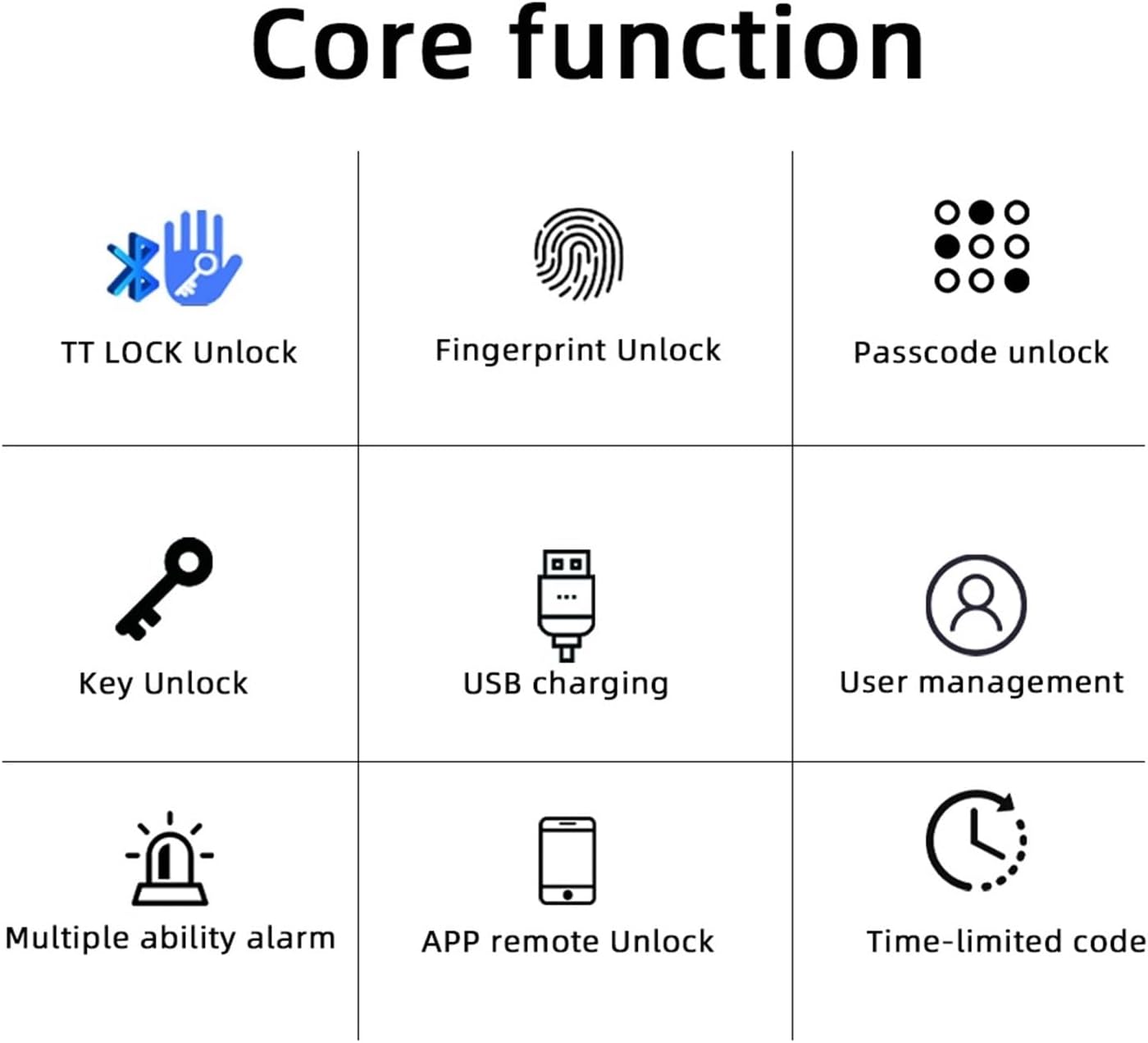
Figure 2.3: Core Functions. This diagram illustrates the various unlocking methods and features: TT LOCK Unlock, Fingerprint Unlock, Passcode Unlock, Key Unlock, USB Charging, User Management, Multiple Ability Alarm, APP Remote Unlock, and Time-limited Code.

Figure 2.4: TT LOCK APP Control and G2 Gateway. This image shows how the lock can be controlled via the TT Lock app and connected to Wi-Fi using an optional G2 Gateway for remote access.

Figure 2.5: Power Supply. The lock is powered by 4x AAA batteries, offering approximately 8 months of battery life. It includes a low battery reminder and a Type-C port for emergency power in case of full battery depletion.

Figure 2.6: Product Dimensions and Component Identification. This diagram provides key measurements (e.g., 58mm width, 160mm length) and labels important components such as the fingerprint sensor, card sensing area, keypad, keyhole, and Type-C charging port.
3. Przewodnik konfiguracji
Follow these steps for a smooth installation of your smart lock.
Lista kontrolna przed instalacją:
- Ensure your door thickness is compatible with the lock.
- Sprawdź, czy w opakowaniu znajdują się wszystkie elementy.
- Zbierz niezbędne narzędzia (np. śrubokręt).
Kroki instalacji:
- Remove your existing door handle/lock.
- Install the new latch and strike plate into the door frame.
- Attach the exterior and interior lock assemblies, ensuring cables are properly connected.
- Secure the lock with screws.
- Insert 4x AAA batteries into the battery compartment.
- Test the lock's functionality with the mechanical key.

Figure 3.1: Easy and Convenient Installation. This image demonstrates the simple replacement process, showing a standard door handle before and after installation of the RAYKUBE M5 TT Smart Lock.
4. Instrukcja obsługi
The RAYKUBE M5 TT Smart Lock offers multiple convenient ways to unlock your door.
Metody odblokowania:
- Odblokowanie linii papilarnych: Umieść zarejestrowany palec na czytniku linii papilarnych. Zamek zostanie odblokowany po pomyślnej weryfikacji.
- Odblokowanie kodem dostępu: Enter your registered passcode on the numeric keypad, followed by the '#' key.
- Odblokowanie karty IC: Tap your registered IC card on the card sensing area.
- Odblokowanie kluczem mechanicznym: Insert the physical key into the keyhole and turn to unlock. This is for emergency use.
- TTLock App Unlock: Open the TTLock app on your smartphone, ensure Bluetooth is enabled, and tap the unlock icon.
Tryb przejścia:
Passage mode allows the door to remain unlocked for continuous access without requiring authentication. This mode is useful for high-traffic periods. Refer to the TTLock app for instructions on how to activate and deactivate Passage Mode.
5. Konserwacja
Właściwa konserwacja gwarantuje długowieczność i optymalną wydajność inteligentnego zamka.
Wymiana baterii:
- The lock is powered by 4x AAA batteries.
- When the battery is low, the lock will provide a low battery reminder (audible alert or indicator light).
- To replace, open the battery cover on the interior handle and replace all four batteries with new ones.
Zasilanie awaryjne:
In case the batteries are completely depleted, you can use a portable power bank connected to the Type-C port on the exterior handle for emergency power to unlock the door.
Czyszczenie:
Przetrzyj powierzchnię zamka miękką, suchą ściereczką. Unikaj stosowania środków czyszczących o właściwościach ściernych lub rozpuszczalników, które mogą uszkodzić powłokę lub elementy elektroniczne.
6. Rozwiązywanie Problemów
W tej sekcji omówiono typowe problemy, jakie mogą wystąpić podczas korzystania z inteligentnego zamka.
| Problem | Możliwa przyczyna | Rozwiązanie |
|---|---|---|
| Zamek nie odpowiada | Rozładowane baterie | Replace batteries or use emergency Type-C power. |
| Odcisk palca nie został rozpoznany | Palec jest brudny/mokry, czujnik jest brudny lub odcisk palca nie został prawidłowo zarejestrowany. | Wyczyść palec i czujnik. Jeśli problem będzie się powtarzał, zarejestruj ponownie odcisk palca. |
| Kod dostępu nie działa | Incorrect passcode entered, or passcode not registered. | Verify passcode. Ensure passcode is correctly registered via the app. |
| TTLock App connection issues | Bluetooth off, app not updated, or lock too far from phone. | Ensure Bluetooth is on. Update app. Move closer to the lock. |
7. Specyfikacje
| Atrybut | Szczegół |
|---|---|
| Marka | RAYKUBE |
| Numer modelu | M5 TT Silver |
| Wymiary produktu (przybliżone) | 160 mm (długość) x 58 mm (szerokość) |
| Waga przedmiotu | 50 gramów |
| Kolor | M5 TT Silver |
| Ilość | 1 |
| Źródło zasilania | 4 baterie AAA |
| Zasilanie awaryjne | Port USB typu C |
| Łączność | Bluetooth (TTLock App), Wi-Fi (with optional G2 Gateway) |
8. Gwarancja i wsparcie
Aby uzyskać informacje o gwarancji lub pomocy technicznej, skontaktuj się bezpośrednio ze sprzedawcą lub producentem. Zachowaj paragon jako dowód zakupu.
If you have any questions or require assistance, please refer to the contact information provided at the point of purchase or on the product packaging.
Ask a question about this manual
Ask about setup, troubleshooting, compatibility, parts, safety, or missing instructions. Manuals+ will review the question and use this page’s manual context to help answer it.