
1. Wprowadzenie
The Master Flow GAF Wi-Fi Control Module with QuickConnect Wi-Fi Technology provides remote management of your power attic vent's humidistat and thermostat settings. This module integrates seamlessly with the Master Flow QuickConnect Ventilation Control App, available for iOS and Android devices, allowing for precise climate management to control excess heat and moisture in your attic.
2. Zawartość opakowania
- Master Flow GAF Wi-Fi Control Module
- Sprzęt instalacyjny
- Instrukcja obsługi (ten dokument)
3. Przewodnik konfiguracji
3.1 Fizyczna instalacja
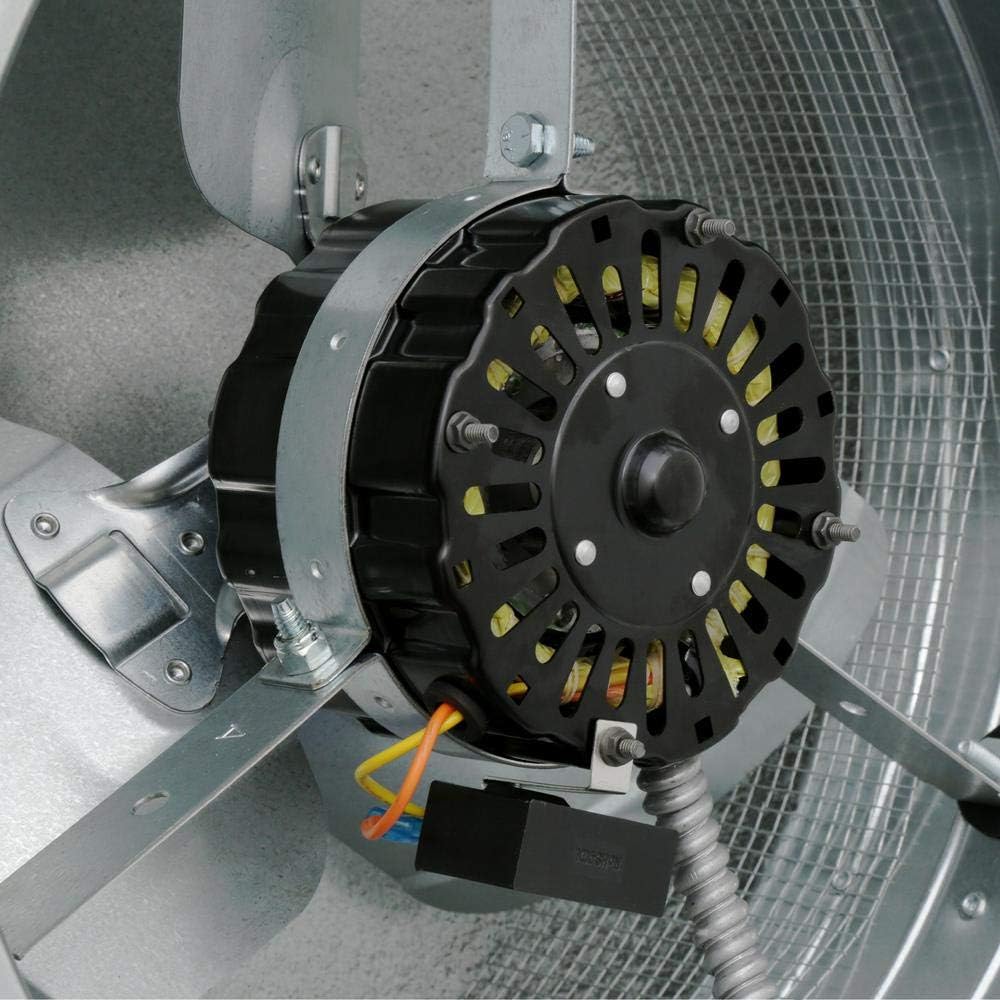
The Wi-Fi Control Module is designed for easy integration with compatible GAF Master Flow and LL Building Products power attic vents. Ensure the power to the attic vent is disconnected before beginning installation.

Mount the control module securely near your power attic vent, ensuring it is accessible for wiring and future maintenance. Connect the module to the attic fan and a power source according to the wiring diagram provided with your specific attic fan model. The module typically connects to the fan's humidistat and thermostat wiring.
3.2 Pobieranie i parowanie aplikacji
To enable remote control, download the Master Flow QuickConnect Ventilation Control App on your smartphone or tablet. The app is compatible with iOS 13 & above and Android 5.0 & above.
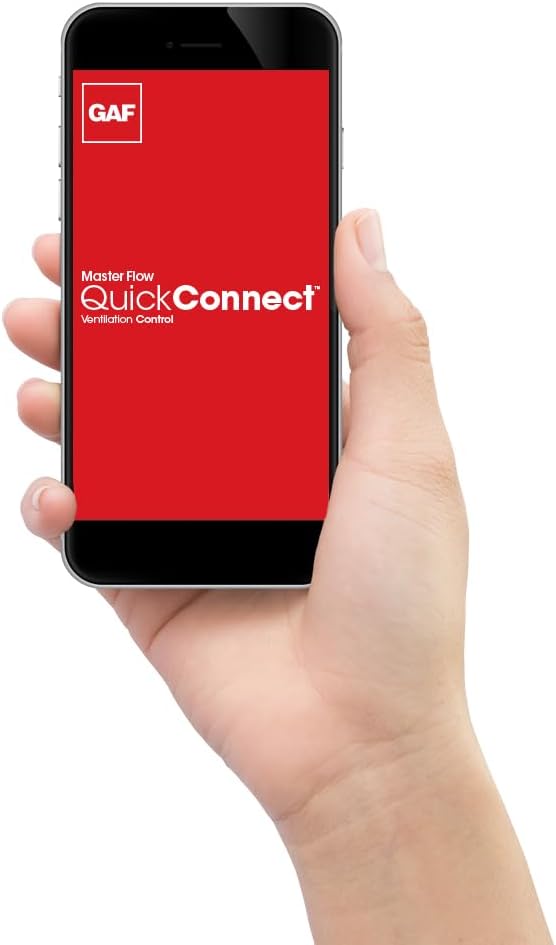
- Pobierz Master Flow QuickConnect Ventilation Control App ze sklepu z aplikacjami na Twoim urządzeniu.
- Ensure your Wi-Fi Control Module is powered on.
- Otwórz aplikację i postępuj zgodnie z instrukcjami wyświetlanymi na ekranie, aby utworzyć konto lub się zalogować.
- Select the option to add a new device. The app will guide you through the pairing process, which typically involves pressing a 'Pair' button on the control module for a few seconds.
- Once paired, your module will appear in the app, allowing you to monitor and control your attic vent.
4. Instrukcja obsługi
4.1 Zdalne sterowanie za pomocą aplikacji
The Master Flow QuickConnect Ventilation Control App provides comprehensive control over your attic ventilation system:
- Warunki monitorowania: View real-time temperature and humidity levels in your attic.
- Dostosuj ustawienia: Remotely change the humidistat and thermostat settings. The module comes pre-set from the factory at 105°F and 70% humidity for optimal performance.
- Tryb inteligentny: Activate Smart Mode for automated climate management. This feature allows the module to efficiently control excess heat and moisture by adjusting fan operation based on pre-defined or customized temperature and humidity thresholds.
- Tryb timera: Utilize Timer Mode to set specific operating durations for the fan, providing flexibility for manual control.
- Multi-Vent Management: Control multiple attic vents from a single app login, ideal for larger homes or properties with multiple attic spaces.
4.2 Manual Control (if applicable)
While primarily app-controlled, some modules may feature a test button for manual activation or to verify fan operation. Refer to your specific model's physical controls for any manual override options.
5. Konserwacja
Regular maintenance ensures optimal performance and longevity of your Master Flow GAF Wi-Fi Control Module and connected attic vent:
- Czyszczenie otworów wentylacyjnych: Periodically inspect and clean attic intake and exhaust vents to ensure unobstructed airflow.
- Module Inspection: Check the control module for any visible damage or loose connections.
- Aktualizacje aplikacji: Ensure your Master Flow QuickConnect Ventilation Control App is always updated to the latest version for new features and security enhancements.
- Kontrola czujnika: Verify that the temperature and humidity sensors are free from dust or debris that could affect readings.
6. Rozwiązywanie Problemów
If you encounter issues with your Wi-Fi Control Module, consider the following:
- Brak zasilania: Check the power indicator light on the module. Ensure the module is properly plugged into a functioning power outlet.
- Łączność aplikacji: Verify your home Wi-Fi network is active and the module is within range. Restart your router, module, and smartphone if connectivity issues persist.
- Wentylator nie działa: Check the fan status indicator light on the module. Ensure the module's settings (temperature/humidity thresholds) are configured to activate the fan under current attic conditions.
- Nieprawidłowe odczyty: Ensure the temperature and humidity sensors are clean and not obstructed.
- Zresetuj moduł: If issues persist, try resetting the module (refer to specific model instructions for reset procedure, if available).
7. Specyfikacje
| Funkcja | Szczegół |
|---|---|
| Producent | GAF Master Flow |
| Model | Wifi Quick Connect Module |
| Zawarte komponenty | Wifi Controlled Humidistat |
| Wymagane baterie | NIE |
8. Informacje o gwarancji
This product is covered by a manufacturer's warranty. Please refer to the warranty card included in your product packaging or visit the Master Flow official webSzczegółowe warunki gwarancji można znaleźć na naszej stronie.
9. Obsługa klienta
For further assistance, technical support, or inquiries regarding your Master Flow GAF Wi-Fi Control Module, please contact Master Flow customer service. Contact details can be found on the product packaging or the official Master Flow webstrona.