
1. Wprowadzenie i koniecview
The NETVUE NI-9010 Baby Camera Monitor is designed to provide comprehensive monitoring of your baby, both at home and remotely. This device features a 5-inch display, smartphone app integration, cry detection, sleep analysis, two-way audio, and versatile installation options. This manual will guide you through the setup, operation, and maintenance of your baby monitor.
2. Co znajduje się w pudełku
- Peekababy 4-in-1 Bracket
- Baby Monitor with Camera and Audio (Parent Unit and Camera Unit)
- Zasilacze
- Instrukcja obsługi
3. Przewodnik konfiguracji
3.1 Ładowanie jednostki głównej
Before initial use, fully charge the parent unit (monitor) using the provided power adapter. A full charge ensures optimal battery life.
3.2 Camera Unit Placement and Installation
The NETVUE NI-9010 camera unit offers multiple installation options to suit various crib types and room layouts. Choose the method that provides the best view twojego dziecka.
- Winding Installation: Wrap the flexible bracket around a crib rail for a secure attachment.
- Umieszczenie na pulpicie: Use the stand to place the camera on a flat surface like a dresser or nightstand.
- Montaż na ścianie: Mount the camera to a wall using the appropriate hardware (not specified if included, assume standard mounting).
- Instalacja klipu: Attach the camera to a crib or shelf edge using the adjustable clamp.

Image: Camera unit demonstrating winding installation on a crib.

Image: Various installation options for the camera unit, including desktop, wall, winding, and clip mounts.

Obraz: Szczegółowy view regulowanego clamp and integrated cable slot for secure and tidy installation.
3.3 Connecting the Camera and Parent Unit
The camera unit and parent unit are typically pre-paired. If they do not connect automatically, refer to the pairing instructions in the full manual (not provided here).
3.4 Smartphone App Setup
Download the NETVUE app from your smartphone's app store. Follow the in-app instructions to connect your camera unit to your home Wi-Fi network and link it to your account. This enables remote viewing and advanced features.
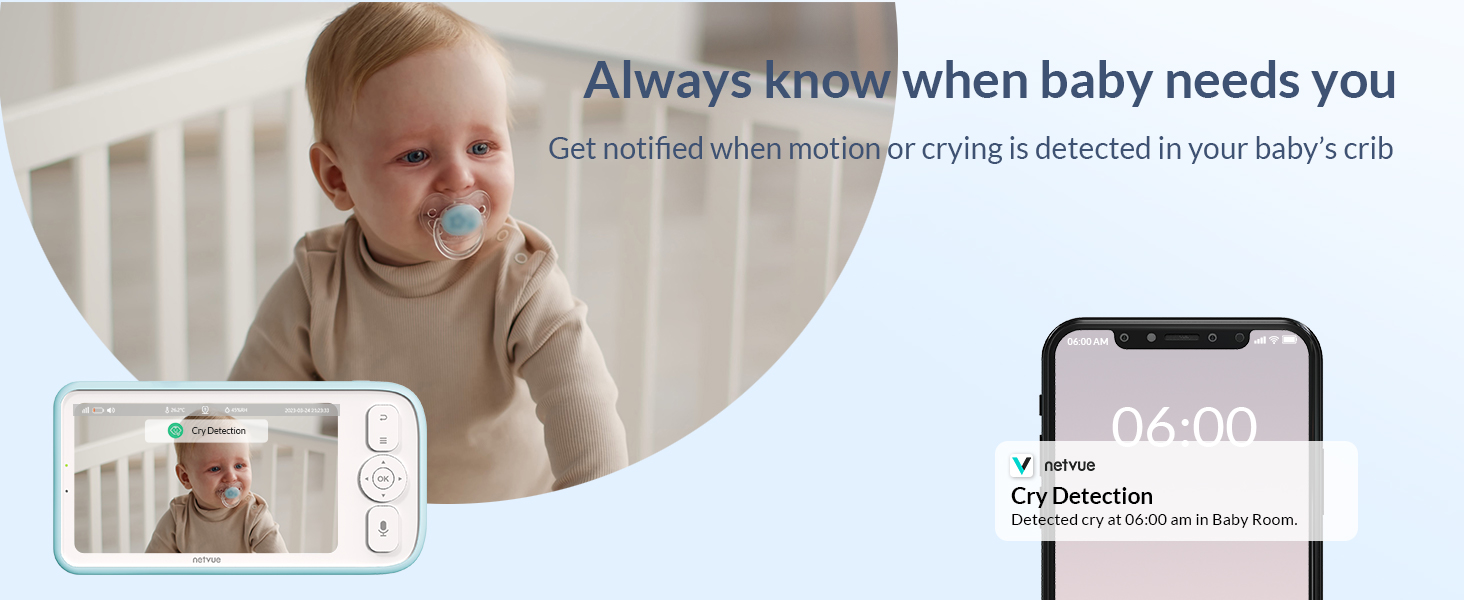
Image: Demonstrates viewing the baby via the dedicated monitor screen at home and through the smartphone app while away.
4. Instrukcja obsługi
4.1 Podstawowe monitorowanie
Once powered on and connected, the parent unit will display the live video feed from the camera. Use the controls on the parent unit to adjust volume, brightness, and access menu options.
4.2 Rozmowa dwukierunkowa
Press and hold the Two-Way Talk button on the parent unit or use the microphone icon in the smartphone app to speak to your baby. Release the button to listen.

Image: Illustrates the two-way talk feature, allowing parents to soothe their baby remotely.
Video: Demonstrates real-time communication using the smartphone app to speak to the baby.
4.3 Cry Detection and Alerts
The monitor is equipped with cry detection technology. When crying is detected, you will receive instant notifications on your parent unit and smartphone app. This allows for prompt response to your baby's needs.

Image: Shows the cry detection feature and how alerts are displayed on a smartphone.
4.4 Analiza snu
The monitor provides sleep quality analysis, categorizing sleep into wide awake, light sleep, and deep sleep periods. It also monitors environmental factors like temperature and humidity, accessible via the smartphone app.

Image: Smartphone app interface showing detailed sleep analysis data for the baby.
4.5 Feeding Reminders and Lullabies
Set feeding schedules and receive reminders. The monitor can also play soothing lullabies to comfort your baby. These features are configurable through the parent unit or the app.
Video: Demonstrates setting feeding reminders and playing lullabies through the monitor's parent unit.
4.6 Night Vision and VOX Mode
The camera automatically switches to night vision in low-light conditions, providing a clear view of your baby. VOX (Voice Operated eXchange) mode keeps the screen off but activates when sound is detected, conserving battery and reducing light disturbance.
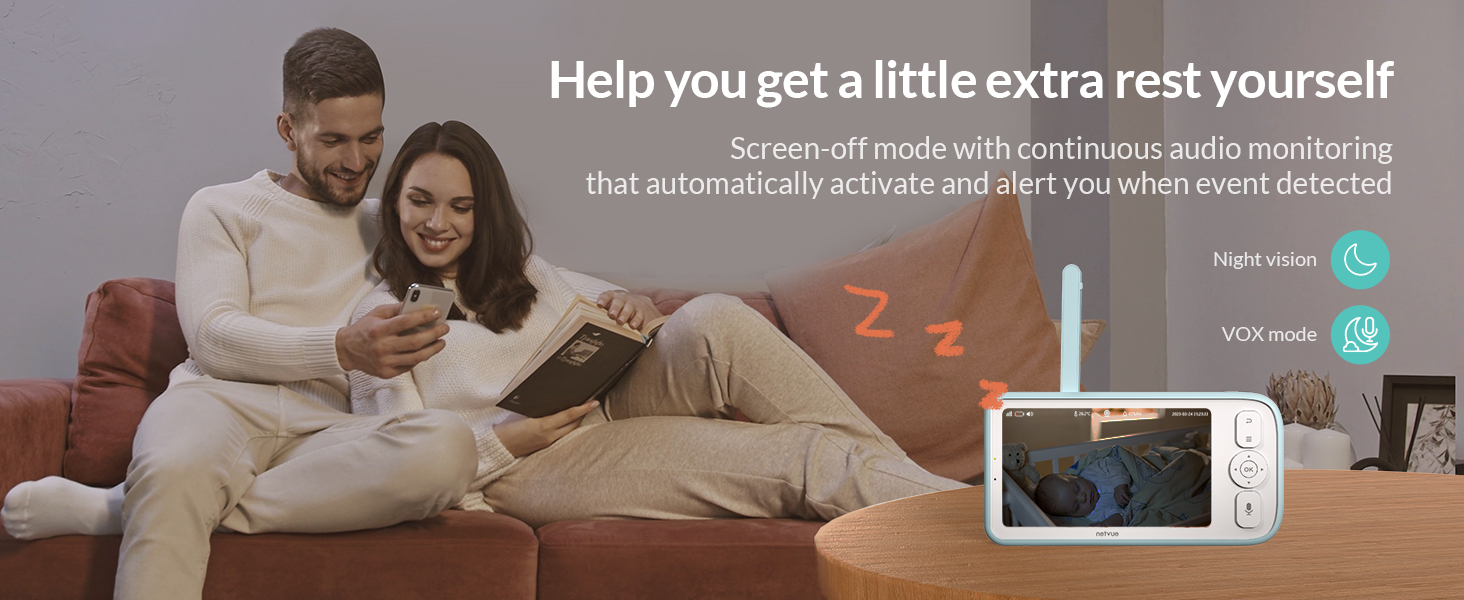
Image: Highlights night vision and VOX mode for undisturbed monitoring and rest.
4.7 Sharing and Recording Moments
Share live broadcasts of your baby's moments with family members through the app. The system supports multi-device connectivity, allowing up to 20 people to connect. You can also capture and save precious moments.

Image: Illustrates the ability to permanently record and save baby's growth moments.
5. Konserwacja
- Czyszczenie: Wipe the camera lens and monitor screen with a soft, dry cloth. Do not use liquid cleaners.
- Pielęgnacja baterii: To prolong battery life, avoid extreme temperatures and fully discharge and recharge the parent unit periodically.
- Aktualizacje oprogramowania: Ensure your smartphone app is updated to the latest version for optimal performance and new features.
6. Specyfikacje
| Funkcja | Szczegół |
|---|---|
| Marka | NETVUE |
| Numer modelu | NI-9010 |
| Rozmiar ekranu | 5 cali |
| Pojemność baterii | 5000 mAh (wbudowany akumulator litowo-jonowy) |
| Tworzywo | Akrylonitryl-butadien-styren (ABS) |
| Kolor | Niebieski |
| Kompatybilne urządzenia | Smartfony |
| Wymiary produktu | 3.16 x 8.47 x 4.97 cala |
| Waga przedmiotu | 2.35 funta |
7. Rozwiązywanie Problemów
- Brak obrazu/dźwięku: Ensure both the camera and parent unit are powered on and within range. Check Wi-Fi connection for app viewing.
- Słaby sygnał: Move the camera and parent unit closer together, or reposition them to avoid obstructions. Ensure strong Wi-Fi signal for app connectivity.
- Szybkie rozładowywanie baterii: Reduce screen brightness, disable unnecessary features, or ensure the parent unit is fully charged before use.
- Problemy z połączeniem aplikacji: Verify your smartphone's internet connection and ensure the NETVUE app is updated. Restart the app or camera unit if necessary.
8. Gwarancja i wsparcie
For warranty information, technical support, or further assistance, please refer to the official NETVUE webOdwiedź stronę internetową lub skontaktuj się bezpośrednio z działem obsługi klienta. Zachowaj paragon zakupu na wypadek reklamacji.
NETVUE Support: www.netvue.com/support