
Wstęp
This manual provides instructions for the BoxWave MagnetoSnap PD AllCharge Cable (100W). This versatile magnetic charging cable is designed to provide efficient power delivery and data transfer for a wide range of devices, including the Typhur Sync Quad. Please read this manual thoroughly before use to ensure proper operation and longevity of your product.
Produkt ponadview
The BoxWave MagnetoSnap PD AllCharge Cable is a high-performance charging and data transfer solution. It features a durable braided nylon cable and a unique magnetic design with interchangeable tips, allowing a single cable to serve multiple devices. Key features include:
- Dostarczanie dużej mocy: Supports up to 100W Power Delivery for fast charging of laptops, tablets, and smartphones.
- Magnetic Interchangeable Tips: Includes USB-C, Micro USB, and an Apple-compatible connector for broad device compatibility.
- Szybki transfer danych: Capable of blazing-fast data transfers up to 480Mbps.
- Trwała konstrukcja: Braided nylon cable enhances strength and durability, reducing tangles and fraying.
- Built-in USB Adapter: Features a reversible USB-A to USB-C adapter for compatibility with various power sources.


Zawartość opakowania
Sprawdź, czy w przesyłce znajdują się wszystkie elementy:
- 1 x BoxWave MagnetoSnap PD AllCharge Cable (100W)
- 1 x Magnetic USB-C Connector Tip
- 1 x Magnetic Micro USB Connector Tip
- 1 x Magnetic Apple-compatible Connector Tip

Organizować coś
Follow these steps to set up and begin using your MagnetoSnap PD AllCharge Cable:
- Wybierz prawidłową wskazówkę: Choose the appropriate magnetic connector tip (USB-C, Micro USB, or Apple-compatible) for your device's charging port.
- Insert Tip into Device: Carefully insert the chosen magnetic tip into your device's charging port. Ensure it is fully seated. This tip can remain in your device for convenience.
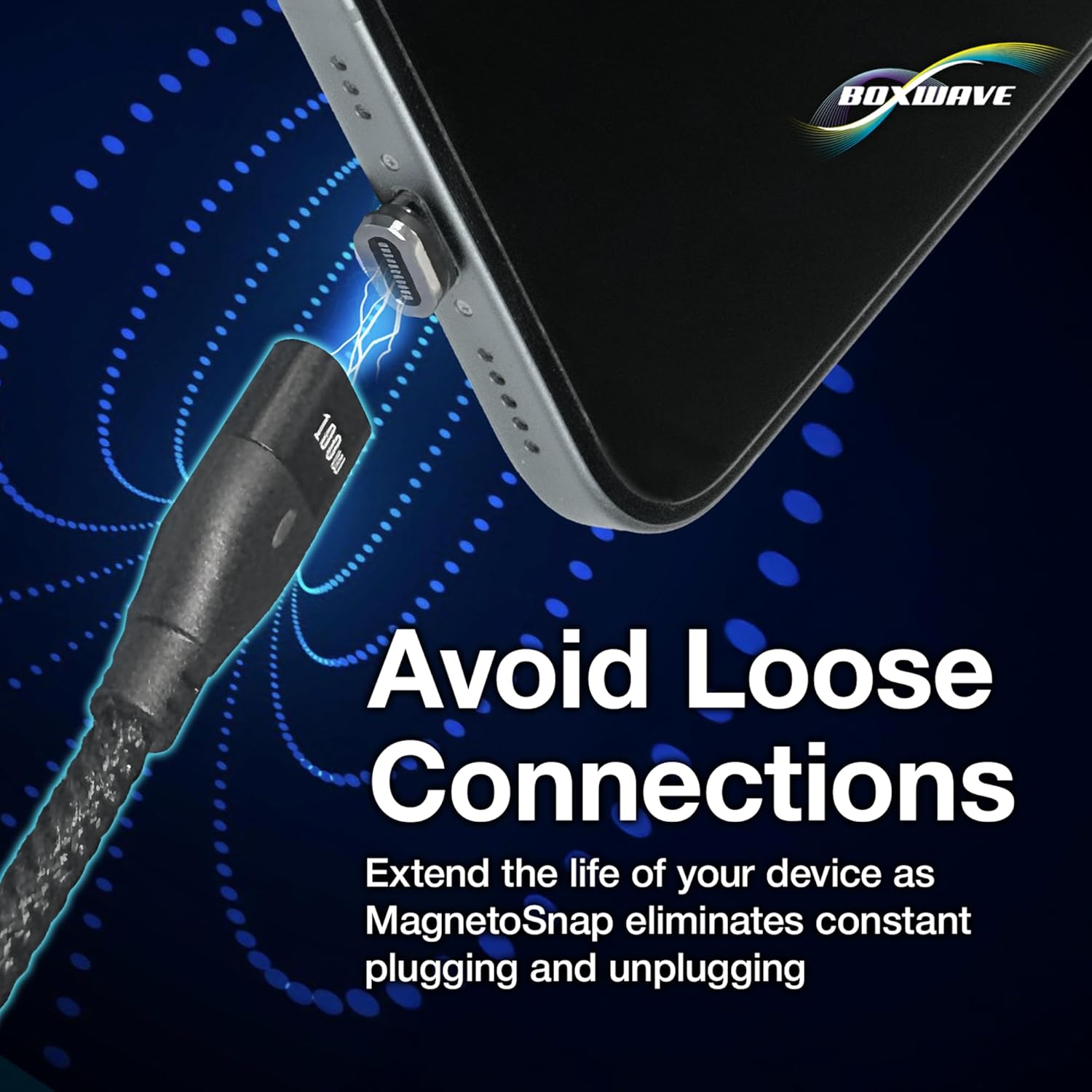
- Connect Cable to Tip: Bring the main cable's magnetic end close to the tip inserted in your device. The magnets will automatically snap the cable into place, establishing a connection.
- Podłącz do źródła zasilania: Plug the other end of the MagnetoSnap cable into a compatible power source. The cable features a built-in USB-A adapter that can be pulled away to reveal a USB-C connector, allowing connection to either a traditional USB-A port or a USB-C PD charger.


Instrukcja obsługi
Ładowanie urządzenia
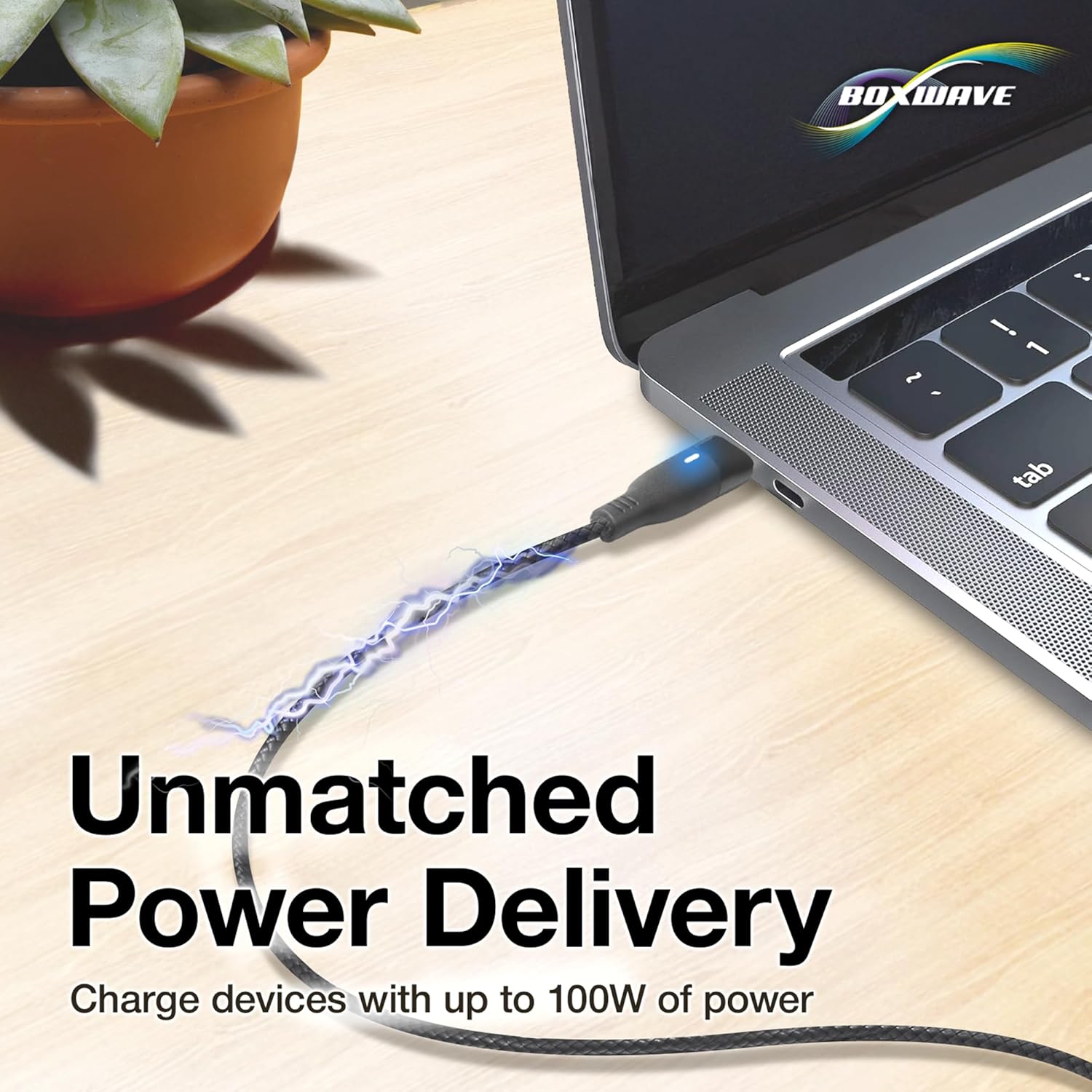
Once the magnetic tip is inserted into your device and the cable is connected to a power source, your device will begin charging. The MagnetoSnap cable supports Power Delivery up to 100W, enabling rapid charging for compatible devices. Ensure your power adapter also supports the desired wattage for optimal charging speeds.
Przesyłanie danych
To transfer data, connect the MagnetoSnap cable to your device (via the magnetic tip) and then plug the other end into a computer's USB-A or USB-C port. The cable supports data transfer speeds of up to 480Mbps, allowing for quick synchronization of files.

Interchanging Tips
The magnetic design allows for easy swapping of connector tips. Simply pull the cable away from the inserted tip to disconnect. To connect to a different device, insert the appropriate magnetic tip into that device's port and then snap the cable onto it.

Konserwacja
To ensure the longevity and optimal performance of your BoxWave MagnetoSnap PD AllCharge Cable, follow these maintenance guidelines:
- Zachowaj czystosc: Regularly wipe the cable and magnetic tips with a soft, dry cloth to remove dust and debris. Avoid using harsh chemicals or abrasive materials.
- Zachowaj ostrożność: While the braided nylon cable is durable, avoid excessive bending, twisting, or pulling, especially near the connectors.
- Przechowuj prawidłowo: When not in use, coil the cable neatly. Avoid tangling or knotting, which can stress the internal wires.
- Protect Magnetic Tips: If you remove the magnetic tips from your devices, store them in a safe place to prevent loss or damage.
- Unikaj kontaktu z cieczą: Do not expose the cable or tips to water or other liquids.
Rozwiązywanie problemów
If you encounter issues with your MagnetoSnap PD AllCharge Cable, refer to the following common problems and solutions:
- Urządzenie się nie ładuje:
- Ensure the magnetic tip is fully inserted into your device's charging port.
- Verify the magnetic connection between the cable and the tip is secure.
- Check that the cable is firmly plugged into a working power source.
- Confirm your power source (wall adapter, power bank, computer port) is functional and provides sufficient power.
- Try a different magnetic tip or a different device to isolate the issue.
- Powolne ładowanie:
- Ensure your power adapter supports Power Delivery (PD) and provides adequate wattage (up to 100W for optimal speed).
- Zamknij niepotrzebne aplikacje na urządzeniu, które mogą zużywać znaczną ilość energii.
- Check for debris in the magnetic tip or device port that might hinder connection.
- Transfer danych nie działa:
- Ensure the cable is securely connected to both your device and the computer.
- Verify that your device is set to allow data transfer (e.g., 'File Tryb „Transfer” na urządzeniach z systemem Android).
- Spróbuj podłączyć do innego portu USB w komputerze.
- Magnetic Connection is Weak:
- Clean the magnetic surfaces of both the cable and the tips to remove any metallic dust or debris.
- Ensure the tip is not damaged or bent.
Specyfikacje
| Funkcja | Specyfikacja |
|---|---|
| Nazwa modelu | MagnetoSnap PD AllCharge Cable (100W) |
| Marka | Fala pudełkowa |
| Dostarczanie mocy | Do 100 W |
| Prędkość przesyłu danych | Do 480 Mb/s |
| Typ kabla | Nylon pleciony |
| Złącza w zestawie | Magnetic USB-C, Magnetic Micro USB, Magnetic Apple-compatible |
| Długość kabla | 3 stopy (około 0.9 metrów) |
| Kolor | Czarny jak kruk |
| Waga przedmiotu | 0.8 uncji |
Gwarancja i wsparcie
For warranty information or technical assistance, please contact BoxWave customer support directly. Refer to the product packaging or the official BoxWave webna naszej stronie znajdziesz najnowsze dane kontaktowe i warunki gwarancji.