
1. Wprowadzenie
The Xigmatek Aqua V AIR is a high-performance mid-tower PC case designed for gaming enthusiasts. It features a spacious interior, optimized airflow, and tempered glass panels on the front and side to showcase your components. Equipped with seven 120mm ARGB fans, it supports graphics cards up to 410mm in length and is compatible with motherboards featuring hidden connectors for a clean build.
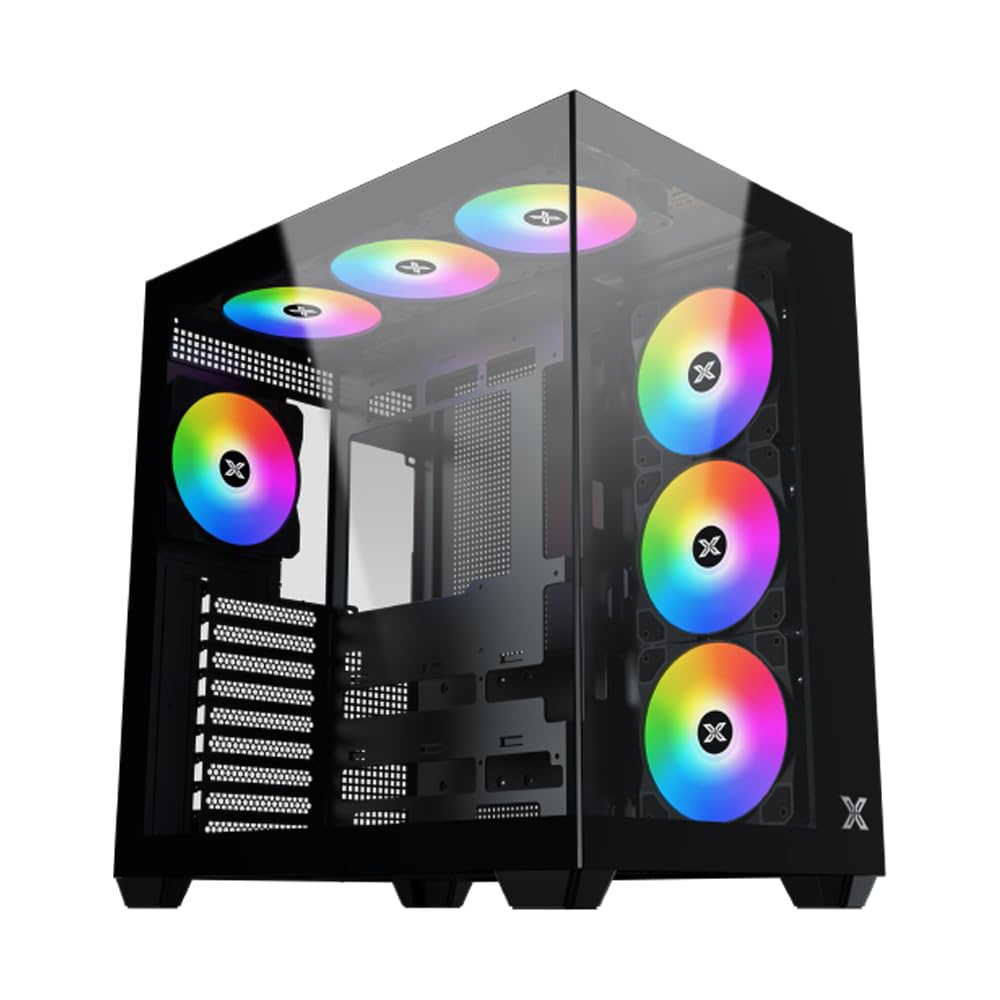
Rysunek 1: Ogólnie view of the Xigmatek Aqua V AIR PC Case.
2. Główne cechy
- Tworzywo: Constructed from high-quality steel for durability and reliability.
- Wymiary: 427 x 285 x 455 mm (L x W x H), offering a spacious interior.
- Układ chłodzenia: Supports up to three 120mm or two 140mm fans for optimal cooling performance.
- Wsparcie chłodnicy: Compatible with 240/280/360mm radiators on the top, bottom, and rear for versatile cooling options.
- Panel I/O: Features 2x USB 3.0 ports, 1x USB-C port, and HD audio for convenient connectivity.
- Zgodność z płytą główną: Supports ATX, Micro ATX, and Mini ITX motherboards, including those with hidden connectors.
- Długość GPU: Pomieści karty graficzne o długości do 410 mm.
- Obsługa pamięci masowej: Zapewnia ample space for multiple storage drives.
3. Specyfikacje
| Funkcja | Szczegół |
|---|---|
| Marka | Xigmatek |
| Numer modelu | EN45820 |
| Szereg | Aqua V AIR BLACK |
| Kolor | Czarny |
| Wymiary (dł. x szer. x wys.) | Wymiary 42.7 x 28.5 x 45.5 cm |
| Waga produktu | 8.8 kilograma |
| Tworzywo | Stal stopowa, szkło hartowane |
| Zgodność płyty głównej | ATX, Micro ATX, Mini ITX |
| Typ sprawy | Średnia wieża |
| Zalecane zastosowania | Gaming, High-Performance Computing |
| Porty USB 3.0 | 2 |
| Porty USB-C | 1 |
| Metoda chłodzenia | Water (Liquid Cooling Support) |
| Rozmiar wentylatora | 120 Millimeters (Pre-installed ARGB fans) |
| Typ montażu zasilacza | Mocowanie dolne |
4. Konfiguracja i instalacja
This section provides general guidance for installing components into your Xigmatek Aqua V AIR PC case. Always refer to the specific manuals for your motherboard, power supply, and other components for detailed instructions.
4.1 Przygotowanie sprawy
- Rozpakuj obudowę komputera i usuń wszystkie materiały opakowaniowe.
- Carefully remove the tempered glass side panel(s) and front panel (if applicable) to access the interior. Store them safely to prevent damage.
- Identify the accessory box, which typically contains screws, cable ties, and other small parts.
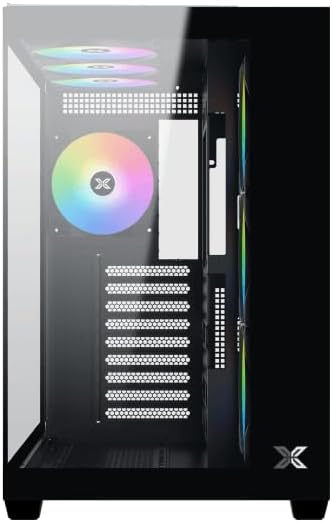
Rysunek 2: Wnętrze view ze zdjętym panelem bocznym.
4.2 Instalacja płyty głównej
- Zainstaluj osłonę I/O (jeśli nie została zamontowana na płycie głównej) w tylnym otworze obudowy.
- Align your ATX, Micro ATX, or Mini ITX motherboard with the standoffs inside the case. Ensure all standoffs match the screw holes on your motherboard.
- Secure the motherboard with the appropriate screws provided in the accessory kit.

Figure 3: Motherboard tray and cable management area.
4.3 Instalacja zasilacza (PSU).
- Znajdź miejsce montażu zasilacza w dolnej tylnej części obudowy.
- Slide your PSU into position, ensuring the fan faces downwards (if the case has a bottom vent) or upwards.
- Przymocuj zasilacz za pomocą śrub znajdujących się z tyłu obudowy.
4.4 Instalacja dysku pamięci masowej
The case supports various storage configurations. Refer to the case diagram for specific drive bay locations.
- Install 2.5" SSDs or 3.5" HDDs into the designated drive bays or mounting brackets.
- Secure the drives with screws.
4.5 Instalacja karty graficznej (GPU)
- Zdejmij niezbędne osłony gniazd PCIe z tyłu obudowy.
- Umieść kartę graficzną w odpowiednim gnieździe PCIe na płycie głównej.
- Przymocuj kartę graficzną za pomocą śrub.
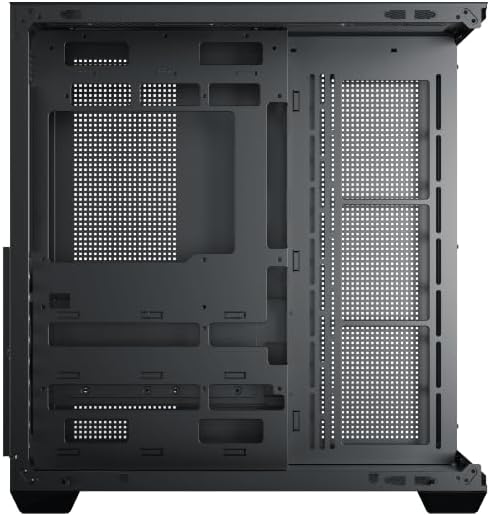
Figure 4: Components installed inside the case.
4.6 Zarządzanie kablami
Wykorzystaj wycięcia do prowadzenia kabli i punkty mocowania znajdujące się za tacką płyty głównej, aby uporządkować kable i poprawić przepływ powietrza oraz estetykę.
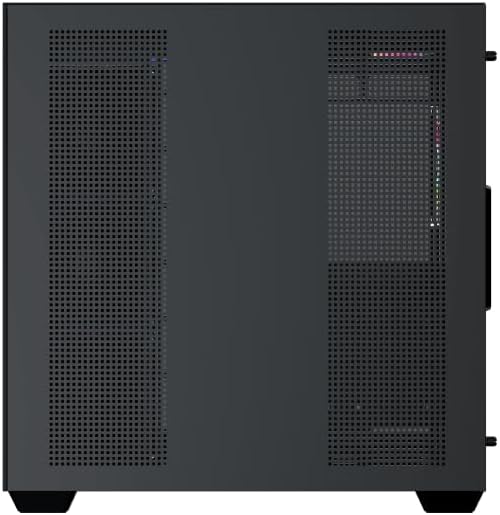
Figure 5: Top panel and I/O ports.
5. Instrukcja obsługi
5.1 Włączanie
Once all components are securely installed and connected, close the side panels. Connect your power cable to the PSU and press the power button on the case's front I/O panel.
5.2 Sterowanie wentylatorem ARGB
The Xigmatek Aqua V AIR comes with pre-installed ARGB fans. These fans can typically be controlled via:
- Oprogramowanie płyty głównej: If your motherboard supports ARGB synchronization, connect the fan's ARGB cables to the motherboard's 3-pin 5V ARGB header and use the motherboard's software (e.g., ASUS Aura Sync, MSI Mystic Light, Gigabyte RGB Fusion) to customize lighting effects.
- Integrated Controller: If your case includes a built-in ARGB controller, use the dedicated button on the I/O panel to cycle through various lighting modes and colors.
6. Konserwacja
Regularna konserwacja pomaga zapewnić optymalną wydajność i długowieczność podzespołów komputera.
6.1 Czyszczenie filtra przeciwpyłowego
The Xigmatek Aqua V AIR case is equipped with dust filters to prevent dust buildup. Locate and gently remove the dust filters (typically on the top, front, and bottom). Clean them with compressed air or by rinsing with water. Ensure they are completely dry before reattaching.
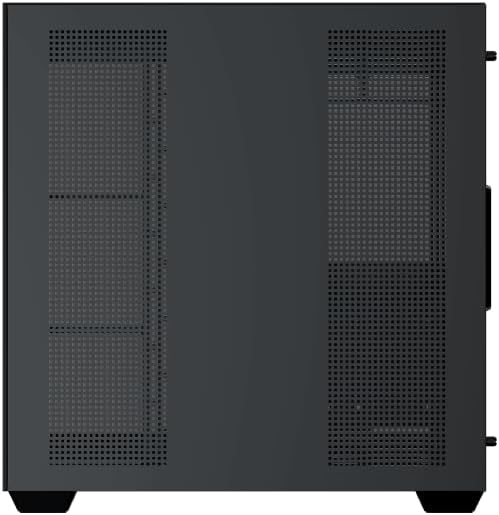
Figure 6: Bottom dust filter.
6.2 Ogólne czyszczenie
Use a soft, dry cloth to wipe down the exterior of the case. For tempered glass panels, use a glass cleaner and a microfiber cloth to avoid streaks. Avoid using abrasive cleaners or solvents.
7. Rozwiązywanie Problemów
Jeśli napotkasz problemy, rozważ poniższe typowe kroki rozwiązywania problemów:
- Brak zasilania:
- Sprawdź, czy zasilacz jest włączony i prawidłowo podłączony do gniazdka ściennego i płyty głównej.
- Check all power connections to components (motherboard, CPU, GPU, drives).
- Verify the front panel power switch cable is correctly connected to the motherboard.
- Wentylatory nie kręcą się / RGB nie działa:
- Check if fan power cables are securely connected to the motherboard or fan controller.
- Ensure ARGB cables are connected to the correct 3-pin 5V ARGB header (not 4-pin 12V RGB).
- If using a controller, ensure it has power and is functioning correctly.
- Przegrzanie:
- Ensure all fans are spinning and oriented correctly for optimal airflow (intake/exhaust).
- Wyczyść filtry przeciwpyłowe i elementy wewnętrzne.
- Sprawdź, czy chłodzenie procesora i karty graficznej jest prawidłowo osadzone i działa prawidłowo.
8. Gwarancja i wsparcie
The Xigmatek Aqua V AIR PC Case comes with a 2-letnia gwarancja producenta. For technical support, warranty claims, or further assistance, please contact Xigmatek customer service or visit their official webstrona.
Prosimy zachować dowód zakupu w celach gwarancyjnych.