
Produkt ponadview
Główne cechy
- Łączność dwupasmowa WiFi: Supports both 2.4GHz and 5GHz networks for reliable connection.
- 100% Wire-Free & IP65 Waterproof: Rechargeable battery for flexible placement and weather resistance.
- 2K QHD Live Video & Color Night Vision: High-definition video with 130° wide-angle view and full-color night vision.
- 2-Way Audio & Custom Alerts: Communicate through the camera and set personalized alarms.
- AI Motion Detection & Custom Delineated Area: Intelligent motion detection with customizable zones to reduce false alerts.
- Elastyczne opcje przechowywania: Free 1-day rolling cloud storage for life and Micro SD card support (up to 256GB, not included).
- Integracja inteligentnego domu: Kompatybilny z Amazon Alexa i Asystentem Google.
Przewodnik po konfiguracji
1. Rozpakowanie i opłata początkowa
Carefully unpack all components from the box. Before first use, fully charge the camera using the provided USB charging cable. A full charge typically takes 8-13 hours. The indicator light will change from red to green when fully charged.
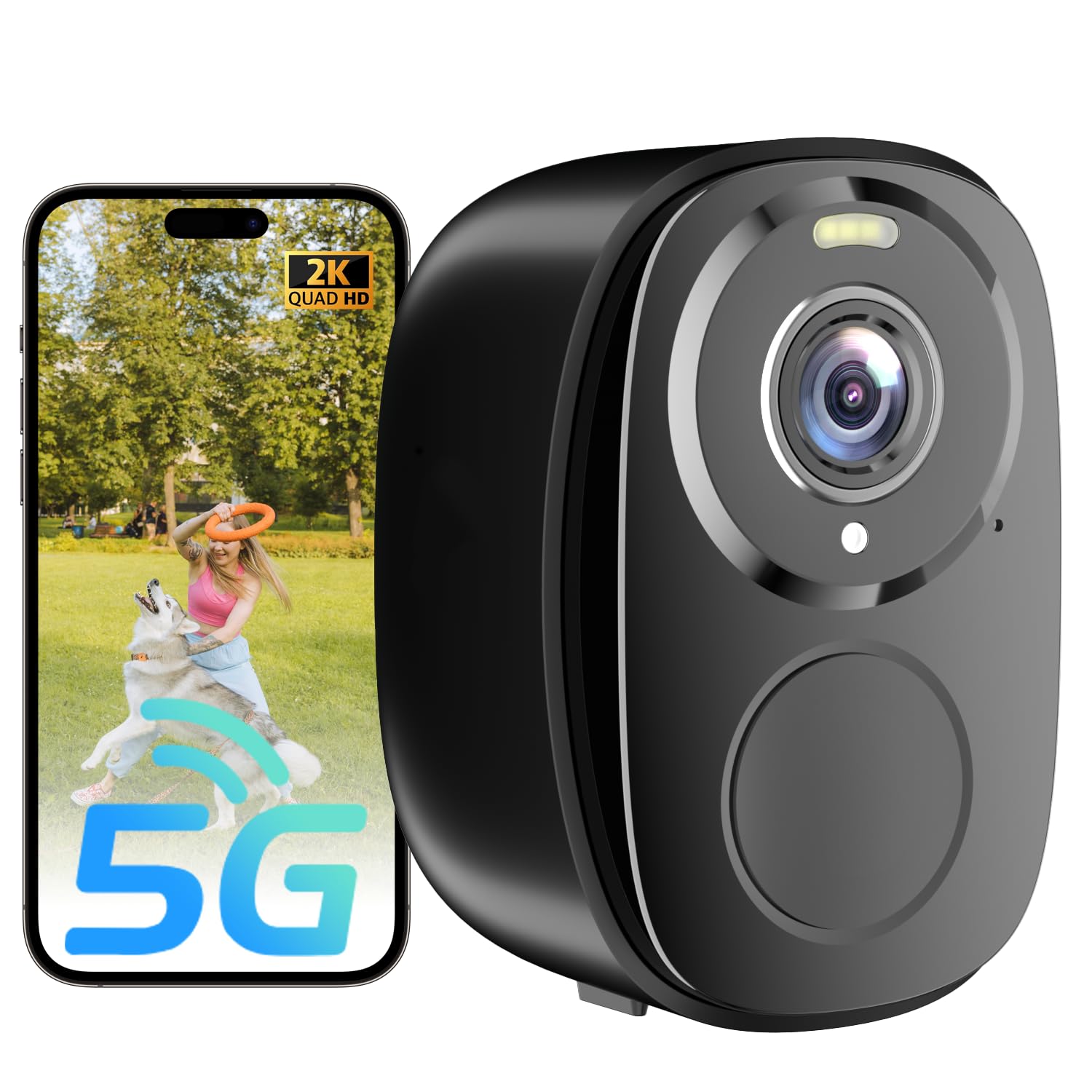
Image: The ELECCTV W1 camera, USB charging cable, mounting bag with screws, and user manual are shown on a white surface.
2. Pobieranie aplikacji i rejestracja konta
Pobierz O-KAM Pro app from your device's app store (iOS/Android). Register for a new account or log in if you already have one.
3. Camera Connection to WiFi
- Turn on the camera. You will hear a voice prompt indicating it's ready for connection. If no speech is heard, press the reset button for 4 seconds until the camera prompts "reset complete".
- Open the O-KAM Pro app and tap "+ Add" to add a new device.
- Follow the in-app instructions to connect the camera to your home WiFi network. Ensure your router supports both 2.4GHz and 5GHz bands, and select the appropriate band as instructed by the app.
- Once connected, you will see the live feed from your camera.

Image: The ELECCTV W1 camera demonstrating its dual-band 2.4GHz and 5GHz WiFi connectivity for stable performance.
Operating Your ELECCTV W1 Camera
1. Na żywo View i nagrywanie
Access the live 2K QHD video feed through the O-KAM Pro app. You can view foo w czasie rzeczywistymtage and initiate manual recordings.
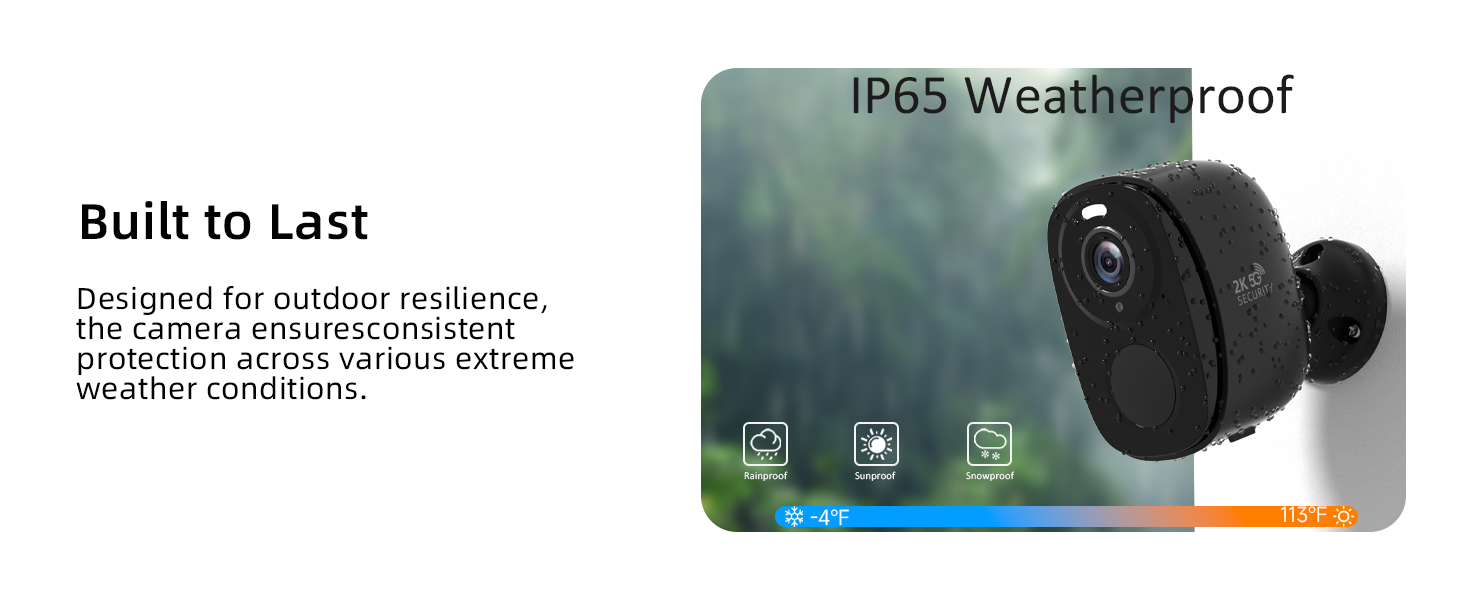
Image: A comparison showing the clear 2K QHD resolution of the ELECCTV W1 camera versus a standard 1080P camera.
2. Night Vision and Spotlight
The camera features color night vision for clear images even in low light. The built-in spotlight can be activated manually or automatically upon motion detection to deter intruders.

Image: Demonstrates the 2K QHD color night vision capability of the ELECCTV W1 camera, showing a wide 130-degree view with a spotlight illuminating a designated zone.
3. Dwukierunkowy dźwięk i syrena
Use the 2-way audio feature to communicate with visitors or deter unwanted guests. The app also allows you to trigger a siren or play custom alert sounds.

Image: Illustrates the two-way audio feature of the ELECCTV W1 camera, showing a user communicating with a delivery person.
4. Wykrywanie ruchu i alerty AI
The camera's AI motion detection can differentiate between people, animals, and vehicles, sending real-time alerts to your phone. You can customize detection areas to minimize false alarms.

Image: Shows the AI motion detection feature of the ELECCTV W1 camera, highlighting how it detects movement and sends real-time notifications to a smartphone, with a spotlight and siren option.

Image: Demonstrates the AI bird identification feature of the ELECCTV W1 camera, showing a bird being identified with an alarm trigger option.
5. Opcje przechowywania
The camera offers free 1-day rolling cloud storage for life. For extended storage, you can insert a Micro SD card (up to 256GB, not included).

Image: Details the storage options for the ELECCTV W1 camera, including free 1-day rolling cloud storage and support for up to 256GB Micro SD card.
Konserwacja
1. Ładowanie baterii
The camera's rechargeable battery can last 1-3 months depending on usage and power-saving settings. Recharge using the provided USB cable when the battery indicator is low.
2. Odporność na warunki atmosferyczne
The ELECCTV W1 camera is IP65 waterproof, ensuring reliable operation in various weather conditions including rain, sun, and snow.

Image: Highlights the 100% wire-free and IP65 waterproof design of the ELECCTV W1 camera, showing its resilience to rain, sun, and snow across a wide temperature range.
Rozwiązywanie problemów
1. Problemy z połączeniem
If the camera fails to connect or loses connection, ensure your WiFi network is stable and the camera is within range. Verify that you are connected to a 2.4GHz or 5GHz network as supported. Try resetting the camera by pressing the reset button for 4 seconds.
2. Fałszywe alerty ruchu
Adjust the motion detection sensitivity and customize the detection zones within the O-KAM Pro app to reduce unwanted alerts from non-human movements.
3. Problemy z żywotnością baterii
Optimize power-saving modes in the app to extend battery life. Frequent motion detection and live viewing can deplete the battery faster.
Specyfikacja produktu
| Funkcja | Szczegół |
|---|---|
| Nazwa modelu | W1 |
| Zastosowanie wewnątrz/na zewnątrz | Wewnątrz, Na zewnątrz |
| Technologia łączności | Wireless (2.4G, 5G, Wi-Fi, Bluetooth) |
| Źródło zasilania | Zasilany bateryjnie (w zestawie 2 baterie AA) |
| Rozdzielczość przechwytywania wideo | 2K QHD |
| Viewing kąt | 130 stopni |
| Poziom wodoodporności | Wodoodporność (IP65) |
| Cechy specjalne | 2.4/5Ghz, 2-Way Audio, 2K QHD Resolution, Color Night Vision, Local Recording, Built-In Light, Motion Sensor, Portable, AI Motion Detection, AI Bird Recognition (subscription required) |
| Typ kontrolera | Amazon Alexa, OKM PRO APP |
| Składowanie | Free 1-day rolling cloud storage, Micro SD card (up to 256GB, not included) |
| Wymiary produktu | 1 x 1 x 1 cala |
| Waga przedmiotu | 0.634 uncji |
Gwarancja i wsparcie
Informacje o gwarancji
Please refer to the product packaging or the official ELECCTV website for detailed warranty information. Standard return policies apply as per purchase terms.
Obsługa klienta
For any technical assistance or inquiries, please contact ELECCTV customer support through their official channels. The O-KAM Pro app also provides support resources.