
1. Wprowadzenie
This manual provides detailed instructions for the setup, operation, customization, and maintenance of your Xtrike Me GM314 RGB Gaming Mouse. Please read this manual thoroughly before using the product to ensure optimal performance and longevity.
The Xtrike Me GM314 is a wired gaming mouse featuring a 7200 DPI optical sensor, 7 programmable buttons, and customizable RGB lighting, designed for personal computer use.
2. Koniec produktuview
Familiarize yourself with the components of your Xtrike Me GM314 RGB Gaming Mouse.
Rysunek 2.1: Góra view of the GM314 Gaming Mouse.

Rysunek 2.2: Kątowy view showing scroll wheel and DPI buttons.
The mouse features a comfortable design with a textured grip on the sides. It includes a scroll wheel, left and right click buttons, two DPI adjustment buttons, and two side buttons for enhanced functionality.
3. Konfiguracja
3.1. Zawartość opakowania
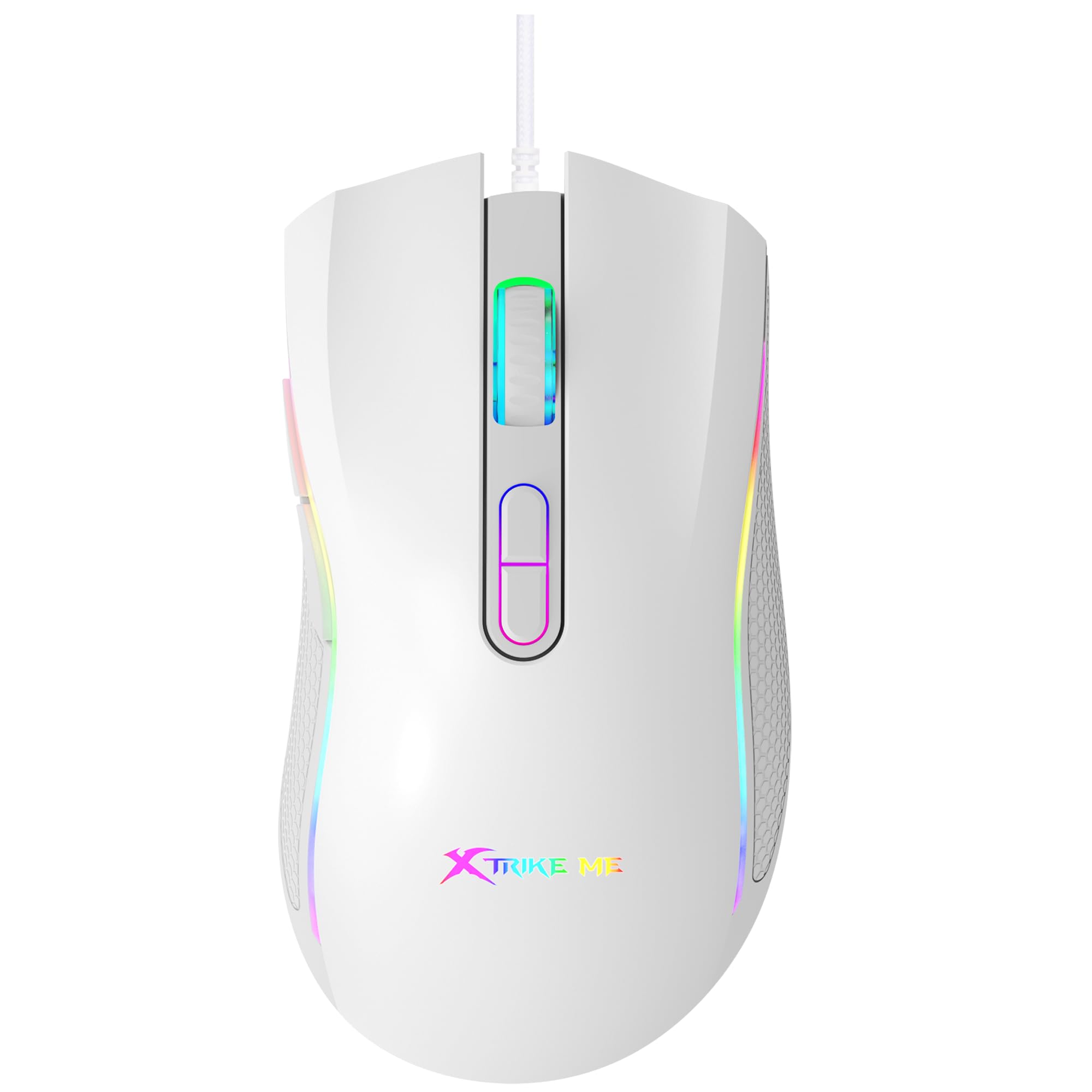
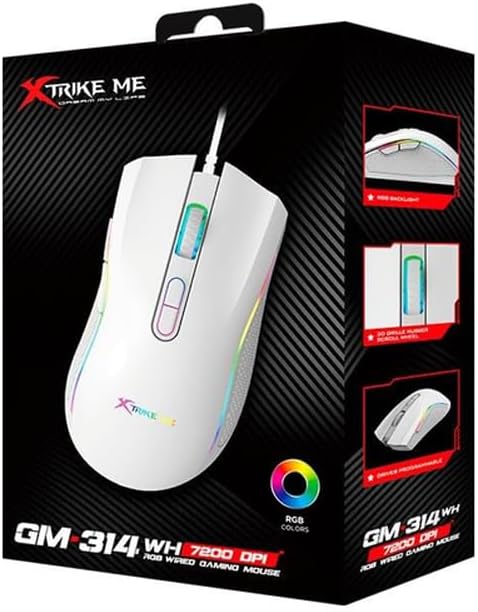
Figure 3.1: GM314 Product Packaging.
Upewnij się, że w przesyłce znajdują się następujące elementy:
- Mysz gamingowa Xtrike Me GM314 RGB
- Instrukcja obsługi (ten dokument)
- Driver Software (if provided on disc or download link)
3.2. Podłączanie myszy
- Locate an available USB port on your personal computer.
- Plug the USB connector of the GM314 mouse into the USB port.
- System operacyjny automatycznie wykryje i zainstaluje niezbędne sterowniki. Może to potrwać chwilę.
- Po zainstalowaniu mysz będzie gotowa do podstawowego użytku.
3.3. Instalacja oprogramowania sterownika
For full customization of programmable buttons and RGB lighting, install the dedicated driver software.
- If a driver disc is included, insert it into your computer's optical drive and follow the on-screen instructions.
- Alternatively, download the latest driver software from the official Xtrike Me webwitryna (patrz opakowanie produktu lub producent) website for the correct URL).
- Uruchom instalator i postępuj zgodnie z instrukcjami, aby dokończyć instalację.
- Jeśli zostaniesz o to poproszony, uruchom ponownie komputer.
4. Instrukcja obsługi
4.1. Funkcje podstawowe
- Lewy przycisk myszy: Podstawowa akcja: selekcja.
- Kliknij prawym przyciskiem myszy: Menu kontekstowe, akcja drugorzędna.
- Kółko przewijania: Scroll up/down, middle click for universal scroll or other assigned functions.
4.2. Regulacja DPI
The GM314 mouse features adjustable DPI (Dots Per Inch) settings, allowing you to change cursor sensitivity on the fly. The available DPI levels are 1200, 2400, 4800, and 7200.
Figure 4.1: DPI Adjustment Buttons.
- Naciśnij Przycisk DPI+ (usually the forward button behind the scroll wheel) to increase DPI.
- Naciśnij Przycisk DPI (usually the rear button behind the scroll wheel) to decrease DPI.
- The RGB lighting may change color to indicate the current DPI setting (refer to driver software for specific color assignments).
4.3. Przyciski boczne
The GM314 includes two side buttons, typically located on the left side of the mouse.
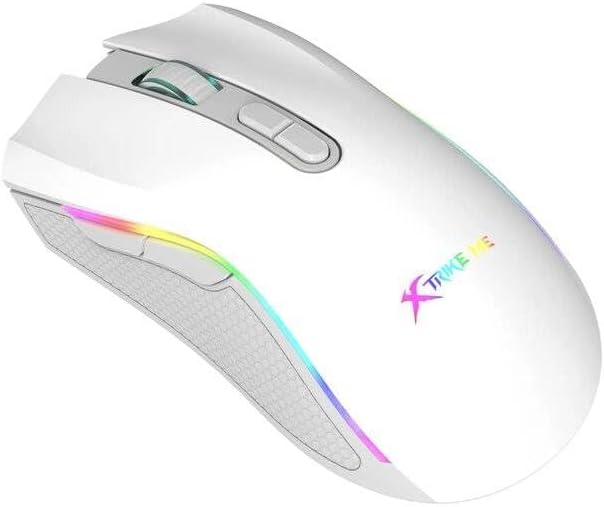
Figure 4.2: Side Buttons.
By default, these buttons often function as 'Forward' and 'Back' in web przeglądarki lub file explorers. Their functions can be customized using the driver software.
5. Personalizacja
The Xtrike Me GM314 mouse offers extensive customization options through its dedicated driver software. This includes:
- Programowanie przycisków: Assign custom functions, macros, or key combinations to any of the 7 programmable buttons.
- Ustawienia DPI: Fine-tune DPI levels and assign specific colors to each level for visual identification.
- Oświetlenie RGB: Choose from various lighting effects, colors, and brightness levels for the mouse's RGB backlight.
- Częstotliwość sondowania: Adjust the data transmission rate (e.g., 125 Hz) for responsiveness.
- Zawodowiecfiles: Utwórz i zapisz wiele profiles for different games or applications, allowing quick switching between settings.
Refer to the driver software's built-in help or interface for detailed instructions on using these customization features.
6. Konserwacja
Właściwa konserwacja gwarantuje długowieczność i wydajność myszy do gier.
- Czyszczenie: Do przecierania powierzchni myszy użyj miękkiej, suchej ściereczki. W przypadku uporczywych zabrudzeń delikatnie przetrzyjampPrzetrzyj ściereczkę wodą lub delikatnym środkiem czyszczącym. Unikaj silnych środków chemicznych.
- Pielęgnacja czujnika: Utrzymuj czujnik optyczny na spodzie myszy w czystości i bez kurzu i zanieczyszczeń. W razie potrzeby użyj wacika.
- Zarządzanie kablami: Avoid sharp bends or excessive pulling on the USB cable. Store the mouse in a way that prevents cable damage. The cable includes a magnetic ring for improved signal stability.
- Składowanie: Jeśli mysz nie będzie używana przez dłuższy czas, należy ją przechowywać w czystym i suchym miejscu.
7. Rozwiązywanie Problemów
If you encounter issues with your GM314 gaming mouse, refer to the following common solutions:
| Problem | Rozwiązanie |
|---|---|
| Mysz nie reaguje |
|
| Ruch kursora jest nieregularny lub skokowy |
|
| DPI or RGB settings not changing |
|
| Programowalne przyciski nie działają |
|
8. Specyfikacje
| Funkcja | Szczegół |
|---|---|
| Nazwa modelu | GM314 |
| Technologia wykrywania ruchu | Optyczny |
| Ustawienia DPI | 1200 / 2400 / 4800 / 7200 |
| Liczba przycisków | 7 (Programowalne) |
| Żywotność przycisku | 3 milionów kliknięć |
| Podświetlenie | RGB |
| Szybkość transmisji danych | 125 Hz |
| Technologia łączności | USB (przewodowy) |
| Długość kabla | 1.5 meters (with magnetic ring) |
| Kompatybilne urządzenia | Komputer osobisty |
| Waga przedmiotu | 104 gramów |
| Kolor | Biały |
9. Gwarancja i wsparcie
The Xtrike Me GM314 RGB Gaming Mouse comes with a standard manufacturer's warranty. Please refer to the warranty card included in your product packaging or visit the official Xtrike Me webSzczegółowe warunki gwarancji można znaleźć na naszej stronie.
For technical support, driver downloads, or further assistance, please visit the official Xtrike Me support page or contact their customer service department. Contact information can typically be found on the product packaging or the manufacturer's webstrona.