
Wstęp
The SVBONY SX31 Night Vision Binoculars are designed for observing objects in low light or complete darkness. Featuring 4K video recording, 36MP photo capture, 8X digital zoom, and a 4.3-inch display, this device is suitable for various outdoor activities such as night hunting, patrol detection, camping, and wildlife observation. This manual provides detailed instructions for proper use and maintenance of your device.

The SVBONY SX31 Night Vision Binoculars allow for clear observation of nighttime details.
Zawartość opakowania
Po rozpakowaniu należy sprawdzić zawartość opakowania, aby upewnić się, że znajdują się w nim wszystkie elementy:
- 1x SVBONY SX31 Night Vision Binoculars
- 1x kabel USB
- 1x pasek na szyję
- 1x ściereczka czyszcząca
- 1x Instrukcja obsługi
- 1x karta TF 32 GB

All items included in the SVBONY SX31 Night Vision Binoculars package.
Cechy produktu
- 7-Level Infrared Illumination: Adjustable 3W 850nm infrared spotlight allows clear viewing of animals up to 250m in complete darkness.
- Przechwytywanie w wysokiej rozdzielczości: Record 4K, FHD, or HD videos and capture up to 36-megapixel photos day or night.
- 3.2-calowy wyświetlacz TFT HD: Features 15 levels of brightness adjustment for comfortable vieww różnych warunkach oświetleniowych.
- 8-krotny zoom cyfrowy: Easily observe distant targets and capture fine details.
- Akumulator: Integrated 5000mAh lithium battery provides up to 14 hours of operation. Type-C charging interface is compatible with most power banks.
- Możliwość rozbudowy pamięci masowej: Includes a 32GB TF card, expandable up to 128GB.
- Trwała konstrukcja: Made with silicone material for enhanced durability and water resistance.

Large 3.2-inch TFT LCD screen with 15 brightness levels.

8X digital zoom for detailed observation.
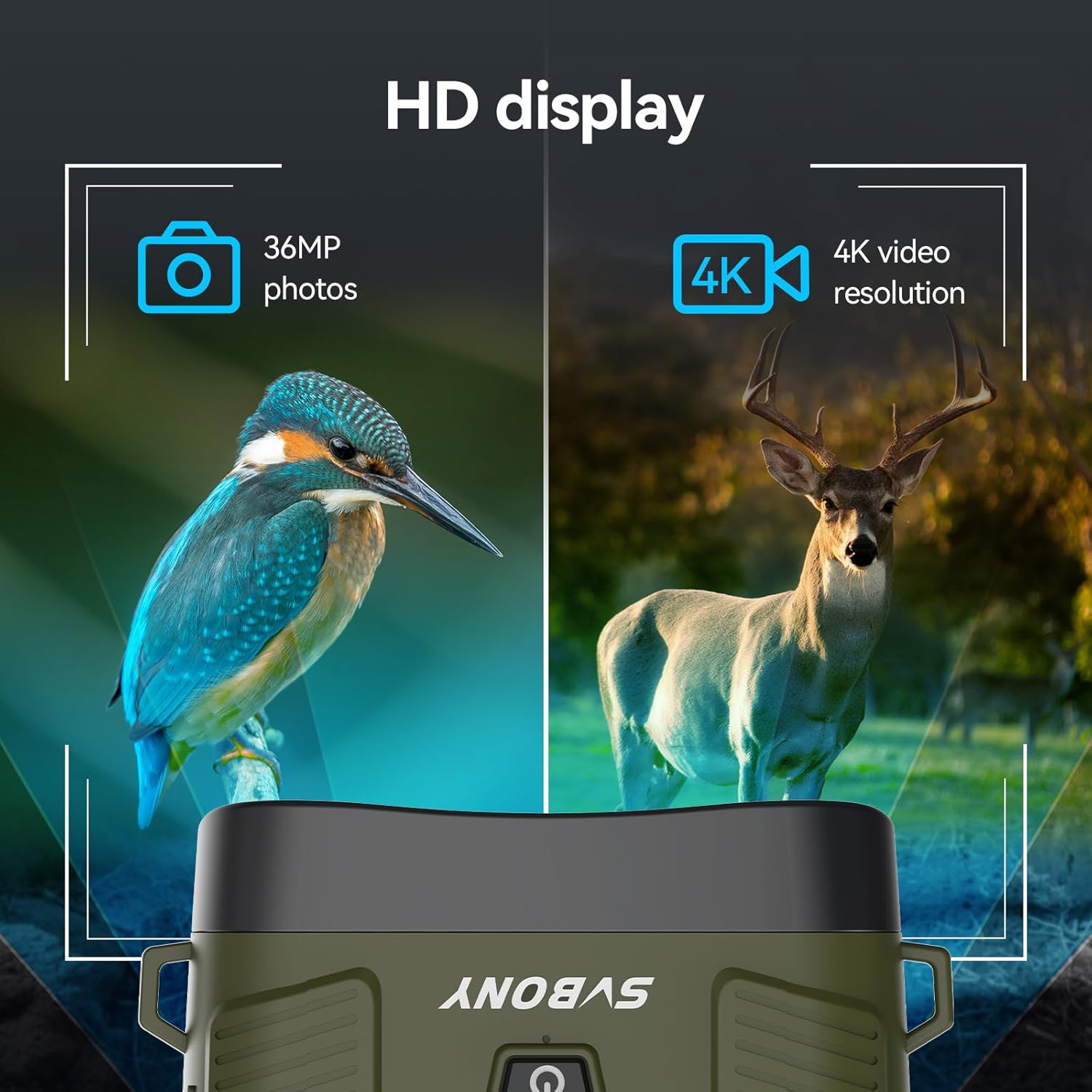
Capture 36MP photos and 4K HD videos.

Długotrwały akumulator o pojemności 5000 mAh.

Adjustable 7-level 3W 850nm infrared illumination.
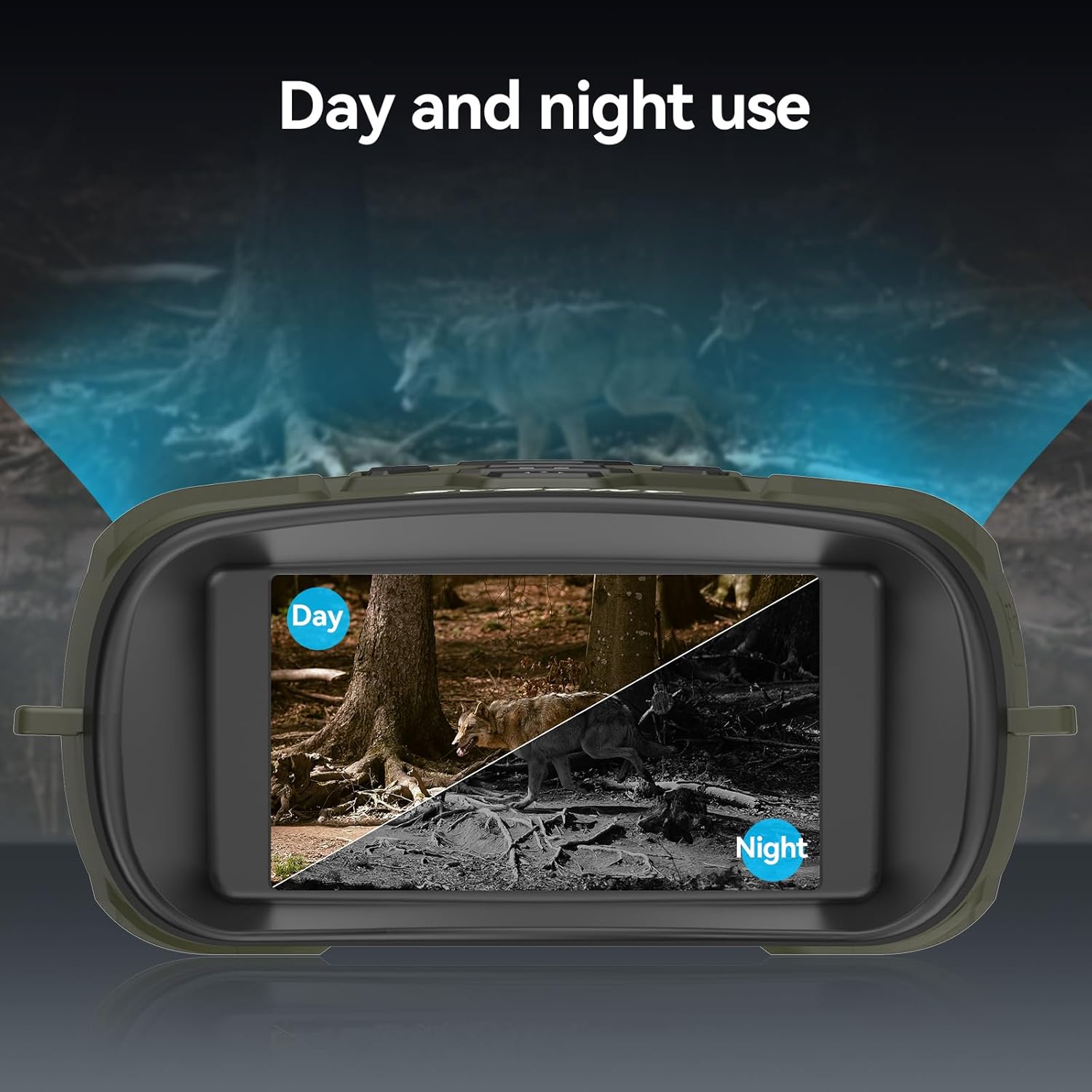
Versatile for both day and night use.

Szerokie pole view with 10° lens angle and 25mm aperture.

Effective observation distance up to 300m (984ft).

Durable silicone material for water resistance.
Organizować coś
1. Ładowanie urządzenia
Before first use, fully charge the built-in 5000mAh lithium battery. Connect the provided USB Type-C cable to the device's charging port and the other end to a compatible USB power source (e.g., wall adapter, power bank, computer USB port). The charging indicator will show the charging status.
2. Wkładanie karty TF
Locate the TF card slot on the side of the device. Insert the included 32GB TF card (or an optional card up to 128GB) into the slot until it clicks into place. Ensure the card is inserted in the correct orientation to avoid damage.

Insert the TF card and connect the device for data transfer or charging.
3. Włączanie/wyłączanie zasilania
To power on the device, press and hold the power button (usually marked with a power symbol) for a few seconds until the display illuminates. To power off, press and hold the power button again until the display turns off.
Instrukcja obsługi
1. Nawigacja po menu
Use the 'MENU' button to access the device settings. Navigate through options using the directional buttons (up/down/left/right) and confirm selections with the 'OK' or 'MODE' button. Refer to the on-screen menu for specific settings like resolution, date/time, and auto-power off.
2. Adjusting IR Levels
In night mode, press the 'IR' button to cycle through the 7 infrared intensity levels (IR1 to IR7). Adjust the IR level based on ambient light conditions and observation distance for optimal clarity. Higher IR levels provide brighter illumination but consume more battery.
3. Zoom cyfrowy
Use the zoom in (+) and zoom out (-) buttons to adjust the digital magnification from 1X to 8X. For stable viewing at higher zoom levels, consider using a tripod.
4. Robienie zdjęć i nagrywanie filmów
Press the 'MODE' button to switch between photo and video modes. In photo mode, press the 'Capture' button (often marked with a camera icon) to take a picture. In video mode, press the 'Capture' button to start recording, and press it again to stop. Recorded files are saved to the TF card.
5. Regulacja jasności wyświetlacza
Access the display settings through the menu to adjust the screen brightness. There are 15 levels of brightness. Lower brightness settings can help preserve your natural night vision and extend battery life.
6. Regulacja ostrości
Rotate the focus wheel located on the objective lens barrels to achieve a sharp image. Adjust until the target appears clear on the display.

Adjust the focus wheel for a clear image.
7. Tryb dzienny i nocny
The device automatically adapts to ambient light conditions. In sufficient light, it operates in full-color day mode. As light diminishes, it transitions to black-and-white night vision mode, utilizing the infrared illuminator.
Konserwacja
1. Czyszczenie
- Use the provided cleaning cloth to gently wipe the lenses. For stubborn smudges, use a lens cleaning solution specifically designed for optical surfaces.
- Wyczyść obudowę urządzenia miękką,amp szmatką. Unikaj silnych środków chemicznych i materiałów ściernych.
2. Pielęgnacja baterii
- Aby zachować sprawność baterii, należy regularnie ją ładować, nawet jeśli urządzenie nie jest używane często.
- Unikaj całkowitego rozładowania akumulatora na dłuższy czas.
3. Przechowywanie
- Przechowuj lornetkę w chłodnym i suchym miejscu, z dala od bezpośredniego światła słonecznego i ekstremalnych temperatur.
- Use the included storage bag to protect the device from dust and scratches.
Rozwiązywanie problemów
| Problem | Możliwa przyczyna | Rozwiązanie |
|---|---|---|
| Urządzenie nie włącza się. | Niski poziom naładowania baterii; przycisk zasilania nie został przytrzymany wystarczająco długo. | Naładuj baterię; naciśnij i przytrzymaj przycisk zasilania przez kilka sekund. |
| Obraz jest rozmazany. | Nieprawidłowa ostrość; Brudne soczewki. | Adjust the focus wheel; Clean the lenses with the provided cloth. |
| Nie można zapisywać zdjęć/filmów. | TF card full or not inserted correctly; Incorrect mode. | Check TF card insertion and available space; Ensure device is in photo/video mode. |
| 36MP photos appear corrupted. | Potential firmware bug. | Try a lower resolution setting for photos. Check SVBONY's webwitryna do aktualizacji oprogramowania układowego. |
| Wyświetlacz jest zbyt jasny w nocy. | Display brightness set too high. | Adjust the display brightness to a lower level via the menu settings. |
Specyfikacje
| Funkcja | Szczegół |
|---|---|
| Marka | SVBONY |
| Model | SX31 |
| Kolor | Zielony |
| Waga | 500 gram |
| Tworzywo | Guma |
| Maksymalne powiększenie | 8X (Digital Zoom) |
| Średnica obiektywu | 25 milimetrów |
| Promiennik podczerwieni | 3W 850nm, 7 levels adjustable |
| Wyświetlacz | 3.2-inch TFT HD, 15 levels brightness |
| Rozdzielczość zdjęcia | Do 36 MP |
| Rozdzielczość wideo | 4K, FHD, HD |
| Bateria | Wbudowany akumulator litowy 5000 mAh |
| Składowanie | 32GB TF card included, supports up to 128GB |
| Numer modelu | FCAFDB24010501 |
Gwarancja i wsparcie
For warranty information, technical support, or further inquiries, please refer to the official SVBONY weblub skontaktuj się bezpośrednio z obsługą klienta. Możesz również odwiedzić stronę Sklep SVBONY na Amazon for product updates and additional resources.
