
1. Wprowadzenie
Dziękujemy za zakupasing the AGPTEK A16 MP3 Player. This device is designed to provide a high-quality audio experience with its Bluetooth 5.3 connectivity and HIFI sound capabilities. It features a compact design, a built-in speaker, FM radio, voice recording, and expandable storage. This manual will guide you through the setup, operation, and maintenance of your new MP3 player.

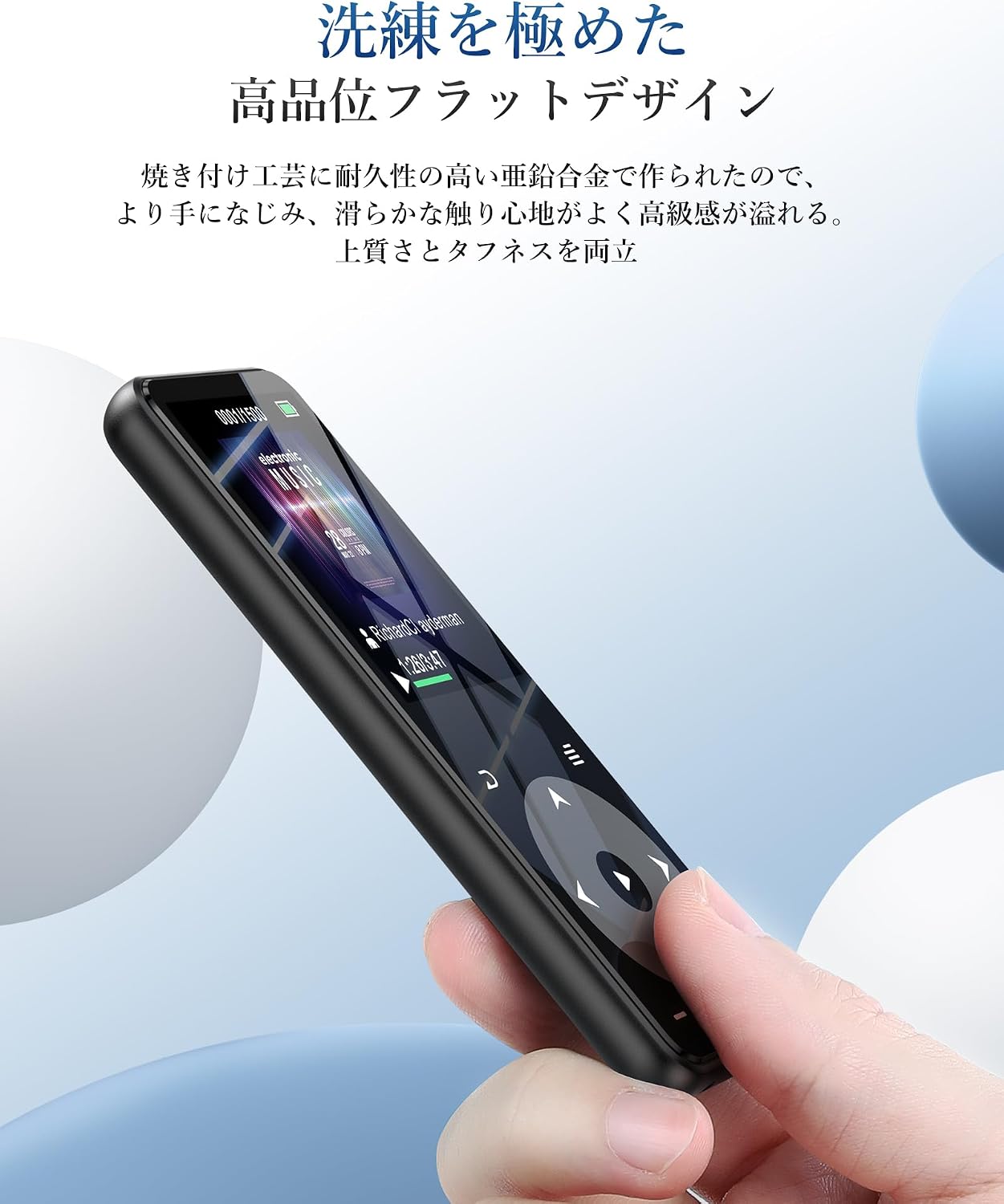
Figure 1.1: AGPTEK A16 MP3 Player
2. Koniec produktuview
2.1 Zawartość opakowania
- Odtwarzacz MP3 AGPTEK A16
- Kabel ładujący USB-C
- Słuchawki
- Opaska
- Instrukcja obsługi
2.2 Układ urządzenia
Familiarize yourself with the buttons and ports on your AGPTEK A16 MP3 Player.

Rycina 2.1: Przód view of the player showing the screen and touch controls.

Rysunek 2.2: Strona view of the player, indicating physical buttons and ports.
- Przycisk zasilania: Naciśnij i przytrzymaj, aby włączyć/wyłączyć. Naciśnij krótko, aby zablokować/odblokować ekran.
- Przyciski głośności (+/-): Dostosuj głośność.
- Sterowanie dotykowe: Navigate menus, play/pause, skip tracks. These buttons illuminate for easy use.
- Port USB-C: Do ładowania i przesyłania danych.
- Gniazdo audio 3.5 mm: For wired earphones or external speakers.
- Gniazdo kart microSD: Do rozszerzania pamięci masowej.
- Wbudowany głośnik: For audio playback without external devices.
3. Konfiguracja
3.1 Ładowanie urządzenia
Before first use, fully charge the MP3 player. Connect the provided USB-C cable to the player's USB-C port and the other end to a USB power adapter (not included) or a computer's USB port. The battery indicator on the screen will show charging status. A full charge typically takes approximately 2 hours.
Rysunek 3.1: Wydajność baterii w ciąguview. Up to 10 hours via Bluetooth, up to 40 hours with wired earphones, and approximately 2 hours for a full charge.
3.2 Przesyłanie muzyki i Files
Przenieść files, connect the MP3 player to your computer using the USB-C cable. The player will appear as a removable disk. You can then drag and drop music files (MP3, WMA, APE, FLAC, WAV, DRM, ACELP, OGG, AAC-LC), videos (AMV), images (JPG, JPEG, BMP), and text files (TXT) into the appropriate folders on the device.
3.3 Wkładanie karty MicroSD
The device has 16GB of internal storage and supports MicroSD cards up to 128GB. To expand storage, gently insert a MicroSD card into the card slot until it clicks into place. Ensure the card is inserted in the correct orientation.
3.4 Podłączanie urządzeń Bluetooth
The A16 MP3 player features Bluetooth 5.3 for stable and fast wireless connections. To pair with Bluetooth headphones or speakers:
- Turn on the MP3 player and navigate to the Bluetooth menu.
- Enable Bluetooth on the player.
- Przełącz słuchawki lub głośnik Bluetooth w tryb parowania.
- On the MP3 player, select 'Szukaj devices' and choose your device from the list.
- Once paired, the device will connect automatically in the future.

Figure 3.2: The player supports Bluetooth 5.3 for connecting to wireless earphones, headphones, and speakers.
4. Instrukcja obsługi
4.1 Odtwarzanie muzyki
From the main menu, select 'Music'. You can browse your music by artist, album, genre, or all songs. Use the touch controls to play, pause, skip tracks, and adjust volume. The player supports HIFI lossless sound quality for an immersive audio experience.

Figure 4.1: The player features HIFI ultra-high sound quality with a DSP chip for effective noise reduction.
4.2 Radio FM
To use the FM radio function, connect wired earphones to the 3.5mm audio jack; they act as the antenna. Navigate to the 'FM Radio' option from the main menu. You can perform an automatic search for stations or manually tune to frequencies between 76.0-108MHz.

Figure 4.2: The player's FM radio function, requiring wired earphones as an antenna.
4.3 Nagrywanie głosu
The A16 MP3 player includes a voice recording function. Select 'Recorder' from the main menu to start, pause, and save recordings. You can also connect external audio sources like a smartphone or CD player via a line-in cable (sold separately) for direct recording.

Figure 4.3: The player's voice recording feature, including direct recording from external devices.
4.4 Przycisk blokady
To prevent accidental operations during use, especially when carrying the player, short press the power button to lock the screen and controls. Repeat the action to unlock.
4.5 Inne funkcje
The AGPTEK A16 also offers additional features:
- Krokomierz: Track your steps during exercise.
- E-book: Przeczytaj tekst files na urządzeniu.
- Odtwarzanie wideo: View AMV format videos.
- Wbudowany głośnik: Enjoy music without earphones.

Figure 4.4: The player's built-in speaker allows for cable-free audio playback.
5. Konserwacja
5.1 Czyszczenie
Przetrzyj urządzenie miękką, suchą ściereczką. Nie używaj płynnych środków czyszczących ani materiałów ściernych, ponieważ mogą one uszkodzić ekran lubasing.
5.2 Pielęgnacja baterii
Aby przedłużyć żywotność baterii, unikaj częstego całkowitego rozładowywania baterii. Regularnie ładuj urządzenie, nawet jeśli nie jest używane przez dłuższy czas. Przechowuj urządzenie w chłodnym, suchym miejscu.
6. Rozwiązywanie Problemów
- Urządzenie się nie włącza: Ensure the battery is charged. Connect to a power source and try again. If unresponsive, try holding the power button for 10-15 seconds for a hard reset.
- Nie można połączyć się przez Bluetooth: Ensure both the MP3 player and the Bluetooth device are in pairing mode and within range. Check if other Bluetooth devices are interfering. Try unpairing and re-pairing the devices.
- Brak dźwięku: Check the volume level. Ensure earphones are properly connected or Bluetooth device is paired and connected. If using FM radio, ensure wired earphones are plugged in as an antenna.
- Files nie pojawia się: Zapewnić files are in supported formats (MP3, WMA, etc.) and transferred to the correct folders. Disconnect and reconnect the player to your computer.
- Ekran nie reaguje: If the screen is locked, short press the power button to unlock. If still unresponsive, perform a hard reset by holding the power button.
7. Specyfikacje
| Funkcja | Specyfikacja |
|---|---|
| Marka | Talkie |
| Numer modelu | A16 |
| Pojemność pamięci masowej | 16 GB (expandable up to 128 GB via microSD card) |
| Technologia łączności | Bluetooth 5.3 |
| Rozmiar ekranu | 1.8 Inches (TFT Display) |
| Obsługiwane typy mediów | Karta micro sd |
| Obsługiwane formaty audio | MP3, WMA, APE, FLAC, WAV, DRM, ACELP, OGG, AAC-LC |
| Obsługiwane formaty wideo | AMV |
| Obsługiwane formaty obrazu | JPG, JPEG, BMP |
| Obsługiwane formaty tekstu | Tekst |
| Czas pracy baterii (odtwarzanie muzyki) | Up to 40 hours (wired earphones), Up to 10 hours (Bluetooth) |
| Czas ładowania | Około 2 godzin |
| Kolor | Czarny |
| Cechy specjalne | Bluetooth, HIFI Sound, Voice Recorder, FM Radio, Built-in Speaker, Pedometer, E-book, Lock Button |
8. Gwarancja i wsparcie
8.1 Informacje o gwarancji
This AGPTEK A16 MP3 Player comes with a 180-day warranty from the date of purchase. This warranty covers manufacturing defects. Please retain your proof of purchase for warranty claims. The warranty does not cover damage caused by misuse, accidents, unauthorized repairs, or normal wear and tear.
8.2 Obsługa klienta
For technical assistance, troubleshooting, or warranty inquiries, please contact AGPTEK customer support through the retailer where you purchased the product or visit the official AGPTEK webwitryna do informacji kontaktowych.