
1. Wprowadzenie
This manual provides detailed instructions for the Varmilo Sword68 Sakura 65% Hotswap Wireless RGB Mechanical Keyboard. Please read this manual thoroughly before using the product to ensure proper operation and to maximize its lifespan. This keyboard features a full 6063 aluminum CNC case, multiple connectivity options, hot-swappable switches, and customizable RGB lighting.
2. Informacje dotyczące bezpieczeństwa
- Aby zapobiec uszkodzeniom klawiatury, należy chronić ją przed płynami i nadmierną wilgocią.
- Unikaj narażania klawiatury na działanie ekstremalnych temperatur.
- Nie należy podejmować prób rozmontowania lub modyfikacji klawiatury, gdyż może to spowodować unieważnienie gwarancji i uszkodzenia.
- Do ładowania i przewodowego połączenia należy używać wyłącznie dołączonego kabla USB-C.
- Przechowywać w miejscu niedostępnym dla dzieci.
3. Zawartość opakowania
Sprawdź, czy w opakowaniu znajdują się wszystkie elementy:
- Varmilo Sword68 Mechanical Keyboard
- Kabel USB-C
- Narzędzie do zdejmowania nakładek klawiszy (może być dołączone)
- Wyłącznik krańcowy (może być dołączony)
4. Konfiguracja
4.1 Pierwsze ładowanie
Before first use, connect the keyboard to a USB power source using the provided USB-C cable. The keyboard features a 4000mAh rechargeable battery. A full charge is recommended for optimal wireless performance.
4.2 Opcje łączności
The Varmilo Sword68 supports three connection modes:
- Przewodowy (USB-C): Connect the keyboard directly to your computer using the USB-C cable. The keyboard will automatically switch to wired mode.
- Bluetooth 5.0:
- Turn on the keyboard and switch to Bluetooth mode (refer to the keyboard's function keys for mode switching).
- Na swoim urządzeniu (komputerze, laptopie, smartfonie, tablecie) włącz Bluetooth i wyszukaj nowe urządzenia.
- Select 'Varmilo Sword68' from the list of available devices to pair.
- Łączność bezprzewodowa 2.4 GHz:
- Insert the 2.4 GHz USB receiver into an available USB port on your computer.
- Switch the keyboard to 2.4 GHz wireless mode (refer to the keyboard's function keys for mode switching). The keyboard should automatically connect to the receiver.
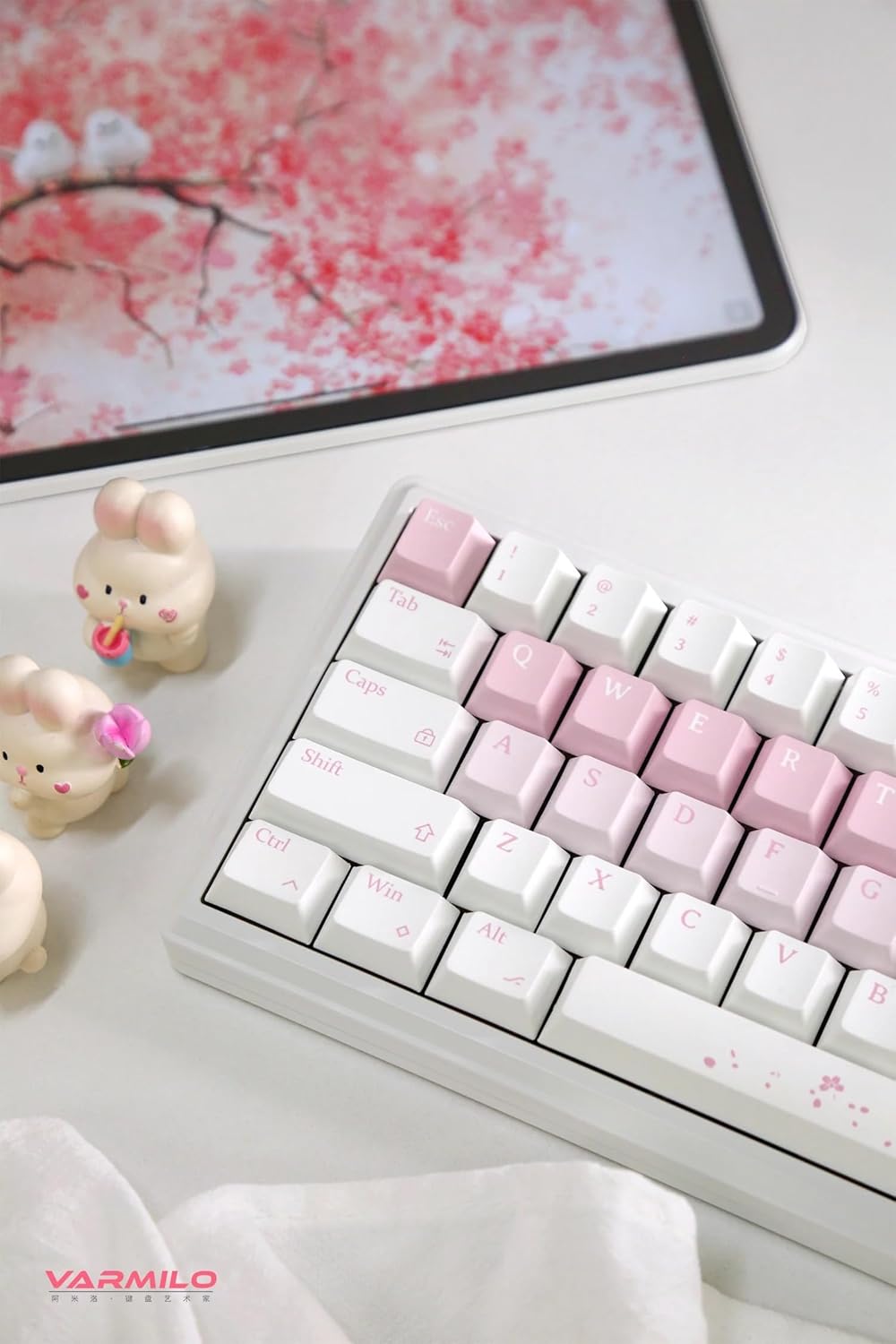
Image: The Varmilo Sword68 keyboard set up on a desk, demonstrating its compact size and aesthetic design alongside a tablet.
5. Obsługa
5.1 Podstawowe funkcje klawiatury
The Varmilo Sword68 functions as a standard 65% mechanical keyboard. All keys perform their labeled functions. For secondary functions (accessed via the Fn key), refer to the keycap legends or the custom software.

Obraz: szczegółowy view of the Varmilo Sword68 keyboard's right side, highlighting the white and pink keycaps and the Sakura-themed spacebar and escape key.
5.2 Podświetlenie RGB
The keyboard features RGB backlighting. Lighting effects and colors can be customized using the dedicated software. Refer to the software's instructions for detailed customization options.
5.3 Custom Layout Control
The Varmilo Sword68 supports custom layout control through its software. This allows users to remap keys, create macros, and personalize the keyboard's functionality to suit their workflow or gaming preferences.
5.4 Przełączniki z możliwością wymiany na gorąco
The PCB is hot-swappable, allowing users to change mechanical switches without soldering. This feature supports both plate mount and PCB mount stabilizers. To replace a switch:
- Gently remove the keycap using a keycap puller.
- Use a switch puller to carefully extract the switch from the PCB.
- Dopasuj piny nowego przełącznika do otworów w płytce drukowanej i mocno dociśnij, aż zatrzaśnie się na miejscu. Upewnij się, że piny nie są wygięte.

Obraz: Zbliżenie view of the Varmilo Sword68 keyboard, showcasing the arrangement of its white and pink keycaps and the decorative spacebar.
6. Konserwacja
6.1 Czyszczenie klawiatury
Aby zachować wygląd i funkcjonalność klawiatury:
- Przed czyszczeniem odłącz klawiaturę od wszystkich źródeł zasilania.
- Użyj miękkiej, niestrzępiącej się ściereczki, lekko wyczyśćampPrzetrzyj klawisze i obudowę wodą lub łagodnym środkiem czyszczącym.
- Do usuwania kurzu i zanieczyszczeń spomiędzy klawiszy należy użyć sprężonego powietrza lub małej szczotki.
- Unikaj stosowania silnych środków chemicznych i materiałów ściernych.
6.2 Pielęgnacja klawiszy i przełączników
The Double Shot ABS keycaps are durable. If removing keycaps or switches, do so gently to avoid damaging the components or the PCB.
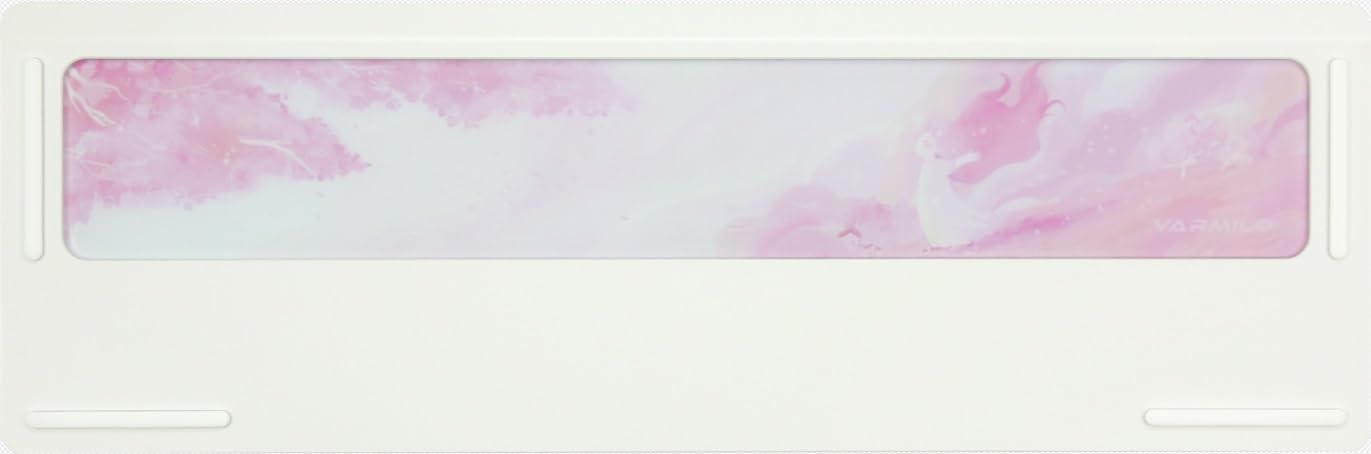
Image: The underside of the Varmilo Sword68 keyboard, revealing the frosted glass weight and rubber feet for stability.
7. Rozwiązywanie Problemów
- Klawiatura nie odpowiada: Ensure the USB-C cable is securely connected or that the wireless receiver is properly inserted and the keyboard is in the correct mode (wired, Bluetooth, 2.4 GHz). Check battery level if in wireless mode.
- Problemy z parowaniem Bluetooth: Ensure the keyboard is in pairing mode and your device's Bluetooth is enabled. Try removing previous pairings and re-pairing.
- Oświetlenie RGB nie działa: Check the software settings for RGB control. Ensure the keyboard is not in a low-power mode that disables lighting.
- Klucze nie są rejestrowane: For hot-swappable switches, ensure the switch is fully seated and its pins are not bent. Try replacing the switch if the issue persists.
- Intermittent wireless connection: Ensure the keyboard is within range of the receiver/device and there are no significant obstructions or interference sources.
8. Specyfikacje
| Marka | Warmilo |
| Model | Sword68 |
| ASIN | B0DMXL67WS |
| Technologia łączności | Bluetooth, USB typu C |
| Opis klawiatury | Mechaniczny |
| Cechy specjalne | Backlit, Hot-Swappable, Rechargeable |
| Obsługa kolorów podświetlenia klawiatury | RGB |
| Tworzywo | Aluminium, poliwęglan |
| Pojemność baterii | 4000mAh |
| Klawisze | Podwójny strzał ABS |
| Absorpcja dźwięku | 3x Poron foam, 2x PET foam, 1x IXPE foam |
| Materiał obudowy | 6063 Aluminum CNC with electrophoresis finish |
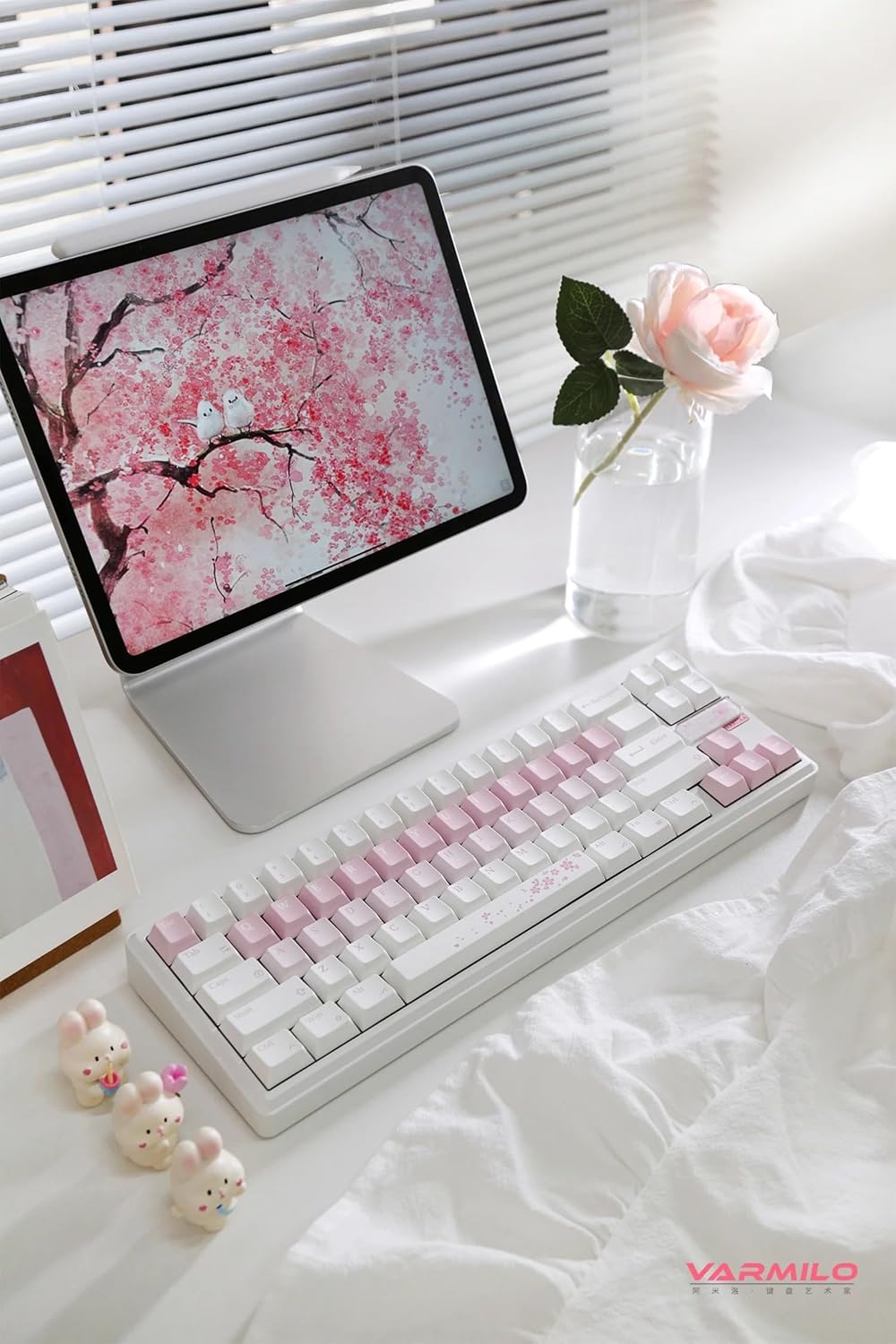
Obraz: Kompletny view of the Varmilo Sword68 keyboard in a desk setup, showcasindzięki eleganckiemu wzornictwu i kompaktowej formie.
9. Gwarancja i wsparcie
For warranty information, technical support, or service inquiries, please refer to the official Varmilo webOdwiedź witrynę lub skontaktuj się bezpośrednio z działem obsługi klienta. Zachowaj paragon zakupu na wypadek reklamacji.