1. Koniec produktuview
This transparent case is designed to provide comprehensive protection for your OPPO Reno 12F smartphone. Crafted from durable silicone material, it offers excellent resistance against wear and tear, while maintaining the original aesthetic of your device. Its design incorporates protective features to safeguard against drops and scratches.
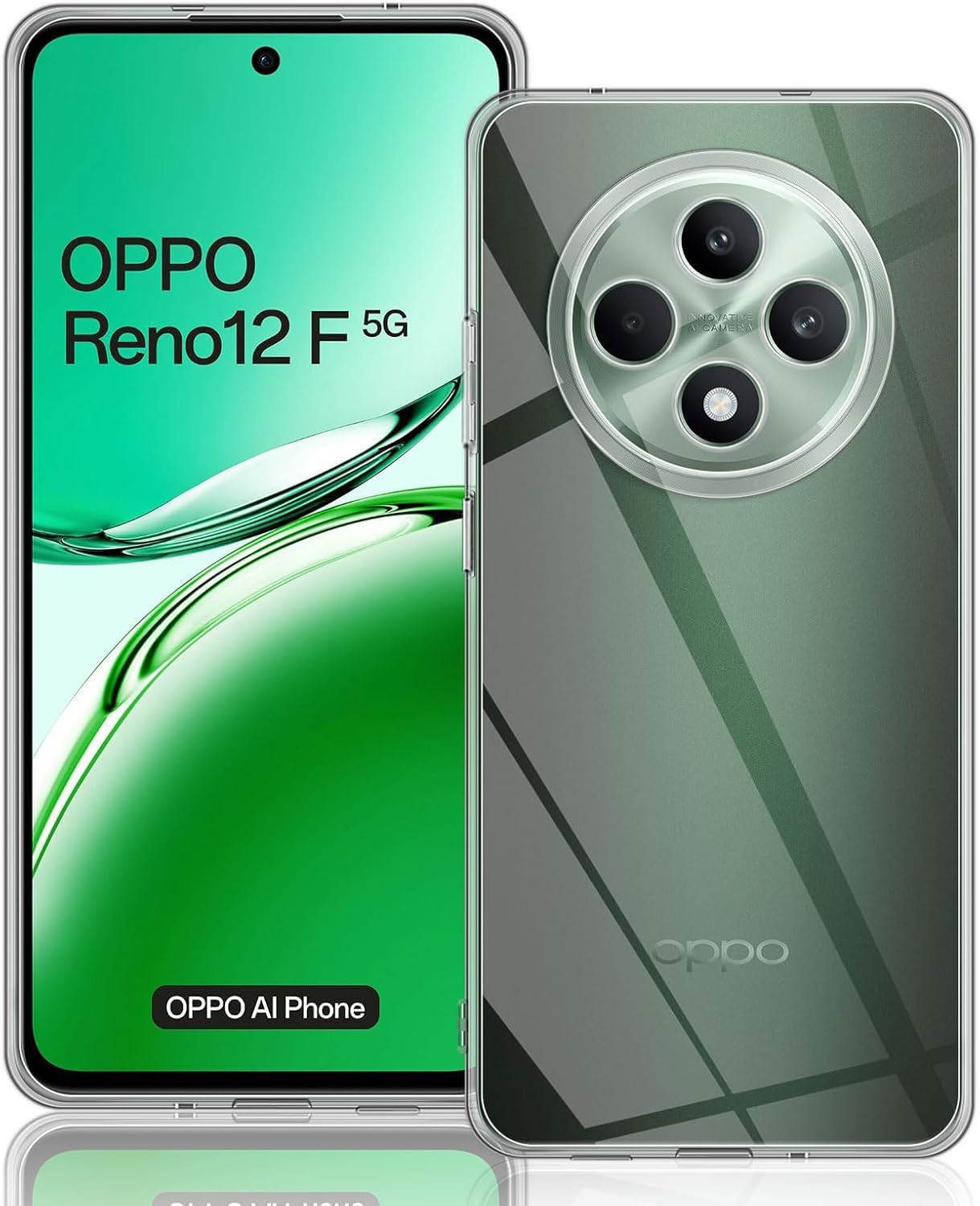
Image 1.1: The transparent case showcasing the OPPO Reno 12F phone.
Główne cechy:
- Perfectly Designed: Custom-fit for the OPPO Reno 12F, ensuring all ports and buttons are accessible.
- Full Camera Protection: Features a raised bezel around the camera module to prevent scratches and impacts.
- Ochrona przed upadkiem: Bumper design with shock absorption properties to mitigate damage from accidental drops.
- Odporny na zarysowania: Made from high-quality TPU material that resists scratches and abrasions.
- Przeciw żółknięciu: Engineered to resist yellowing over time, maintaining its crystal-clear appearance.
- Ultra-thin TPU Protection: Maintains a slim profile while offering robust protection.
2. Konfiguracja i instalacja
Follow these steps to correctly install the transparent case on your OPPO Reno 12F smartphone:
- Wyczyść swoje urządzenie: Before installation, ensure your OPPO Reno 12F is clean and free of dust, fingerprints, or smudges. Use a soft, lint-free cloth if necessary.
- Wyrównaj obudowę: Przytrzymaj etui tak, aby wycięcie na aparat było wyrównane z modułem aparatu w telefonie.
- Włóż jedną stronę: Gently insert one side of your phone into the case, starting with the top or bottom edge.
- Naciśnij mocno: Apply gentle pressure around the edges of the phone to snap the case into place. Ensure all corners are securely fitted.
- Sprawdź dopasowanie: Verify that the case is snugly fitted and that all buttons (power, volume) and ports (charging, headphone jack) are accessible and functional.
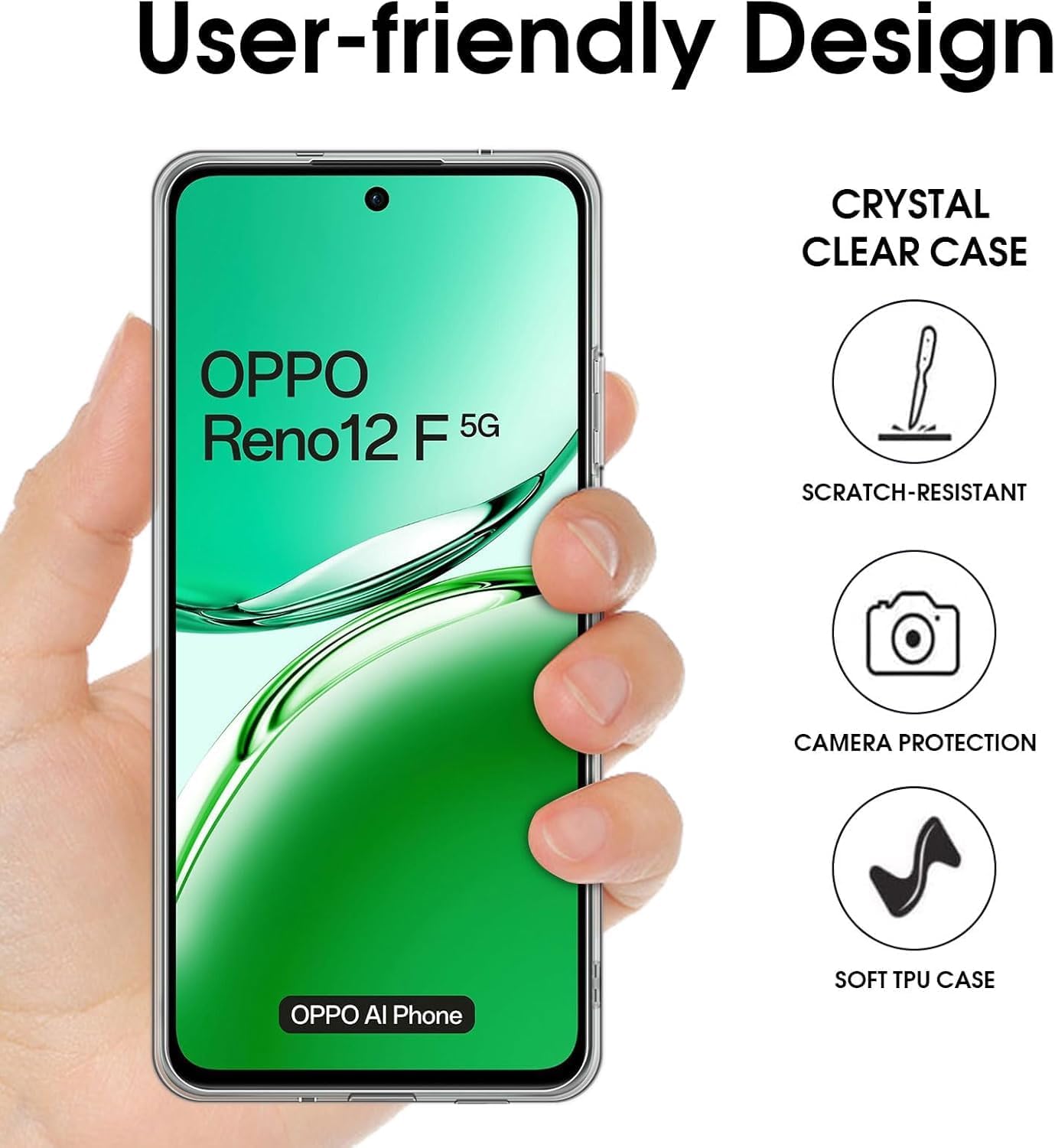
Image 2.1: Illustrates the user-friendly design and ease of installation of the case on the phone.
3. Obsługa i użytkowanie
Once installed, the transparent case provides continuous protection for your OPPO Reno 12F during daily use.
Protection Features in Use:
- Everyday Protection: The soft TPU material acts as a barrier against minor bumps, scratches, and abrasions from daily handling.
- Enhanced Drop Resistance: The integrated protective pads and bumper design help absorb shock from accidental drops, reducing the impact force on your device.
- Camera and Screen Safeguard: Raised edges around the camera and screen provide additional clearance when the phone is placed on flat surfaces, preventing direct contact and potential damage.
- Wyraźna widoczność: The crystal-clear design allows the original color and design of your OPPO Reno 12F to shine through without obstruction.
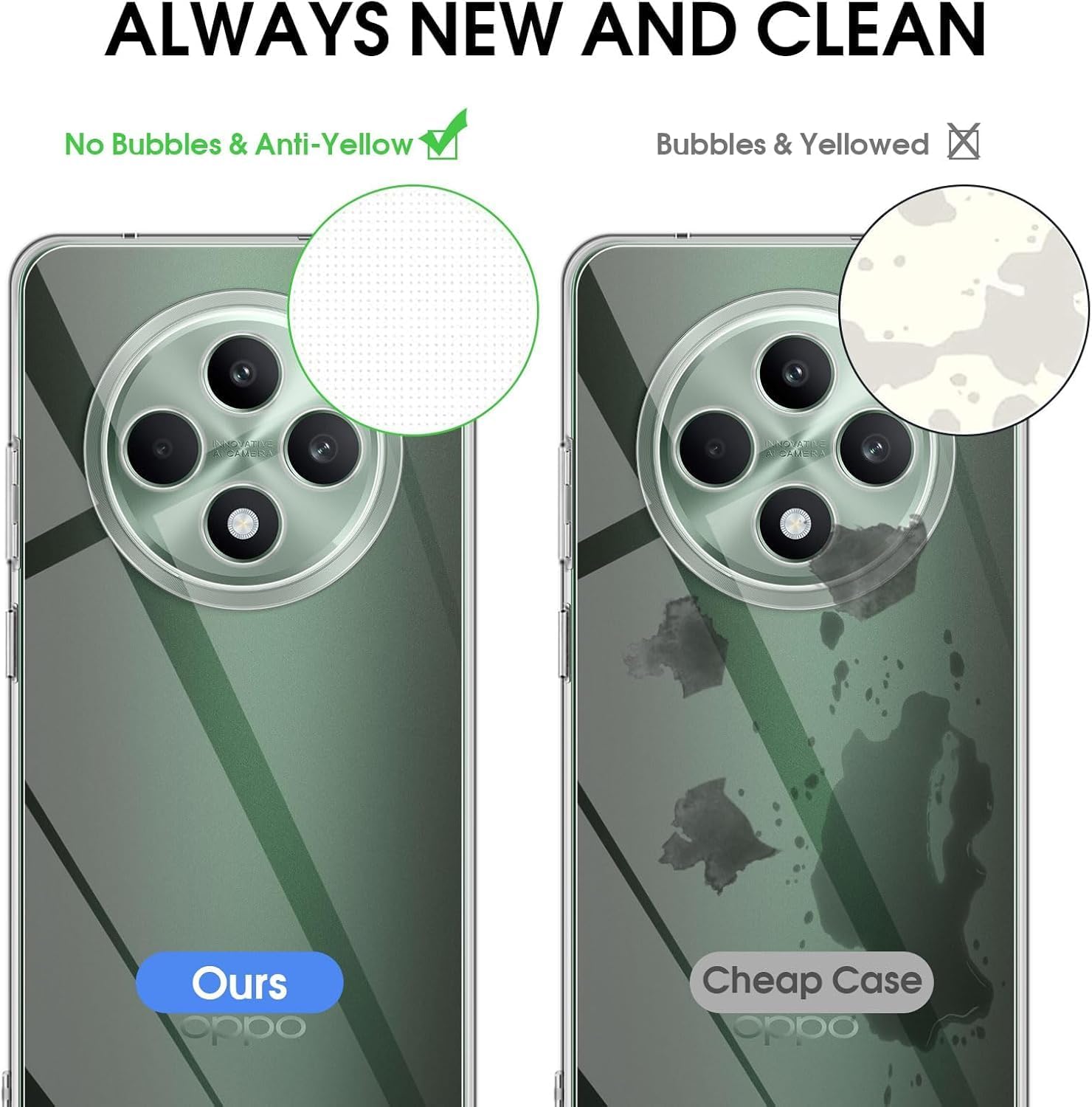
Image 3.1: Visual representation of the case's drop protection technology.

Image 3.2: The crystal-clear quality of the case, showcasing the phone's design.
4. Konserwacja i pielęgnacja
To ensure the longevity and clarity of your transparent case, follow these simple maintenance guidelines:
- Regularne czyszczenie: Okresowo przecieraj obudowę miękką szmatką.amp cloth to remove dust, dirt, and smudges. Avoid abrasive cleaners.
- Delikatne środki czyszczące: For stubborn marks, use a small amount of mild soap and water. Rinse thoroughly and dry completely before reattaching to your phone.
- Unikaj silnych środków chemicznych: Do not use strong chemical cleaners, alcohol, or solvents, as these can damage the material and cause discoloration.
- Zapobiegaj żółknięciu: The case is designed with anti-yellowing properties. To further prevent discoloration, avoid prolonged exposure to direct sunlight or extreme heat.
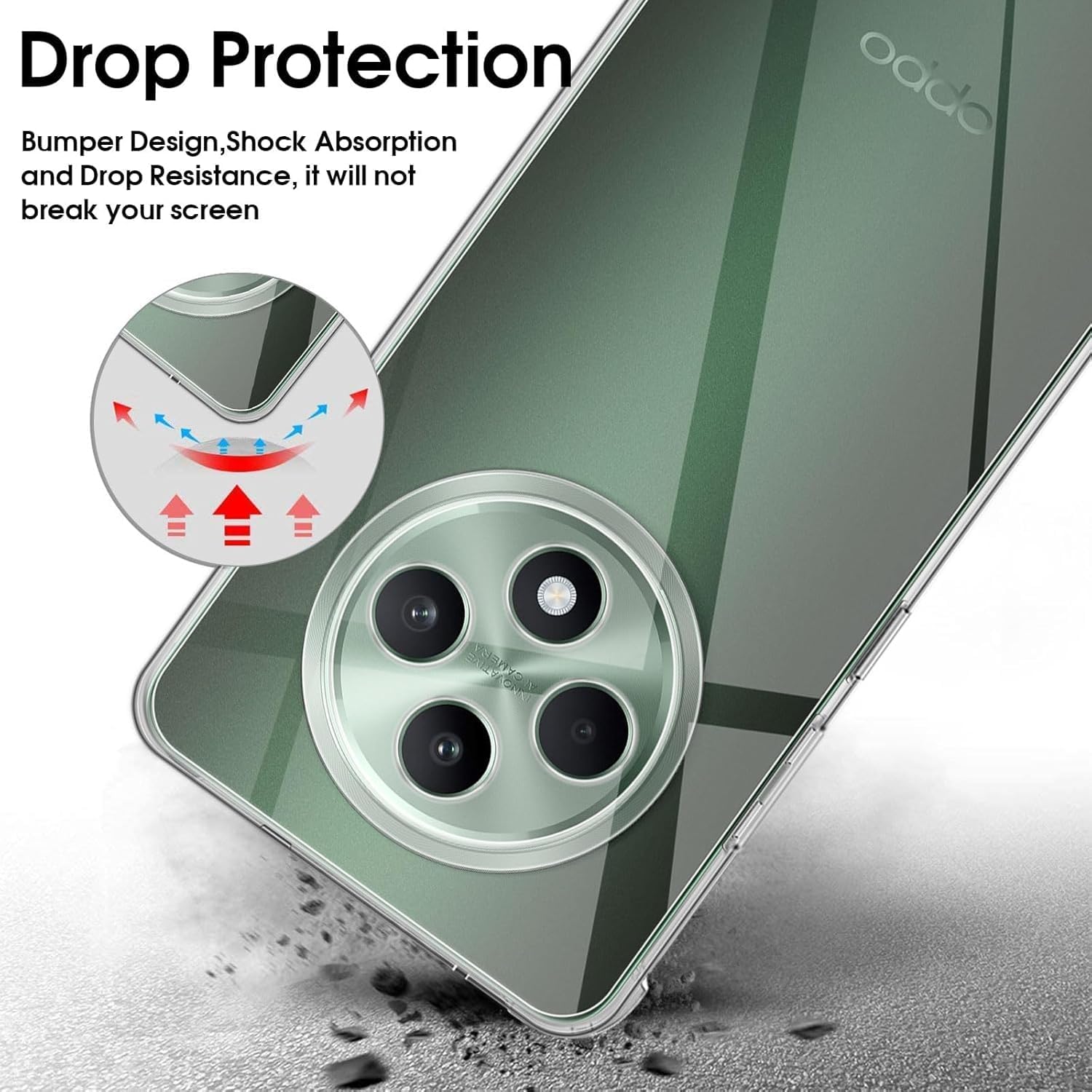
Image 4.1: Demonstrates the case's resistance to yellowing compared to standard cases.

Image 4.2: Close-up of the soft TPU material, highlighting its quality and texture.
5. Rozwiązywanie Problemów
If you encounter any issues with your transparent case, refer to the following common solutions:
- Etui nie pasuje prawidłowo:
- Ensure you have the correct model case for your OPPO Reno 12F. This case is specifically designed for the OPPO Reno 12F.
- Remove the case and re-install, ensuring all corners are properly aligned and snapped into place.
- Trudno nacisnąć przyciski:
- Check if the case is fully seated on the phone. A misaligned case can affect button responsiveness.
- The case is designed with precise cutouts and responsive button covers. If issues persist, ensure no debris is lodged between the phone and the case buttons.
- Obudowa ma żółtawy kolor:
- While designed with anti-yellowing properties, prolonged exposure to UV light or certain chemicals can accelerate discoloration. Refer to the maintenance section for care tips.
- Clean the case thoroughly as described in the maintenance section. Sometimes surface grime can give a yellowish appearance.
6. Specyfikacje
| Specyfikacja | Szczegół |
|---|---|
| Nazwa marki | Ogólny |
| Kompatybilne modele telefonów | Oppo Reno 12F |
| Kompatybilne urządzenia | Oppo Reno 12F |
| Kolor | Przezroczysty |
| Tworzywo | Silikon (TPU) |
| Cechy specjalne | Flexible, Shock Absorption, Camera Protection, Anti-Yellowing |
| Rodzaj wykończenia | Matowy |
| Poziom wodoodporności | Nie jest wodoodporny |
| Wymiary opakowania | Wymiary 16.8 x 9.6 x 1.4 cm |
| Waga przedmiotu | 10 gramów |

Image 6.1: Details on the ultra-thin TPU protection, including raised screen and camera edges.
7. Informacje o gwarancji
Specific warranty details for this Generic product may vary. Please retain your proof of purchase. For information regarding warranty coverage, terms, and conditions, please contact the retailer from whom you purchased this product or refer to any documentation included with your purchase.
8. Wsparcie
For further assistance, questions, or concerns regarding your transparent case for OPPO Reno 12F, please contact the seller or manufacturer directly. Provide your purchase details and a clear description of your inquiry to receive prompt support.
You may also refer to the product listing page on the retailer's website for additional information or frequently asked questions.


