
Wstęp
Thank you for choosing the Haomuren K1 Mini Portable Bluetooth Karaoke Machine. This manual provides essential information for the safe and efficient operation of your new device. Please read it thoroughly before use and retain it for future reference.
Co jest w pudełku
- Karaoke Machine (Speaker) x 1
- Mikrofon bezprzewodowy x 2
- Kabel ładujący typu C x 1
- Instrukcja obsługi x 1
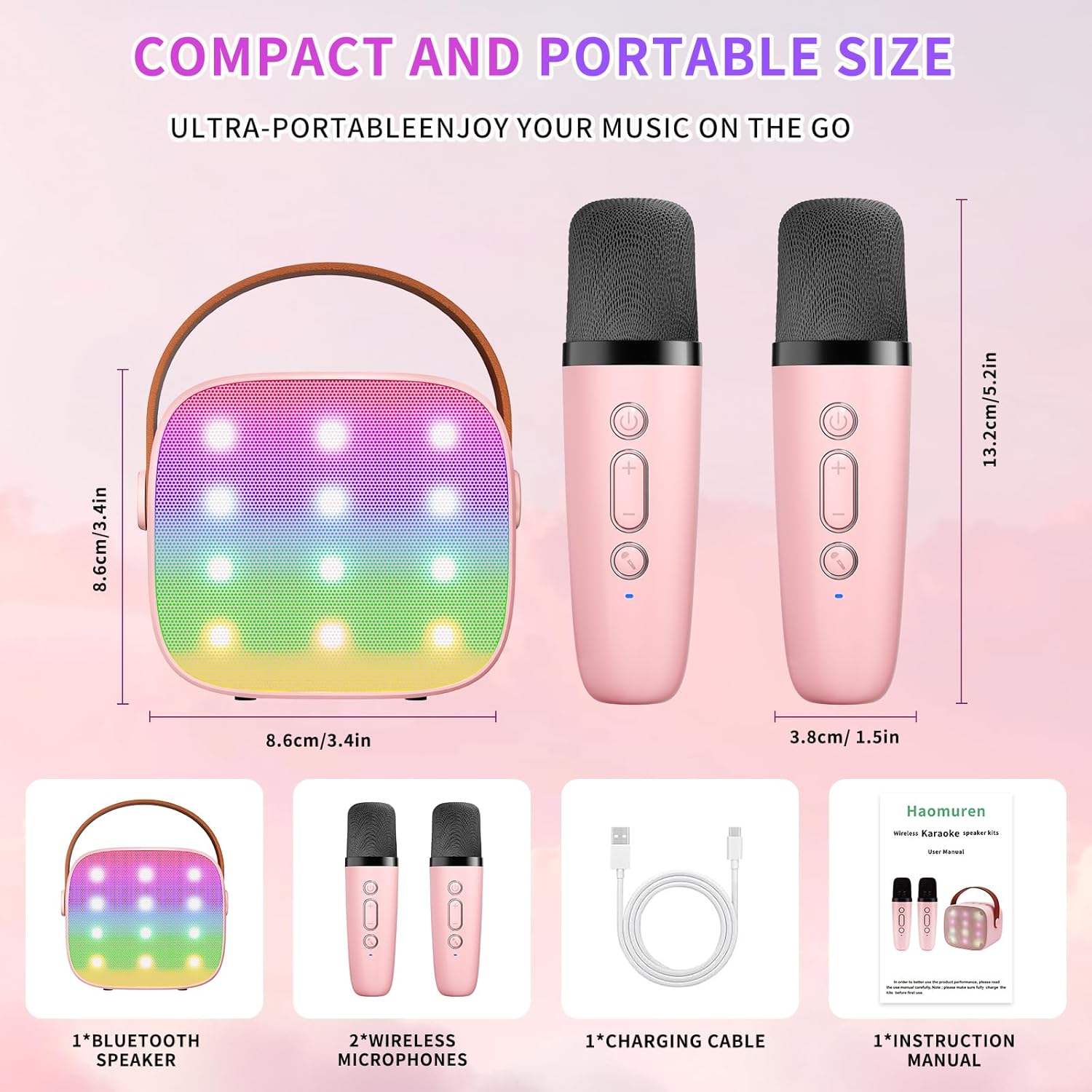
Organizować coś
1. Ładowanie urządzenia
Before initial use, fully charge the karaoke machine and both microphones. Use the provided Type-C charging cable.
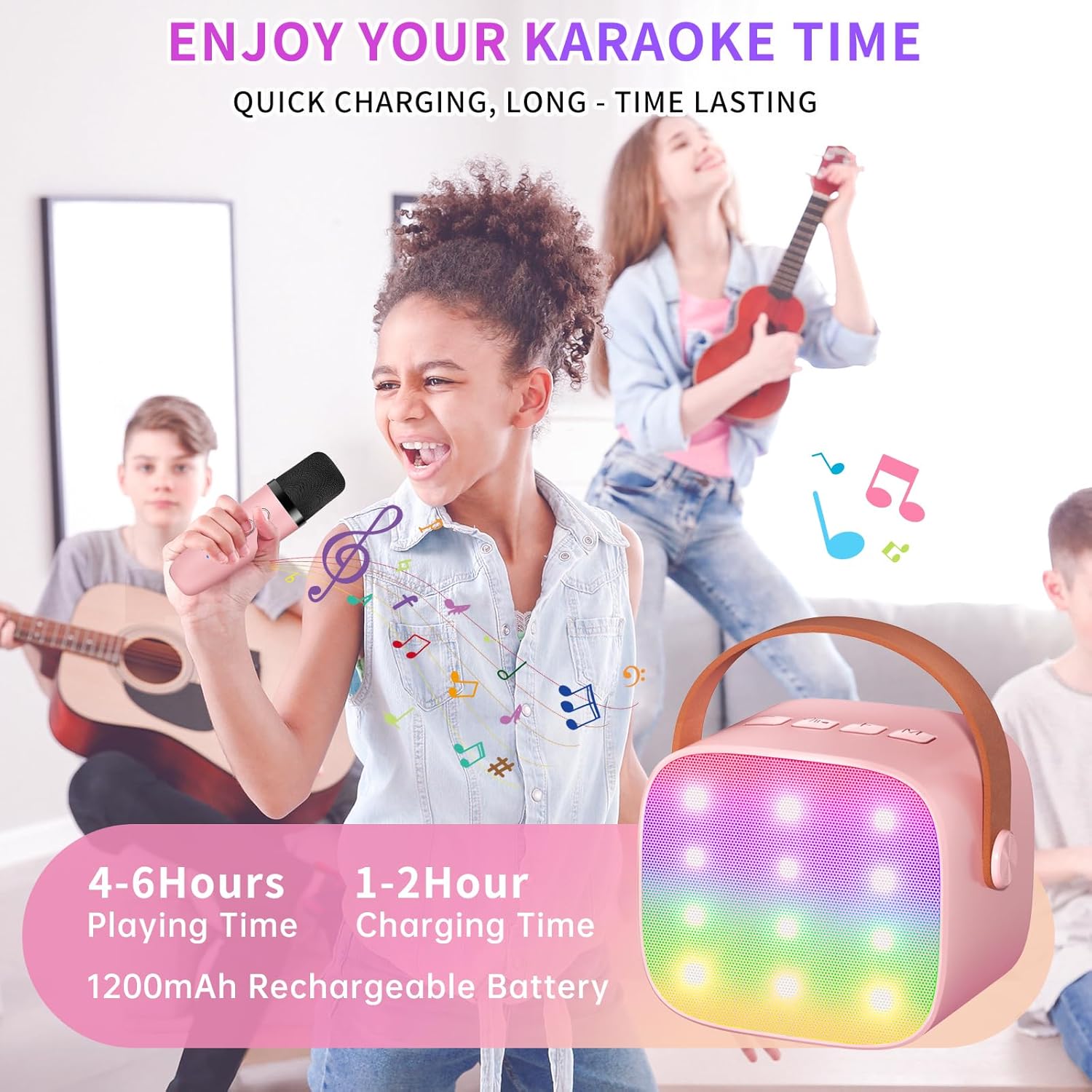
- Głośnik: Connect the Type-C cable to the speaker's charging port. The speaker has an 1800mAh battery and typically charges in 1-2 hours.
- Mikrofony: Connect the Type-C cable to the charging port at the bottom of each microphone. Each microphone has a 600mAh battery.

2. Włączanie/wyłączanie zasilania
- Głośnik: Press and hold the power button on the top panel of the speaker until the LED lights illuminate.
- Mikrofony: Press and hold the power button on each microphone until the blue indicator light turns on.
3. Parowanie Bluetooth
The speaker and microphones are designed for instant pairing. Once both are powered on, they should automatically connect. To connect the speaker to an external device (smartphone, tablet, PC):
- Ensure the karaoke machine speaker is powered on and in Bluetooth mode (indicated by a voice prompt).
- Na urządzeniu zewnętrznym włącz Bluetooth i wyszukaj dostępne urządzenia.
- Select "K1" (or similar model name) from the list to pair. A confirmation sound will indicate successful pairing.

Instrukcja obsługi
1. Sterowanie głośnikami
Głośnik posiada intuicyjne przyciski na górnym panelu:
- Ściszanie (-): Zmniejsza głośność głośnika.
- Zasilanie/Graj/Pauza: Short press to play/pause music. Long press to power on/off the speaker.
- Zwiększanie głośności (+): Zwiększa głośność głośnika.
- Tryb (M): Switches between different input modes (Bluetooth, TF Card).
- Sterowanie oświetleniem LED: Short press to cycle through 6 different LED lighting modes.
- Original Vocal/Accompaniment: Press this button to remove or restore original vocals from a song, allowing you to sing along to the instrumental track.

2. Sterowanie mikrofonem
Each wireless microphone has the following controls:
- Przycisk zasilania: Naciśnij i przytrzymaj, aby włączyć/wyłączyć mikrofon.
- Zwiększanie głośności (+): Zwiększa głośność mikrofonu.
- Ściszanie (-): Zmniejsza głośność mikrofonu.
- Przycisk zmiany głosu: Short press to cycle through 5 different voice effects.

3. Voice Changing Modes
The microphones offer 5 unique voice effects to enhance your karaoke experience:
- Oryginalny głos
- Głos żeński
- Męski głos
- Głos dziecka
- Głos potwora
4. Światła LED
The speaker features built-in LED lights with 6 dynamic modes that synchronize with the music, creating an immersive atmosphere. Use the dedicated LED Light Control button on the speaker to cycle through these modes.

5. Music Playback Options
The Haomuren K1 supports various music playback methods:
- Bluetooth: Connect wirelessly to your smartphone, tablet, or PC.
- Karta TF: Insert a TF (MicroSD) card into the designated slot on the back of the speaker to play stored music files.
- Wyjście słuchawkowe: Use the 3.5mm headphone jack for private listening.
Konserwacja
- Czyszczenie: Use a soft, dry cloth to clean the exterior of the speaker and microphones. Do not use liquid cleaners or abrasive materials.
- Składowanie: Przechowywać urządzenie w chłodnym i suchym miejscu, z dala od bezpośredniego światła słonecznego i ekstremalnych temperatur.
- Pielęgnacja baterii: Aby przedłużyć żywotność baterii, unikaj częstego całkowitego rozładowywania urządzenia. Ładuj urządzenie regularnie, nawet jeśli nie jest używane przez dłuższy czas.
Rozwiązywanie problemów
- Brak dźwięku z głośnika:
- Sprawdź, czy głośnik jest włączony i naładowany.
- Check the speaker's volume level.
- Verify that the speaker is correctly paired via Bluetooth to your device.
- If using a TF card, ensure it is inserted correctly and contains compatible audio files.
- Mikrofon nie działa:
- Sprawdź, czy mikrofon jest włączony i naładowany.
- Sprawdź poziom głośności mikrofonu.
- Confirm the microphone is automatically paired with the speaker.
- Rozłączenie Bluetooth:
- Ensure the speaker and your device are within the effective Bluetooth range (typically 10 meters).
- Turn off and restart both the speaker and your device, then attempt to re-pair.
- Sprawdź, czy nie występują zakłócenia ze strony innych urządzeń bezprzewodowych.
- Zniekształcony dźwięk:
- Zmniejsz głośność głośnika i podłączonego urządzenia.
- Ensure the microphones are not too close to the speaker to avoid feedback.
- Sprawdź źródło dźwięku pod kątem jakości.
Specyfikacje
| Funkcja | Specyfikacja |
|---|---|
| Marka | Haomuren |
| Numer modelu | K1 |
| Typ montażu | Blat stołu |
| Źródło zasilania | Zasilany bateryjnie |
| Typ złącza | 3.5mm headphone, Type-C Charging |
| Tworzywo | Akrylonitryl-butadien-styren (ABS) |
| Waga przedmiotu | 14.9 uncji |
| Liczba kanałów | 2 |
| Wejście audio | Mikrofony bezprzewodowe |
| Odpowiedź częstotliwościowa | 10 kHz |
| Wymiary produktu | 3.7 x 4.1 x 4.3 cala |
| Baterie | Wymagane 1 baterie AAA (w zestawie) |
| Technologia łączności | Bluetooth, USB, bezprzewodowy |
Gwarancja i wsparcie
Haomuren is committed to providing high-quality audio products. Your K1 Mini Portable Bluetooth Karaoke Machine comes with the following:
- Darmowa wymiana: In case of product defects.
- 365-dniowa gwarancja: Covering manufacturing defects and malfunctions.
- Wsparcie techniczne: Dedicated support is available for any operational questions or issues.
For further assistance, please contact Haomuren customer service through your purchase platform or visit the official Haomuren webstrona.