
Wstęp
The SHIDU H11 is a versatile 40W wireless voice amplifier designed to provide clear and powerful sound projection for various applications. This portable PA system features Bluetooth connectivity, support for USB, TF card, and Aux inputs, and includes both wireless headset and handheld microphones. Its robust design and long-lasting battery make it suitable for teachers, public speakers, tour guides, and karaoke enthusiasts.
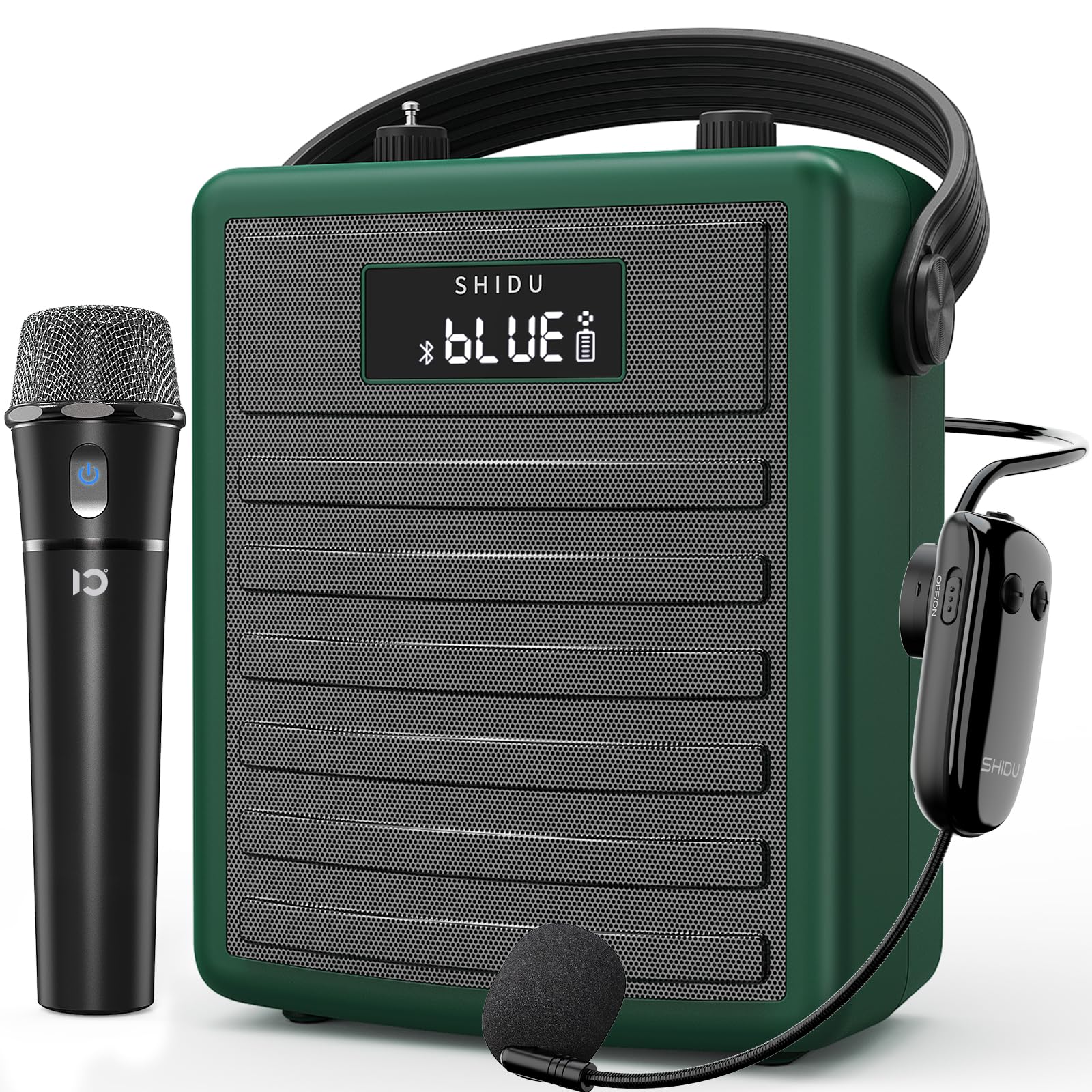
Figure 1: SHIDU H11 40W Wireless Voice Ampżywsze
Zawartość opakowania
Proszę dokładnie sprawdzić przesyłkę i upewnić się, że znajdują się w niej wszystkie elementy:
- SHIDU H11 Voice Ampjednostka lifier
- Bezprzewodowy zestaw słuchawkowy z mikrofonem
- Bezprzewodowy mikrofon ręczny
- Kabel ładujący typu C.
- Regulowany pasek do noszenia
- Kabel audio (3.5mm)
- Antena
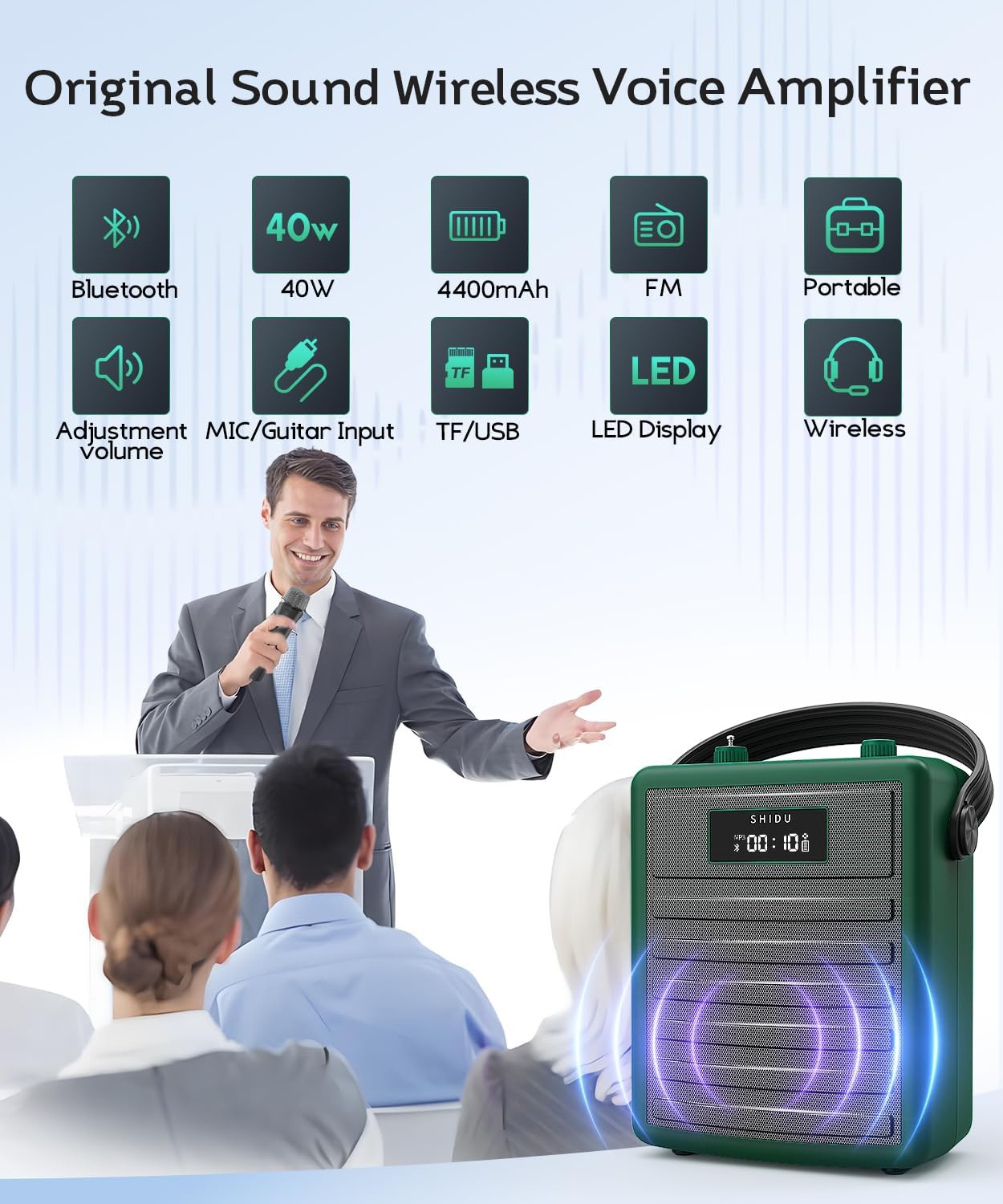
Figure 2: All items included in the SHIDU H11 package.
Produkt ponadview
Elementy sterujące i porty jednostki głównej

Rysunek 3: Szczegółowy view of the SHIDU H11 controls and ports.
- Włączanie/wyłączanie: Główny wyłącznik zasilania.
- Przycisk trybu: Switches between Bluetooth, FM, USB, TF Card, and AUX modes.
- Przyciski Poprzedni/Następny: Navigates tracks in music playback modes.
- Przycisk Odtwórz/Pauza: Steruje odtwarzaniem muzyki.
- Funkcja NAGRYWANIA: Do nagrywania dźwięku.
- Klawiatura numeryczna: Do bezpośredniego wyboru utworu lub wprowadzenia częstotliwości FM.
- Pokrętło głośności muzyki: Adjusts the volume of music playback.
- Gałka echa: Dostosowuje efekt echa dla mikrofonów.
- Instrument Input (INST): 6.35mm jack for connecting instruments like a guitar.
- Instrument Volume Knob (INST VOL): Reguluje głośność podłączonego instrumentu.
- Wejście audio (AUX IN): Gniazdo 3.5 mm do podłączania zewnętrznych źródeł dźwięku.
- Wyjście audio (AUX OUT): 3.5mm jack for connecting to other audio devices.
- Gniazdo USB: Do dysków flash USB.
- Gniazdo karty TF: Do kart TF (MicroSD).
- Port ładowania prądu stałego 5 V: Type-C port for charging the unit.
Szczegóły mikrofonu

Rysunek 4: Mikrofony bezprzewodowe
- Bezprzewodowy mikrofon ręczny: Features an on/off switch, UHF pairing indicator light, and DC 5V charge jack. Provides 8-10 hours of work time.
- Adjustable Wireless Headset Microphone: Includes an indicator light, ON/OFF switch, volume controls (+/-), pairing key, and DC 5V charge port. Offers 3-5 hours of work time. The flexible gooseneck allows for distance adjustment.
Organizować coś
1. Charging the Unit and Microphones
Przed pierwszym użyciem należy w pełni naładować telefon. amplifier and both wireless microphones. Use the provided Type-C charging cable. The amplifier has a robust 4400mAh rechargeable battery.

Figure 5: Battery life and charging indication.
2. Podłączanie anteny
Screw the included antenna into the designated port on the top of the amplifier unit for optimal wireless signal reception, especially for FM radio and microphone connectivity.
3. Wearing the Ampżywsze
Attach the adjustable carrying strap to the amplifier. You can wear it over your shoulder, across your body, or around your waist for hands-free operation.
Instrukcja obsługi
1. Włączanie/wyłączanie zasilania
Aby włączyć amplifier, turn the Power On/Off knob (1) clockwise. The display will light up. To power off, turn the knob counter-clockwise until it clicks.
2. Using Wireless Microphones
Turn on your preferred wireless microphone (headset or handheld) using its dedicated ON/OFF switch. The microphone will automatically pair with the amplifier. Adjust the microphone's volume using the volume controls on the headset or the main unit's master volume. Use the Echo knob (8) on the main unit to add or remove echo effects.
3. Parowanie Bluetooth
Press the Mode button (2) until "BLUE" appears on the display. On your mobile device, search for "SHIDU H11" in the Bluetooth settings and connect. Once paired, you can play audio from your device through the amplifier. Adjust music volume using the Music Volume knob (7).
4. USB/TF Card/AUX Playback
- Karta USB/TF: Insert a USB flash drive into the USB Slot (13) or a TF card into the TF Card Slot (14). The amplifier will automatically switch to the corresponding mode and begin playback. Use the Previous/Next (3, 4) and Play/Pause (4) buttons to control playback.
- Wejście AUX: Connect an external audio device (e.g., smartphone, MP3 player) to the Audio Input (AUX IN) (11) using the 3.5mm audio cable. Press the Mode button (2) to select AUX mode.
5. Instrument Connectivity
Connect an instrument, such as a guitar, to the Instrument Input (INST) (9) using a 6.35mm cable. Adjust the instrument's volume using the Instrument Volume knob (INST VOL) (10).

Figure 6: Instrument connectivity for music and karaoke.
6. Recording Function (REC)
In USB or TF card mode, press the REC button (5) to start recording. Press it again to stop. Recordings will be saved to the inserted storage device.
Video 1: Official product video demonstrating the features and sound quality of the SHIDU H11 40W Wireless Voice Amplifier, including its design, controls, and usage in various settings.
Specyfikacje
| Funkcja | Szczegół |
|---|---|
| Marka | SHIDU |
| Numer modelu | H11 |
| Moc wyjściowatage | 40 watów |
| Technologia łączności | Bluetooth, AUX, USB |
| Wejście audio | Microphone, Bluetooth, AUX, TF Card, USB Disk |
| Źródło zasilania | Zasilany bateryjnie (akumulator 4400mAh) |
| Waga przedmiotu | 1.71 kilograma |
| Materiał obudowy | Akrylonitryl-butadien-styren (ABS) |
| Stopień wodoodporności | IPX5 (bryzgoszczelny) |
| Speaker Coverage | Up to 320 people / 22,000 square feet |
Konserwacja
To ensure the longevity and optimal performance of your SHIDU H11 voice amplifier, postępuj zgodnie z poniższymi wskazówkami dotyczącymi konserwacji:
- Czyszczenie: Use a soft, dry cloth to clean the exterior of the unit and microphones. Avoid using harsh chemicals or abrasive cleaners.
- Składowanie: Przechowuj amplifier and accessories in a cool, dry place away from direct sunlight and extreme temperatures.
- Pielęgnacja baterii: For long-term storage, charge the battery to about 50-70% every three months to prevent deep discharge.
- Wodoodporność: The unit has an IPX5 waterproof rating, protecting it from gentle water sprays and splashes. Do not submerge the device in water.
Rozwiązywanie problemów
If you encounter any issues with your SHIDU H11, please refer to the following common problems and solutions:
- Brak dźwięku z mikrofonu:
- Upewnij się, że oba ampWzmacniacz i mikrofon są włączone.
- Check if the microphone is properly paired with the ampliyfikator.
- Increase the volume on both the microphone and the ampliyfikator.
- Sprawdź, czy mikrofon jest naładowany.
- Szum sprzężenia zwrotnego:
- Move the microphone further away from the ampliyfikator.
- Reduce the volume of the microphone or the ampliyfikator.
- Adjust the position of the microphone to avoid pointing directly at the speaker.
- Problemy z parowaniem Bluetooth:
- Zapewnij amplifier jest w trybie Bluetooth (wyświetlany jest komunikat „NIEBIESKI”).
- Wyłącz i włącz ponownie funkcję Bluetooth w urządzeniu, a następnie spróbuj sparować ponownie.
- Upewnij się, że żadne inne urządzenie nie jest obecnie podłączone do amplifier przez Bluetooth.
- Karta USB/TF nie jest odtwarzana:
- Zapewnij amplifier is in the correct mode (USB or TF Card).
- Sprawdź, czy dźwięk files on the device are in a supported format.
- Ensure the USB drive or TF card is inserted correctly and is not corrupted.
Jeśli problem nadal występuje, skontaktuj się z obsługą klienta.
Gwarancja i wsparcie
The SHIDU H11 Voice Amplifier jest dostarczany z 1-letnia gwarancja producenta. SHIDU is dedicated to delivering superior sound quality and customer satisfaction. If you have any questions, require assistance, or experience any issues with your product, please do not hesitate to contact SHIDU customer support. We are always here to help.