
1. Konfiguracja
1.1 Rozpakowanie i wstępna kontrola
Carefully remove the ACCT Digital Kitchen Scale from its packaging. Inspect the scale for any signs of damage. Ensure all components are present: the scale unit and 2 AAA batteries.
1.2 Instalacja baterii
- Znajdź komorę baterii na spodzie wagi.
- Otwórz pokrywę komory baterii.
- Włóż 2 baterie AAA, zwracając uwagę na prawidłową biegunowość (+/-), zgodnie ze wskazaniami wewnątrz komory.
- Dokładnie zamknij pokrywę komory baterii.
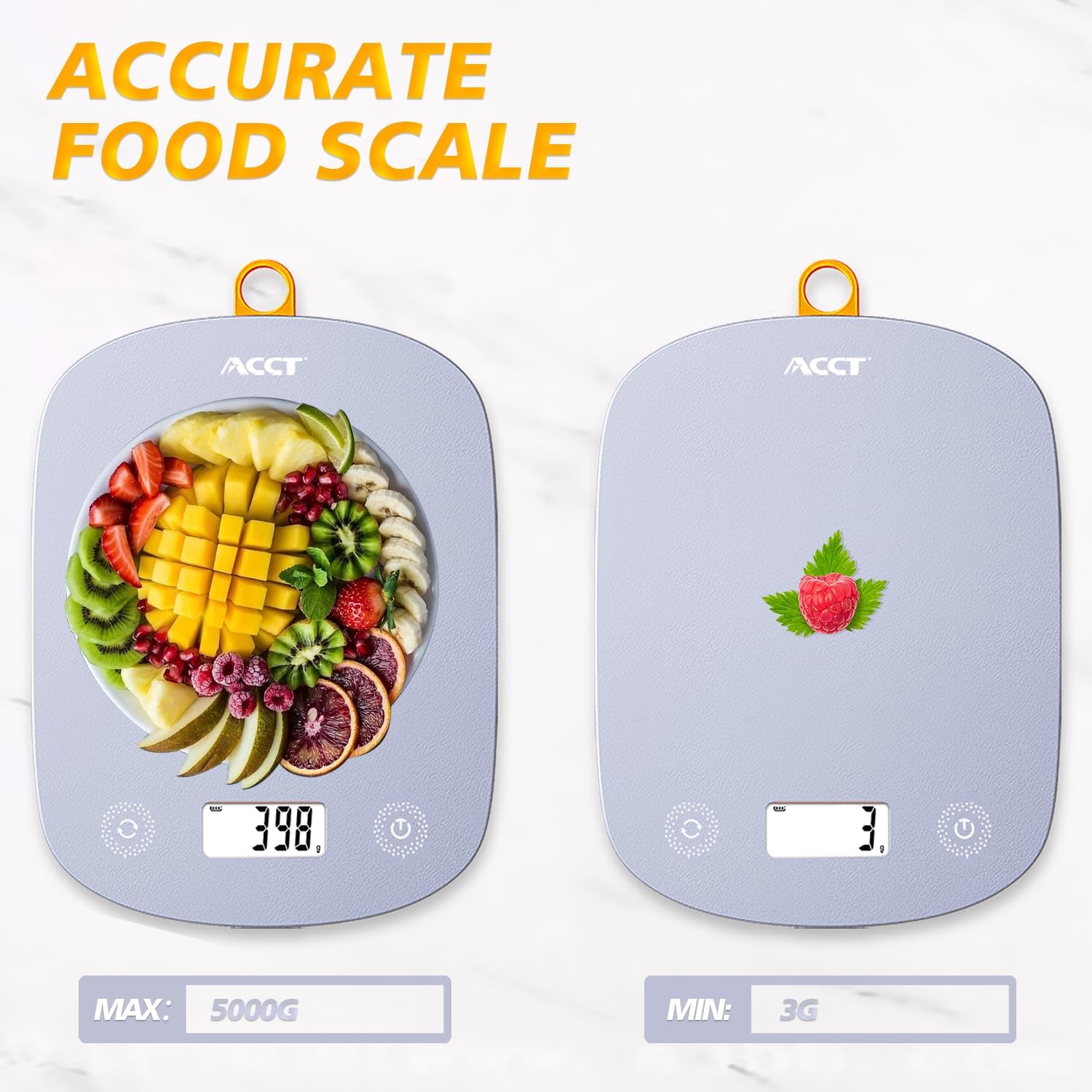
Image: The ACCT Digital Kitchen Scale in purple, showing its sleek design and LCD display. This is the main unit of the scale.
1.3 Umieszczenie
Place the scale on a flat, stable, and level surface to ensure accurate measurements. Avoid placing it on soft or uneven surfaces, or near strong electromagnetic fields.
2. Instrukcja obsługi
2.1 Włączanie/wyłączanie zasilania
- Aby włączyć: Naciśnij Moc button (usually marked with a power symbol ⏻). The display will show "0.0" or "0g" when ready.
- Aby wyłączyć: Naciśnij i przytrzymaj Moc Naciśnij przycisk przez kilka sekund. Waga wyłączy się automatycznie po pewnym okresie bezczynności, aby oszczędzać baterię.
2.2 Konwersja jednostek
The scale supports multiple units of measurement. To switch between units:
- Po włączeniu wagi naciśnij przycisk JEDNOSTKA button (often labeled "UNIT" or "U").
- Each press will cycle through the available units: g (grams), kg (kilograms), ml (milliliters), lb (pounds), oz (ounces), lb:oz (pounds and ounces).
- Wybierz żądaną jednostkę miary.

Image: The digital kitchen scale displaying various unit options like grams, kilograms, pounds, ounces, and milliliters, highlighting the ease of switching between them.
2.3 Funkcja tary
The tare function allows you to subtract the weight of a container or previous ingredients, enabling you to measure subsequent items accurately.
- Place an empty container on the center of the scale platform. The display will show the container's weight.
- Naciśnij TARA button (often labeled "T" or "TARE"). The display will reset to "0.0" or "0g".
- Add the item(s) you wish to weigh into the container. The display will now show only the net weight of the added item(s).

Image: A step-by-step visual guide demonstrating the tare function: placing a container, pressing the tare button to zero the display, and then adding ingredients for accurate measurement.
2.4 General Weighing
To weigh items directly:
- Ensure the scale is on a flat surface and powered on, displaying "0.0".
- Place the item(s) directly onto the center of the scale platform.
- Odczytaj wagę wyświetlaną na ekranie LCD.
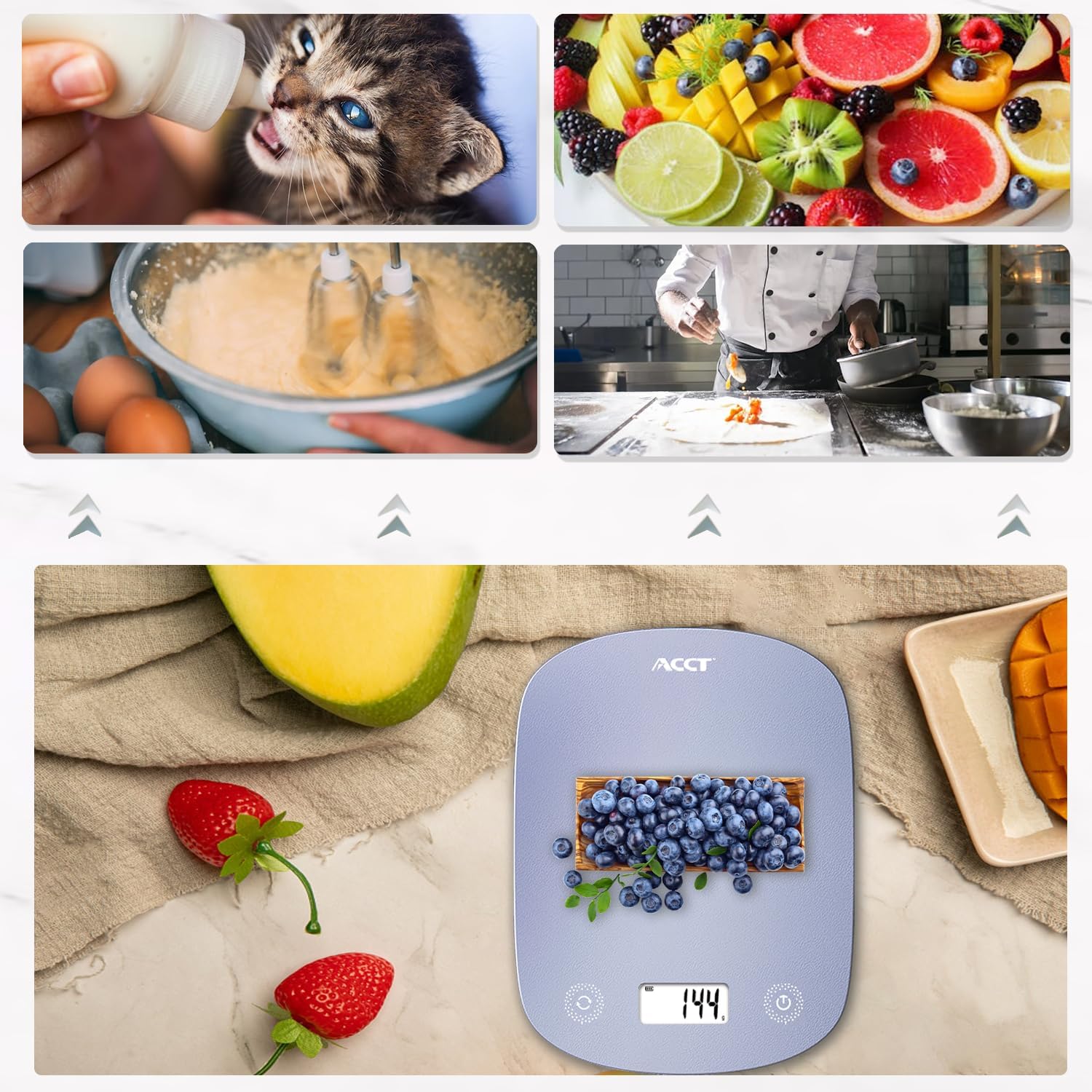
Image: The digital kitchen scale being used to weigh various food items, including fruits and ingredients for baking, demonstrating its versatility in kitchen tasks.

Obraz: Zbliżenie view of the scale's bright LCD display, showing a clear reading of "0.0" grams, indicating it is ready for use.
2.5 Film instruktażowy
Video: An official product video demonstrating the ACCT Colorful 11lb Kitchen Scale in action, including unit conversion, tare function, and general weighing of various items. This video provides a visual guide to the scale's main features and operation.
3. Konserwacja
3.1 Czyszczenie
- Przetrzyj powierzchnię wagi miękką,amp płótno.
- Nie należy używać środków czyszczących o właściwościach ściernych ani zanurzać wagi w wodzie.
- Przed przechowywaniem lub kolejnym użyciem należy upewnić się, że waga jest całkowicie sucha.
3.2 Przechowywanie
Store the scale in a cool, dry place. Its thin design allows for convenient storage in drawers or hanging on a hook.

Image: The digital kitchen scale demonstrating its convenient storage options, showing it neatly placed inside a kitchen drawer and also hanging on a wall hook by its integrated loop.
3.3 Wymiana baterii
If the display shows "Lo" or becomes dim, it's time to replace the batteries. Follow the battery installation steps in Section 1.2.
4. Rozwiązywanie Problemów
| Problem | Możliwa przyczyna | Rozwiązanie |
|---|---|---|
| Waga się nie włącza | Rozładowane lub nieprawidłowo zainstalowane baterie. | Sprawdź biegunowość baterii lub wymień je na nowe baterie AAA. |
| Wyświetlany jest komunikat „Lo” | Niski poziom naładowania baterii. | Wymień baterie. |
| Wyświetlany jest symbol „O-Ld” | Overload. Weight exceeds maximum capacity (11lb / 5kg). | Remove items immediately to prevent damage. |
| Niedokładne odczyty | Unstable surface, scale not tared, or external interference. | Place on a flat, stable surface. Use the tare function. Avoid strong electromagnetic fields. |
5. Specyfikacje
- Marka: KONTO
- Model: AC-KS02
- Kolor: Fioletowy
- Typ wyświetlacza: LCD
- Limit wagowy: 11 funtów (5 kg)
- Dokładność odczytu: 0.1 ounces (1 gram)
- Jednostki: g, kg, ml, lb, oz, lb:oz
- Źródło zasilania: 2 baterie AAA (w zestawie)
- Waga przedmiotu: 9.9 uncji (0.28 kilograma)
- Wymiary opakowania: 11.34 x 6.34 x 0.83 cala
6. Gwarancja i wsparcie
For warranty information or technical support, please refer to the contact details provided with your purchase or visit the official ACCT webZachowaj paragon jako dowód zakupu na wypadek reklamacji.
Producent: KONTO