
Nova NHT 1102
Instrukcja obsługi trymera NOVA NHT 1102
Model: NHT 1102
1. Wprowadzenie
This manual provides essential instructions for the safe and effective use of your Nova NHT 1102 Trimmer. Please read it thoroughly before first use and retain it for future reference. This cordless trimmer is designed for personal grooming, offering precision trimming with multiple length settings and a long-lasting rechargeable battery.
2. Ważne instrukcje bezpieczeństwa
- Do not immerse the trimmer in water or use it near water (e.g., bathtub, shower, sink).
- Trzymaj urządzenie poza zasięgiem dzieci.
- Always check the trimmer for damage before use. Do not use if the blades or housing are damaged.
- Używaj wyłącznie kabla ładującego dołączonego do trymera.
- Nie próbuj samodzielnie demontować ani naprawiać trymera. Skontaktuj się z wykwalifikowanym serwisantem w celu uzyskania pomocy.
- Podłączając lub odłączając kabel ładujący, należy upewnić się, że ręce są suche.
- Kiedy nie używasz trymera, przechowuj go w suchym miejscu.
3. Zawartość opakowania
Sprawdź, czy w opakowaniu znajdują się wszystkie elementy:
- Nova NHT 1102 Trimmer
- 3 grzebienie prowadzące (1 mm, 2 mm, 3 mm)
- Kabel do ładowania USB typu C.
- Szczotka do czyszczenia
- Olej smarowy (może być dołączony)

Image 3.1: Nova NHT 1102 Trimmer with included accessories and packaging.
4. Koniec produktuview
Familiarize yourself with the components of your Nova NHT 1102 Trimmer:
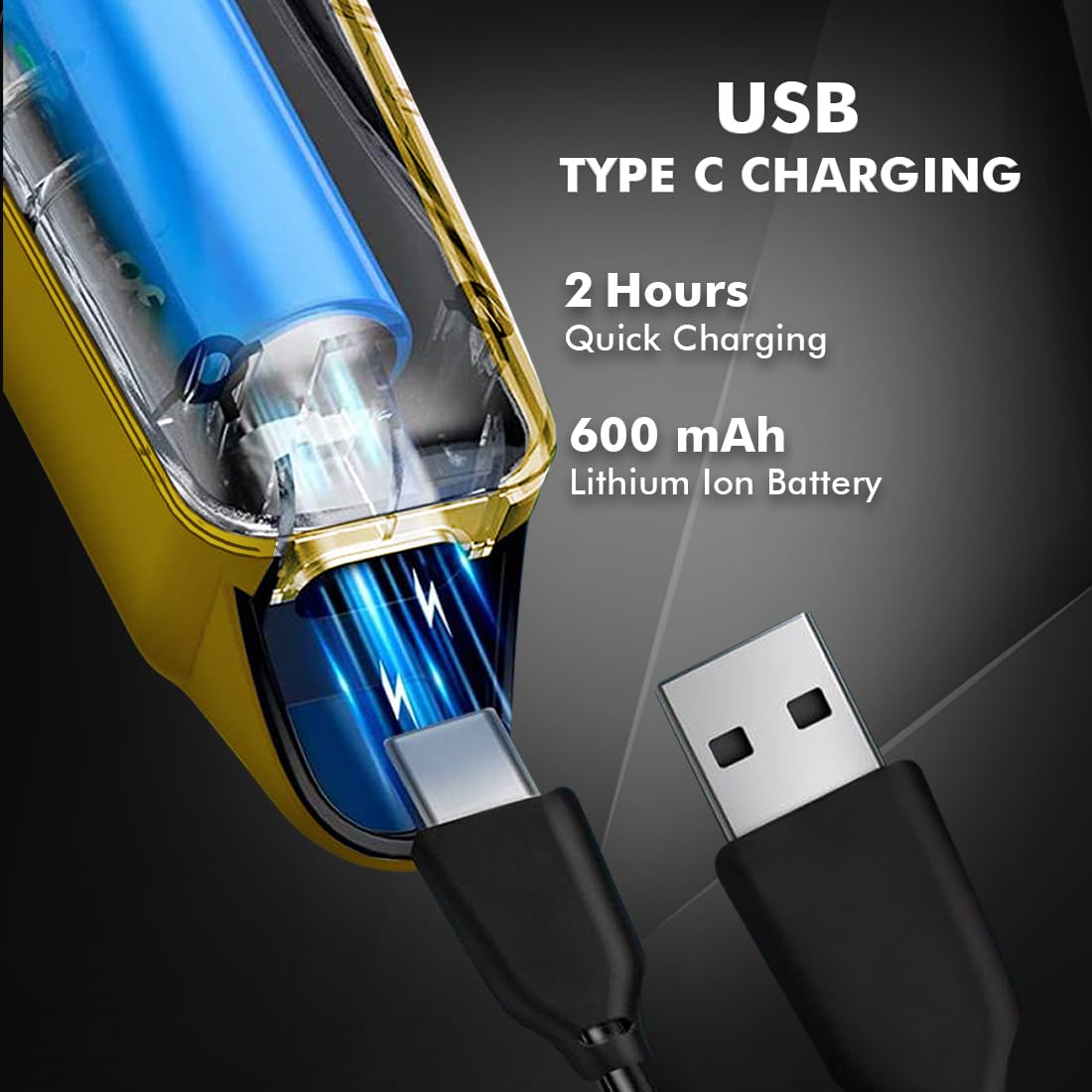
Image 4.1: Key features and components of the Nova NHT 1102 Trimmer.
- Ostrza ze stali nierdzewnej: Durable and self-sharpening blades for precise cutting.
- Przycisk zasilania: Kontroluje włączanie/wyłączanie i ustawienia prędkości.
- Kontrolka: Displays charging status and operational mode.
- Port ładowania USB: For convenient charging via USB Type-C cable.
- Hak do zawieszania: Do łatwego przechowywania.
- Grzebienie prowadzące: Detachable combs for various trimming lengths (1mm, 2mm, 3mm).
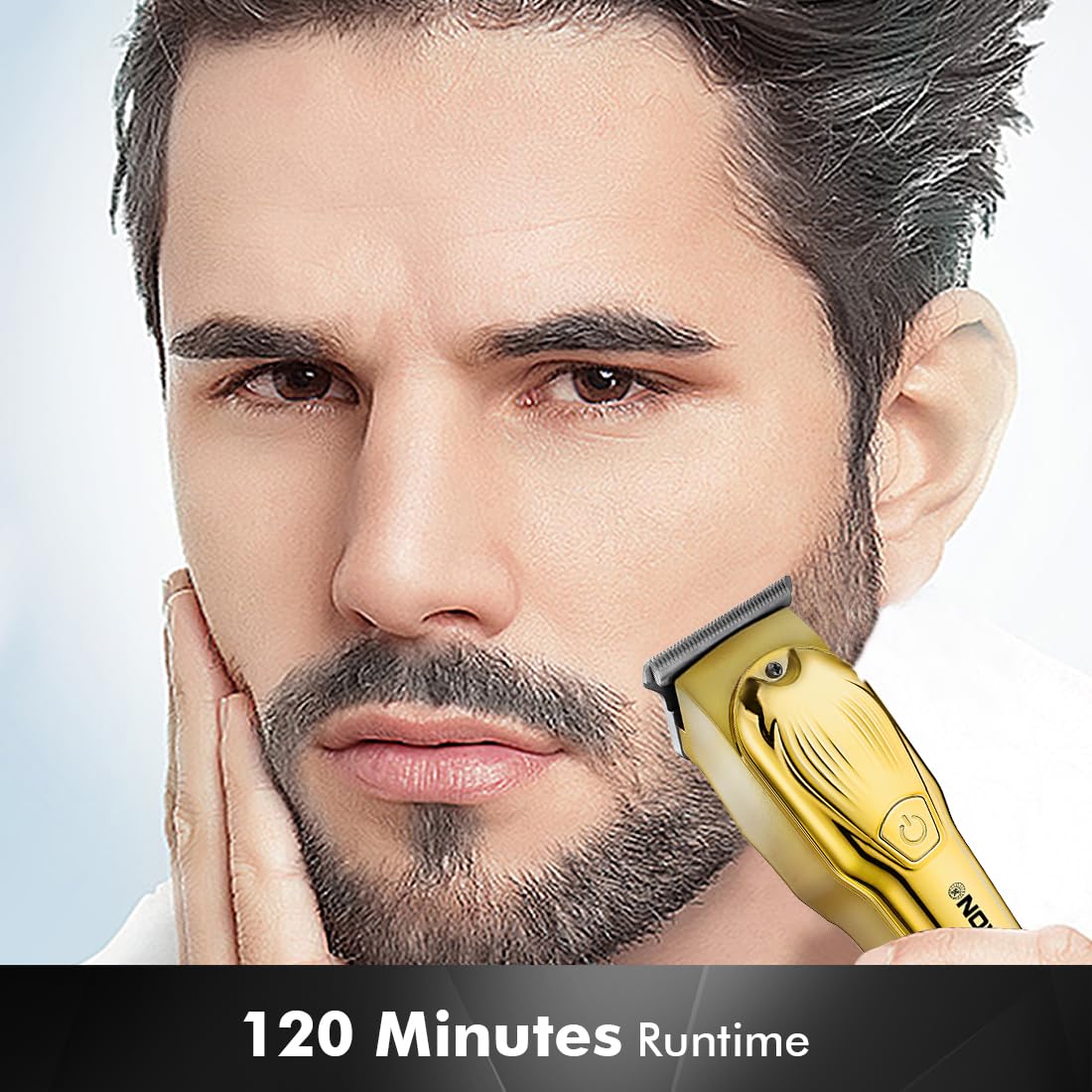
Image 4.2: Detail of the self-sharpening stainless steel blades.
5. Konfiguracja
5.1 Pierwsze ładowanie
Before first use, fully charge the trimmer. The Nova NHT 1102 Trimmer features a 600 mAh Lithium-Ion battery.
- Podłącz kabel ładujący USB typu C do portu ładowania trymera.
- Podłącz drugi koniec kabla USB do kompatybilnego zasilacza USB (nie ma go w zestawie) lub do portu USB w komputerze.
- The indicator light will illuminate to show charging is in progress.
- A full charge takes approximately 2 hours, providing up to 120 minutes of cordless runtime.
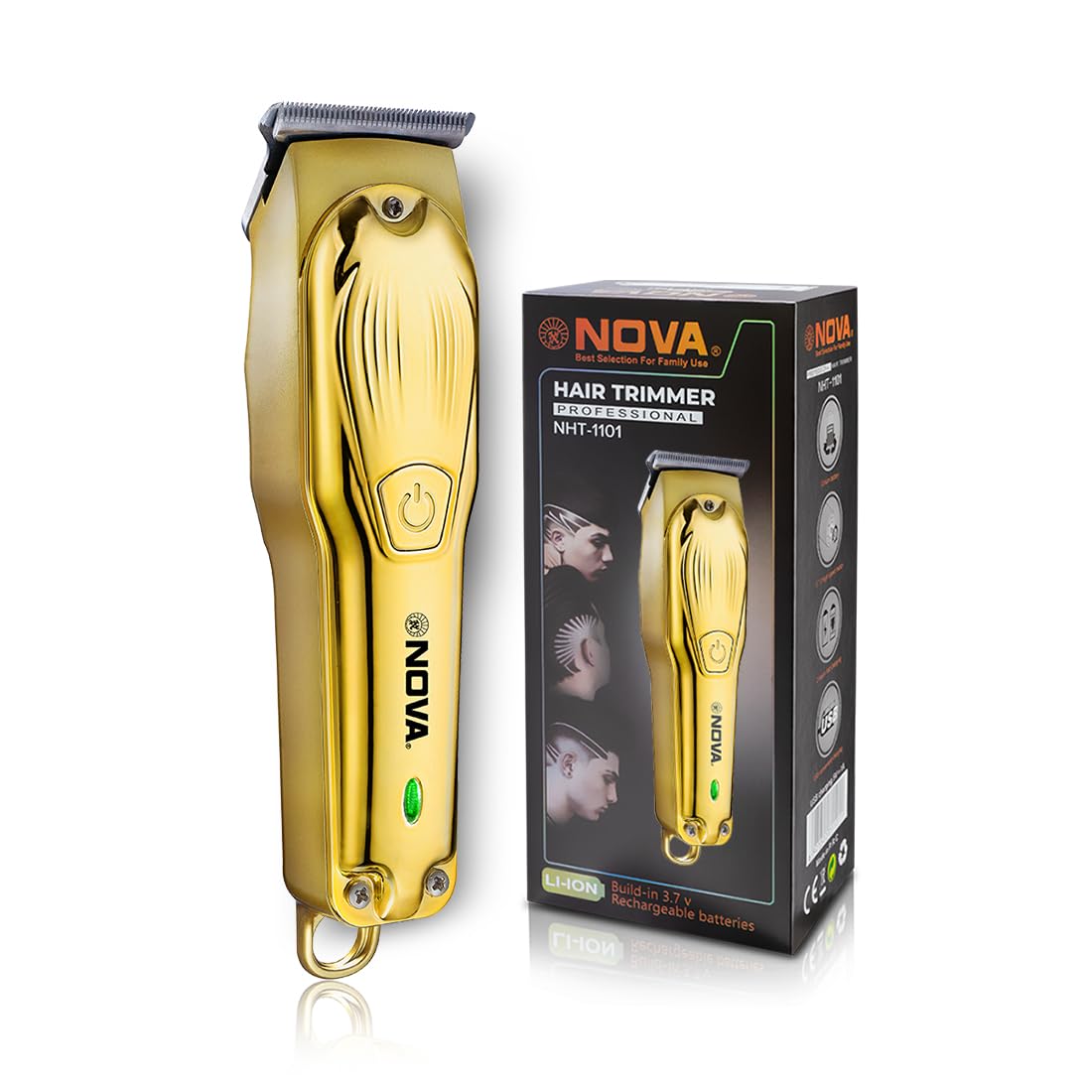
Image 5.1: USB Type-C charging mechanism.
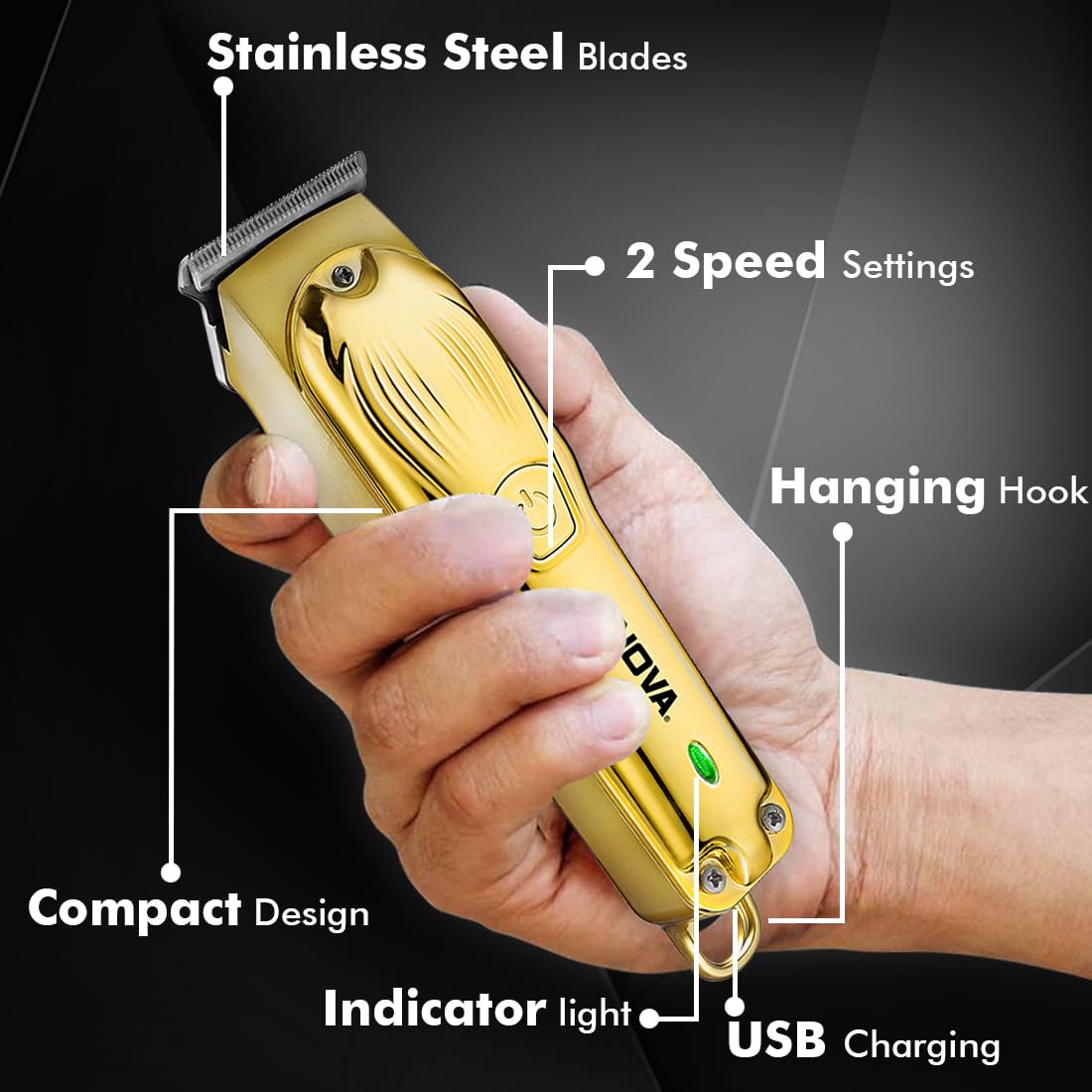
Image 5.2: Trimmer charging via USB Type-C.
5.2 Mocowanie grzebieni prowadzących
The trimmer comes with 3 guide combs for different hair lengths:
- 1mm comb
- 2mm comb
- 3mm comb
To attach a guide comb, align the comb with the trimmer head and push it firmly until it clicks into place. To remove, gently pull the comb away from the trimmer head.
6. Instrukcja obsługi
6.1 Włączanie/wyłączanie i ustawienia prędkości
- To turn the trimmer on, press the power button once. The trimmer will start at the default speed setting.
- To switch between the 2 available speed settings, press the power button again while the trimmer is running.
- To turn the trimmer off, press the power button until it stops.
6.2 Funkcja Turbo
For increased power, activate the Turbo Function:
- While the trimmer is running, double-press the power button to engage the turbo mode.
- Double-press again to return to normal speed.
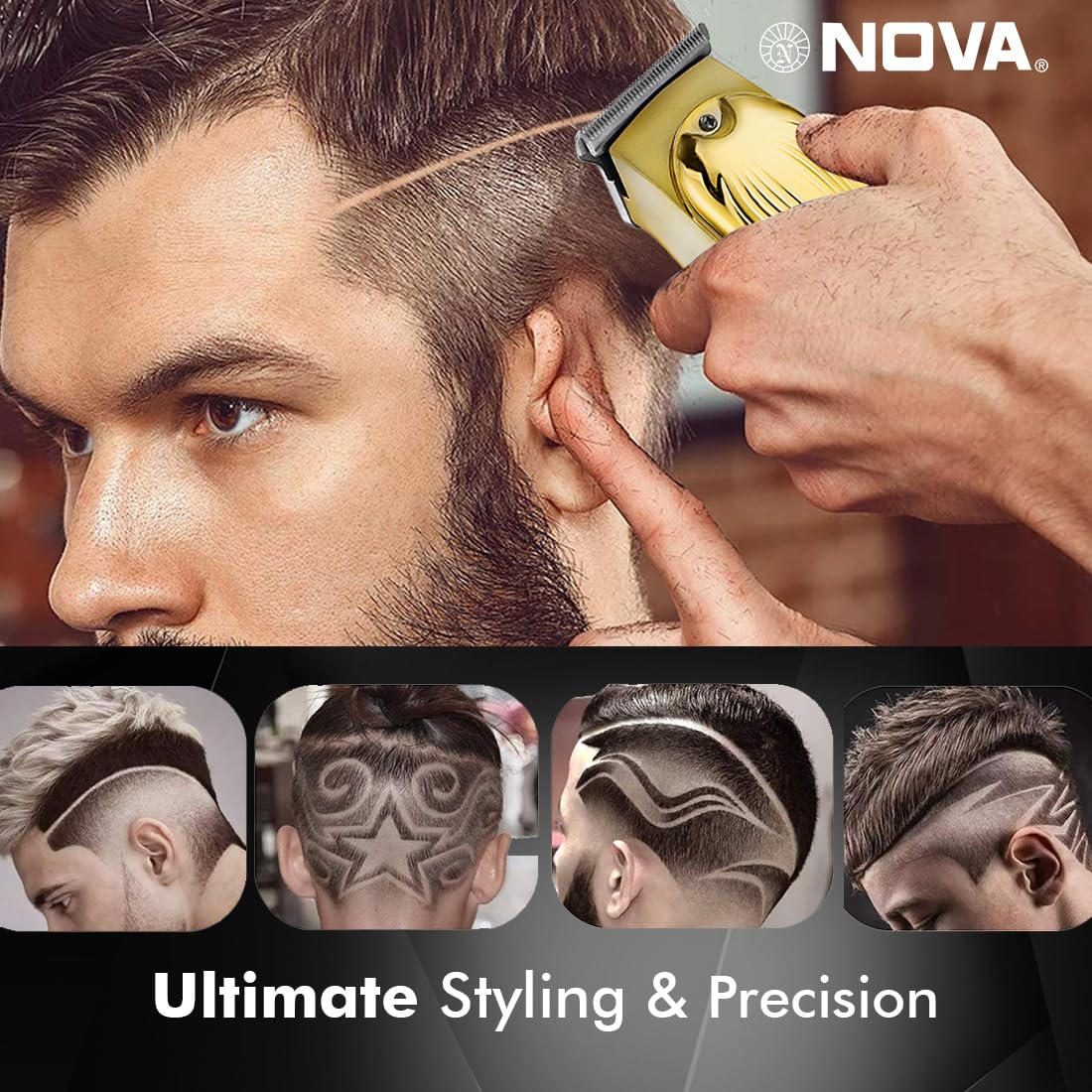
Image 6.1: Illustration of the Turbo Function.
6.3 Przycinanie
Ensure hair is clean and dry before trimming for optimal results.
- Bez grzebienia prowadzącego: For precision trimming and close cuts (0.5mm), use the trimmer without any guide comb attached.
- With Guide Comb: Select the desired guide comb (1mm, 2mm, or 3mm) and attach it securely.
- Hold the trimmer with the blades flat against the skin and move it slowly against the direction of hair growth.
- For best results, stretch the skin taut with your free hand.
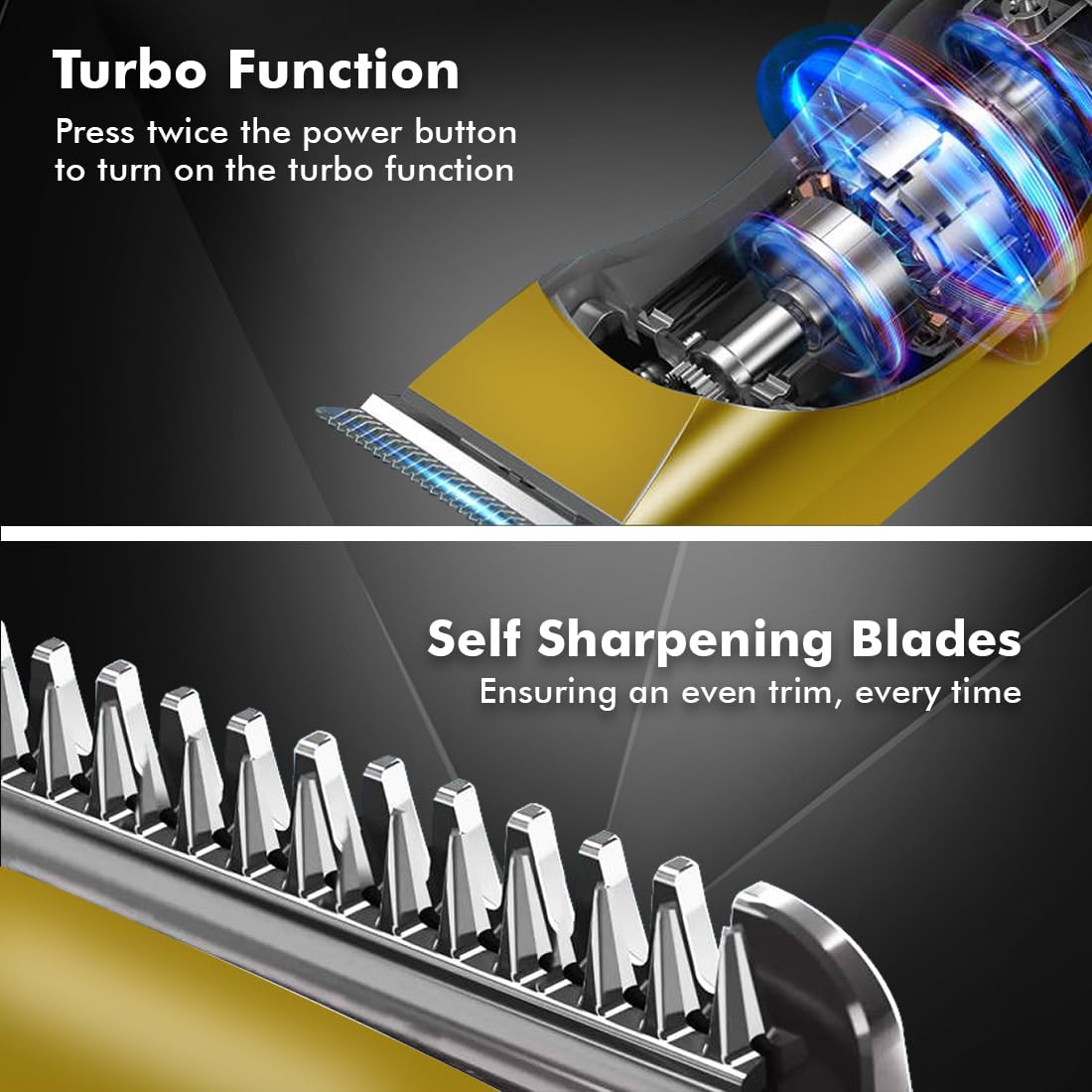
Image 6.2: Demonstrating hair trimming with the device.
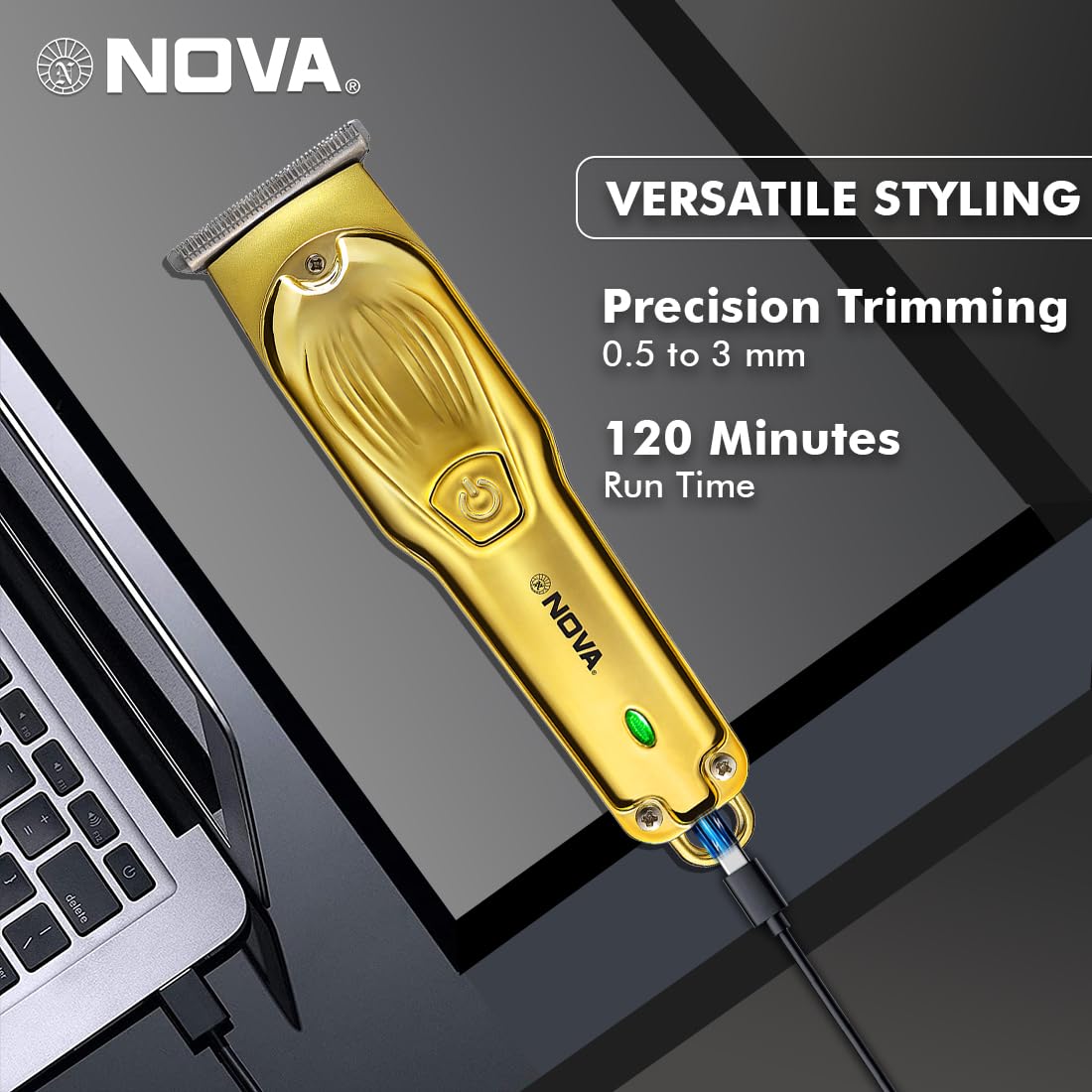
Image 6.3: Demonstrating beard trimming with the device.
7. Konserwacja
7.1 Czyszczenie ostrzy
Regularne czyszczenie zapewnia optymalną wydajność i higienę.
- Wyłącz maszynkę i odłącz ją od źródła zasilania.
- Ostrożnie usuń wszelkie przymocowane grzebienie prowadzące.
- Use the provided cleaning brush to remove hair clippings from the blades and the trimmer head.
- The blades are self-sharpening, reducing the need for manual sharpening.
7.2 Smarowanie
To maintain blade performance, apply a small drop of lubricating oil (if included) to the blades after every few uses. Turn the trimmer on for a few seconds to distribute the oil evenly.
7.3 Przechowywanie
Przechowuj trymer w chłodnym, suchym miejscu, z dala od bezpośredniego światła słonecznego i wilgoci. Przed schowaniem upewnij się, że trymer jest czysty i suchy.
8. Rozwiązywanie Problemów
| Problem | Możliwa przyczyna | Rozwiązanie |
|---|---|---|
| Trymer nie włącza się. | Akumulator jest rozładowany. | Ładuj trymer przez co najmniej 2 godziny. |
| Przycisk zasilania nie został wciśnięty prawidłowo. | Ensure a firm press on the power button. | |
| Słaba wydajność przycinania. | Ostrza są zatkane włosami. | Wyczyść ostrza za pomocą szczoteczki do czyszczenia. |
| Ostrza wymagają smarowania. | Nałóż kroplę oleju smarującego na ostrza. | |
| Akumulator się nie ładuje. | Kabel ładujący lub adapter jest uszkodzony. | Wypróbuj inny kabel USB typu C lub zasilacz. |
| Charging port is damaged. | Skontaktuj się z obsługą klienta. |
9. Specyfikacje
| Funkcja | Szczegół |
|---|---|
| Model | NHT 1102 |
| Materiał ostrza | Stal nierdzewna |
| Długości cięcia | 0.5 mm (bez grzebienia), 1 mm, 2 mm, 3 mm (z grzebieniami prowadzącymi) |
| Typ baterii | Litowo-jonowy (600 mAh) |
| Czas ładowania | Około 2 godzin |
| Czas wykonania | Do 120 minut |
| Interfejs ładowania | USB typu C |
| Ustawienia prędkości | 2 |
| Cechy specjalne | Turbo Function, Self-Sharpening Blades, Cordless Operation, Hanging Hook |
| Wymiary (dł. x szer. x wys.) | Wymiary 9 x 11 x 14 cm |
| Waga przedmiotu | 480 gramów |
| Producent | Nova Manufacturing Hong Kong |
| Kraj pochodzenia | Chiny |
10. Gwarancja i wsparcie
For detailed warranty information, please refer to the warranty card included with your product or the official Nova website. For technical support, service, or replacement parts, please contact Nova customer service through the contact information provided on your product packaging or the official brand channels.