
1. Wprowadzenie
This manual provides essential information for setting up, operating, maintaining, and troubleshooting your Alienware AW Pro Wireless Gaming Headset. Please read this manual thoroughly before using the product to ensure optimal performance and longevity.

Figure 1: Alienware Pro Wireless Gaming Headset and accessories.
2. Zawartość opakowania
Sprawdź, czy w przesyłce znajdują się wszystkie elementy:
- Alienware Pro Wireless Headset
- Klucz bezprzewodowy USB-C
- Przejściówka z USB-A na USB-C
- Kabel USB-A do USB-C
- Odłączany mikrofon wysięgnikowy
- Mic Shield
- Dokumentacja (niniejszy podręcznik)
3. Konfiguracja
3.1 Pierwsze ładowanie
Before first use, fully charge your headset. Connect the provided USB-A to USB-C cable to the headset's USB-C port and a power source. A full charge provides up to 75 hours of battery life via Bluetooth (ANC off) or 70 hours via 2.4GHz (ANC off). A 15-minute rapid charge can provide up to 8 hours of playback (ANC off).
3.2 Podłączanie mikrofonu
Insert the detachable boom mic into the designated port on the left earcup. Ensure it is securely connected. The mic shield can be placed over the microphone for reduced plosive sounds.
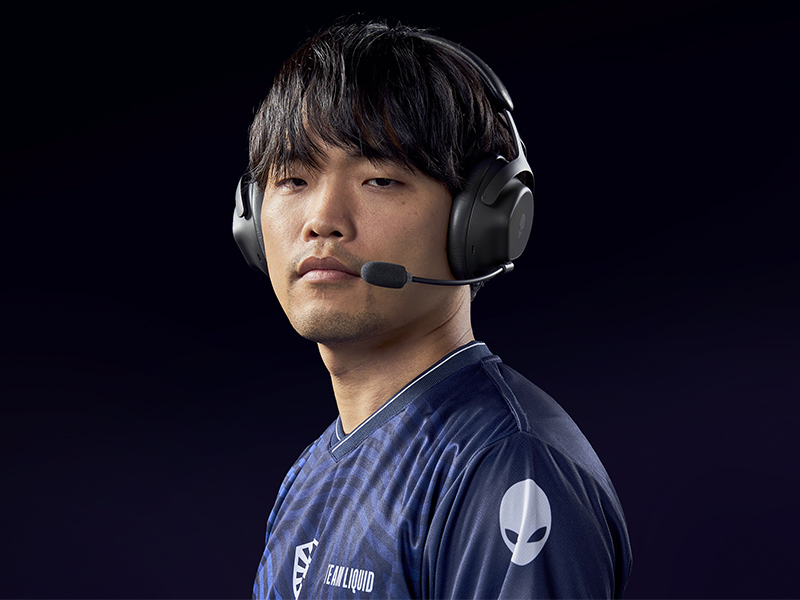
Figure 2: Attaching the detachable boom microphone.
3.3 Opcje łączności
The headset supports tri-mode connectivity: 2.4GHz wireless, Bluetooth 5.3, and USB wired connection.
3.3.1 Połączenie bezprzewodowe 2.4 GHz
- Insert the USB-C Wireless Dongle into a compatible USB-C port on your device (PC, gaming console). Use the USB-A to USB-C adapter if your device only has USB-A ports.
- Power on the headset. It should automatically connect to the dongle. The LED indicator on the headset will confirm connection.
3.3.2 Połączenie Bluetooth
- Włącz zestaw słuchawkowy.
- Activate Bluetooth pairing mode on the headset (refer to the operating controls section for specific button presses).
- On your device (PC, mobile, etc.), go to Bluetooth settings and select "Alienware Pro Headset" from the list of available devices.
- The headset supports Bluetooth 5.3 with a range of up to 30 meters.
3.3.3 Połączenie przewodowe USB
Connect the headset directly to your device using the USB-A to USB-C cable for a wired audio and charging connection.
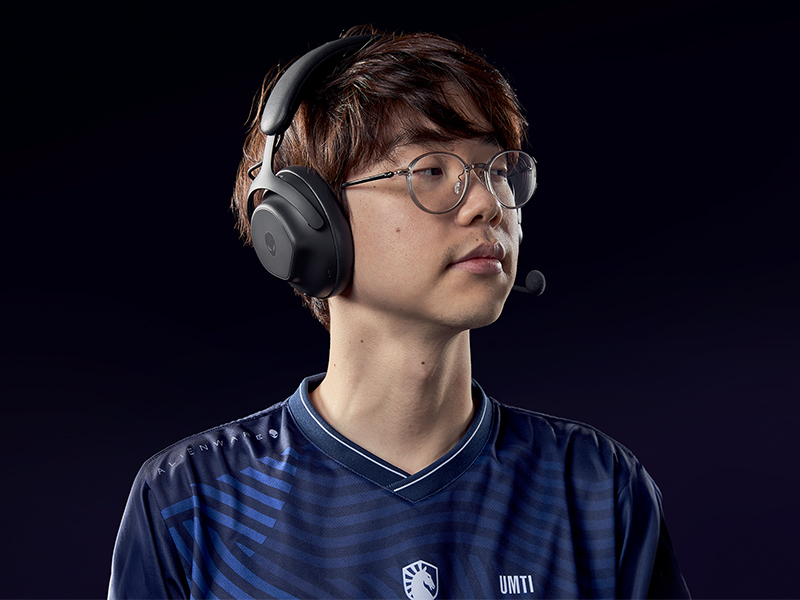
Figure 3: Connectivity options with dongle and adapter.
3.4 Instalacja oprogramowania
For full customization and advanced features, install the Alienware Command Center software on your PC. This software allows you to tailor your sound experience, including Dolby Atmos integration, and manage headset settings.
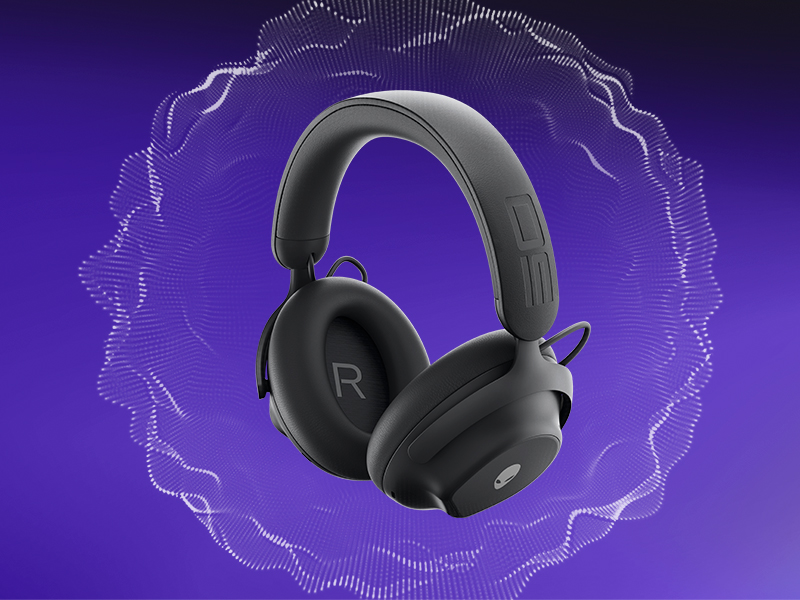
Figure 4: Customizing audio settings via Alienware Command Center.
4. Obsługa zestawu słuchawkowego
4.1 kontroli nadview
The headset features intuitive controls for power, volume, microphone, and ANC modes. Refer to the product diagram for exact button locations.
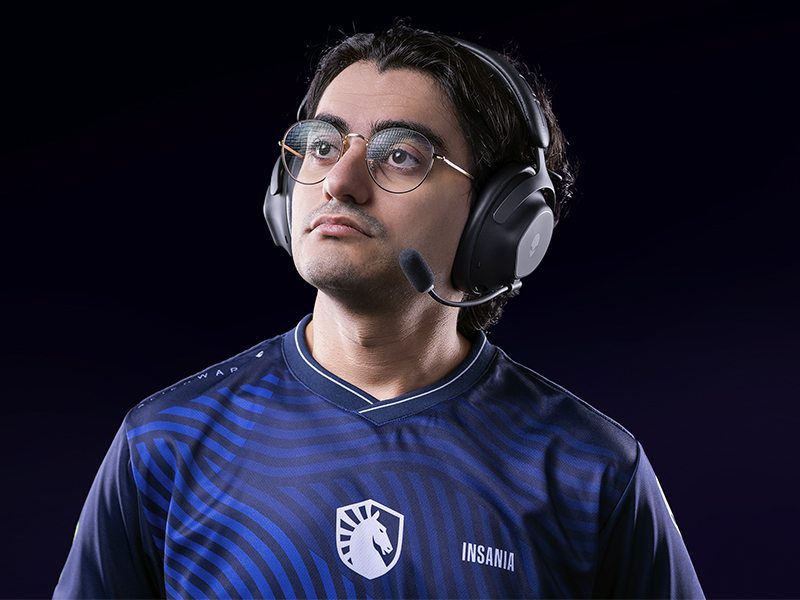
Figure 5: Built-in controls on the headset.
4.2 Funkcje audio
4.2.1 50mm Graphene-Coated Drivers
The headset is equipped with 50mm graphene-coated dynamic drivers, providing high-fidelity audio with a frequency response up to 40 KHz for an immersive sound experience.
Video 1: Demonstration of Alienware 50mm Graphene-Coated Drivers technology.
4.2.2 Aktywna redukcja szumów (ANC)
Engage Active Noise Cancellation to minimize external distractions and maintain focus during gameplay or other activities. The headset features Hybrid Noise Cancellation technology.
Video 2: Explanation of Alienware Active Noise Cancellation feature.
4.2.3 Tryb przezroczystości
Transparency Mode allows you to hear your surroundings without removing the headset, useful for situational awareness.
4.3 Korzystanie z mikrofonu
The two-mic AI Noise Cancellation system focuses on your voice, ensuring clear communication by filtering out background noise. Adjust microphone volume and settings via the Alienware Command Center software.
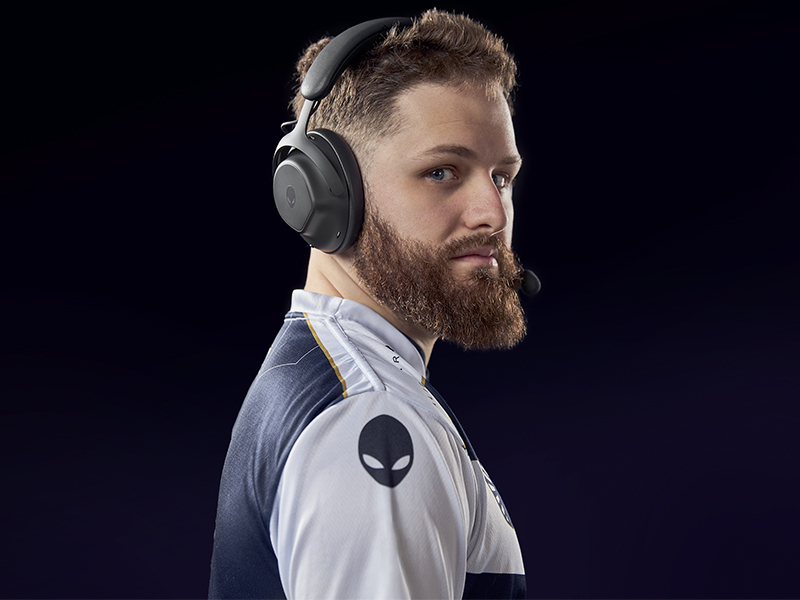
Figure 6: Two-Mic AI Noise Cancellation in action.
5. Konserwacja
5.1 Czyszczenie
To clean your headset, use a soft, dry cloth. Avoid abrasive cleaners, solvents, or harsh chemicals. For earcups, gently wipe with a slightly damp ściereczką i pozostawić do całkowitego wyschnięcia na powietrzu przed użyciem.
5.2 Przechowywanie
Store the headset in a cool, dry place away from direct sunlight and extreme temperatures. When not in use, it is recommended to store it in a protective case to prevent damage.
6. Rozwiązywanie Problemów
If you encounter issues with your Alienware Pro Wireless Gaming Headset, refer to the following common solutions:
6.1 No Audio or Intermittent Sound
- Sprawdź połączenie: Ensure the 2.4GHz dongle is properly inserted, or Bluetooth is correctly paired. For wired connection, verify the USB cable is secure.
- Zasilanie i bateria: Confirm the headset is powered on and has sufficient battery charge.
- Poziomy głośności: Check both the headset's volume control and your device's audio output settings.
- Źródło dźwięku: Ensure the correct audio output device is selected on your computer or console.
- Drivers/Software: Update your audio drivers and Alienware Command Center software to the latest version.
6.2 Problemy z mikrofonem
- Podłączenie mikrofonu: Ensure the detachable boom mic is fully inserted into its port.
- Stan wyciszenia: Sprawdź, czy mikrofon w zestawie słuchawkowym lub w ustawieniach urządzenia jest wyciszony.
- Urządzenie wejściowe: Verify that the Alienware Pro Headset microphone is selected as the default input device in your system's sound settings.
- Ustawienia oprogramowania: Adjust microphone sensitivity and AI Noise Cancellation settings within Alienware Command Center.
6.3 Problemy z łącznością
- Ponowne sparowanie Bluetooth: If Bluetooth connection is unstable, unpair and re-pair the headset with your device.
- Dongle Re-connection: For 2.4GHz, try unplugging and re-inserting the USB dongle.
- Ingerencja: Odsuń się od innych urządzeń bezprzewodowych, które mogą powodować zakłócenia.
- Aktualizacja firmware: Check for and install any available firmware updates for the headset via Alienware Command Center.
7. Specyfikacje
| Funkcja | Szczegół |
|---|---|
| Nazwa modelu | AW Pro Headset |
| Technologia łączności | Bluetooth / 2.4 GHz radio frequency / USB |
| Technologia komunikacji bezprzewodowej | 2.4 GHz, Bluetooth 5.3 |
| Zasięg Bluetooth | 30 metrów |
| Kontrola hałasu | Hybrydowa redukcja szumów |
| Typ sterownika audio | Dynamic Driver (50mm Graphene-Coated) |
| Odpowiedź częstotliwościowa | 40 kHz |
| Żywotność baterii | Up to 75 Hours (Bluetooth, ANC off) |
| Czas ładowania | 15 minutes for up to 8 hours playback (ANC off) |
| Mikrofon | Detachable Boom Mic with 2-Mic AI Noise Cancellation, Beamforming |
| Cechy specjalne | Hearing Protection, Transparency Mode |
| Kompatybilne urządzenia | Gaming Consoles, Computers, Mobile Devices |
| Waga przedmiotu | 11 uncji (312 g) |
| Wymiary produktu | 3.55 x 5.91 x 8.07 cala (9.02 x 15.01 x 20.50 cm) |
| UPC | 884116469728 |
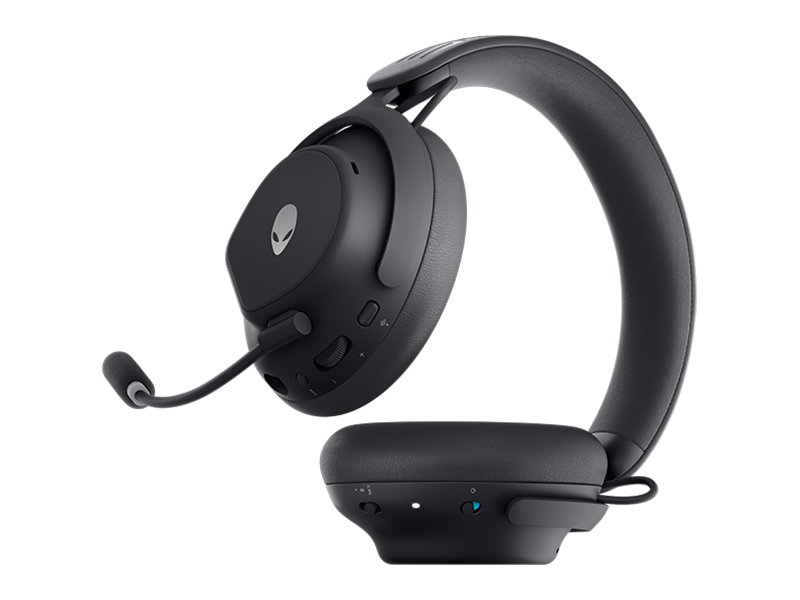
Figure 7: Headset dimensions.
8. Gwarancja i wsparcie
For warranty information, technical support, or further assistance, please visit the official Alienware or Dell support website. You can find drivers, firmware updates, and detailed troubleshooting guides there.
Producent: Dell


