
Bmax X15 Pro
Instrukcja obsługi laptopa Bmax X15 Pro 15.6 cala
Model: X15 Pro
1. Wprowadzenie
This manual provides essential information for setting up, operating, and maintaining your Bmax X15 Pro 15.6-inch laptop. Please read this manual thoroughly to ensure proper use and to maximize the performance and longevity of your device.

Image: The Bmax X15 Pro laptop displaying the Windows 11 Pro operating system, highlighting its Intel N95 processor, 16GB RAM, 512GB SSD, and 1920x1080 FHD display.
2. Co znajduje się w pudełku
Upon unpacking your Bmax X15 Pro laptop, please verify that all the following items are included:
- 1 x BMAX MaxBook X15 Pro Intel N95 Notebook Computer
- 1x12 V/3A zasilacz prądu stałego
- 1 x Multi-Language User Manual
3. Koniec produktuview
3.1. Komponenty fizyczne i porty
Familiarize yourself with the various ports and components of your laptop for optimal connectivity and usage.

Obraz: Bok view of the Bmax X15 Pro laptop illustrating the placement of its various ports, including Micro SD, USB 3.0, Headset jack, HDMI, and Power input.
- Lewa strona: Micro SD slot, 2x USB 3.0 ports, 3.5mm Headset jack.
- Prawa strona: Power input, HDMI port, 1x USB 3.0 port, Security Lock slot.
3.2. Klawiatura i touchpad
The laptop features a full-size keyboard with large keycaps and a large touchpad supporting multi-touch gestures for efficient navigation and input.

Obraz: widok z góry view of the Bmax X15 Pro laptop's full-size keyboard and large touchpad, highlighting its ergonomic design for comfortable use.
4. Konfiguracja
4.1. Pierwsze włączenie i ładowanie
- Connect the provided DC power adapter to the laptop's power input port and a wall outlet.
- Przed pierwszym użyciem należy ładować laptopa przez co najmniej 30 minut lub do momentu, aż wskaźnik poziomu naładowania baterii wskaże wystarczający poziom naładowania.
- Aby włączyć laptopa, naciśnij przycisk zasilania znajdujący się na klawiaturze.
- Follow the on-screen instructions to complete the Windows 11 Pro setup process.
5. Instrukcja obsługi
5.1. Zarządzanie energią
- Włączanie: Naciśnij przycisk zasilania.
- Tryb uśpienia: Zamknij pokrywę lub naciśnij krótko przycisk zasilania.
- Zamknięcie: Kliknij przycisk Start, następnie Zasilanie > Wyłącz.
- Uruchom ponownie: Kliknij przycisk Start, następnie Zasilanie > Uruchom ponownie.
5.2. Wykorzystanie wyświetlacza
The 15.6-inch FHD IPS display offers a 180° convertible design, allowing for flexible viewkąty widzenia i wspólne użytkowanie.

Image: The Bmax X15 Pro laptop shown in its 180-degree lay-flat configuration, demonstrating its versatility for sharing and collaboration.
5.3. Łączność
The laptop supports various wireless and wired connections:
- Wi-Fi: Dual-band Wi-Fi 5 (802.11ac/a/b/g/n) for fast internet access.
- Bluetooth: Bluetooth 5.0 do podłączania urządzeń peryferyjnych bezprzewodowych.
- HDMI: Podłącz do zewnętrznych wyświetlaczy lub projektorów.
- USB 3.0: Three ports for high-speed data transfer with external devices.
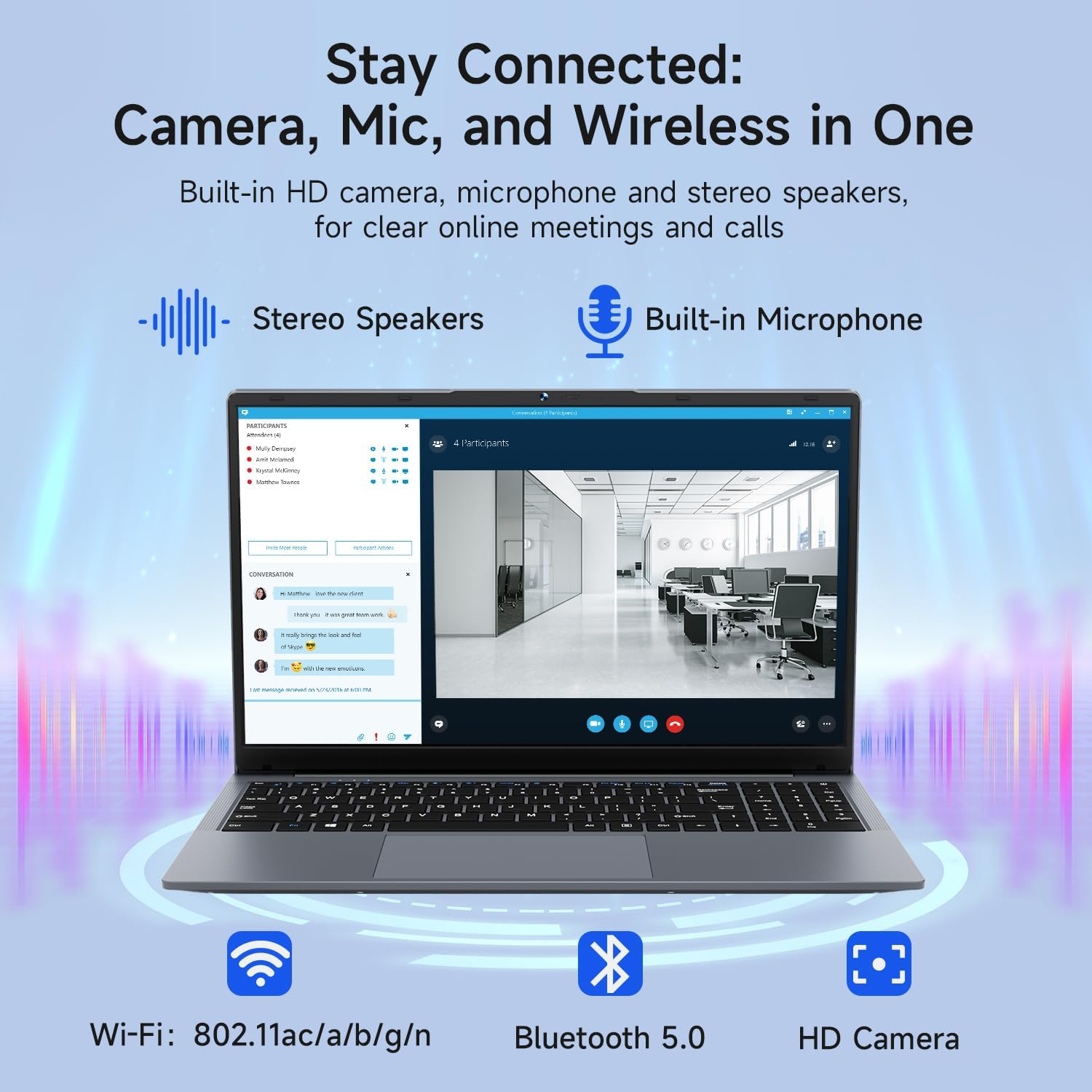
Image: The Bmax X15 Pro laptop with icons representing its integrated Wi-Fi, Bluetooth 5.0, and HD camera capabilities, emphasizing its comprehensive connectivity for communication.
6. Przechowywanie i wydajność
The Bmax X15 Pro is equipped with robust components for efficient performance and ample magazyn.
6.1. Procesor
Powered by the Intel Celeron N95 Quad-Core Processor (up to 3.4GHz), featuring 4 cores and 4 threads with a 6MB cache, ensuring efficient performance for various tasks.

Image: A graphic detailing the Intel 12th Gen Processor N95, showing its 3.40GHz Turbo Frequency, 6MB Cache, 15W Power Consumption, and 4 cores/4 threads, alongside performance benchmarks.
6.2. Pamięć i przechowywanie
The laptop includes 16GB DDR4 RAM and a 512GB SSD, providing substantial storage capacity and enabling efficient multitasking. An M.2_SATA 2280 expansion slot is available for additional storage.
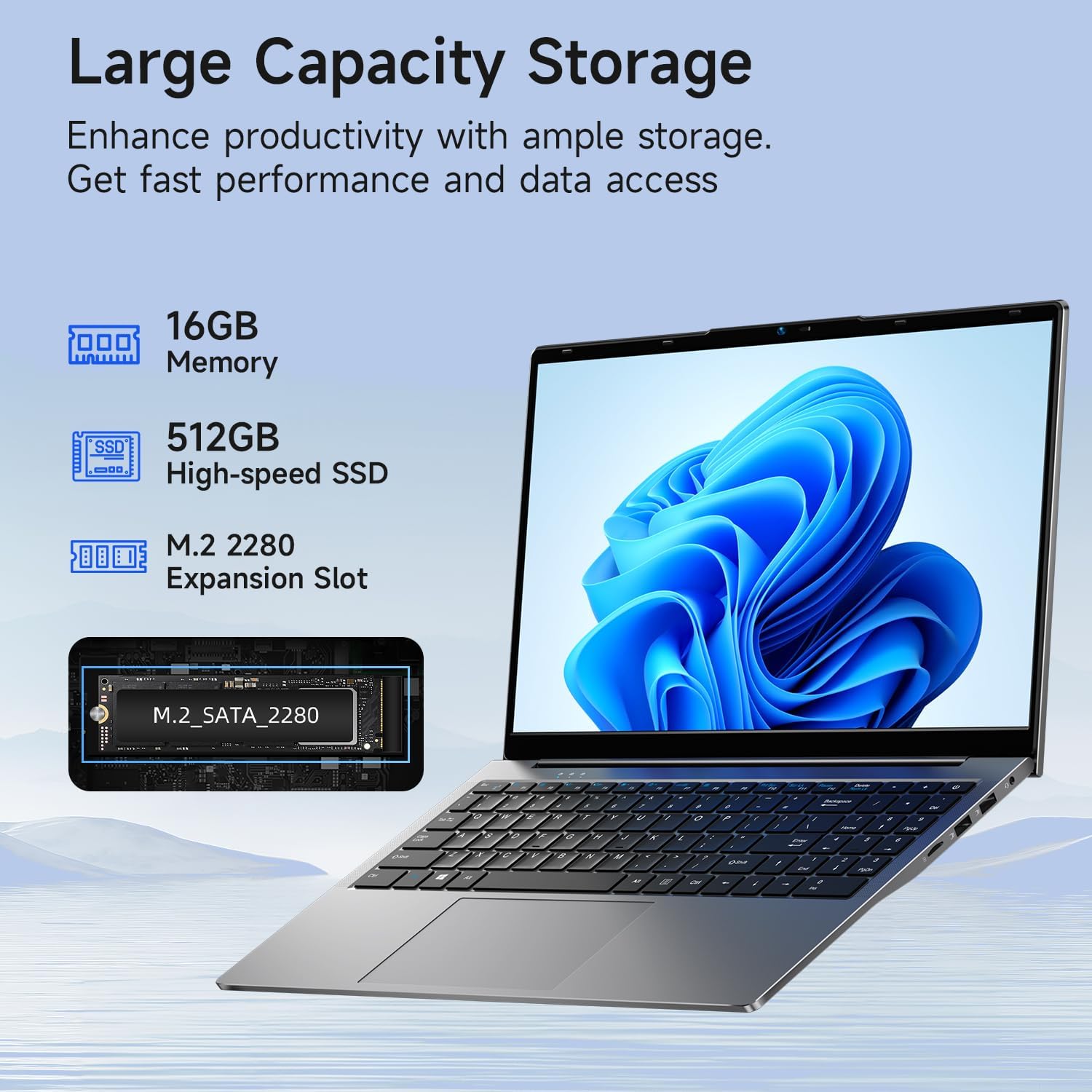
Image: A visual representation of the Bmax X15 Pro laptop's internal components, highlighting its 16GB memory, 512GB high-speed SSD, and an accessible M.2 2280 expansion slot for storage upgrades.
7. Funkcje wyświetlacza
Experience clear and vibrant visuals with the 15.6-inch FHD 1920x1080 IPS display, featuring a slim bezel design and 180° viewkąty.

Image: A graphic illustrating the Bmax X15 Pro laptop's display features, including its 15.6-inch IPS FHD screen, 1920x1080 resolution, 5.7mm ultra-narrow bezel, and 180° lay-flat design.
8. Układ chłodzenia
The laptop incorporates intelligent fans and dual copper heat pipes to ensure rapid heat dissipation, maintaining optimal performance and preventing overheating during extended use.

Image: An internal diagram of the Bmax X15 Pro laptop, highlighting its dual copper heat pipes and silent smart fan, illustrating the efficient and quiet cooling system.
9. Zarządzanie baterią
The laptop is powered by a 51.3Wh battery, providing up to 6-8 hours of usage on a single charge, depending on usage patterns.
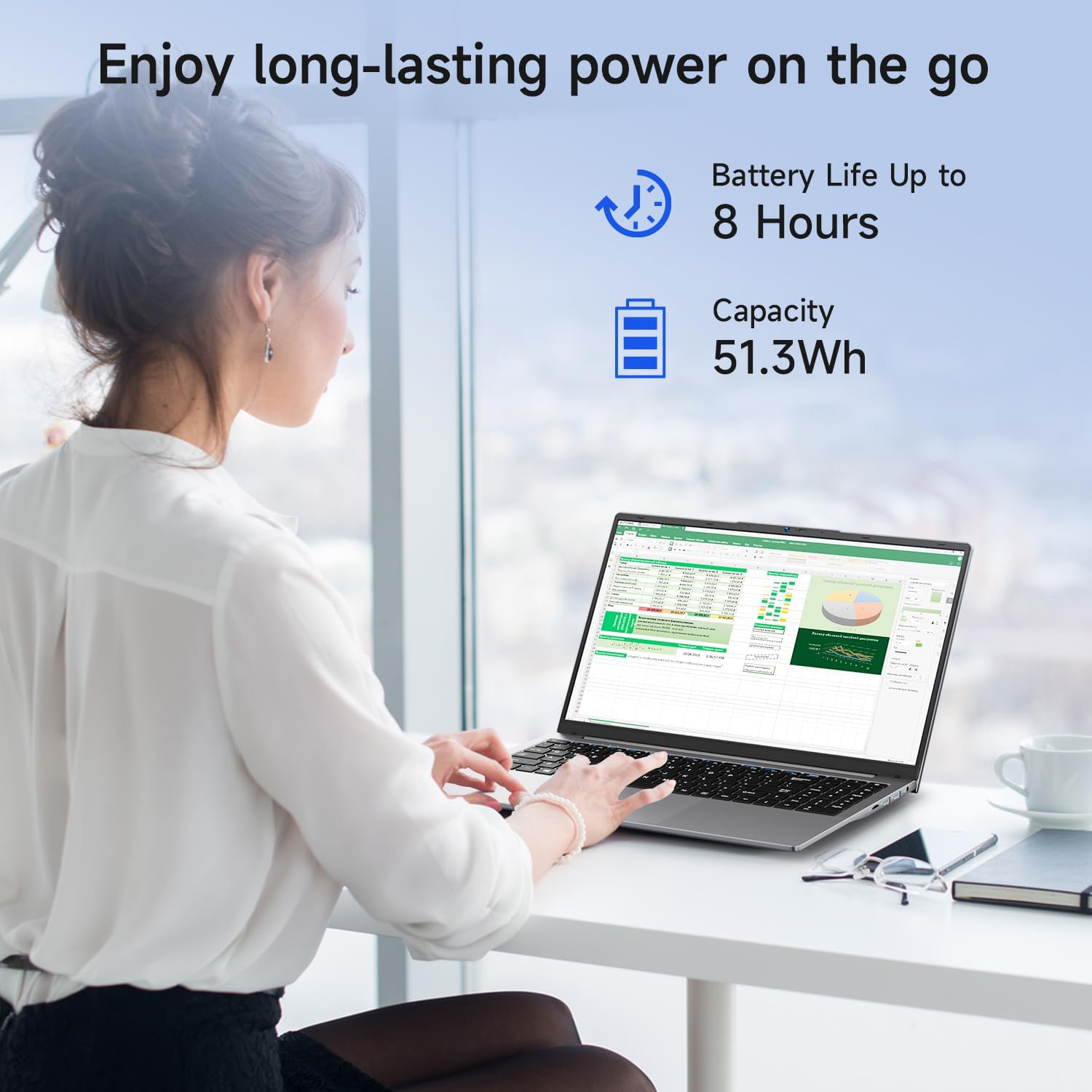
Image: A woman working on the Bmax X15 Pro laptop, with an overlay indicating a battery life of up to 8 hours and a capacity of 51.3Wh, emphasizing its long-lasting power.
10. Konserwacja
Właściwa konserwacja gwarantuje długowieczność i optymalną wydajność Twojego laptopa.
- Czyszczenie: Do czyszczenia ekranu i obudowy używaj miękkiej, niepozostawiającej włókien ściereczki. Unikaj silnych środków chemicznych.
- Wentylacja: Aby zapobiec przegrzaniu, należy upewnić się, że otwory wentylacyjne nie są niczym zasłonięte.
- Aktualizacje oprogramowania: Regularnie aktualizuj system operacyjny i sterowniki, aby zachować bezpieczeństwo i wydajność.
- Pielęgnacja baterii: Avoid fully discharging the battery frequently. Store the laptop in a cool, dry place if not used for extended periods.
11. Rozwiązywanie Problemów
This section addresses common issues you might encounter with your Bmax X15 Pro laptop.
- Laptop się nie włącza: Upewnij się, że zasilacz jest prawidłowo podłączony, a bateria jest wystarczająco naładowana. Spróbuj użyć innego gniazdka elektrycznego.
- Problemy z wyświetlaniem: Jeśli ekran jest pusty, spróbuj podłączyć zewnętrzny monitor, aby sprawdzić, czy problem dotyczy wyświetlacza laptopa. Dostosuj ustawienia jasności.
- Problemy z łącznością Wi-Fi: Upewnij się, że Wi-Fi jest włączone w ustawieniach systemu Windows. Uruchom ponownie router i laptopa. Sprawdź dostępność zaktualizowanych sterowników Wi-Fi.
- Niska wydajność: Zamknij niepotrzebne aplikacje. Sprawdź, czy nie ma złośliwego oprogramowania. Upewnij się, że na dysku SSD jest wystarczająco dużo wolnego miejsca.
12. Specyfikacje
| Funkcja | Specyfikacja |
|---|---|
| Rozmiar ekranu stojącego | 15.6 cali |
| Rozdzielczość ekranu | 1920 x 1080 pikseli |
| Maksymalna rozdzielczość ekranu | 1920x1080 pikseli |
| Edytor | 3.4 GHz Celeron (Intel N95 Quad-Core) |
| BARAN | 16 GB DDR4 |
| Prędkość pamięci | 2666MHz |
| Dysk twardy | 512 GB SSD (PCIE x 4 interface) |
| Koprocesor graficzny | Grafika Intel UHD |
| Rozmiar pamięci RAM karty graficznej | 8 GB (zintegrowana) |
| Typ bezprzewodowy | 2.4 GHz Radio Frequency, 5 GHz Radio Frequency, 802.11a/b/g/n/ac, Bluetooth 5.0 |
| Liczba portów USB 3.0 | 3 |
| Średni czas pracy baterii (w godzinach) | 4-8 Hours (51.3Wh) |
| System operacyjny | Windows 11 Pro |
| Waga przedmiotu | 3.57 funta |
| Wymiary produktu | 14.08 x 9.04 x 0.76 cala |
| Kolor | Kosmiczna Szarość |
| Funkcja specjalna | HD Audio, Lightweight, Memory Card Slot, Numeric Keypad |
13. Gwarancja i wsparcie
Your Bmax X15 Pro laptop comes with a 12-month warranty from the date of purchase. This warranty covers manufacturing defects and ensures product reliability.
- Okres gwarancji: 12 months from the purchase date.
- Zasady zwrotu: Worry-free 30-day return period.
- Obsługa klienta: 7 days/24 hours friendly customer support.
- Dołączone akcesoria: 2 replaceable plugs (US, EU) are included to meet diverse connectivity needs.
For technical assistance or warranty claims, please refer to the contact information provided with your purchase documentation or visit the official Bmax support webstrona.