
Powitanie
Thank you for choosing the boAt Nirvana Crystl True Wireless Earbuds. This manual provides essential information for setting up, operating, and maintaining your earbuds. Please read it carefully to ensure optimal performance and longevity of your device.
Produkt ponadview
Wideo: Ponadview of the boAt Nirvana Crystl True Wireless Earbuds, showcasing their design and key features.
Główne cechy
- Up to 32 dB Active Noise Cancellation for an immersive audio experience.
- boAt 360° Spatial Audio for captivating, cinematic sound.
- Do 100 godzin całkowitego czasu odtwarzania z etui ładującym.
- Quad Mics with ENx Technology for crystal-clear calls.
- boAt Hearables App compatibility for personalized settings and controls.
- Bluetooth v5.3 for stable and efficient wireless connectivity.
- Multipoint Connectivity to seamlessly switch between two devices.
- boAt Adaptive EQ by Mimi for tailored listening based on your hearing profile.
- In-Ear Detection for automatic play/pause functionality.
- Google Fast Pair for quick and easy initial setup.
Co jest w pudełku
- Słuchawki TWS
- Kabel ładujący
- Additional Earbuds (Eartips)
- Instrukcja obsługi
Pierwsze kroki
Ładowanie słuchawek i etui
Before first use, fully charge your boAt Nirvana Crystl earbuds and charging case. Connect the provided USB cable to the charging port on the case and a compatible power source. The charging time is approximately 2.5 hours for a full charge. A 10-minute charge provides up to 220 minutes of playback.
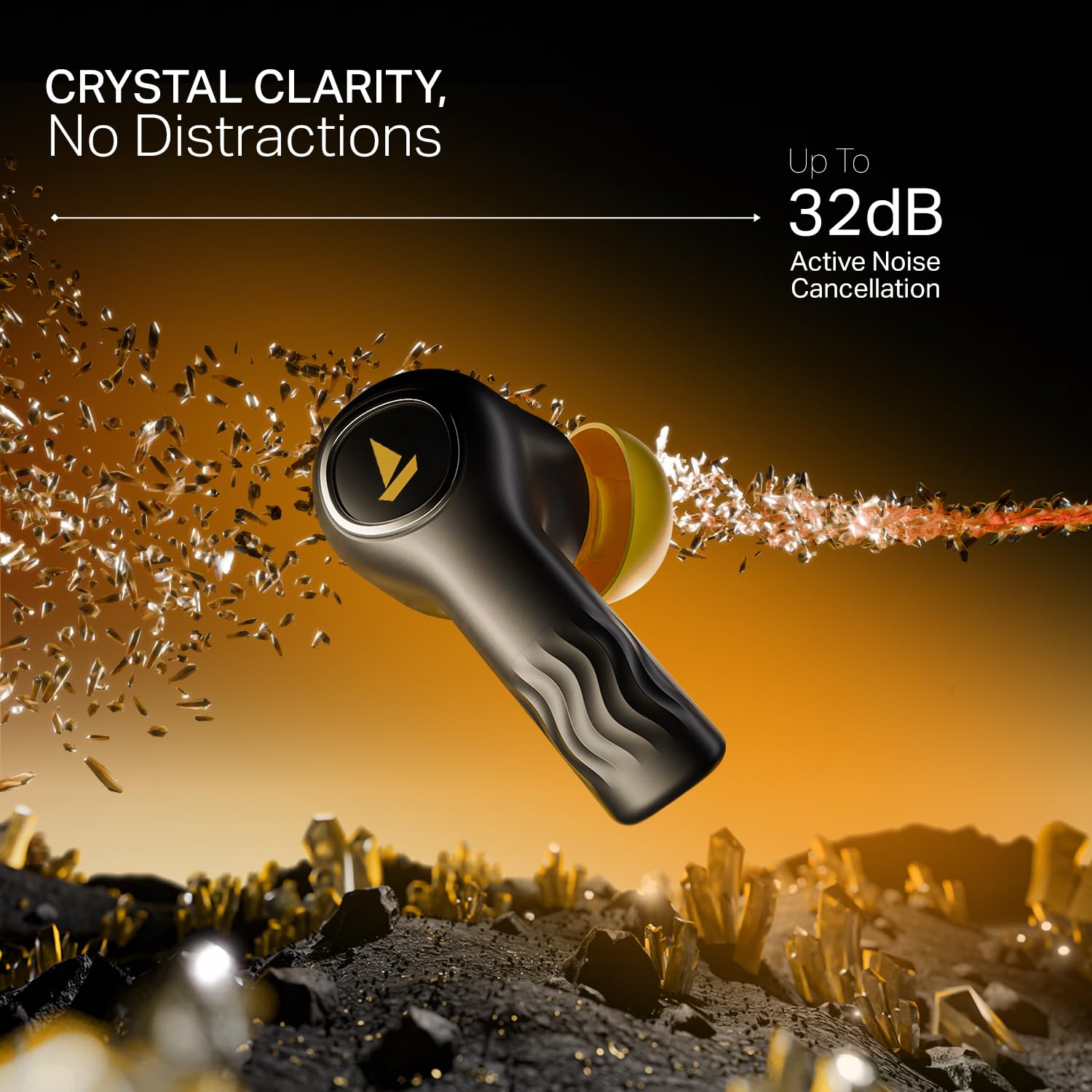
Image: The boAt Nirvana Crystl earbuds and case, illustrating the 100-hour playback and fast charging capabilities.
Parowanie słuchawek dousznych
Początkowe parowanie (szybkie parowanie Google):
- Otwórz etui ładujące. Słuchawki automatycznie przejdą w tryb parowania.
- On your Android device, a Google Fast Pair notification will appear. Tap to connect.
- For other devices, go to your device's Bluetooth settings and select "Nirvana Crystl" from the available devices.
Ponowne parowanie: Słuchawki automatycznie połączą się z ostatnio sparowanym urządzeniem po wyjęciu z etui.
boAt Hearables App Compatibility
Download the boAt Hearables App from your device's app store. The app allows you to customize touch functions, enable Spatial Audio, adjust the equalizer with boAt Adaptive EQ by Mimi, view battery levels, and manage connectivity status.
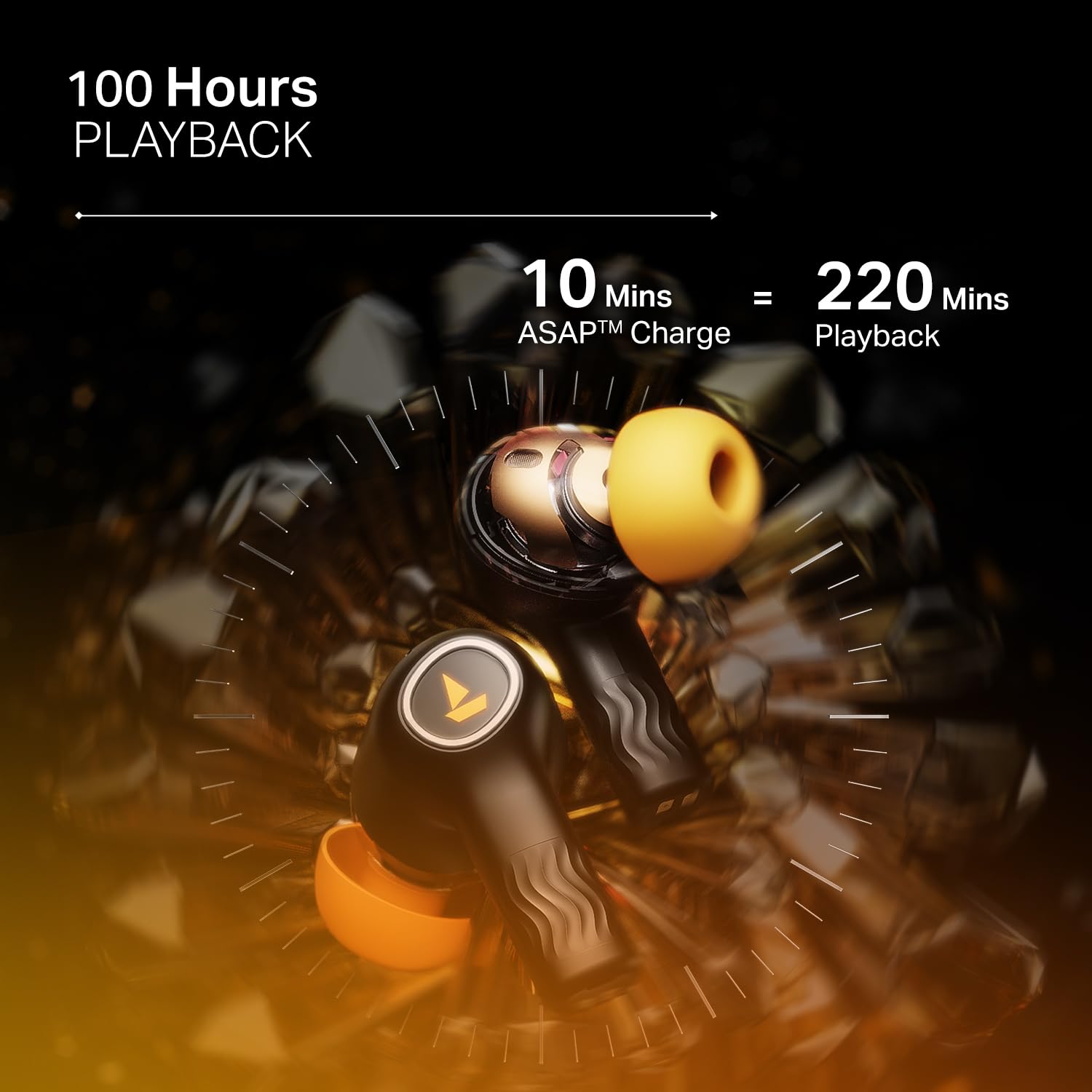
Image: The boAt Hearables App interface, demonstrating options for noise cancellation, equalizer, and spatial audio settings.
Obsługa słuchawek dousznych
Aktywne usuwanie hałasu (ANC)
The Nirvana Crystl earbuds feature Active Noise Cancellation up to 32 dB, allowing you to minimize ambient sounds and focus on your audio. Activate or deactivate ANC through the boAt Hearables App or via the earbud touch controls.

Image: A boAt Nirvana Crystl earbud depicted with visual effects representing the active noise cancellation feature.
boAt 360° Spatial Audio
Experience immersive audio with boAt 360° Spatial Audio, creating a rich, multi-dimensional soundscape for music, movies, and games. This feature can be enabled via the boAt Hearables App.

Image: A person experiencing immersive sound with boAt Nirvana Crystl earbuds, illustrating the 360° Spatial Audio feature.
Quad Mics with ENx Technology
The earbuds are equipped with four microphones and ENx Technology to ensure enhanced clarity during calls, effectively reducing background noise for clear communication.
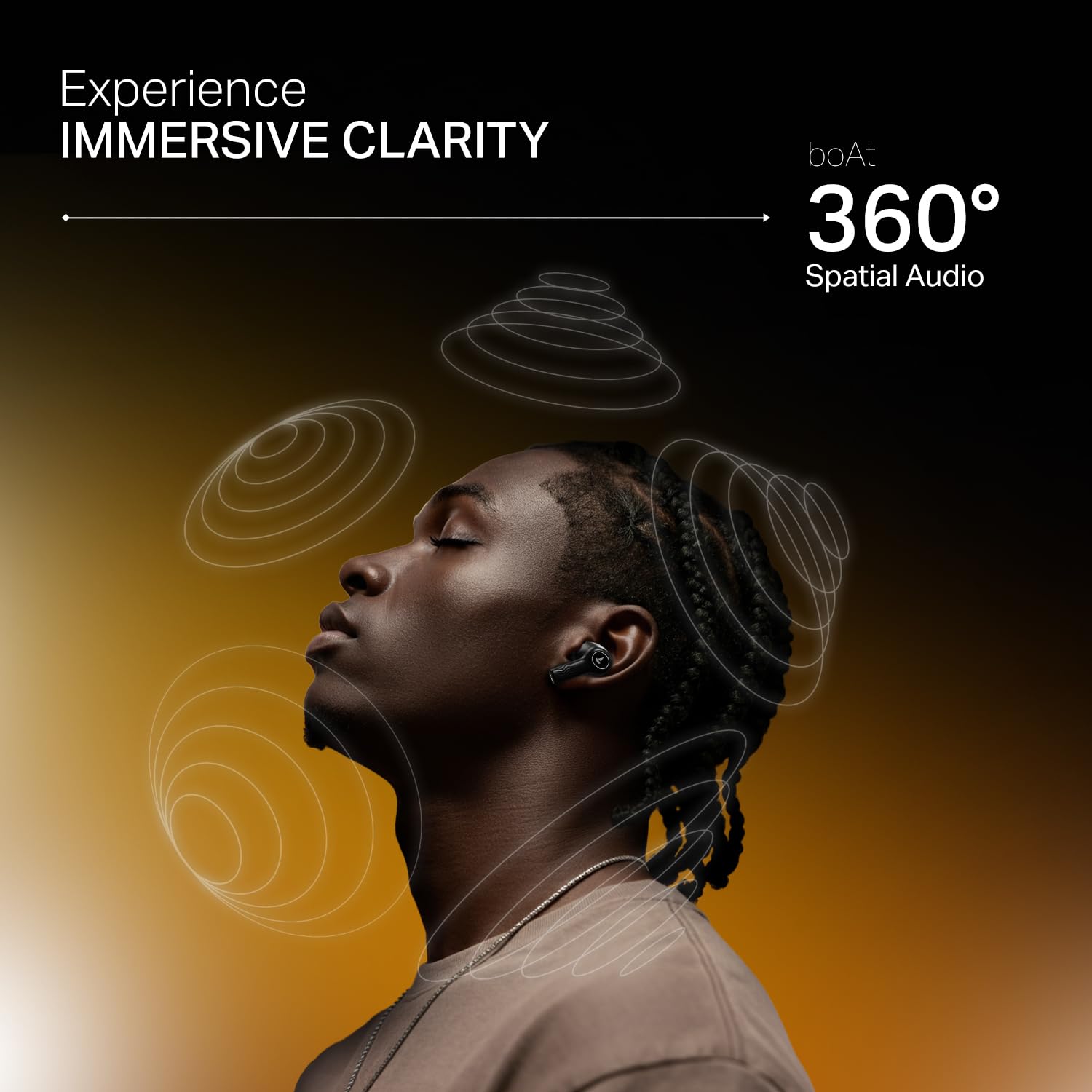
Image: A person making a call with boAt Nirvana Crystl earbuds, emphasizing the clarity provided by 4-mic ENx Technology.
Łączność wielopunktowa
Connect your Nirvana Crystl earbuds to two devices simultaneously and switch between them seamlessly without re-pairing. For example, you can listen to music on your tablet and answer calls on your phone.
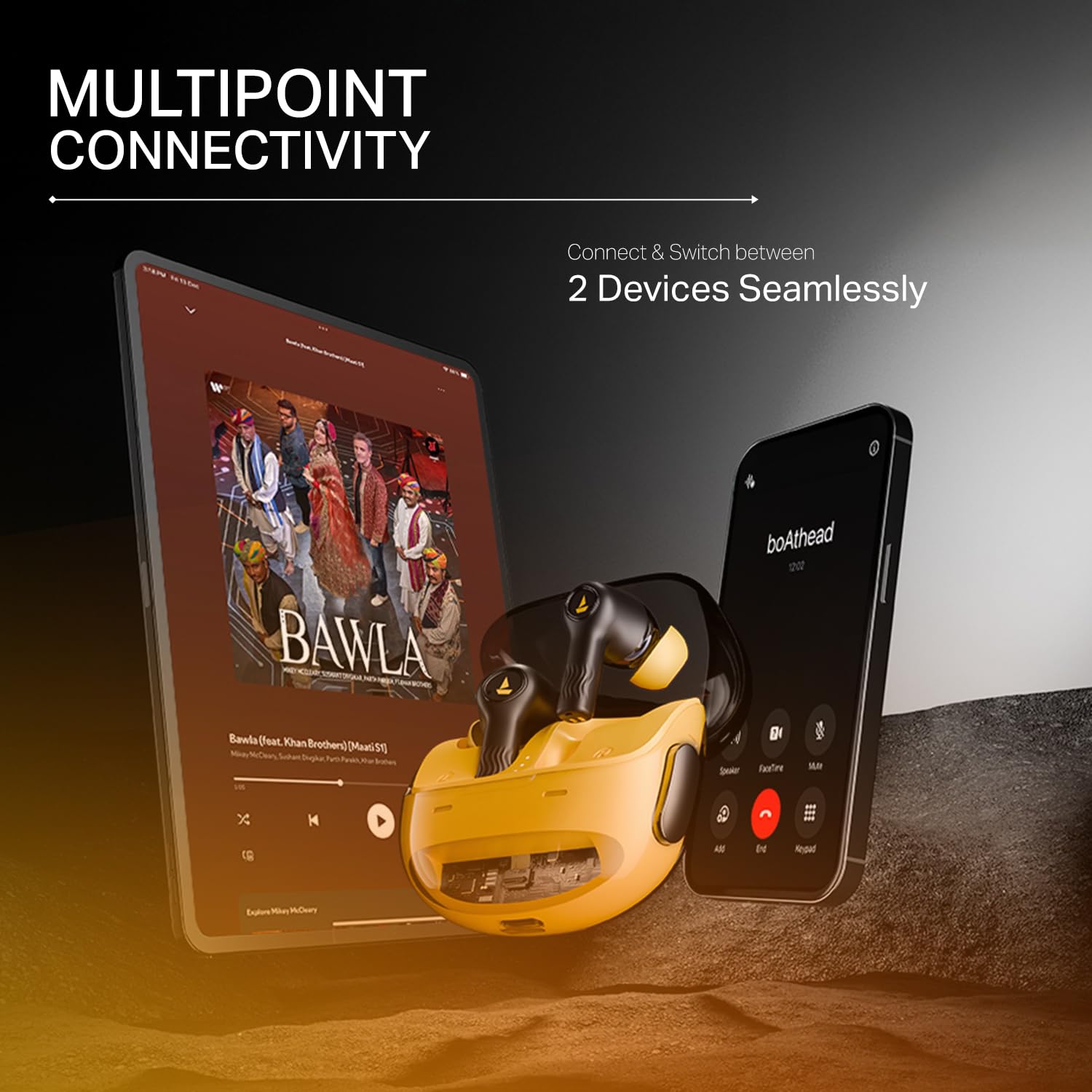
Image: The boAt Nirvana Crystl earbuds shown connected to both a smartphone and a tablet, illustrating multipoint connectivity.
Wykrywanie w uchu
The earbuds feature in-ear detection. Music or video playback will automatically pause when you remove an earbud and resume when you place it back in your ear.
Sterowanie dotykowe
The earbuds feature intuitive touch controls for managing playback, calls, and activating features. These controls can be customized through the boAt Hearables App to suit your preferences.
Pielęgnacja i konserwacja
- Czyszczenie: Regularnie czyść słuchawki douszne i etui ładujące miękką, suchą ściereczką. Unikaj stosowania silnych środków chemicznych i materiałów ściernych.
- Składowanie: Przechowuj słuchawki douszne w etui ładującym, gdy nie są używane, aby je chronić i utrzymywać w stanie naładowania.
- Wodoodporność: The earbuds are water-resistant. However, they are not waterproof. Avoid submerging them in water or exposing them to heavy rain. Dry them thoroughly if they get wet.
- Temperatura: Unikaj wystawiania słuchawek na działanie ekstremalnych temperatur (wysokiej lub niskiej), ponieważ może to mieć wpływ na żywotność baterii i wydajność.
Rozwiązywanie problemów
- Słuchawki nie łączą się: Upewnij się, że obie słuchawki znajdują się w etui ładującym, a następnie otwórz pokrywę, aby uruchomić tryb parowania. Sprawdź ustawienia Bluetooth w urządzeniu.
- Działa tylko jedna słuchawka: Włóż obie słuchawki z powrotem do etui, zamknij pokrywę, odczekaj kilka sekund, a następnie otwórz ją ponownie. Często powoduje to zresetowanie połączenia.
- Słaba jakość dźwięku: Ensure the earbuds are properly seated in your ears and try different sized eartips for a better seal. Check the audio source and app equalizer settings.
- Słuchawki się nie ładują: Ensure the charging cable is securely connected to both the case and the power source. Check for any debris in the charging port.
- Problemy z łącznością: Move closer to your paired device. Ensure there are no major obstructions between the earbuds and your device.
Dane techniczne
| Funkcja | Specyfikacja |
|---|---|
| Nazwa modelu | Nirvana Crystl |
| Kontrola hałasu | Aktywna redukcja szumów (do 32 dB) |
| Technologia łączności | Bluetooth v5.3 |
| Żywotność baterii | 100 Hours (Total Playback) |
| Czas ładowania | 2.5 godzin |
| Mikrofony | Quad Mics with ENx Technology |
| Metoda kontroli | Dotykać |
| Poziom wodoodporności | Wodoodporny |
| Kompatybilne urządzenia | Telefony komórkowe, laptopy, tablety |
| Tworzywo | Plastikowy |
| Waga przedmiotu | 120 gram |
| Wymiary produktu | Wymiary 6 x 2 x 5 cm |
| Producent | Imagine Marketing Ltd |
Gwarancja i wsparcie
For detailed warranty information, product registration, and customer support, please visit the official boAt website or contact their customer service directly. You can reach the manufacturer at info@imaginemarketingindia.com.
Producent: Imagine Marketing Ltd
E-mail: info@imaginemarketingindia.com