
1. Wprowadzenie
This manual provides detailed instructions for the installation, operation, and maintenance of your eRapta ACT1002 Magnetic Wireless Backup Camera System. Please read this manual thoroughly before using the product to ensure proper function and safety.
2. Zawartość opakowania
Sprawdź, czy w przesyłce znajdują się wszystkie elementy wymienione poniżej:
- 10.1" Monitor (x1)
- Magnetic Camera (x2)
- Antena (x5)
- Ładowarka samochodowa (x1)
- U-shaped Bracket (x1)
- Kabel typu C (x1)
- Śruby aparatu
- Fan-shaped Bracket (x1)

3. Konfiguracja i instalacja
3.1 Instalacja kamery
The eRapta ACT1002 cameras feature a strong magnetic base for easy, no-wiring installation on any metal surface. Ensure the camera is fully charged before initial use.
- Ładowanie kamer: Use the included Type-C cable to fully charge both magnetic cameras. The built-in 9600mAh battery provides extended use.
- Dołącz anteny: Screw the antennas onto the designated ports on each camera.
- Montaż kamer: Securely attach the cameras to any metal surface on your vehicle (RV, trailer, truck, tractor). The magnetic base ensures a firm hold. For non-magnetic surfaces, use the provided fan-shaped bracket and screws for permanent installation.


3.2 Instalacja monitora
- Zamocuj wspornik: Secure the 10.1-inch monitor to your dashboard or windshield using the U-shaped or fan-shaped bracket.
- Monitor zasilania: Plug the monitor's car charger into your vehicle's cigarette lighter socket. The monitor will power on automatically when the vehicle starts.

4. Instrukcja obsługi
4.1 Włączanie/wyłączanie zasilania
The monitor automatically turns on when the vehicle starts and powers off when the vehicle is turned off. Cameras enter sleep mode when the monitor is off to conserve battery.
4.2 Parowanie kamery
The cameras and monitor are pre-paired at the factory. If re-pairing is needed, refer to the system settings menu on the monitor.
4.3 ViewTryby pracy
The 10.1-inch monitor supports up to four cameras and offers multiple viewopcje:
- Pełny ekran: Wyświetla pojedynczą kamerę view.
- Podzielony ekran: Displays two camera views jednocześnie.
- Kwadrat View: Displays four camera views simultaneously (if four cameras are connected).
Use the 'CH' button on the monitor to cycle through available camera channels and viewtryby.
4.4 Asystent parkowania
The 10.1-inch monitor features adjustable parking lines with a 150° wide-angle view. Customize parking line settings (width, height, position) using the buttons above the screen for precise guidance.

4.5 Loop Video Recording
Insert an SD card (not included, max 128GB) into the monitor to activate loop recording. This feature continuously records footage, overwriting the oldest files when the card is full. Recorded videos can be played back directly on the monitor.
5. Funkcje ponadview
- Rozdzielczość HD1080P: Upgraded resolution for vibrant image quality day and night.
- IR Night Vision: Zapewnia wyraźną widoczność w warunkach słabego oświetlenia.
- Akumulator 9600mAh: Extended battery life with automatic sleep mode for power saving. Charges via Type-C.
- IP69K Waterproof: Durable construction to withstand harsh weather and temperatures from -6°F to 151°F.
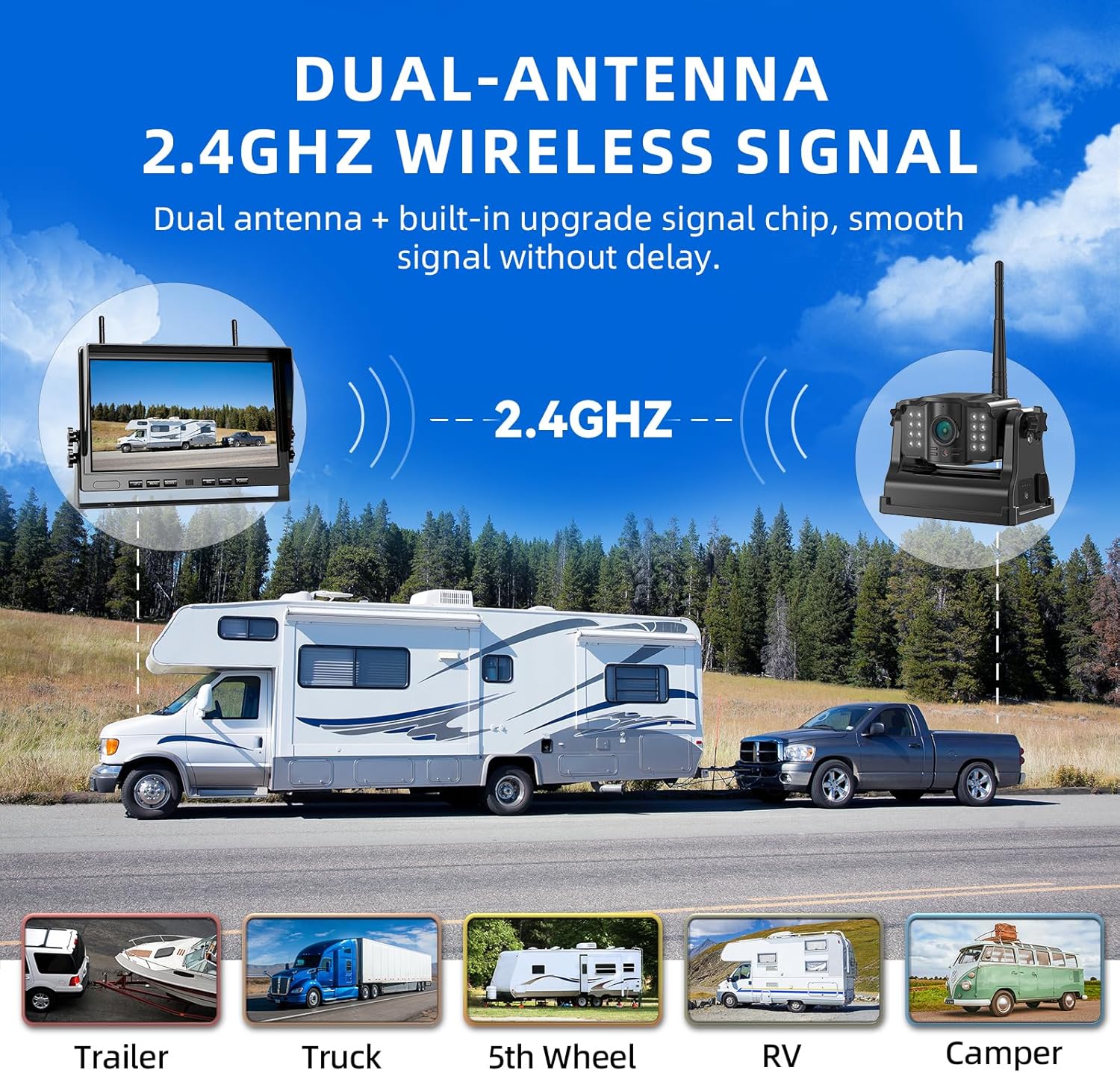
- Dual-Antenna 2.4GHz Wireless Signal: Provides strong and stable signal transmission without delay.

6. Konserwacja
- Czyszczenie: Użyj miękkiego, damp cloth to clean the camera lenses and monitor screen. Avoid abrasive cleaners.
- Pielęgnacja baterii: For optimal battery life, fully charge the cameras before long periods of inactivity.
- Aktualizacje oprogramowania układowego: Sprawdź oficjalne informacje eRapta webokresowo odwiedzaj witrynę w celu sprawdzenia dostępności aktualizacji oprogramowania sprzętowego, aby zapewnić optymalną wydajność.
7. Rozwiązywanie Problemów
| Problem | Możliwa przyczyna | Rozwiązanie |
|---|---|---|
| Brak sygnału na monitorze | Camera not powered on or out of range; interference. | Ensure cameras are charged and powered. Move cameras closer to the monitor. Check for strong signal interference. |
| Słaba jakość obrazu | Dirty lens; low light (without IR); signal interference. | Clean camera lens. Ensure IR night vision is active in low light. Reduce signal interference. |
| Monitor się nie włącza | Car charger not properly connected or vehicle's power outlet is off. | Check car charger connection and vehicle's power. Ensure vehicle ignition is on. |
8. Specyfikacje
- Numer modelu: AKT 1002
- Rozmiar ekranu: 10.1 cali
- Technologia wyświetlania: LCD
- Technologia czujnika optycznego: CMOS
- Kąt rzeczywisty View: 150 stopni
- Bateria: 9600 mAh litowo-jonowy (ładowalny)
- Stopień wodoodporności: IP69K
- Temperatura pracy: -6°F do 151°F
- Częstotliwość bezprzewodowa: 2.4 GHz
- Maksymalna obsługa kart SD: 128 GB (nie dołączone)
9. Gwarancja i wsparcie
eRapta offers a 2-year warranty for the ACT1002 Magnetic Wireless Backup Camera System. For any questions, concerns, or technical assistance, please contact our dedicated 24-hour online customer service.
Your satisfaction is our priority. Please refer to the product packaging or the official eRapta webstrona dla danych kontaktowych.
10. Oficjalne filmy o produktach
10" 2 Magnetic Wireless Backup Camera Kit
This video demonstrates the features and functionality of the eRapta 10-inch magnetic wireless backup camera kit, highlighting its ease of use and clear display.