Wstęp
Thank you for choosing the HISHELL Language Translator Earbuds. These open-ear headphones are designed to provide seamless real-time language translation across 144 online languages, powered by 6 top translation engines. Beyond translation, they also function as versatile devices for music streaming and phone calls. This manual will guide you through the setup, operation, and maintenance of your new device to ensure an optimal user experience.

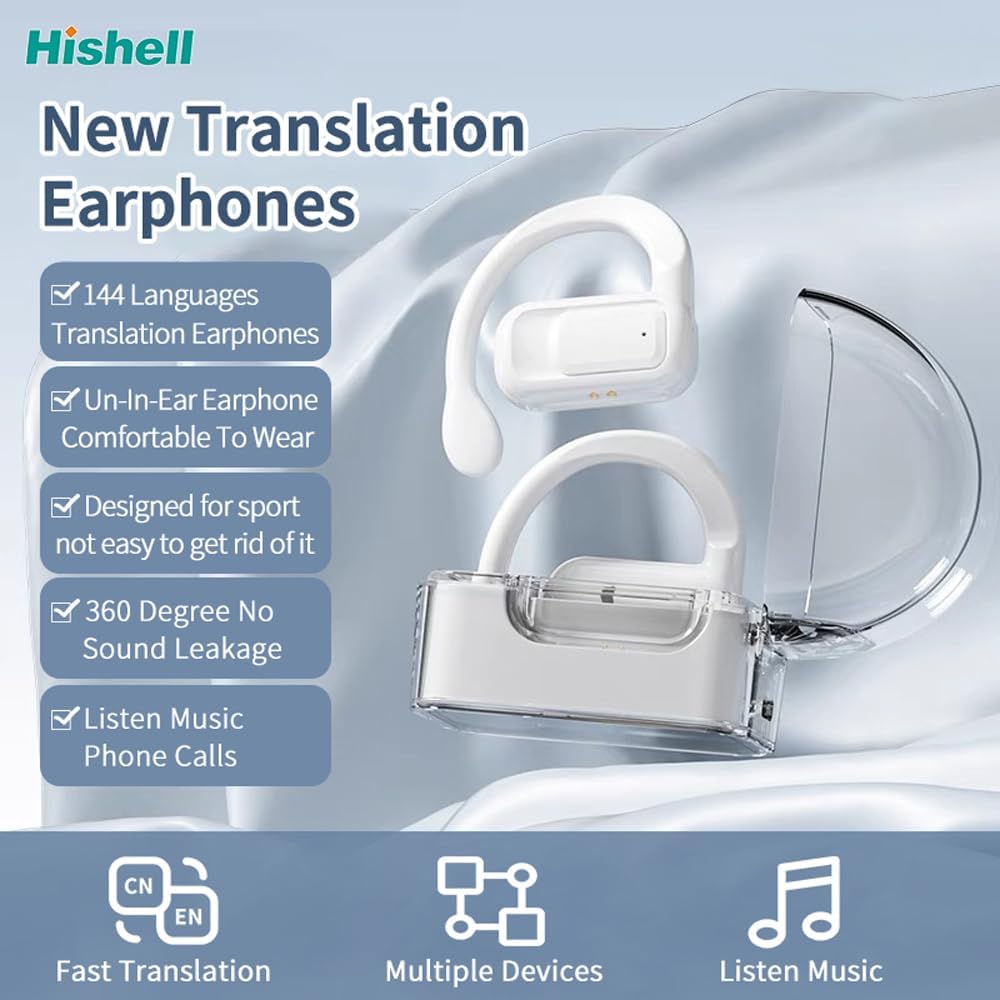
Image: The HISHELL Language Translator Earbuds, showing both earbuds and their transparent charging case.
Co jest w pudełku
- 2 x Language Translator Earphones
- 1 x Komora ładowania
- 1 x kabel do transmisji danych (USB-C)
- 1 x Headset User Manual
- 1 x APP Translation User Manual

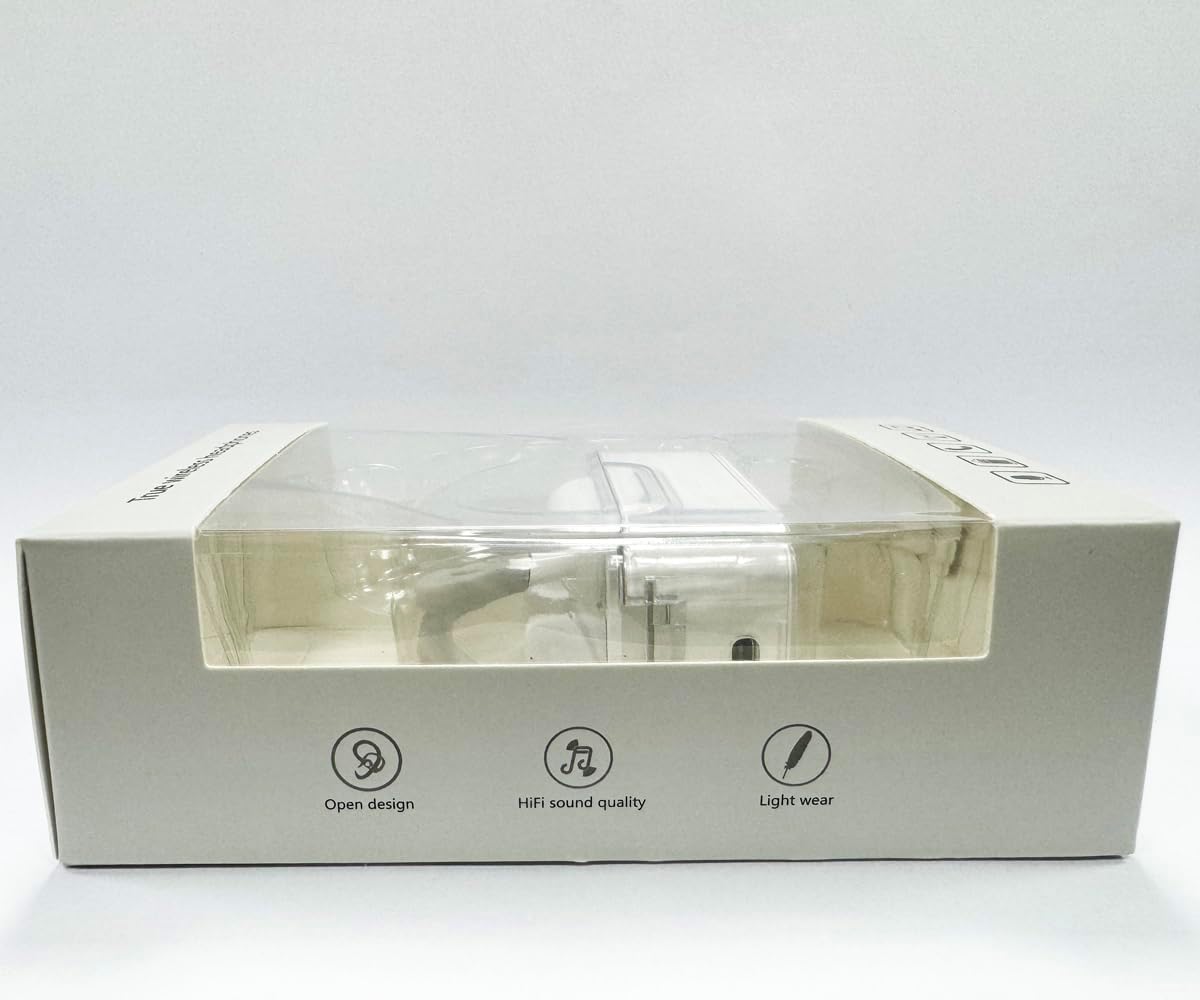
Obraz: Przód view of the product packaging, displaying the earbuds inside.
Organizować coś
1. Ładowanie słuchawek i etui
Before first use, fully charge the earbuds and the charging case. Connect the provided USB-C data cable to the charging port on the case and plug the other end into a USB power source (e.g., computer, wall adapter). The indicator lights on the case will show charging status.
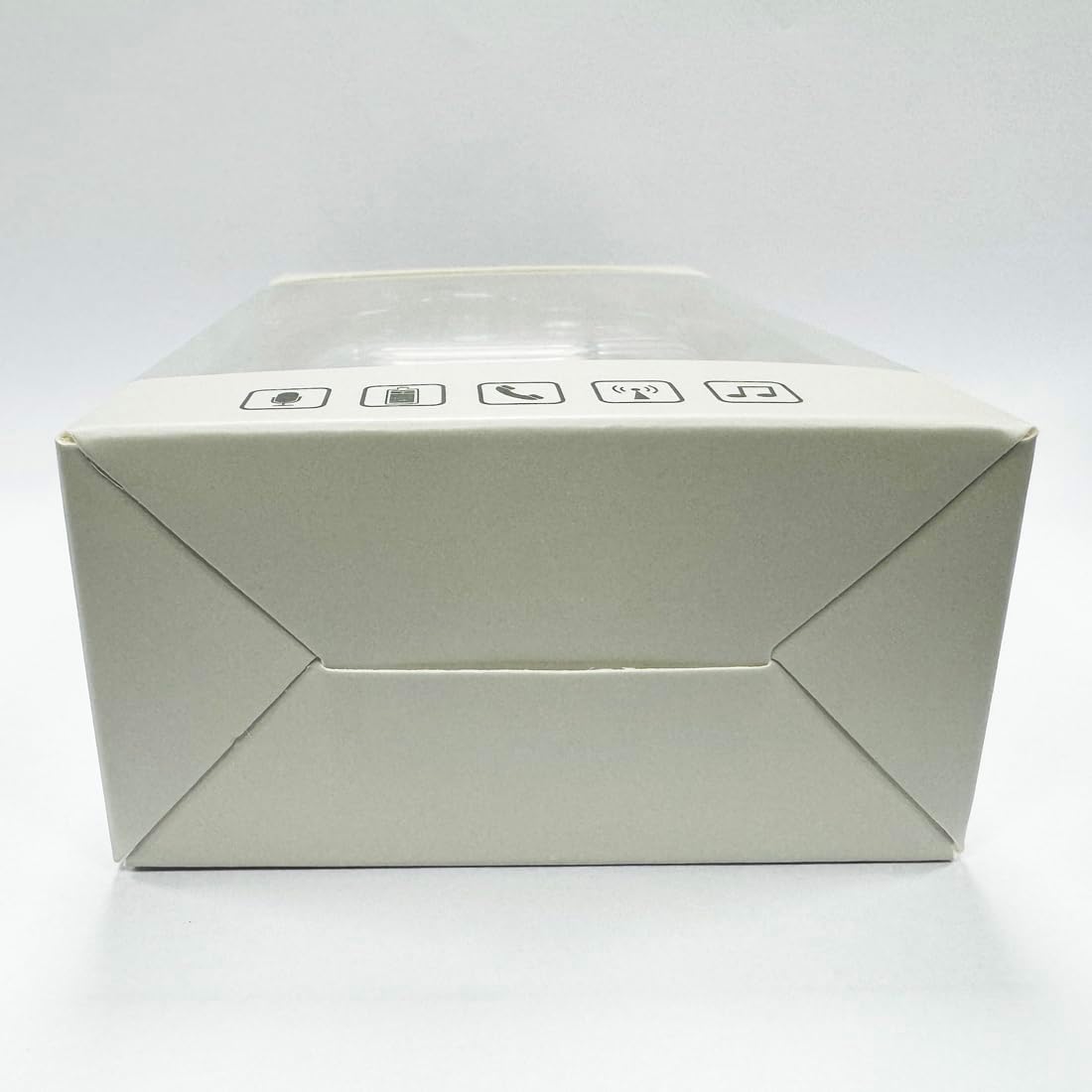
Obraz: Dół view etui ładującego, ze szczególnym uwzględnieniem portu ładowania USB-C.
2. Instalacja aplikacji
To utilize the translation features, you must download the dedicated HISHELL translation app on your smartphone (iOS or Android). Scan the QR code provided in the APP Translation User Manual or search for "HISHELL Translator" in your device's app store.
3. Parowanie Bluetooth
- Upewnij się, że słuchawki są naładowane i wyjmij je z etui ładującego. Automatycznie przejdą w tryb parowania.
- On your smartphone, go to Bluetooth settings and turn Bluetooth on.
- Select "HISHELL BL02" (or similar name) from the list of available devices.
- Po nawiązaniu połączenia rozlegnie się dźwięk potwierdzający, a słuchawki będą gotowe do użycia.
Instrukcja obsługi
The HISHELL Language Translator Earbuds offer three primary translation modes, along with standard audio functions.
Tryby tłumaczenia

Image: Visual representation of the three distinct translation modes available with the earbuds.
- Tryb dotykowy:
Two people each wear one earphone. Click or double-click the earphone to translate in real-time. This mode is suitable for acquaintances who are willing to wear your earphone.

Image: Two individuals using the translator earbuds in a conversational setting.
- Tryb głośnika:
One person wears the earphones, and the other person holds the mobile phone. The phone's speaker will output the translation. This mode is suitable for strangers or situations where it's inconvenient for the other person to wear an earphone.
- Tryb swobodnej rozmowy:
Both users wear an earphone. The device translates in real-time, allowing for natural, continuous conversation without needing to press buttons. This mode facilitates smooth and uninterrupted communication.
Funkcje muzyki i połączeń
In addition to translation, the earbuds function as standard Bluetooth headphones:
- Odtwarzanie muzyki: Once connected via Bluetooth, you can stream audio from your device. Use your phone's media controls for play/pause, skip tracks, and volume adjustment.
- Rozmowy telefoniczne: The earbuds support hands-free calling. Answer/end calls directly through the earbuds (refer to the APP Translation User Manual for specific touch controls). The binaural HD microphone ensures clear communication.

Obraz: Byłyamples of individuals comfortably wearing the open-ear translator earbuds.
Konserwacja
Czyszczenie
- Wytrzyj słuchawki douszne i etui ładujące miękką, suchą i niepozostawiającą włókien ściereczką.
- Nie należy używać środków czyszczących o właściwościach ściernych, alkoholu ani rozpuszczalników chemicznych.
- Unikaj dostania się wilgoci do otworów.
Składowanie
Gdy nie używasz słuchawek, przechowuj je w etui ładującym, aby je chronić i utrzymać naładowanie. Przechowuj w chłodnym, suchym miejscu, z dala od bezpośredniego światła słonecznego i ekstremalnych temperatur.
Rozwiązywanie problemów
| Problem | Możliwa przyczyna | Rozwiązanie |
|---|---|---|
| Słuchawki douszne nie parują się | Low battery; out of range; not in pairing mode; previous connection issue. | Ensure earbuds are charged. Place them closer to your device. Re-insert into case and remove to re-enter pairing mode. Forget device in Bluetooth settings and re-pair. |
| Translation not accurate or delayed | Poor internet connection; background noise; speaking too fast/unclearly; incorrect language selection. | Ensure stable internet connection. Speak clearly and at a moderate pace. Reduce background noise. Verify correct source and target languages in the app. |
| Brak dźwięku w słuchawkach | Głośność jest zbyt niska; brak połączenia; odtwarzanie multimediów wstrzymane. | Zwiększ głośność swojego urządzenia. Sprawdź połączenie Bluetooth. Upewnij się, że multimedia są odtwarzane. |
| Etui ładujące nie ładuje się | Wadliwy kabel/adapter; brudny port ładowania. | Try a different USB-C cable and power adapter. Clean the charging port gently with a dry cotton swab. |
For further assistance, please refer to the APP Translation User Manual or contact customer support.
Specyfikacje
| Funkcja | Szczegół |
|---|---|
| Numer modelu | BL02 |
| Wymiary opakowania | 5.16 x 3.15 x 1.69 cala |
| Waga przedmiotu | 2.12 uncji |
| Baterie | 1 bateria litowo-polimerowa (w zestawie) |
| Języki tłumaczenia | 144 języki online |
| Translation Engines | Powered by 6 top translation engines |
| Mikrofon | Binaural HD microphone |
| Czas pracy baterii (słuchanie) | Około 3 godzin |
| Czas czuwania | Około 240 godzin |
| Port ładowania | USB-C |


Obraz: Różne views of the HISHELL charging case, showing its dimensions and design.
Gwarancja i wsparcie
Informacje o gwarancji
HISHELL products typically come with a standard manufacturer's warranty. Please refer to the warranty card included in your product packaging or visit the official HISHELL webAby zapoznać się ze szczegółowymi warunkami gwarancji obowiązującymi w Twoim regionie i dacie zakupu, odwiedź naszą witrynę.
Obsługa klienta
If you encounter any issues or have questions not covered in this manual, please contact HISHELL customer support. You can usually find contact information (email, phone, or support portal) on the official HISHELL webna stronie internetowej lub za pośrednictwem sprzedawcy, u którego zakupiłeś produkt.