
amazon basics AB-IBT-82ANC
Amazon Basics Pro Series Wireless Noise Cancelling ANC Over Ear Headphone
Model: AB-IBT-82ANC
Wstęp
This manual provides detailed instructions for the setup, operation, maintenance, and troubleshooting of your Amazon Basics Pro Series Wireless Noise Cancelling ANC Over Ear Headphones. Please read this manual thoroughly before using the product to ensure proper function and longevity.

Image: The Amazon Basics Pro Series Wireless Noise Cancelling ANC Over Ear Headphone in black, showcasinze względu na jego elegancki wygląd.
Zawartość opakowania
Sprawdź, czy w opakowaniu znajdują się wszystkie elementy:
- Amazon Basics Pro Series Wireless Noise Cancelling ANC Over Ear Headphone
- Kabel do ładowania USB typu C.
- Kabel AUX 3.5 mm
- Instrukcja obsługi (ten dokument)
Organizować coś
1. Ładowanie początkowe
Before first use, fully charge the headphones. Connect the supplied USB Type-C charging cable to the headphone's charging port and the other end to a USB power source (e.g., computer USB port or wall adapter). The LED indicator will show charging status and turn off or change color when fully charged.
A full charge provides up to 74 hours of playback at 50% volume with ANC off, or 34 hours with ANC on.
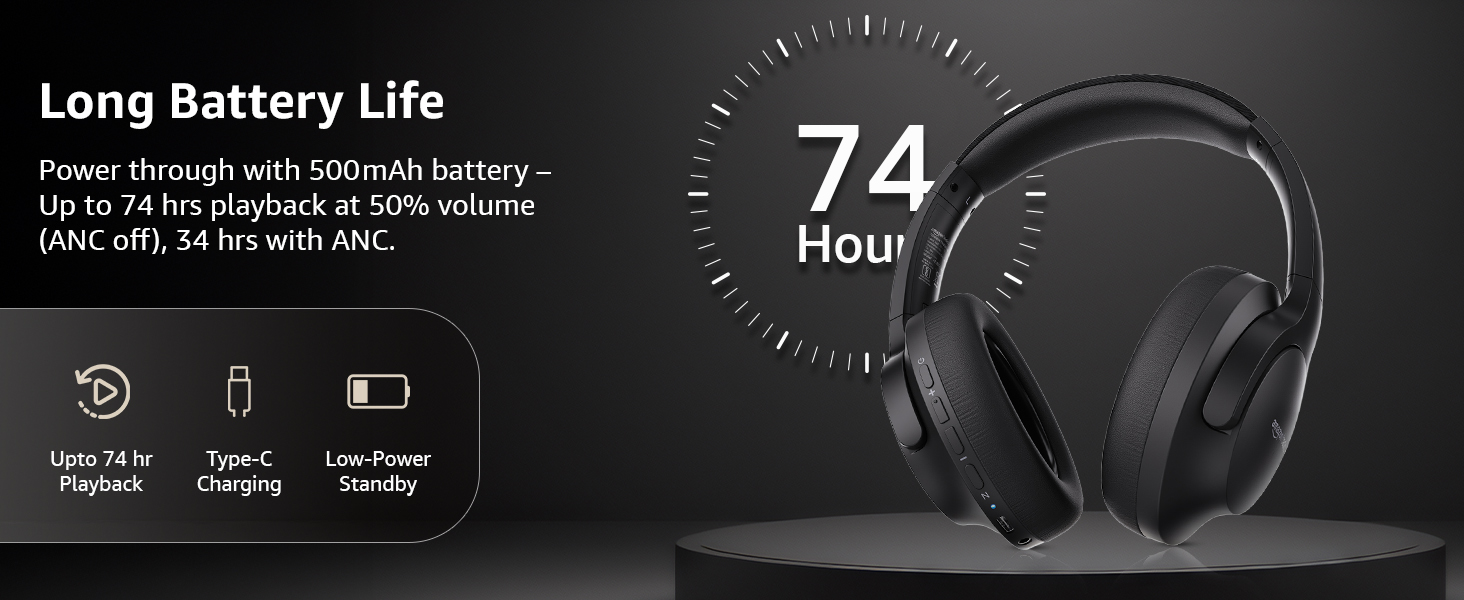
Image: An illustration highlighting the long battery life of the headphones, indicating up to 74 hours of playback.
2. Parowanie Bluetooth
- Sprawdź, czy słuchawki są naładowane i wyłączone.
- Naciśnij i przytrzymaj przycisk zasilania, aż dioda LED zacznie migać na niebiesko i czerwono, wskazując tryb parowania.
- Na swoim urządzeniu (smartfonie, tablecie, laptopie) włącz Bluetooth i wyszukaj dostępne urządzenia.
- Select "AB-IBT-82ANC" from the list of found devices.
- Po nawiązaniu połączenia dioda LED zacznie świecić ciągłym niebieskim światłem lub będzie powoli migać.
The headphones support dual pairing, allowing connection to two devices simultaneously for seamless switching.

Image: The headphones shown connected to both a smartphone and a laptop, illustrating the multi-pairing capability.
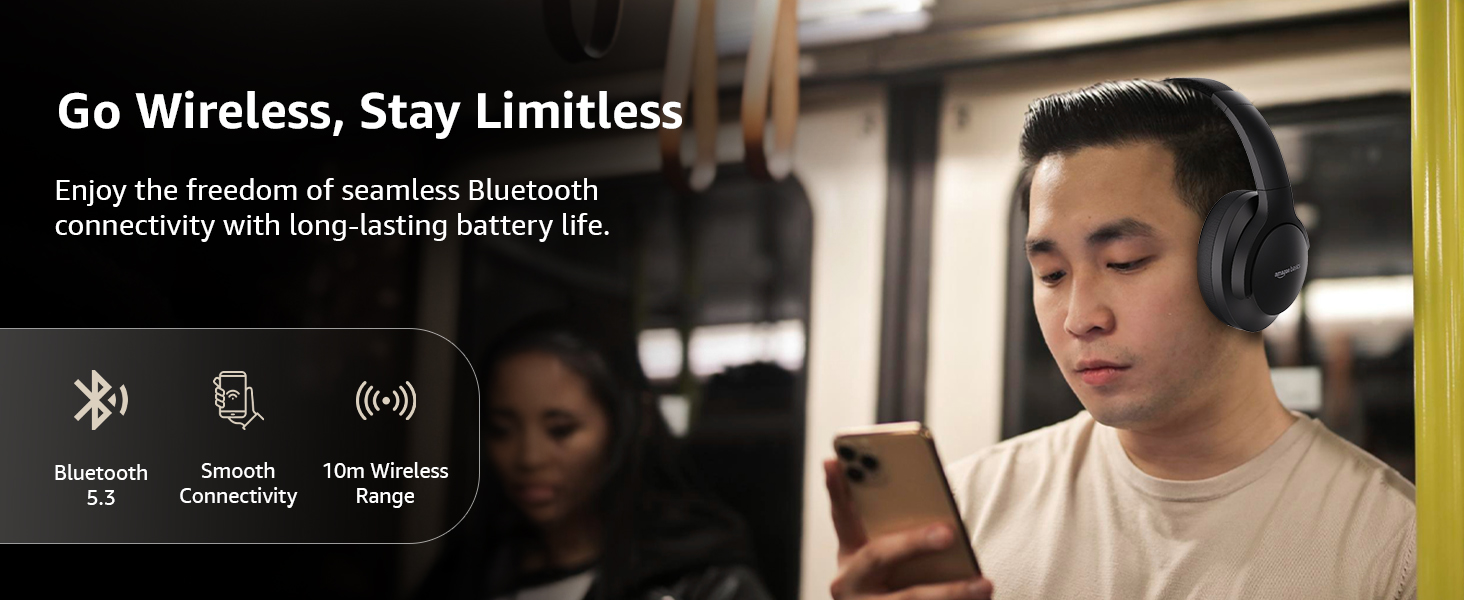
Image: A visual representation of the wireless capabilities, including Bluetooth 5.3 and a 10-meter wireless range.
3. Połączenie przewodowe (tryb AUX)
For a wired connection, plug the 3.5mm AUX cable into the headphone's AUX port and the other end into your audio device's 3.5mm jack. This mode does not require battery power.
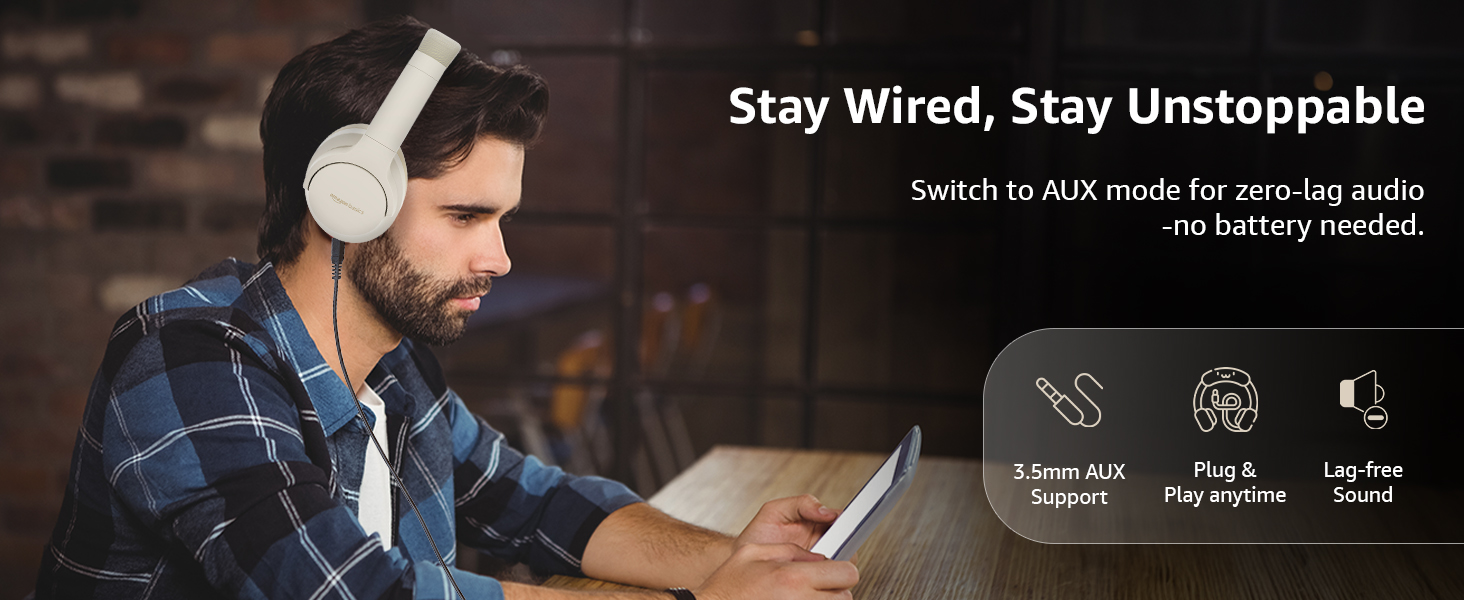
Image: A user demonstrating the wired AUX connection, emphasizing lag-free audio without needing battery power.
Instrukcja obsługi
1. Włączanie/wyłączanie zasilania
- Włączanie: Naciśnij i przytrzymaj przycisk zasilania przez około 3 sekundy.
- Wyłączone: Naciśnij i przytrzymaj przycisk zasilania przez około 5 sekundy.
2. Accessible Controls
Słuchawki wyposażone są w intuicyjne elementy sterujące umieszczone na nausznikach:
- Zwiększanie głośności/następny utwór: Krótkie naciśnięcie zwiększa głośność, długie naciśnięcie przełącza na następny utwór.
- Zmniejszenie głośności/Poprzedni utwór: Krótkie naciśnięcie powoduje zmniejszenie głośności, długie naciśnięcie powoduje przejście do poprzedniego utworu.
- Odtwórz/wstrzymaj/odbierz połączenie: Naciśnij raz przycisk wielofunkcyjny.
- Zakończ połączenie: Naciśnij raz przycisk wielofunkcyjny w trakcie połączenia.
- Odrzuć połączenie: Naciśnij i przytrzymaj przycisk wielofunkcyjny podczas połączenia przychodzącego.
- Aktywuj Asystenta głosowego (Siri/Asystent Google): Naciśnij dwukrotnie przycisk wielofunkcyjny.
- Włączanie/wyłączanie ANC: Dedicated ANC button to toggle Active Noise Cancellation.
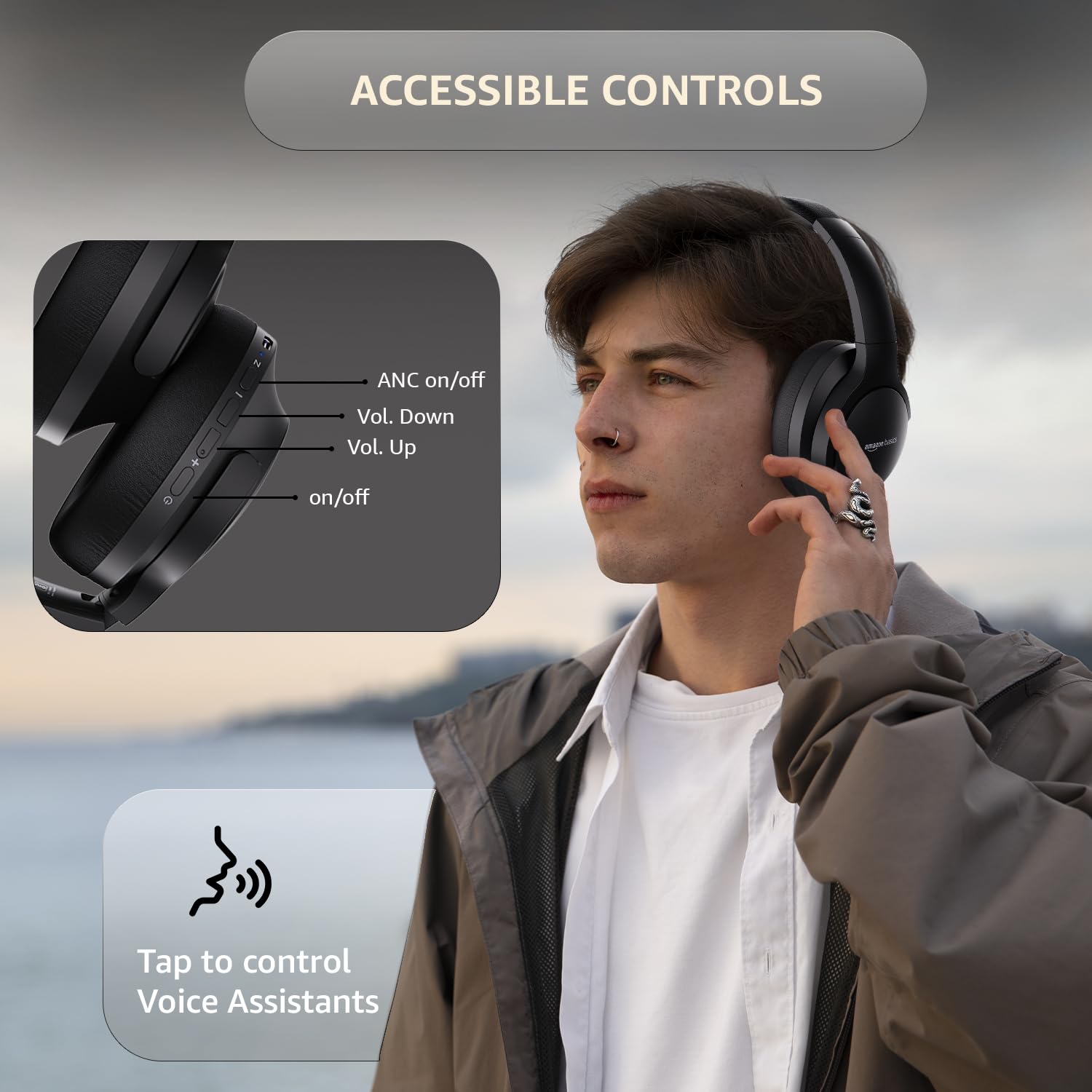
Image: A detailed diagram illustrating the location and function of the accessible controls on the headphone earcup.
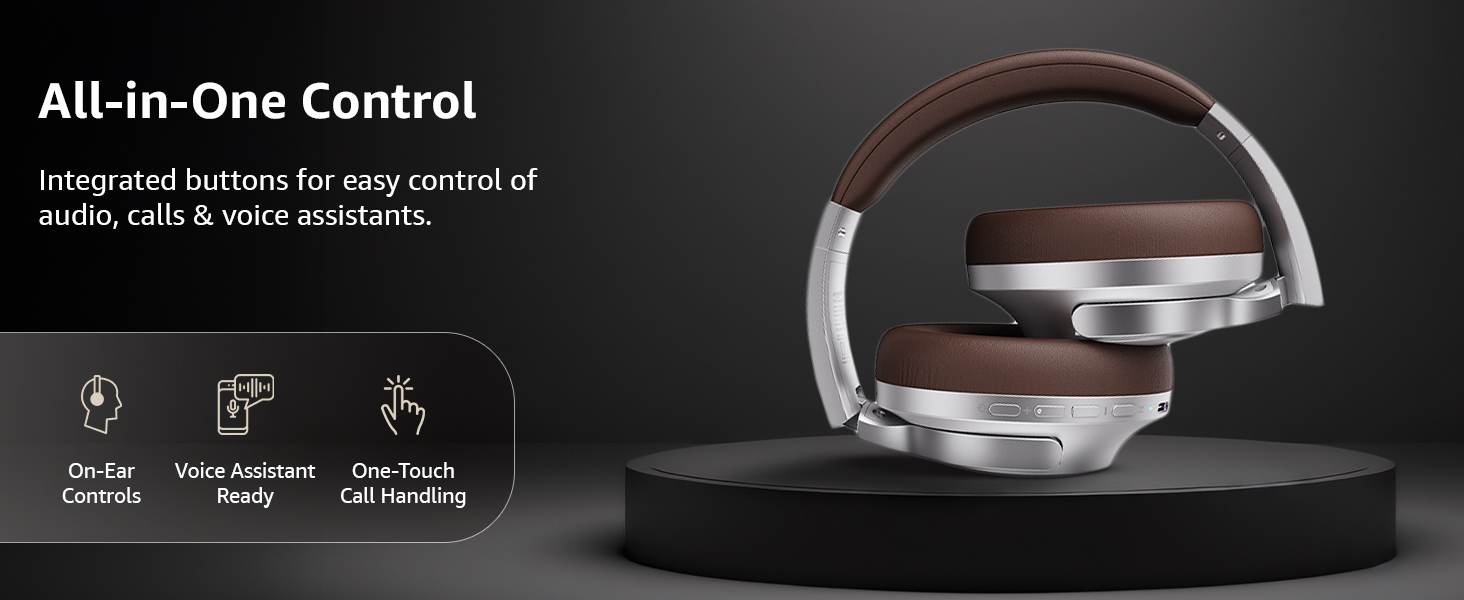
Obraz: Ponadview of the integrated controls, highlighting ease of use for audio, calls, and voice assistants.
3 Aktywna redukcja szumów (ANC)
The Active Noise Cancellation feature reduces ambient noise, providing a more immersive listening experience. Press the dedicated ANC button to activate or deactivate this feature. Note that ANC functionality may slightly reduce overall battery life.

Image: A person wearing the headphones in a public setting, illustrating the effectiveness of Active Noise Cancellation in reducing distractions.
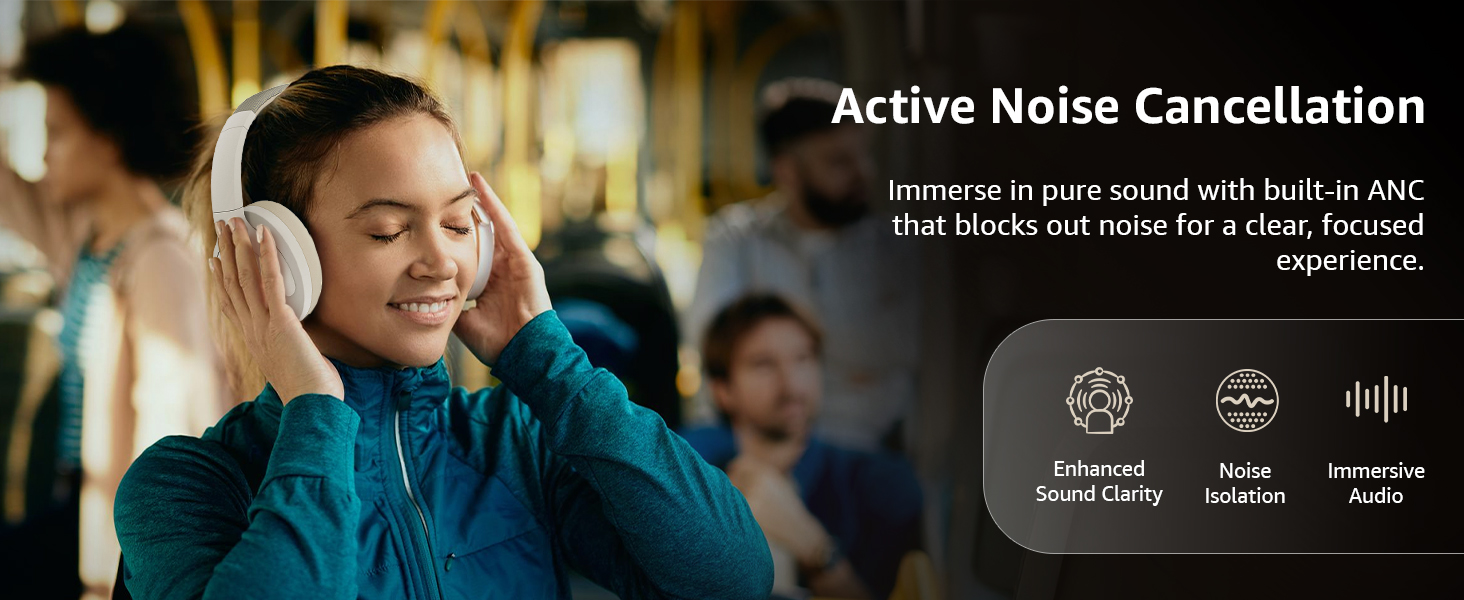
Image: A graphic emphasizing the benefits of Active Noise Cancellation, including enhanced sound clarity and immersive audio.
4. Audio Quality and Drivers
The headphones are equipped with 40mm drivers, designed to deliver rich bass, clear mids, and precise highs for a balanced audio experience.
Obraz: Wybuch view diagram illustrating the 40mm drivers, which are responsible for the headphone's sound output.
Konserwacja
1. Czyszczenie
- Wytrzyj słuchawki miękką, suchą i niepozostawiającą włókien ściereczką.
- Nie należy używać środków czyszczących o właściwościach ściernych, rozpuszczalników ani środków czyszczących w sprayu bezpośrednio na słuchawkach.
- Clean the ear cushions gently with a damp Jeśli to konieczne, przetrzyj ściereczką i pozostaw do całkowitego wyschnięcia na powietrzu przed użyciem.
2. Przechowywanie
When not in use, store the headphones in a cool, dry place, away from direct sunlight and extreme temperatures. The headphones feature a sleek and foldable design for convenient storage and portability.
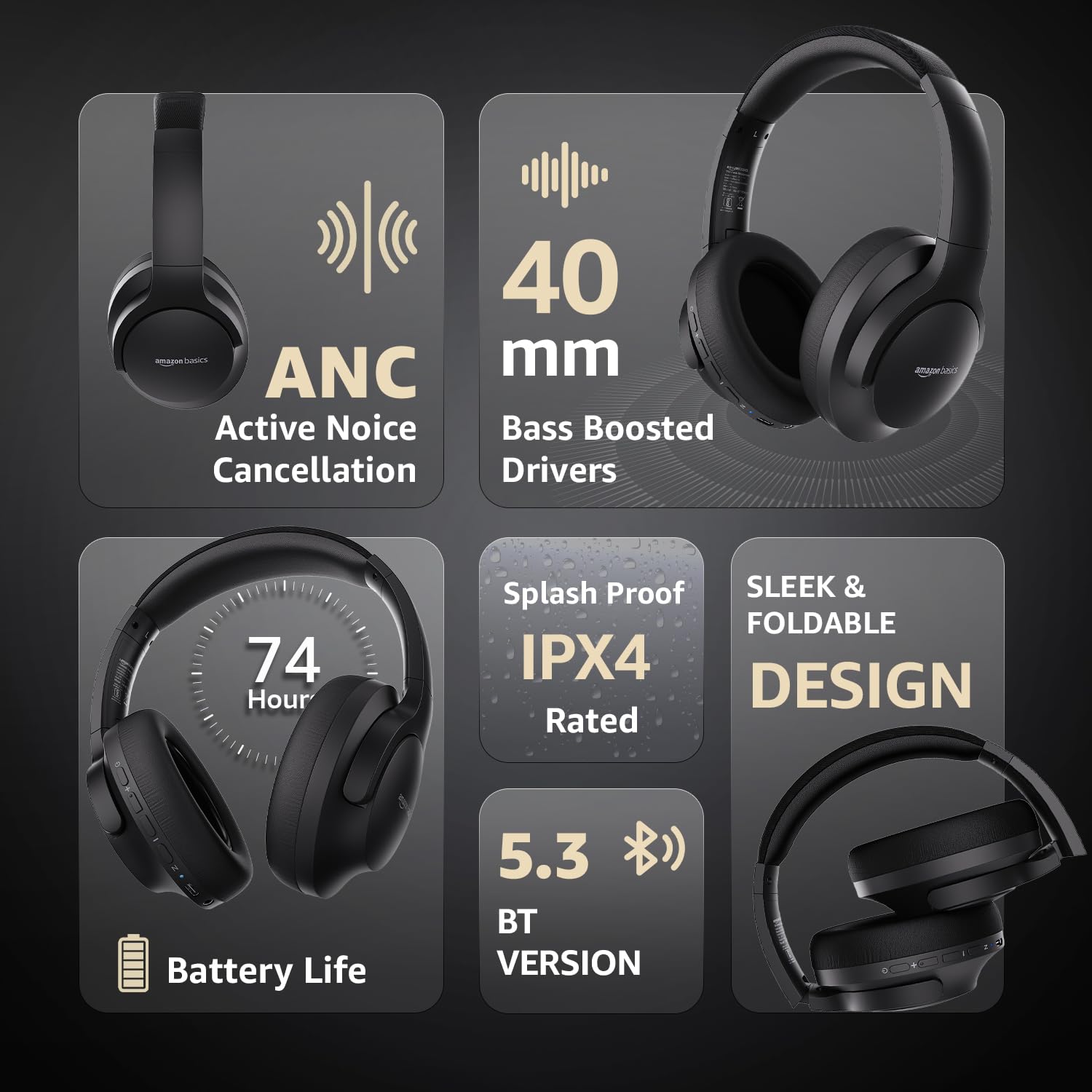
Image: An infographic highlighting key features, including the sleek and foldable design of the headphones for easy storage.
3. Pielęgnacja baterii
- Unikaj częstego całkowitego rozładowywania akumulatora.
- Aby zachować sprawność baterii, ładuj słuchawki regularnie, nawet jeśli nie używasz ich przez dłuższy czas.
- Nie wystawiaj baterii na działanie wysokich temperatur.
Rozwiązywanie problemów
| Problem | Możliwa przyczyna | Rozwiązanie |
|---|---|---|
| Słuchawki nie włączają się. | Niski poziom naładowania baterii. | Charge the headphones fully using the supplied USB Type-C cable. |
| Nie można sparować przez Bluetooth. | Słuchawki nie są w trybie parowania; Bluetooth w urządzeniu jest wyłączony; urządzenie znajduje się zbyt daleko. | Ensure headphones are in pairing mode (flashing blue/red). Turn Bluetooth on your device. Move headphones closer to the device (within 10m). |
| Brak dźwięku. | Zbyt niski poziom głośności; nieprawidłowe źródło dźwięku; słuchawki niepodłączone. | Increase volume on headphones and device. Verify correct audio output on device. Re-pair Bluetooth or check AUX cable connection. |
| ANC nie działa efektywnie. | ANC nie jest aktywowane; hałas otoczenia jest zbyt wysoki. | Naciśnij przycisk ANC, aby włączyć funkcję. ANC jest najskuteczniejszy w przypadku ciągłego hałasu o niskiej częstotliwości. |
Specyfikacje
| Funkcja | Szczegół |
|---|---|
| Numer modelu | AB-IBT-82ANC |
| Technologia łączności | Bezprzewodowe (Bluetooth 5.3), przewodowe (3.5 mm AUX) |
| Rozmiar kierowcy | 40 mm |
| Pojemność baterii | 500 mAh litowo-polimerowy |
| Żywotność baterii (ANC wyłączone) | Do 74 godzin (przy 50% głośności) |
| Żywotność baterii (ANC włączony) | Up to 34 hours (at 100% volume), 62 hours (at 50% volume) |
| Port ładowania | USB typu C |
| Zasięg bezprzewodowej | Do 10 metrów |
| Ocena odporności na wodę | IPX4 (odporny na zachlapanie) |
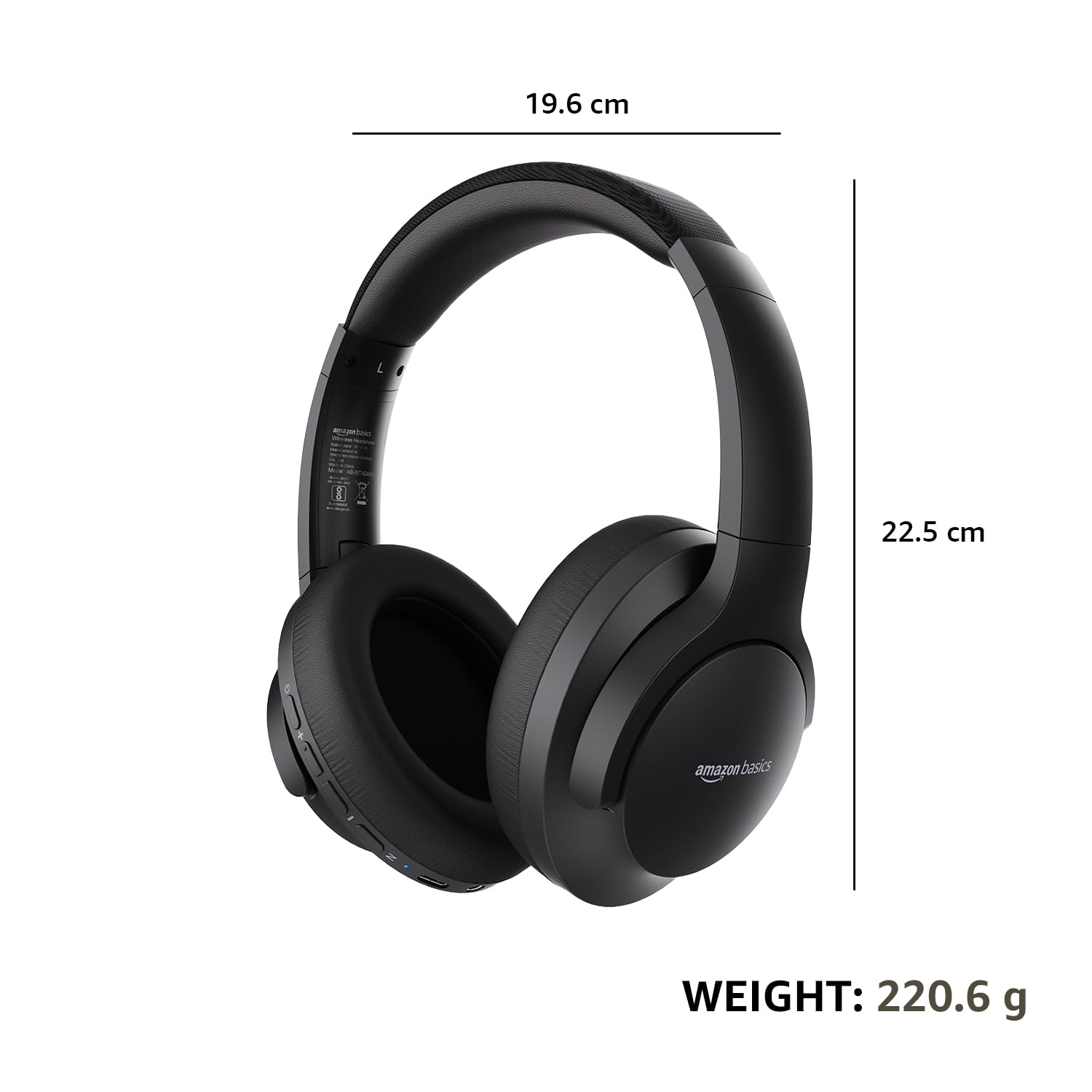
| Dimensions (Headphone) | Wymiary 19.61 x 22.5 x 8.72 cm |
| Waga (słuchawki) | 220.6 gramów |
| Tworzywo | Plastic, Polyurethane (PU) |
| Kompatybilne urządzenia | Telefony komórkowe, konsole do gier, laptopy, tablety |

Image: A visual representation of the headphone's dimensions and weight for reference.
Komfort i design
The headphones are designed for extended wear with an over-ear fit, soft ear cushions, and an adjustable headband, ensuring comfort during long listening sessions.

Image: A person wearing the headphones, demonstrating the comfortable over-ear fit.
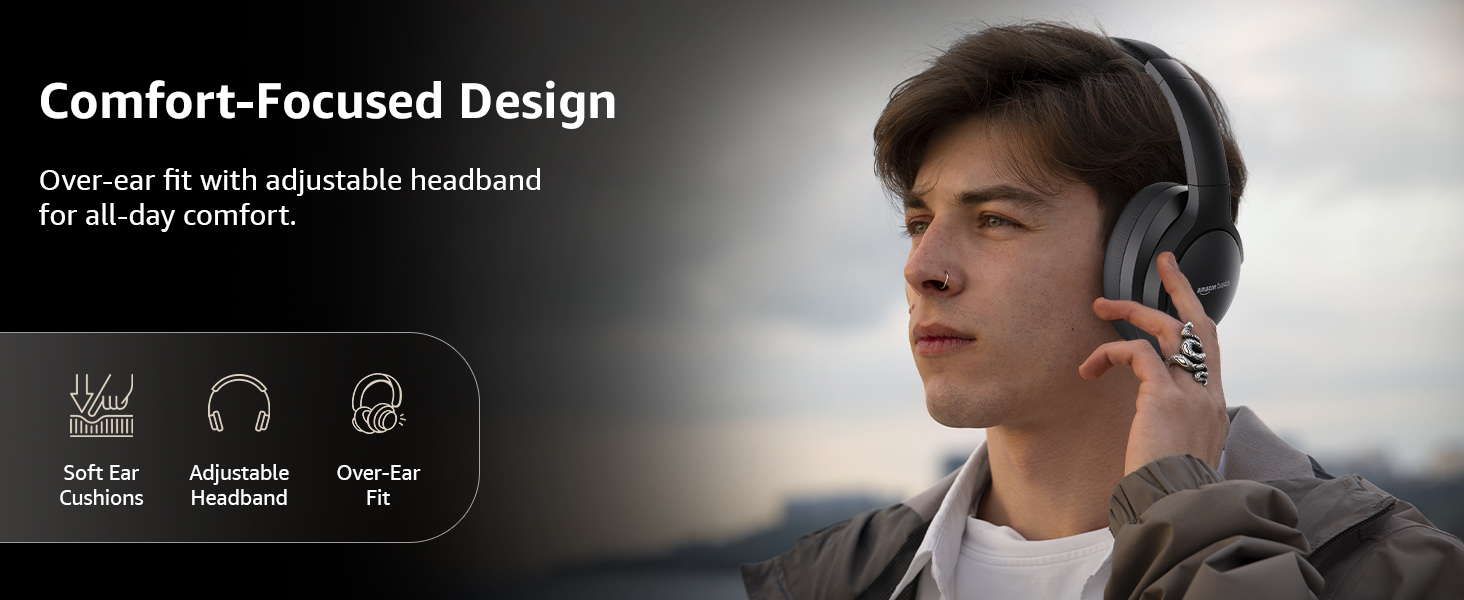
Image: A graphic detailing the comfort-focused design elements, including soft ear cushions and an adjustable headband.
Gwarancja i wsparcie
Warranty information for your Amazon Basics Pro Series Wireless Noise Cancelling ANC Over Ear Headphones is typically provided with the product packaging or can be found on the Amazon Basics official website. For technical support or warranty claims, please refer to the contact information provided with your purchase or visit the Amazon Basics support page.
Zachowaj dowód zakupu, aby móc skorzystać z niego w razie pytań dotyczących gwarancji.