
1. Wprowadzenie
The BoxWave SlimKeys Bluetooth Keyboard is designed for portable use, offering a comfortable typing experience with its chiclet-style keys. This manual provides instructions for setting up, operating, maintaining, and troubleshooting your keyboard.
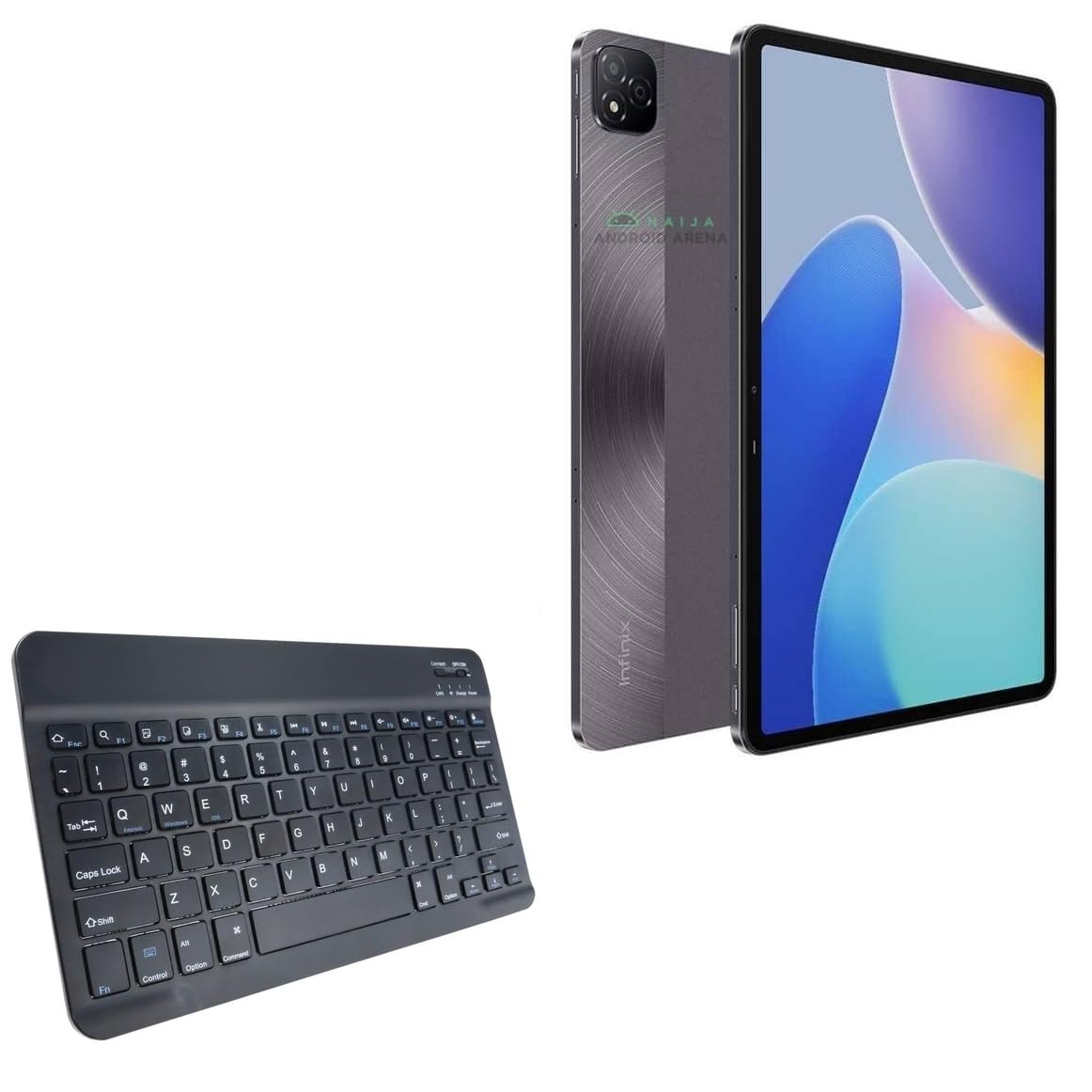
Obraz 1.1: Widok z góry na dół view of the BoxWave SlimKeys Bluetooth Keyboard.
2. Zawartość opakowania
Proszę sprawdzić, czy w paczce znajdują się następujące elementy:
- BoxWave SlimKeys Bluetooth Keyboard
- Kabel ładujący (USB)
- Instrukcja obsługi (ten dokument)
3. Konfiguracja
3.1 Ładowanie klawiatury
Przed pierwszym użyciem należy w pełni naładować klawiaturę. Podłącz dołączony kabel USB do portu ładowania klawiatury i do źródła zasilania USB. Kontrolka ładowania będzie świecić podczas ładowania i zgaśnie po pełnym naładowaniu.

Image 3.1: The keyboard connected to its charging cable.
To conserve battery life, use the built-in ON/OFF switch when the keyboard is not in use. The keyboard features an energy-efficient Bluetooth 3.0 design to reduce power drain.
3.2 Parowanie z urządzeniem
- Ensure the keyboard is charged and powered on using the ON/OFF switch located on the top right.
- Naciśnij Łączyć button on the keyboard. The Bluetooth indicator light will begin to flash, indicating it is in pairing mode.
- On your device (e.g., Infinix Xpad, tablet, smartphone, computer), navigate to the Bluetooth settings.
- Włącz Bluetooth w swoim urządzeniu i wyszukaj dostępne urządzenia.
- Wybierać "SlimKeys Keyboard" lub podobną nazwę z listy znalezionych urządzeń.
- Follow any on-screen prompts to complete the pairing process. A successful connection will be indicated by the Bluetooth light on the keyboard turning solid or off, depending on the model.
The SlimKeys keyboard utilizes Bluetooth 3.0 for quick and reliable pairing across various operating systems, including Android, Windows, and iOS.
4. Działanie
4.1 Ogólne zastosowanie
The SlimKeys Bluetooth Keyboard provides a full QWERTY layout with chiclet-style keys for comfortable and efficient typing. Its compact and lightweight design makes it suitable for travel and on-the-go productivity.

Image 4.1: User typing on the SlimKeys Bluetooth Keyboard.
4.2 Specialized Function Keys
The keyboard includes specialized function keys (F1-F12) that provide quick access to common commands. These functions may vary slightly depending on your device's operating system.

Obraz 4.2: Koniecview of specialized function keys.
- Esc (Home): Returns to home screen.
- F1 (Search): Opens search function.
- F2 (Select All): Selects all content.
- F3 (Copy): Copies selected content.
- F4 (Paste): Pastes copied content.
- F5 (Cut): Cuts selected content.
- F6 (Skip Back): Skips to previous track.
- F7 (Play/Pause): Plays or pauses media.
- F8 (Skip Forward): Skips to next track.
- F9 (Volume Down): Decreases volume.
- F10 (Volume Up): Increases volume.
- F11 (Brightness Down): Decreases screen brightness.
- F12 (Brightness Up): Increases screen brightness.
- Delete (Lock): Locks the device.
To activate these functions, press the corresponding F-key. Some functions may require pressing the Fn key simultaneously, depending on your device's operating system and settings.
5. Konserwacja
- Czyszczenie: Use a soft, dry, lint-free cloth to clean the keyboard. For stubborn dirt, slightly dampPrzetrzyj ściereczkę wodą lub łagodnym środkiem do czyszczenia urządzeń elektronicznych. Unikaj nadmiernej wilgoci.
- Składowanie: When not in use for extended periods, store the keyboard in a cool, dry place. Ensure the keyboard is powered off to preserve battery life.
- Pielęgnacja baterii: Unikaj częstego całkowitego rozładowywania baterii. Regularnie ładuj klawiaturę, nawet jeśli nie jest używana regularnie, aby utrzymać baterię w dobrym stanie.
- Unikaj płynów: Trzymaj klawiaturę z dala od płynów, aby zapobiec uszkodzeniu jej wewnętrznych podzespołów.
- Unikaj ekstremalnych temperatur: Do not expose the keyboard to extreme heat or cold, as this can affect battery performance and overall functionality.
6. Rozwiązywanie Problemów
6.1 Klawiatura nie łączy się/nie paruje
- Sprawdź moc: Sprawdź, czy klawiatura jest włączona i czy jej bateria jest wystarczająco naładowana.
- Re-enable Bluetooth: Wyłącz i włącz ponownie Bluetooth na swoim urządzeniu.
- Naprawa: Go to your device's Bluetooth settings, forget or unpair the "SlimKeys Keyboard" if it's listed, then repeat the pairing steps (Section 3.2).
- Dystans: Ensure the keyboard is within the effective range of your device (typically up to 10 meters or 33 feet).
- Ingerencja: Odsuń się od innych urządzeń bezprzewodowych, które mogą powodować zakłócenia.
- Uruchom ponownie urządzenia: Restart both your device and the keyboard.
6.2 Klawisze nie reagują
- Poziom naładowania baterii: Check if the keyboard battery is low. Charge the keyboard if necessary.
- Połączenie: Verify that the keyboard is still connected via Bluetooth to your device.
- Czyste klucze: Upewnij się, że pod klawiszami nie ma żadnych zanieczyszczeń.
- Uruchom ponownie: Turn the keyboard off and on again.
6.3 Lag or Delayed Input
- Poziom naładowania baterii: Low battery can sometimes affect performance.
- Odległość/Interferencja: Reduce distance to the device and minimize potential interference sources.
- Wydajność urządzenia: Ensure your connected device is not under heavy load, which could affect Bluetooth responsiveness.
7. Specyfikacje
| Nazwa modelu | SlimKeys Bluetooth Keyboard |
| Łączność | Bluetooth 3.0 |
| Zgodność | Android, Windows, iOS devices (e.g., Infinix Xpad) |
| Wymiary (w przybliżeniu) | 9.5 cale (szerokość) x 5.75 cale (głębokość) x 0.2 cali (wysokość) |
| Waga | 8.6 uncji (około 244 gramów) |
| Typ baterii | Specyficzny produkt (w zestawie) |
| Żywotność baterii | Up to 30 days (active use), 6 months (standby) |
| Producent | Fala pudełkowa |
| ASIN | B0DFZ2S7C4 |

Image 7.1: Approximate dimensions of the SlimKeys Bluetooth Keyboard.
8. Gwarancja i wsparcie
For warranty information and technical support, please refer to the documentation included with your purchase or visit the official BoxWave website. You may also contact BoxWave customer service directly for assistance.
Manufacturer: BoxWave
Aby uzyskać dalszą pomoc, odwiedź stronę: www.boxwave.com