
Odokee UE-268S-Black
Odokee Sound Machine Alarm Clock
Model: UE-268S-Black
Wstęp
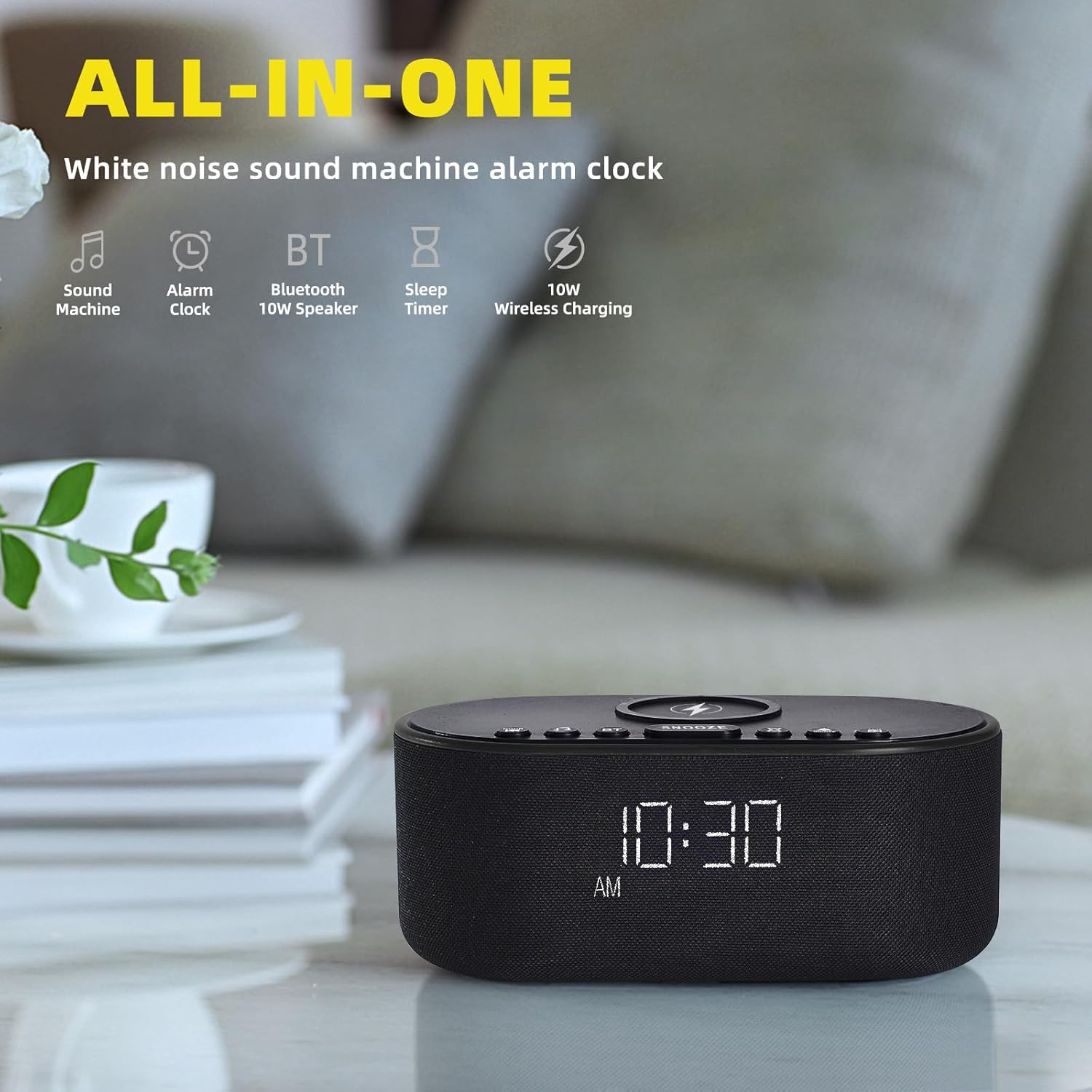
Thank you for choosing the Odokee Sound Machine Alarm Clock. This multi-functional device combines a white noise machine, alarm clock, Bluetooth speaker, and wireless charger, designed to enhance your sleep environment and daily routine. Please read this manual carefully to ensure proper use and optimal performance.

Informacje dotyczące bezpieczeństwa
- Nie wystawiaj urządzenia na działanie wody ani nadmiernej wilgoci.
- Unikaj ekstremalnych temperatur i bezpośredniego światła słonecznego.
- Nie rozmontowuj ani nie próbuj samodzielnie naprawiać urządzenia. Skontaktuj się z wykwalifikowanym personelem serwisowym.
- Przechowywać w miejscu niedostępnym dla dzieci.
- Używaj wyłącznie dołączonego zasilacza.
Zawartość opakowania
- Odokee Sound Machine Alarm Clock
- Zasilacz
- Instrukcja obsługi
Produkt ponadview
Familiarize yourself with the various components and controls of your Odokee Sound Machine Alarm Clock.

Sterowanie i porty:
- Bezprzewodowa podkładka ładująca: Na górze znajdują się informacje o kompatybilnych urządzeniach.
- Przycisk drzemki: Activates snooze function for alarms.
- Przyciski dźwiękowe: Select and cycle through soothing sounds.
- Alarm Buttons: Ustawiaj i zarządzaj alarmami.
- Przycisk ustawiania czasu: Ustaw czas i datę.
- Ściemniacz wyświetlacza: Dostosowuje jasność ekranu.
- Przycisk Bluetooth (BT): Aktywuje tryb parowania Bluetooth.
- Port ładowania USB: For charging other devices.
- Wejście prądu stałego 9 V: Podłączenie zasilania.
- Regulacja głośności: Adjusts sound output.
Organizować coś
1. Podłączenie zasilania
Connect the provided power adapter to the DC 9V input port on the back of the alarm clock and plug it into a wall outlet. The display will light up.
2. Ustawienie czasu początkowego
- Naciśnij i przytrzymaj USTAWIENIE CZASU przycisk. Wyświetlacz godzin zacznie migać.
- Użyj +/- przyciski do regulacji godziny.
- Naciskać USTAWIENIE CZASU jeszcze raz, aby potwierdzić godzinę i przejść do minut.
- Użyj +/- przyciski, aby ustawić minuty.
- Naciskać USTAWIENIE CZASU aby potwierdzić i wyjść z trybu ustawiania czasu.
- To switch between 12/24-hour format, press the 12/24 godziny przycisk.
- To enable/disable Daylight Saving Time (DST), press the DST ON / OFF przycisk.
3. Ładowanie bezprzewodowe
Place your Qi-compatible smartphone centrally on the wireless charging pad located on top of the device. Ensure there are no metal objects or thick cases (over 3mm) between your phone and the charging pad. The charging indicator on your phone will confirm charging. This device supports 10W for Samsung and 7.5W for iPhone.


4. Ładowanie przez USB
The built-in USB charging port on the back allows you to conveniently charge other electronic devices, such as smartwatches or earbuds, using their respective USB cables.

Instrukcja obsługi
1. Funkcje budzika
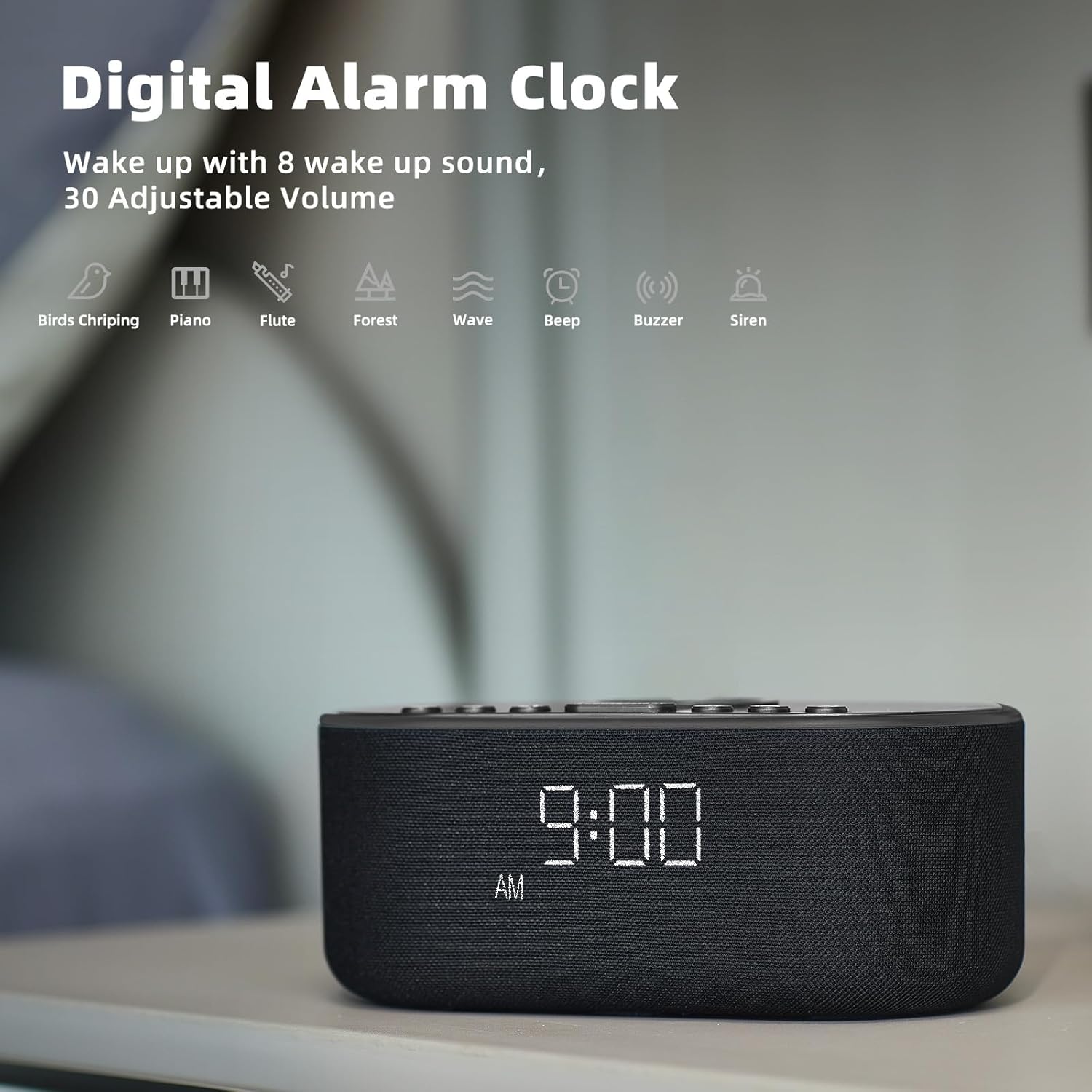
The alarm clock features 8 custom alarm sounds and a 9-minute snooze function.
- Ustawianie alarmu: Naciśnij ZESTAW ALARMU button. The alarm time will flash. Use the +/- Przyciski, aby ustawić żądaną godzinę alarmu. Naciśnij ZESTAW ALARMU jeszcze raz, aby potwierdzić.
- Wybór dźwięku alarmu: After setting the alarm time, use the Dźwięk buttons to cycle through the 8 available alarm sounds (Beep, Birds Chirping, Wave, Piano, Flute, Forest, Buzzer, Siren).
- Aktywacja/Dezaktywacja alarmu: Naciśnij WŁĄCZANIE / WYŁĄCZANIE ALARMU Przycisk włączania i wyłączania alarmu. Po aktywacji na wyświetlaczu pojawi się ikona alarmu.
- Funkcja drzemki: Gdy zabrzmi alarm, naciśnij DRZEMKA naciśnij przycisk, aby tymczasowo wyciszyć dźwięk na 9 minut.

2. Funkcje maszyny dźwiękowej
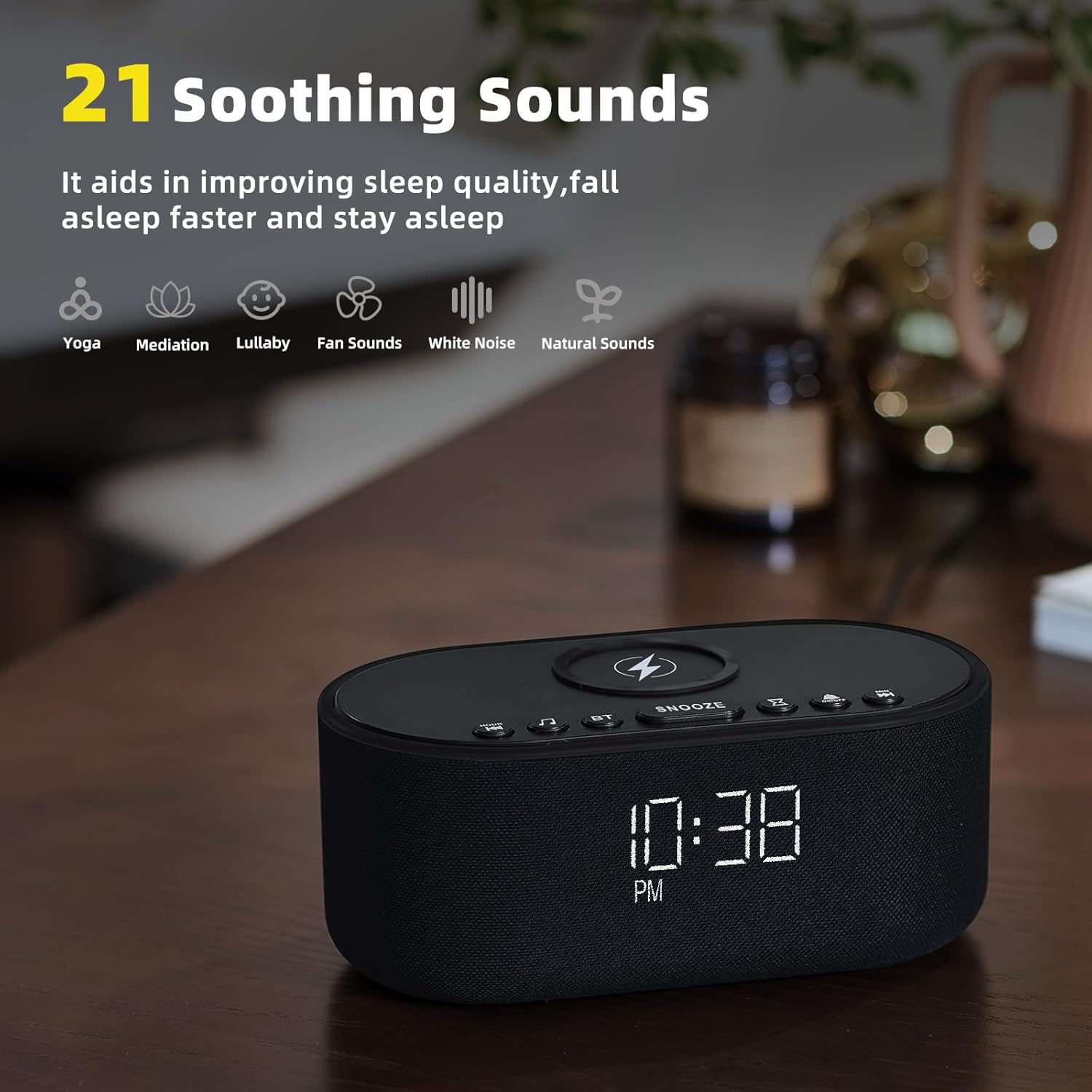
The device offers 21 soothing sounds to aid in sleep and relaxation.
- Wybieranie dźwięków: Naciśnij Dźwięk buttons to cycle through the 21 available sounds, including 5 white noise variations (Pink and Brown noise included), 4 fan sounds, 6 nature sounds (waves, rains, thunderstorms, brook, birds chirping, wind), 2 lullabies, Heart Beat, Sh Sound, Yoga, and Meditation.
- Regulacja głośności: Użyj Volume HIGH/LOW switch on the back of the unit to adjust the sound output level.
3. Bluetooth Speaker Pairing
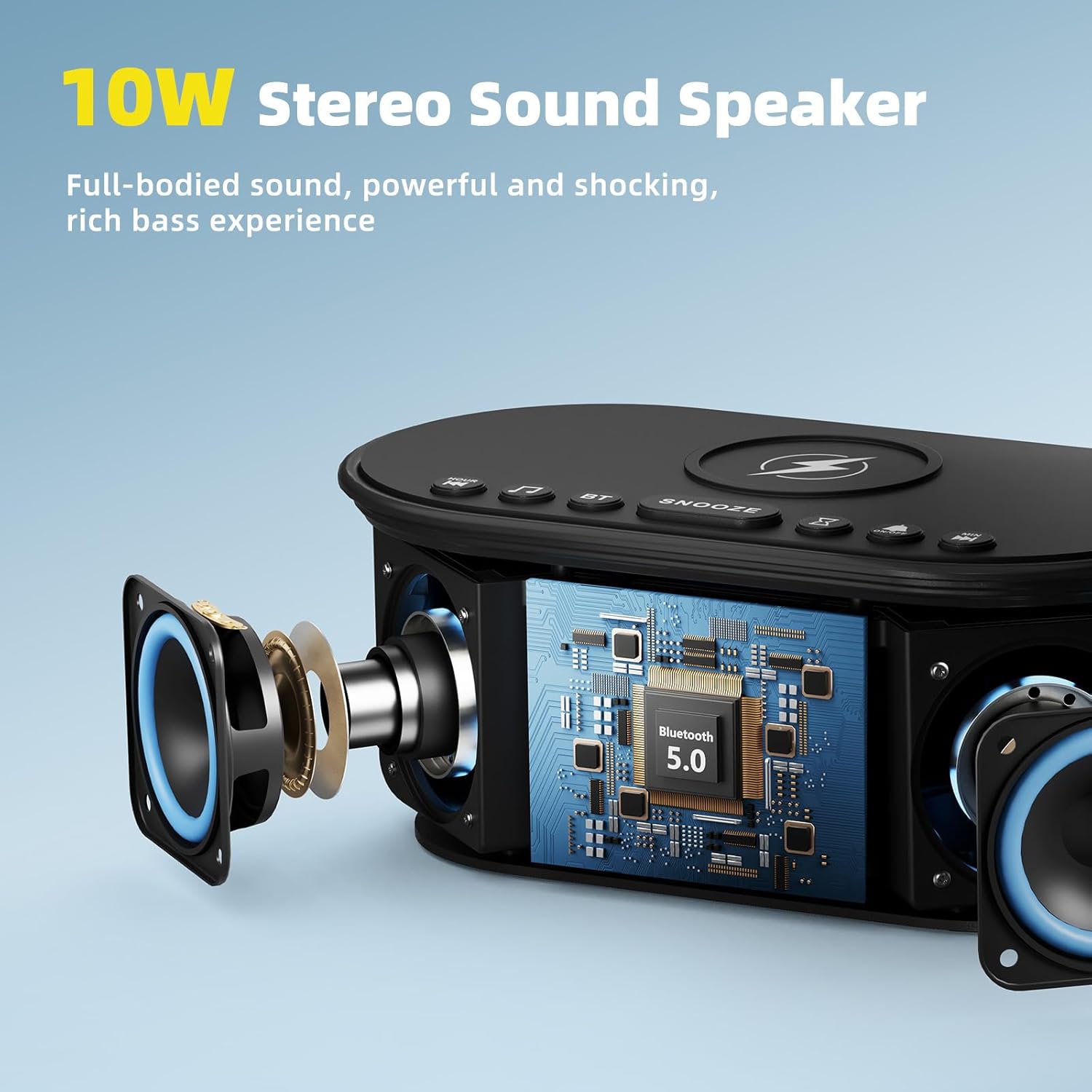
The 10W stereo Bluetooth 5.0 speaker provides high-quality audio for music playback.
- Naciśnij BT button on the top of the device. The Bluetooth indicator on the display will flash, indicating pairing mode.
- On your smartphone or other Bluetooth-enabled device, go to Bluetooth settings and select "Odokee Sound Machine" from the list of available devices.
- Po połączeniu wskaźnik Bluetooth przestanie migać i będzie świecić światłem ciągłym. Teraz możesz odtwarzać dźwięk przez głośnik.

4. Ściemniacz wyświetlacza
Adjust the display brightness from 0% to 100% to suit your preference and ambient lighting conditions.
- Naciśnij Wyświetlacz ściemniacza Naciskaj przycisk wielokrotnie, aby przełączać poziomy jasności.
- The display will adjust instantly.

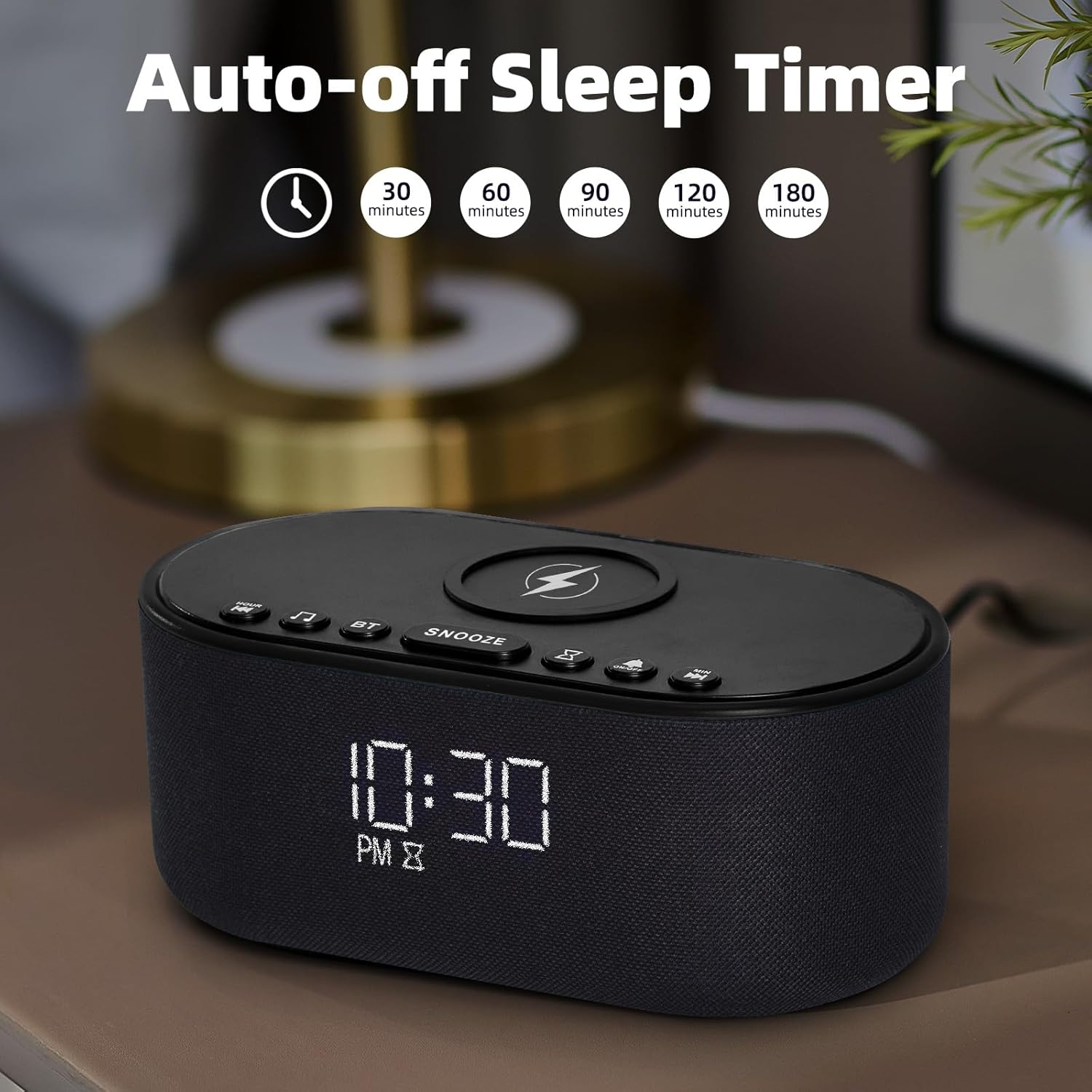
5. Wyłącznik czasowy
The sleep timer allows you to set the sound machine to automatically turn off after a specified duration.
- While a soothing sound is playing, press the Timer snu przycisk.
- Each press will cycle through available timer options: 30, 60, 90, 120, 180 minutes, or OFF.
- The selected timer duration will be displayed. The sound will automatically turn off after the set time.
Konserwacja
- Czyść urządzenie miękką, suchą ściereczką. Nie używaj środków czyszczących o właściwościach ściernych ani rozpuszczalników.
- Keep the wireless charging pad free of dust and debris to ensure efficient charging.
- Przechowuj urządzenie w chłodnym i suchym miejscu, jeśli nie będziesz go używać przez dłuższy czas.
Rozwiązywanie problemów
| Problem | Możliwa przyczyna | Rozwiązanie |
|---|---|---|
| Urządzenie nie włącza się. | Zasilacz nie jest podłączony lub gniazdko jest uszkodzone. | Sprawdź, czy zasilacz jest prawidłowo podłączony i spróbuj użyć innego gniazdka elektrycznego. |
| Ładowanie bezprzewodowe nie działa. | Phone not Qi-compatible, not centered, or thick case/metal objects. | Ensure phone supports Qi wireless charging. Reposition phone centrally. Remove thick cases or metal objects. |
| Parowanie Bluetooth nie powiodło się. | Urządzenie nie jest w trybie parowania lub znajduje się zbyt daleko od źródła. | Press the BT button to enter pairing mode. Ensure device is within 10 meters of the source. Forget device on your phone and re-pair. |
| Brak dźwięku z głośnika. | Głośność jest za niska lub wyciszona. | Adjust the volume switch on the back of the unit. Check volume on connected Bluetooth device. |
| Alarm nie działa. | Alarm nie został włączony lub głośność jest zbyt niska. | Ensure alarm is set and activated (alarm icon visible). Increase alarm volume. |
Specyfikacje
- Nazwa modelu: UE-268S-Black
- Marka: Odokee
- Tworzywo: Plastikowy
- Wymiary opakowania: 9.57 x 5.12 x 4.09 cala
- Waga przedmiotu: 1.16 funta
- Pobór mocy: Prąd stały 9 V
- Wyjście ładowania bezprzewodowego: 10 W (maks.)
- Wersja Bluetooth: 5.0
- Wyjście głośnika: Dźwięk stereo o mocy 10 W
- Kojące dźwięki: 21 (White Noise, Fan, Nature, Lullabies, etc.)
- Dźwięki alarmu: 8
- Ściemniacz wyświetlacza: 0-100%
- Wymagane baterie: NIE
Gwarancja i wsparcie
Odokee products are designed and manufactured to the highest quality standards. This product comes with a standard manufacturer's warranty. For detailed warranty information, please refer to the warranty card included in your package or visit the official Odokee website. If you encounter any issues or have questions regarding your device, please contact Odokee customer support for assistance. Please have your model number (UE-268S-Black) and purchase information ready when contacting support.
Wsparcie online: Odwiedź Odokee Store on Amazon Aby zapoznać się z odpowiedziami na często zadawane pytania i dodatkowymi informacjami o produkcie.
Powiązane dokumentyUE-268S-Black


Ask a question about this manual
Ask about setup, troubleshooting, compatibility, parts, safety, or missing instructions. Manuals+ will review the question and use this page’s manual context to help answer it.