
Bwine F7MINI SE
Instrukcja obsługi
Bwine F7MINI SE GPS Drone with Camera 4K
Model: F7MINI SE | Brand: Bwine
Wstęp
The Bwine F7MINI SE GPS Drone is a lightweight, high-performance aerial vehicle designed for both beginners and experienced pilots. Weighing only 238g, it does not require FAA registration, offering freedom and ease of use. Equipped with a 4K UHD camera, it captures stunning photos and videos, providing a new perspective on your surroundings. With up to 70 minutes of flight time and a long control range of 9,842 feet, this drone is ideal for extensive exploration and creative expression.
This manual provides essential information for setting up, operating, maintaining, and troubleshooting your Bwine F7MINI SE drone. Please read it thoroughly before your first flight to ensure safe and optimal performance.

Image: The Bwine F7MINI SE GPS Drone, remote controller, two intelligent flight batteries, propeller blades, charging cables, and carrying case.

Image: The Bwine F7MINI SE drone and its remote controller being held, emphasizing its compact and lightweight nature (only 238g).
Co jest zawarte
Sprawdź, czy w opakowaniu znajdują się wszystkie komponenty:
- 1 x Bwine F7MINI SE Drone
- 2 x Intelligent Flight Battery
- 1 x Pilot zdalnego sterowania
- 1 x Osłona kamery
- 2 x kabel ładujący USB
- 3 x kabel danych
- 4 x łopaty śmigła (zapasowe)
- 1 x Etui transportowe
- 2 x Instrukcja obsługi (ten dokument i ewentualnie skrócona instrukcja obsługi)
- 1 x śrubokręt

Image: A visual representation of all items included in the Bwine F7MINI SE drone package, neatly arranged.
Video: An unboxing video demonstrating the contents of the Bwine F7MINI SE Drone package.
Video: A short video detailing all the items you will receive with your Bwine F7MINI SE drone purchase.
Przewodnik po konfiguracji
1. Ładowanie akumulatorów
Ensure both the intelligent flight batteries and the remote controller are fully charged before use. Use the provided USB charging cables. For optimal charging, a Bwine 65W fast charger (sold separately) is recommended.

Image: The drone battery and the drone itself connected to a power adapter for charging, illustrating the charging process.
2. Drone and Remote Controller Preparation
- Ostrożnie rozłóż ramiona drona.
- Install the intelligent flight battery into the drone until it clicks into place.
- Attach your smartphone to the remote controller's phone holder.
- Connect the remote controller to your smartphone using one of the provided data cables.
3. Kontrola przed lotem
Przed każdym lotem należy wykonać następujące kontrole:
- Ensure propellers are free from damage and obstructions.
- Verify the camera cover is removed before flight.
- Check battery levels of both drone and remote controller.
- Upewnij się, że znajdujesz się na otwartej przestrzeni, z dala od przeszkód, ludzi i ograniczonej przestrzeni powietrznej.
- Calibrate the drone's compass and gyroscope as instructed by the app.
Video: A guide on essential steps to take before the drone takes off, ensuring a safe and successful flight.
Instrukcja obsługi
1. Podstawowe sterowanie lotem
Familiarize yourself with the remote controller's joysticks and buttons. The left joystick typically controls altitude and yaw (rotation), while the right joystick controls forward/backward and left/right movement.
Video: A comprehensive first flight guide for the Bwine F7MINI SE Drone, covering basic controls and initial flight procedures.
2. Advanced Positioning Technology
The F7MINI SE utilizes multiple positioning technologies for stable flight, including GPS, barometric pressure for altitude, optical flow, and TOF (Time of Flight) for low-altitude stability. This makes it particularly suitable for beginners.

Image: An illustration highlighting the drone's advanced positioning technologies: GPS, TOF, Optical Flow, and Barometric Pressure, which contribute to stable flight.
3. Digital Transmission and Range
Experience stable video transmission up to 9,842 feet (3 km) thanks to advanced digital transmission technology, eliminating the need for a Wi-Fi connection for control.
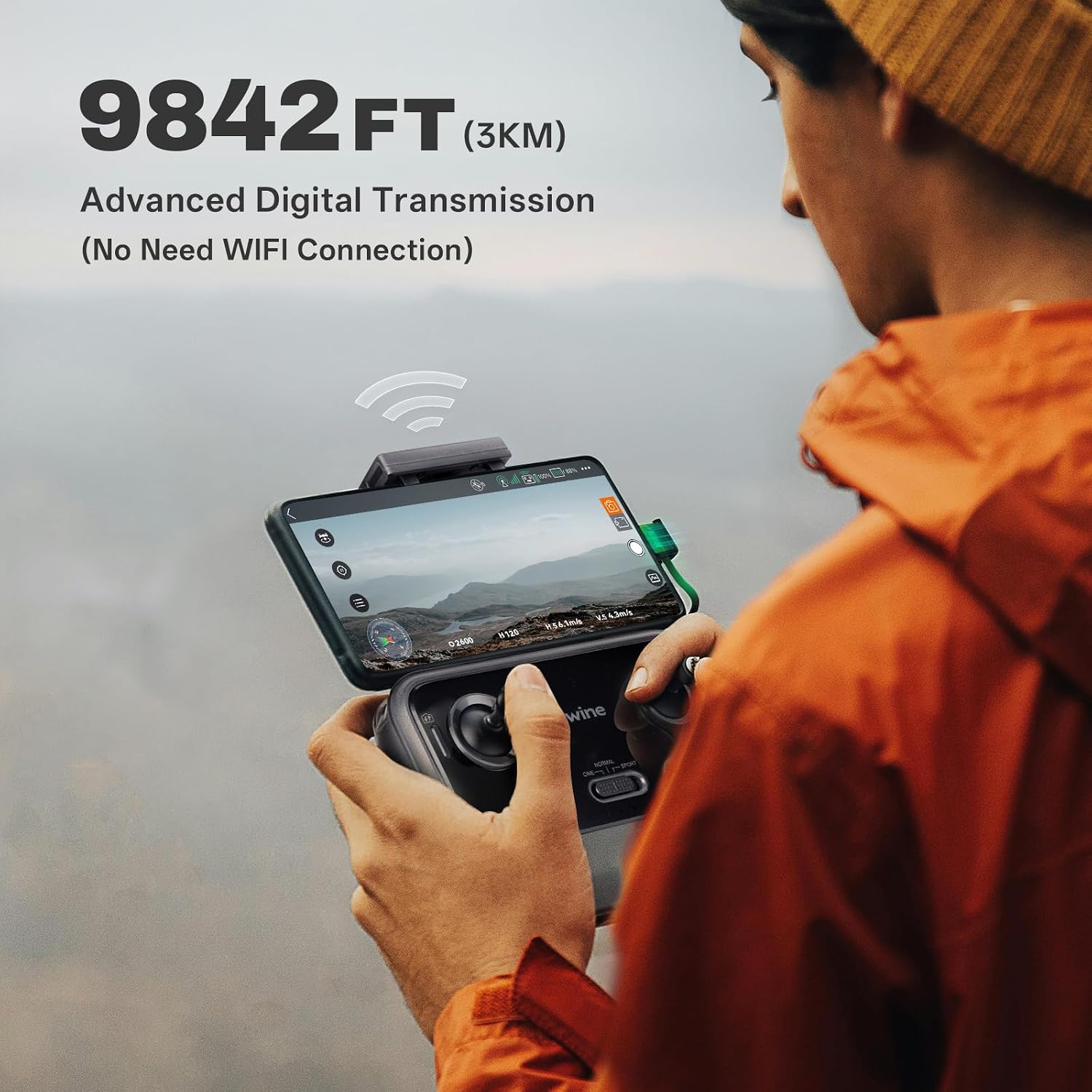
Image: A user operating the drone with the remote controller and smartphone, demonstrating the impressive 9,842 feet (3 km) long-range digital transmission.
4. Inteligentne funkcje lotu
- GPS Safe Return: The drone features automatic return to home functions for low battery, signal loss, and one-key return, ensuring safety.
- Obserwuj mnie: The drone can intelligently lock onto and follow the user, acting as a personal photographer.
- Circle Flight (Point of Interest): Capture 360° panoramic views by having the drone fly in a circle around a specified point.
- Lot punktowy: Plan your exclusive route by setting multiple flight points, and the drone will automatically fly to each point in sequence.
- Zdjęcie gestów: Use specific hand gestures to command the drone to take pictures or videos.
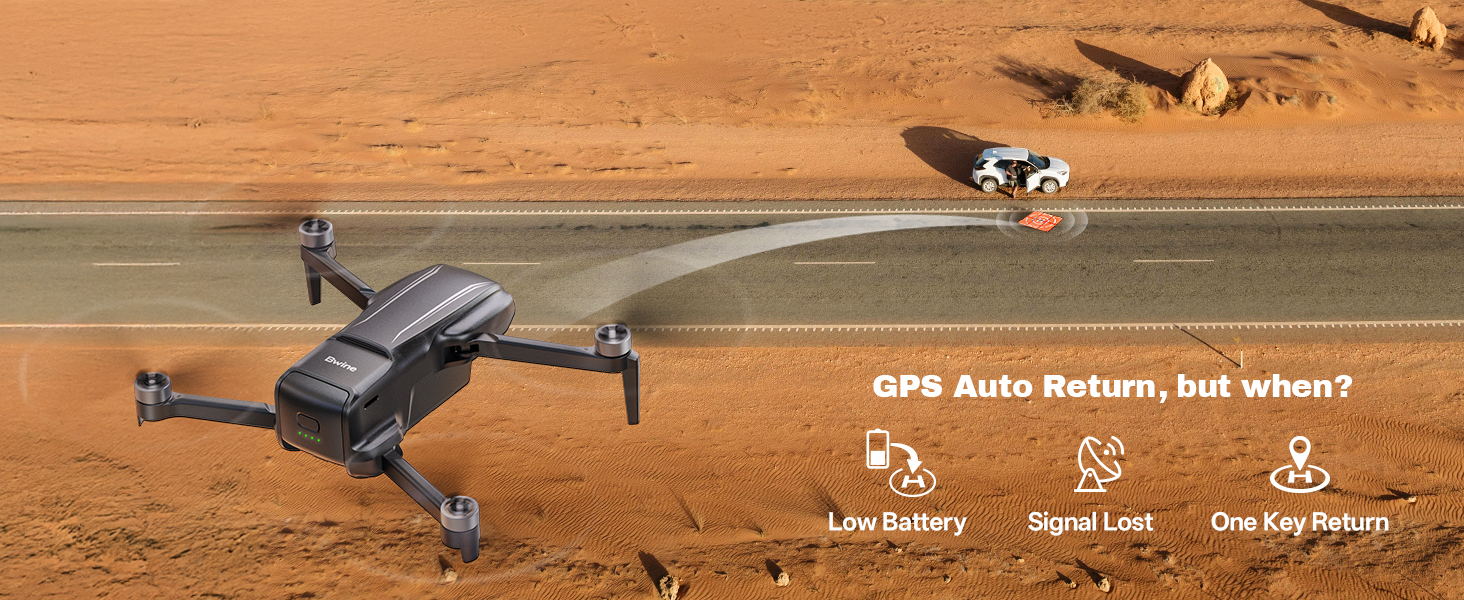
Image: An illustration of the drone's GPS Auto Return feature, activated by low battery, signal loss, or a single button press.

Image: The drone actively following a person, showcasing its GPS Follow mode for dynamic aerial photography.

Image: The drone performing a circular flight around a point of interest, capturing a full panoramic view.

Image: A visual representation of setting multiple waypoints for the drone to follow a pre-planned flight path.

Image: Users interacting with the drone using hand gestures for quick photo and video capture.
5. Obsługa kamery
The integrated 4K UHD camera allows for high-resolution aerial photography and videography. Insert an SD card (not included) for clearer photos and videos. Control camera functions via the Bwine app on your smartphone.

Image: A dynamic shot illustrating the drone's ability to capture stunning 4K UHD footage from the air.
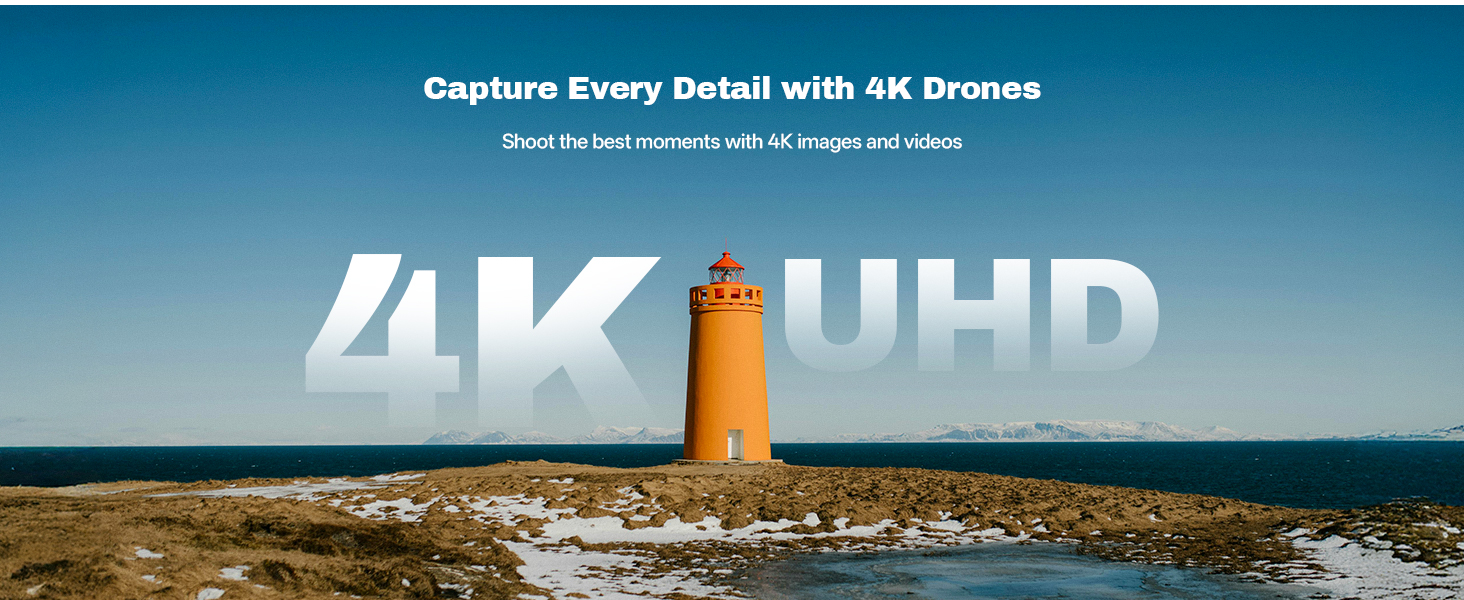
Obraz: Widok na malowniczy view with a prominent "4K UHD" overlay, highlighting the drone's capability to capture high-detail images and videos.
6. Beginner Mode
For new pilots, the Beginner Mode limits flight distance and speed to reduce the risk of improper operation. To fly further or faster, this mode can be disabled in the app settings.

Image: A screenshot of the Bwine drone application interface, showing the "Beginner Mode" setting which limits flight parameters for new users.
Konserwacja
- Kontrola śmigła: Regularly check propellers for cracks, bends, or damage. Replace any damaged propellers using the provided screwdriver and spare blades.
- Czyszczenie: Do czyszczenia korpusu drona i obiektywu kamery używaj miękkiej, suchej ściereczki. Unikaj stosowania silnych środków chemicznych i rozpuszczalników.
- Pielęgnacja baterii: Store batteries in a cool, dry place. Do not overcharge or over-discharge. If storing for extended periods, charge to approximately 50% capacity.
- Składowanie: When not in use, store the drone and its components in the carrying case to protect them from dust and physical damage.
Rozwiązywanie problemów
| Problem | Możliwa przyczyna | Rozwiązanie |
|---|---|---|
| Dron się nie włącza. | Low battery; Battery not properly inserted. | Charge the intelligent flight battery; Reinsert battery firmly. |
| No video feed on smartphone. | Loose data cable connection; App not open or connected. | Ensure data cable is securely connected; Restart the Bwine app and reconnect. |
| Dron dryfuje w czasie lotu. | Improper calibration; Wind interference. | Perform compass and gyroscope calibration; Fly in calm conditions. |
| Remote controller not connecting. | Niski poziom naładowania baterii pilota; Problem z parowaniem. | Charge remote controller; Re-pair the remote controller with the drone according to the quick start guide. |
For more detailed troubleshooting steps, please refer to the comprehensive user guide provided with your product or contact customer support.
Specyfikacje
| Funkcja | Szczegół |
|---|---|
| Marka | Bwine |
| Nazwa modelu | F7MINI SE |
| Waga przedmiotu | 8.4 uncji (238 g) |
| Rozdzielczość przechwytywania wideo | 4K UHD |
| Maksymalny zasięg | 9842 Feet (3 km) |
| Czas lotu | Do 70 minut (z 2 bateriami) |
| Pojemność baterii | 2200 mlnamp Godziny |
| Typ sterowania | Zdalne sterowanie |
| Technologia łączności | USB (for charging/data) |
| Technologia czujnika optycznego | Optical Flow, TOF |
| Tworzywo | Włókno węglowe |
| Wymiary produktu | 5.55" dł. x 3.42" szer. x 2.44" wys. |
Informacje o gwarancji
Bwine products are covered by a manufacturer's warranty. For specific details regarding the warranty period and terms, please refer to the warranty card included in your product packaging or visit the official Bwine webZachowaj dowód zakupu na wypadek roszczeń gwarancyjnych.
Rozszerzone plany ochrony mogą być dostępne do zakupu osobno. Aby uzyskać informacje o dostępnych opcjach, skontaktuj się ze sprzedawcą.
Obsługa klienta
If you encounter any issues or have questions about your Bwine F7MINI SE drone, please contact our customer support team:
- Telefon: +1 (619) 614-7960
- E-mail: Bwinedrone@gmail.com
- Sklep internetowy: Visit the Bwine Store on Amazon

Obraz: szczegółowy view of the Bwine F7MINI SE drone, showcasing its compact design and integrated camera.
Ask a question about this manual
Ask about setup, troubleshooting, compatibility, parts, safety, or missing instructions. Manuals+ will review the question and use this page’s manual context to help answer it.