
NEEWER NB-Z1 PRO (Model 10104773)
Neewer NB-Z1 PRO 7.2V/3000mAh Li-ion Replacement Battery Instruction Manual
Model: NB-Z1 PRO (10104773)
1. Wprowadzenie
This manual provides essential instructions for the safe and effective use of your Neewer NB-Z1 PRO 7.2V/3000mAh Li-ion Replacement Battery. This battery is designed to provide reliable power for compatible Neewer flash speedlites. Please read this manual thoroughly before first use and retain it for future reference.
2. Funkcje produktu
- 3000mAh High Capacity Li-ion Battery: Features a 7.2V/3000mAh high-capacity li-ion polymer cell for extended operational time.
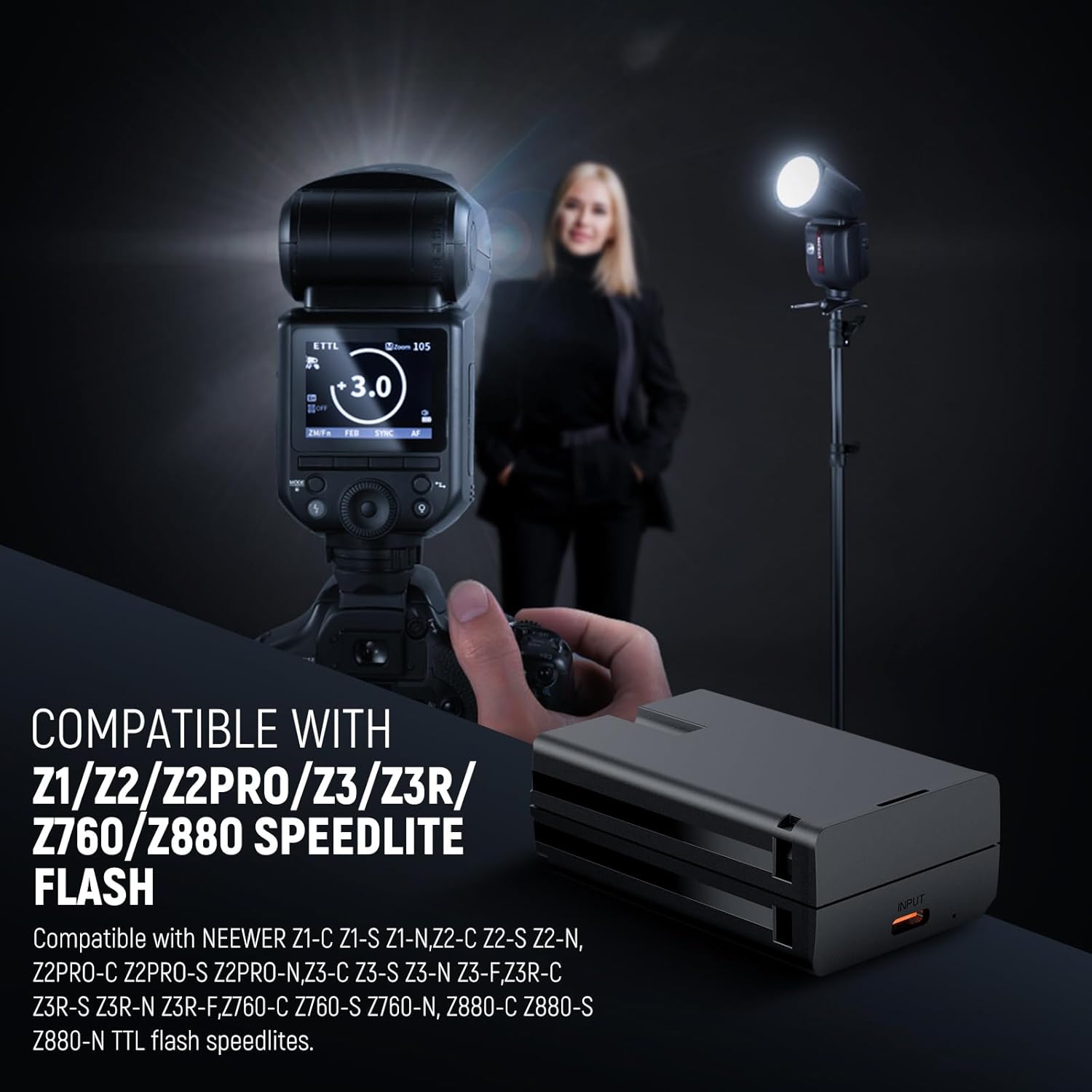
- Szeroka kompatybilność: Specifically designed for Neewer Z3R-C/S/N/F, Z3-C/S/N/F, Z2PRO-C/S/N, Z2-C/S/N, Z1-C/S/N, Z760-C/S/N, Z880-C/S/N Q120 TTL flash speedlites.
- Quick & Efficient Charging: Achieves a full charge in approximately 2.5 hours using the included Type-C charging cable, or 3 hours with a dedicated charging dock (not included).
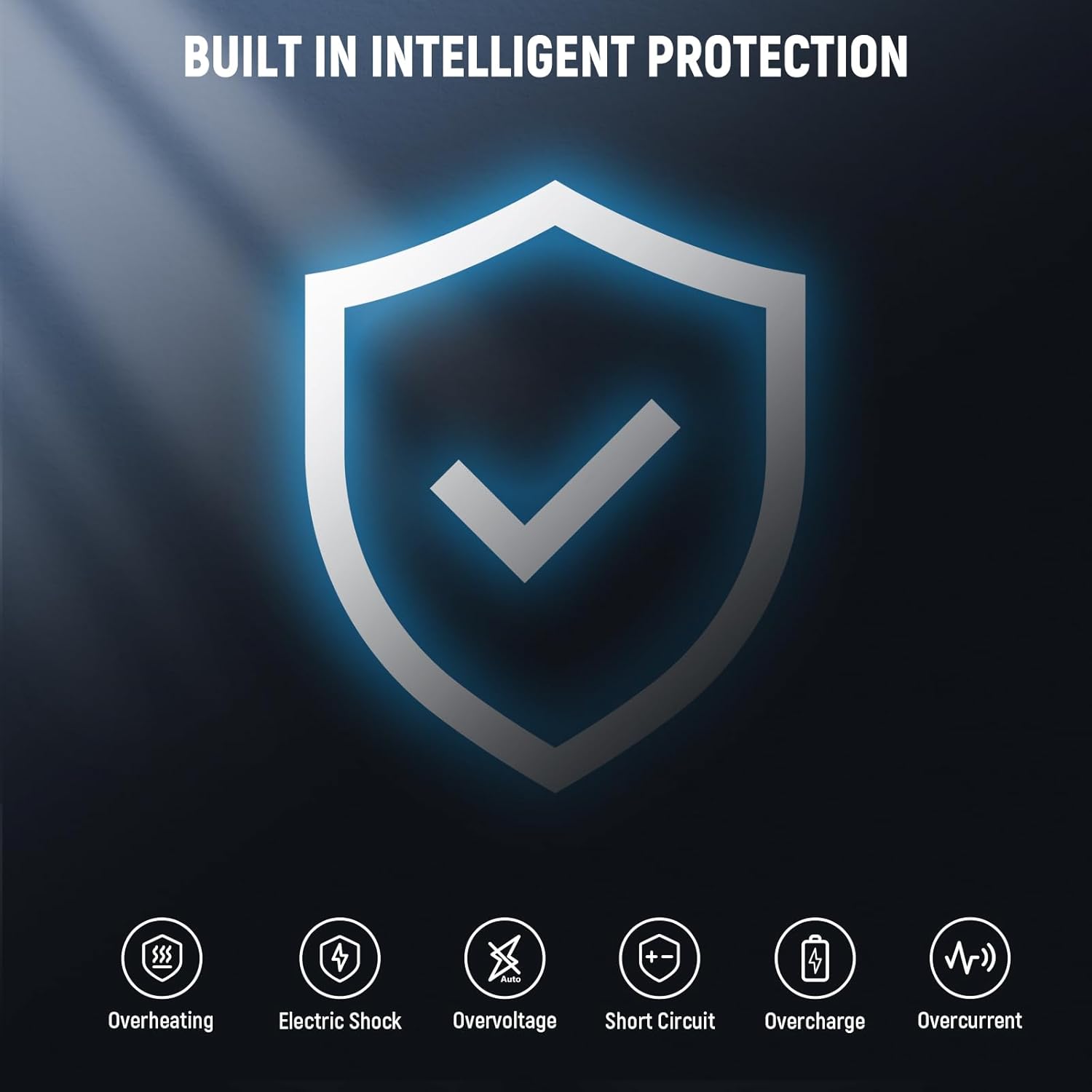
- Advanced Safety & Reliability: Incorporates built-in protection mechanisms against overcharge, over-discharge, over-voltage, over-current, and overheating to ensure safe operation.
- Przenośna konstrukcja: Offers high energy density, excellent recycle life, and a long lifespan in a compact, easy-to-carry form factor.

3. Konfiguracja i instalacja
Follow these steps to properly install the battery into your compatible flash speedlite:
- Wyłącz urządzenie: Ensure your Neewer flash speedlite is completely powered off before attempting to insert or remove the battery.
- Otwórz komorę baterii: Locate and open the battery compartment on your flash speedlite. Refer to your speedlite's manual for specific instructions if needed.
- Włóż baterię: Align the battery's contacts with the terminals inside the compartment. Gently push the battery into place until it is securely seated and the compartment cover can be closed.
- Zamknij przedział: Zamknij szczelnie pokrywę komory baterii.
4. Instrukcja obsługi
4.1 Ładowanie akumulatora
The NB-Z1 PRO battery can be charged using the included Type-C cable.
- Kabel połączeniowy: Plug the Type-C end of the charging cable into the battery's charging port.
- Podłącz do zasilania: Connect the USB-A end of the charging cable to a compatible USB power adapter (not included), a car charger, or a portable power bank.
- Ładowanie monitora: The charging indicator light on the battery will illuminate (typically red) to indicate charging is in progress. It will change color (typically green) when charging is complete.
- Czas ładowania: A full charge takes approximately 2.5 hours via the Type-C cable. If using a dedicated charging dock (not included), it may take up to 3 hours.
- Odłączyć: Po pełnym naładowaniu odłącz kabel od akumulatora i źródła zasilania.
Important: A wall charger is not included. Use a certified USB power adapter for optimal charging.

4.2 Korzystanie z baterii
After installation and charging, the battery is ready for use:
- Włączanie: Turn on your compatible Neewer flash speedlite.
- Sprawdź poziom naładowania baterii: Check the battery level indicator on your flash speedlite to confirm sufficient power.
- Działanie: Operate your flash speedlite as per its specific instruction manual. The NB-Z1 PRO battery will provide consistent power for your photography needs.
5. Konserwacja
Właściwa konserwacja zapewnia długowieczność i wydajność akumulatora:
- Składowanie: Store the battery in a cool, dry place, away from direct sunlight, moisture, and extreme temperatures (both high and low).
- Avoid Full Discharge: Do not allow the battery to remain fully discharged for extended periods, as this can reduce its lifespan.
- Ładowanie okresowe: If the battery will not be used for a long time, charge it to approximately 50% every three months to maintain its health.
- Wyczyść kontakty: Periodically clean the metal contacts on the battery with a dry, soft cloth to ensure good electrical connection.
- Obsługiwanie: Handle the battery with care. Avoid dropping it or subjecting it to strong impacts.

6. Rozwiązywanie Problemów
Jeśli masz problemy z baterią, zapoznaj się z poniższymi typowymi problemami i rozwiązaniami:
- Akumulator nie ładuje się:
- Ensure the Type-C charging cable is securely connected to both the battery and the power adapter.
- Verify that the USB power adapter or power source is functional. Try a different adapter or USB port.
- Sprawdź, czy kabel ładujący nie jest uszkodzony. Spróbuj użyć innego kabla typu C.
- Bateria nie zasila urządzenia:
- Confirm the battery is correctly inserted into the flash speedlite's compartment.
- Upewnij się, że akumulator jest wystarczająco naładowany.
- Clean the battery contacts and the device's terminals with a dry, soft cloth to remove any dust or debris.
- Krótszy czas pracy baterii:
- Battery performance naturally degrades over time with repeated charge cycles.
- Ensure you are following proper charging and storage guidelines as outlined in the Maintenance section.
- Extreme temperatures during use or storage can affect battery performance.
7. Specyfikacje
| Funkcja | Specyfikacja |
|---|---|
| Model | NB-Z1 PRO (10104773) |
| Typ przedmiotu | Akumulator litowo-jonowy |
| Tomtage | 7.2 V |
| Pojemność | 3000mAh / 21.6Wh |
| Czas ładowania (typ C) | Około 2.5 godzin |
| Charging Time (Dock) | Approx. 3 hours (dock not included) |
| Zgodność | Z1/Z2/Z2PRO/Z3/Z3R/Z760/Z880 Flash Speedlite series |
| Wymiary | 2.7" x 1.7" x 1" (6.8 x 4.2 x 2.5 cm) |
| Waga | 0.3 funty (0.13 kg) |
| Skład ogniw baterii | Litowo-jonowy |
| Producent | NIGDY |
| Kraj pochodzenia | Chiny |

8. Informacje dotyczące bezpieczeństwa
Please observe the following safety precautions to prevent damage to the battery or personal injury:
- Nie rozbieraj, nie zgniataj, nie przekłuwaj ani nie modyfikuj akumulatora.
- Keep the battery away from fire, water, and extreme temperatures (above 60°C/140°F or below -10°C/14°F).
- Avoid short-circuiting the battery terminals with metal objects.
- Zużyte baterie należy utylizować zgodnie z lokalnymi przepisami. Nie wyrzucać do odpadów domowych.
- Przechowywać w miejscu niedostępnym dla dzieci i zwierząt domowych.
- If the battery swells, leaks, or emits an unusual odor, discontinue use immediately and dispose of it safely.
- Use only the included Type-C cable or a compatible charging dock for charging.
9. Gwarancja i wsparcie
Your Neewer NB-Z1 PRO Li-ion Replacement Battery comes with a Roczna gwarancja producenta.
For technical support, warranty claims, or any product-related inquiries, please contact NEEWER customer service through their official webwitrynę lub sprzedawcę, u którego zakupiono produkt.
You can visit the official NEEWER store for more information: Sklep NEEWER
Ask a question about this manual
Ask about setup, troubleshooting, compatibility, parts, safety, or missing instructions. Manuals+ will review the question and use this page’s manual context to help answer it.