
Wstęp
This manual provides instructions for the Xtrike Me 12800 DPI Gaming Mouse. It covers setup, operation, maintenance, troubleshooting, and product specifications. Please read this manual thoroughly before using the device to ensure proper function and longevity.
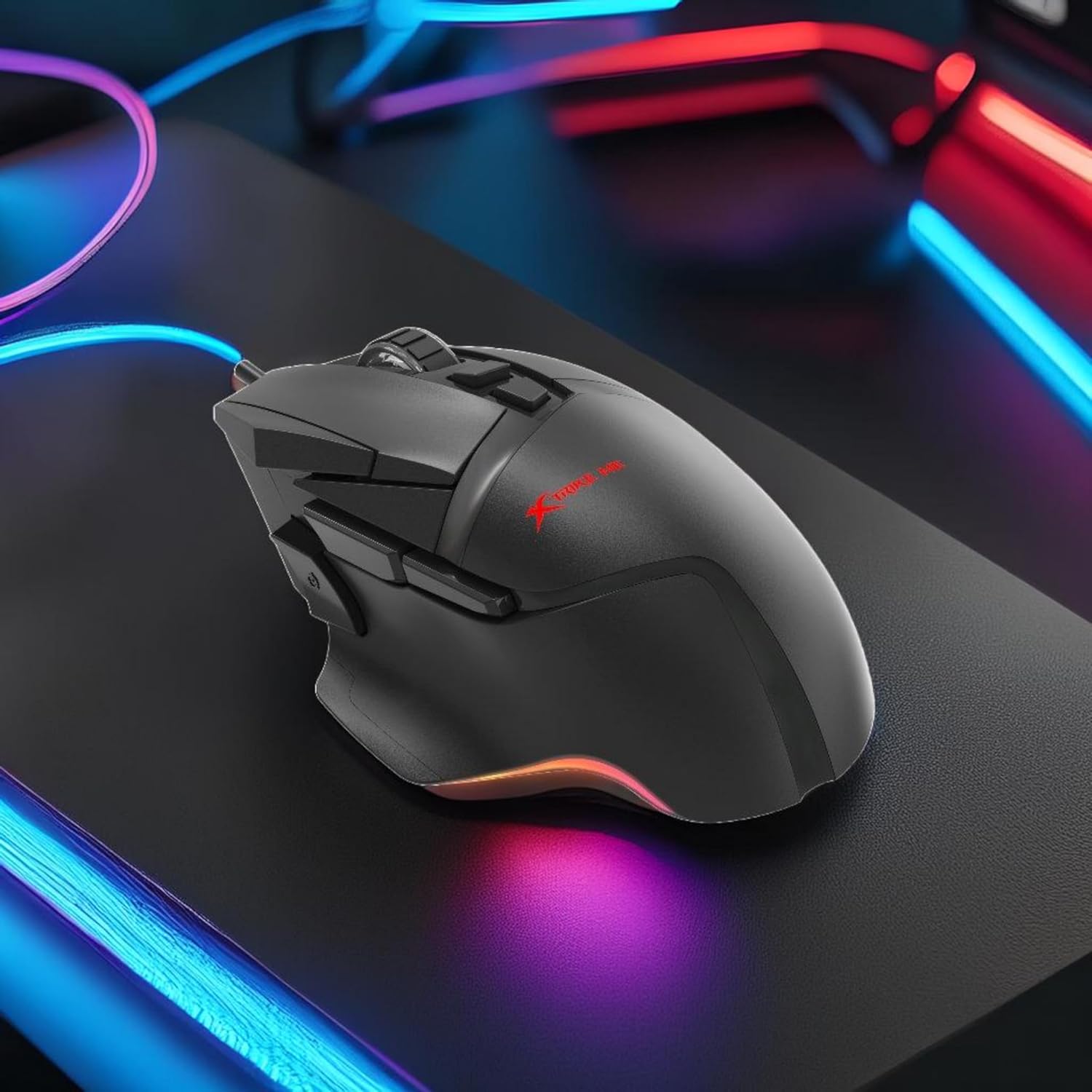
Rysunek 1: Xtrike Me 12800 DPI Gaming Mouse. This image shows the gaming mouse from a side angle, highlighting its ergonomic shape and dynamic RGB lighting along the base, set against a dark, illuminated gaming setup.
Produkt ponadview
The Xtrike Me 12800 DPI Gaming Mouse is designed for precision and customization. It features an advanced optical sensor, 8 programmable buttons, and dynamic RGB backlighting.
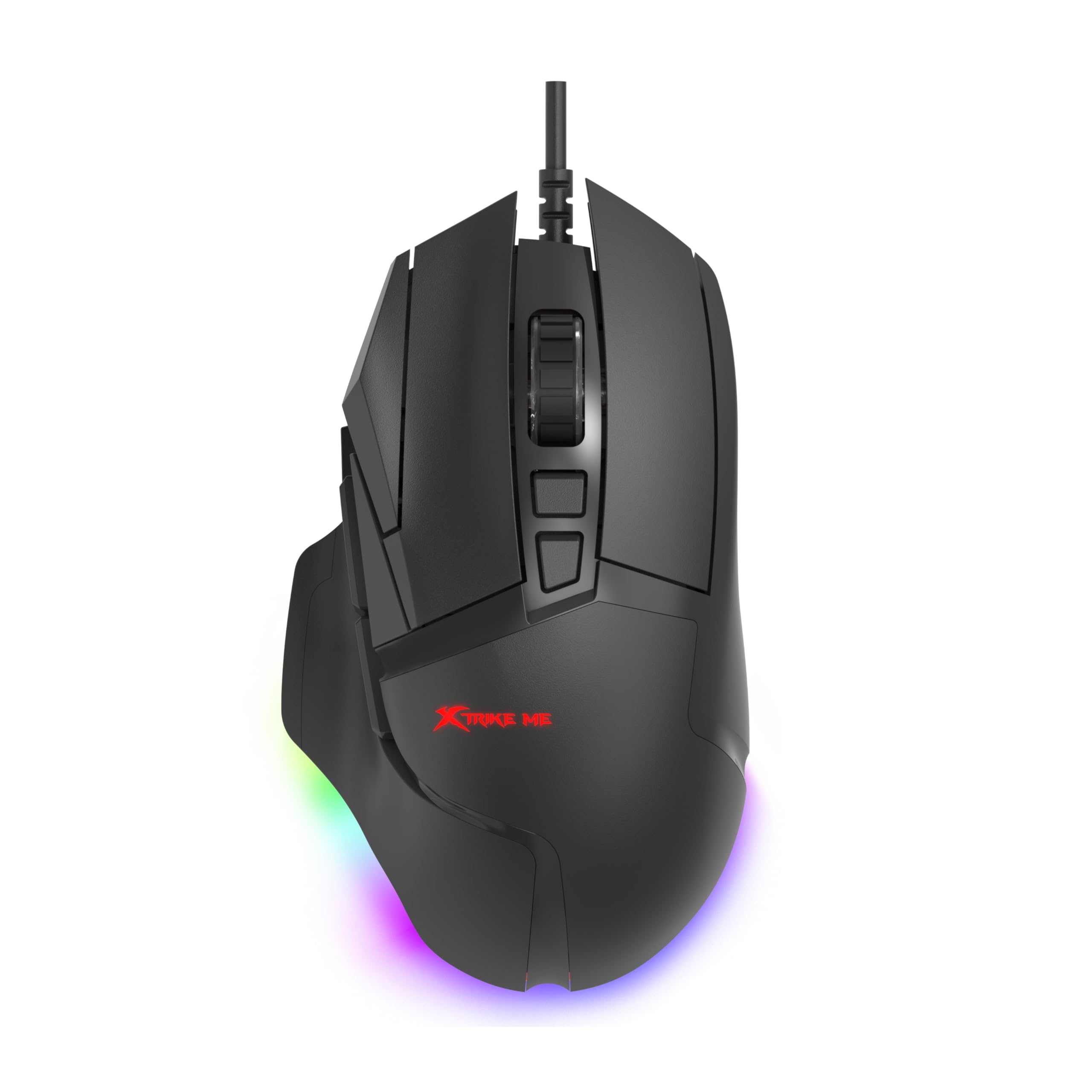
Rysunek 2: Z górnym kątem view of the mouse. This image provides a clear view of the mouse's top surface, showcasing the scroll wheel, main click buttons, and several programmable side buttons, along with the Xtrike Me logo.

Rysunek 3: Z góry na dół view of the mouse. This image presents the mouse from directly above, emphasizing its symmetrical design and the layout of its primary buttons and scroll wheel.
Główne cechy:
- Czujnik optyczny 12800 DPI: Adjustable sensitivity for precise control.
- 8D Programowalne przyciski: Customizable commands and shortcuts.
- 13 RGB Lighting Effects: Personalize lighting to match your setup.
- Ocena 5 milionów kliknięć: Durable switches for extended use.
- Częstotliwość odpytywania 1000 Hz: Ultra-smooth and responsive tracking.
- Ergonomiczna konstrukcja: Comfortable for prolonged gaming sessions.
- Kabel pleciony 1.6 m: Durable and tangle-free connectivity.
Organizować coś
- Podłącz mysz: Plug the USB connector of the Xtrike Me Gaming Mouse into an available USB port on your computer (PC or Mac).
- Automatyczna instalacja sterownika: Your operating system (Windows XP and newer, or Mac) should automatically detect and install the necessary drivers.
- Instalacja oprogramowania (opcjonalnie): For advanced customization, including button programming and RGB lighting effects, download the dedicated software from the Xtrike Me official webwitrynę. Postępuj zgodnie z instrukcjami wyświetlanymi na ekranie, aby dokończyć instalację.

Rysunek 4: Mouse connected via USB. This image shows the Xtrike Me gaming mouse positioned on a desk, with its braided USB cable clearly visible, indicating its wired connectivity.
Instrukcja obsługi
Regulacja DPI:
The mouse features an adjustable DPI (Dots Per Inch) sensor, allowing you to change sensitivity on the fly. Use the dedicated DPI buttons (usually located near the scroll wheel) to cycle through preset DPI levels (800, 1600, 2400, 3200, 4800, 6400, 12800 DPI). The current DPI setting may be indicated by a change in the mouse's RGB lighting color or pattern.
Przyciski programowalne:
The 8D programmable buttons can be assigned various functions, macros, or shortcuts. To customize these buttons:
- Ensure the optional software is installed.
- Open the Xtrike Me Gaming Mouse software.
- Navigate to the "Button Assignment" or "Macro" section.
- Select the button you wish to program and assign your desired function.
- Zapisz zmiany.
Sterowanie podświetleniem RGB:
The mouse features 13 dynamic RGB lighting effects. These can typically be controlled via the optional software. Within the software, you can select different lighting modes, adjust brightness, speed, and choose specific colors or turn the lighting off entirely.

Rysunek 5: Strona view with RGB. This image captures the side profile of the Xtrike Me gaming mouse, highlighting its ergonomic curve and the vibrant RGB lighting emanating from its base, creating an ambient glow.
Konserwacja
- Czyszczenie: Do czyszczenia powierzchni myszy użyj miękkiej, suchej ściereczki. W przypadku uporczywych zabrudzeń delikatnie przetrzyjampWytrzyj szmatkę wodą. Unikaj silnych środków chemicznych i ściernych środków czyszczących.
- Pielęgnacja czujnika: Utrzymuj czujnik optyczny, który znajduje się na spodzie myszy, w czystości i zapobiegaj gromadzeniu się kurzu lub zanieczyszczeń, aby zapewnić precyzyjne śledzenie ruchów.
- Zarządzanie kablami: Avoid sharp bends or excessive pulling on the braided cable to prevent damage.
- Składowanie: Gdy nie używasz myszy, przechowuj ją w czystym i suchym miejscu, chroniąc ją przed ekstremalnymi temperaturami.
Rozwiązywanie problemów
- Mysz nie odpowiada:
- - Ensure the USB cable is securely plugged into a working USB port.
- - Try plugging the mouse into a different USB port or another computer to rule out port issues.
- - Zrestartuj swój komputer.
- Niedokładne śledzenie lub opóźnienie kursora:
- - Wyczyść czujnik optyczny znajdujący się na spodzie myszy.
- - Ensure you are using the mouse on a suitable surface (e.g., a mouse pad). Avoid highly reflective or transparent surfaces.
- - Adjust the DPI settings to a lower value if the cursor is too sensitive.
- Oświetlenie RGB nie działa:
- - Check the optional software settings to ensure lighting is enabled and configured correctly.
- - Ensure the mouse is properly connected to your computer.
- Przyciski programowalne nie działają:
- - Verify that the Xtrike Me software is installed and running.
- - Check the button assignments within the software and ensure they are saved.
- - Ensure the software is up to date.
Specyfikacje
| Funkcja | Szczegół |
|---|---|
| Marka | Xtrike Me |
| Model | Mysz do gier 12800 DPI |
| Technologia łączności | Przewodowy USB |
| Technologia wykrywania ruchu | Optyczny |
| Mouse Maximum Sensitivity | 12800 DPI (Adjustable: 800-12800 DPI) |
| Współczynnik sondowania | 1000 Hz |
| Ilość przycisków | 8 (Programowalne) |
| Ocena kliknięć | 5 milionów kliknięć |
| Długość kabla | 1.6 meters (Braided) |
| Podświetlenie | RGB (13 effects) |
| Orientacja dłoni | Oburęczny |
| Kompatybilne urządzenia | Konsola do gier, komputer osobisty |
| System operacyjny | Windows XP and newer, Mac |
| Waga przedmiotu | 180 gram |
| Tworzywo | Plastikowy |
| Kolor | Czarny |
| Producent | Xtrike Me |
Gwarancja i wsparcie
Informacje o gwarancji:
The product warranty is provided "As Per Amazon" policy. Please refer to your purchase documentation or Amazon's customer service for detailed warranty terms and conditions.
Kontakt do producenta:
For technical support or further inquiries, please contact the manufacturer:
Producent: Xtrike Me
Informacje kontaktowe: White Cloud Ventures Canada
For the most up-to-date support information, please visit the official Xtrike Me webstronie internetowej lub skontaktuj się ze sprzedawcą.