
Wstęp
This manual provides detailed instructions for the safe and effective use of your Andoer 1080P Digital Camera. Please read this manual thoroughly before operating the device and retain it for future reference. This camera is designed to capture high-quality photos and videos, featuring a 56MP picture resolution and 1080P video recording capabilities. It includes an 8X digital zoom, AF auto-focus, and a 2.88-inch IPS screen for clear viewing.
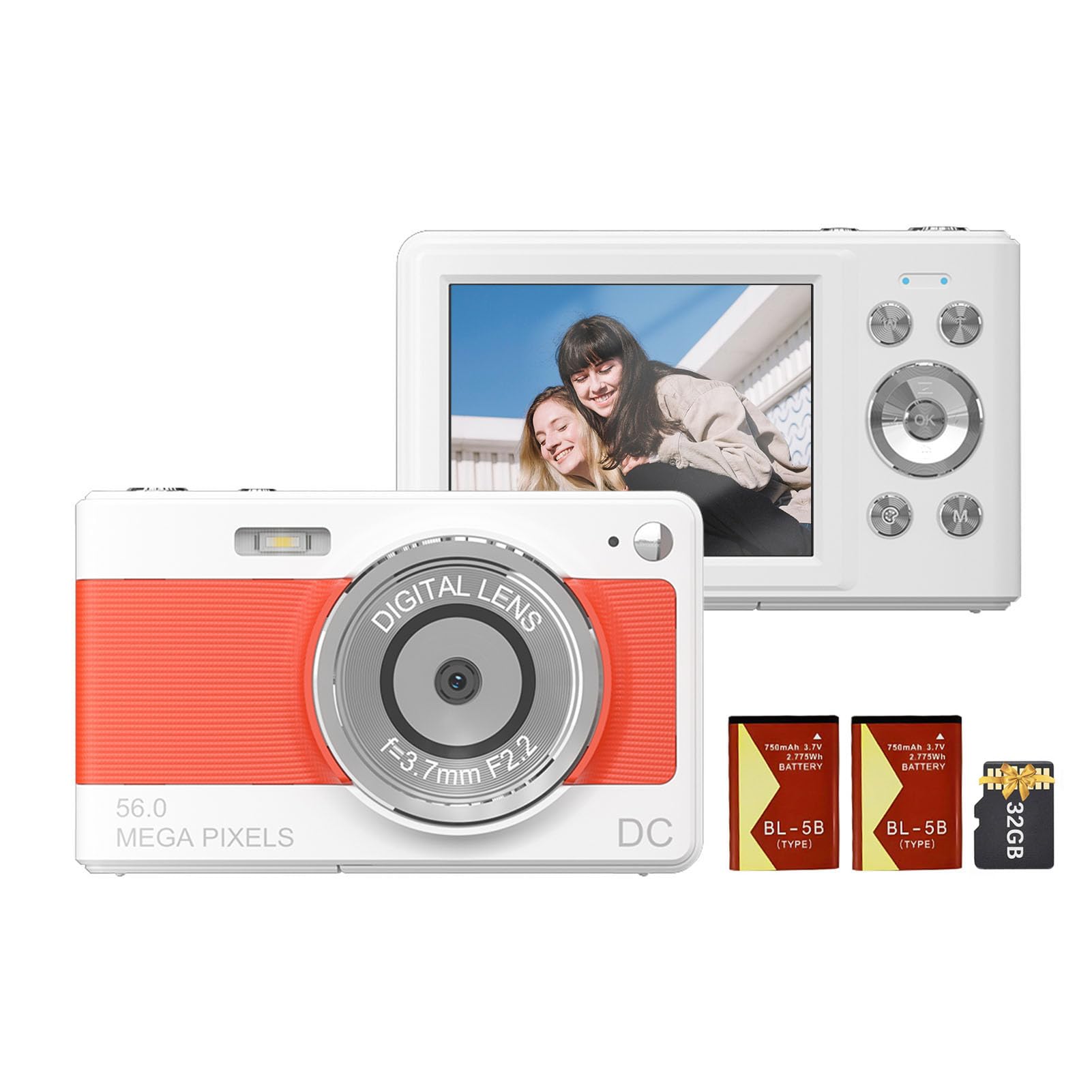
Przód view of the Andoer 1080P Digital Camera, showcasinze względu na swój obiektyw i kompaktową konstrukcję.
Zawartość opakowania
Sprawdź, czy w opakowaniu znajdują się wszystkie elementy:
- 1 x aparat cyfrowy Andoer
- 2 baterie litowe (3.7 V 750 mAh)
- 1 x kabel do ładowania USB (typ C)
- 1 x pasek na nadgarstek
- 1 x Torba transportowa
- Karta pamięci 1 x 32GB
- 1 x Instrukcja obsługi (angielski)
Organizować coś
1. Montaż i ładowanie akumulatora
The camera uses a rechargeable lithium battery. Two batteries are included to ensure extended usage.
- Locate the battery compartment on the bottom or side of the camera.
- Otwórz pokrywę komory baterii.
- Insert a fully charged battery, ensuring the correct polarity as indicated inside the compartment.
- Dokładnie zamknij pokrywę komory baterii.
- To charge the battery, connect the camera to a power source using the provided Type-C USB cable. The charging indicator light will illuminate.
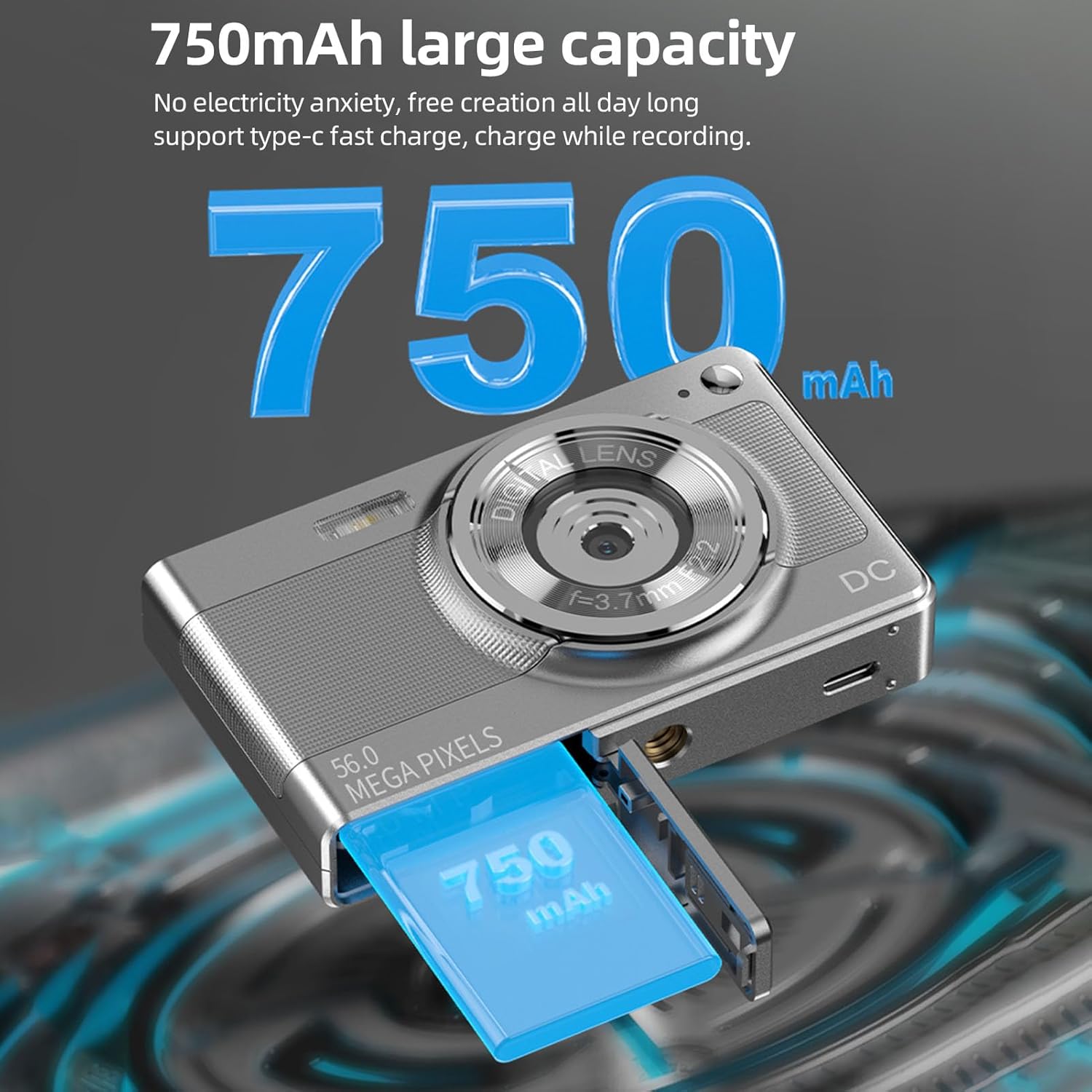
Illustration of the 750mAh battery and its insertion into the camera's battery compartment.
2. Instalacja karty pamięci
A 32GB memory card is included for immediate use. Ensure the camera is powered off before inserting or removing the memory card.
- Locate the memory card slot, typically on the side of the camera.
- Insert the 32GB memory card into the slot with the metal contacts facing the correct direction (refer to the diagram near the slot if available).
- Delikatnie dociśnij kartę, aż zatrzaśnie się na miejscu.
- Aby wyjąć kartę, wciśnij ją ponownie, aż lekko wysunie się, a następnie ją wyciągnij.
Instrukcja obsługi
1. Włączanie/wyłączanie zasilania
- To power on: Press and hold the power button (usually marked with WŁ./WYŁ. or a power symbol) until the screen illuminates.
- Aby wyłączyć: Naciśnij i przytrzymaj przycisk zasilania, aż ekran się wyłączy.
2. Robienie zdjęć
The camera supports up to 56MP picture resolution.
- Włącz kamerę.
- Ensure the camera is in photo mode (indicated by an icon on the screen, typically a camera symbol).
- Skadruj ujęcie korzystając z 2.88-calowego ekranu IPS.
- The camera features AF auto-focus. Allow the camera to focus on your subject.
- Press the shutter button halfway down to focus, then press it fully to capture the image.
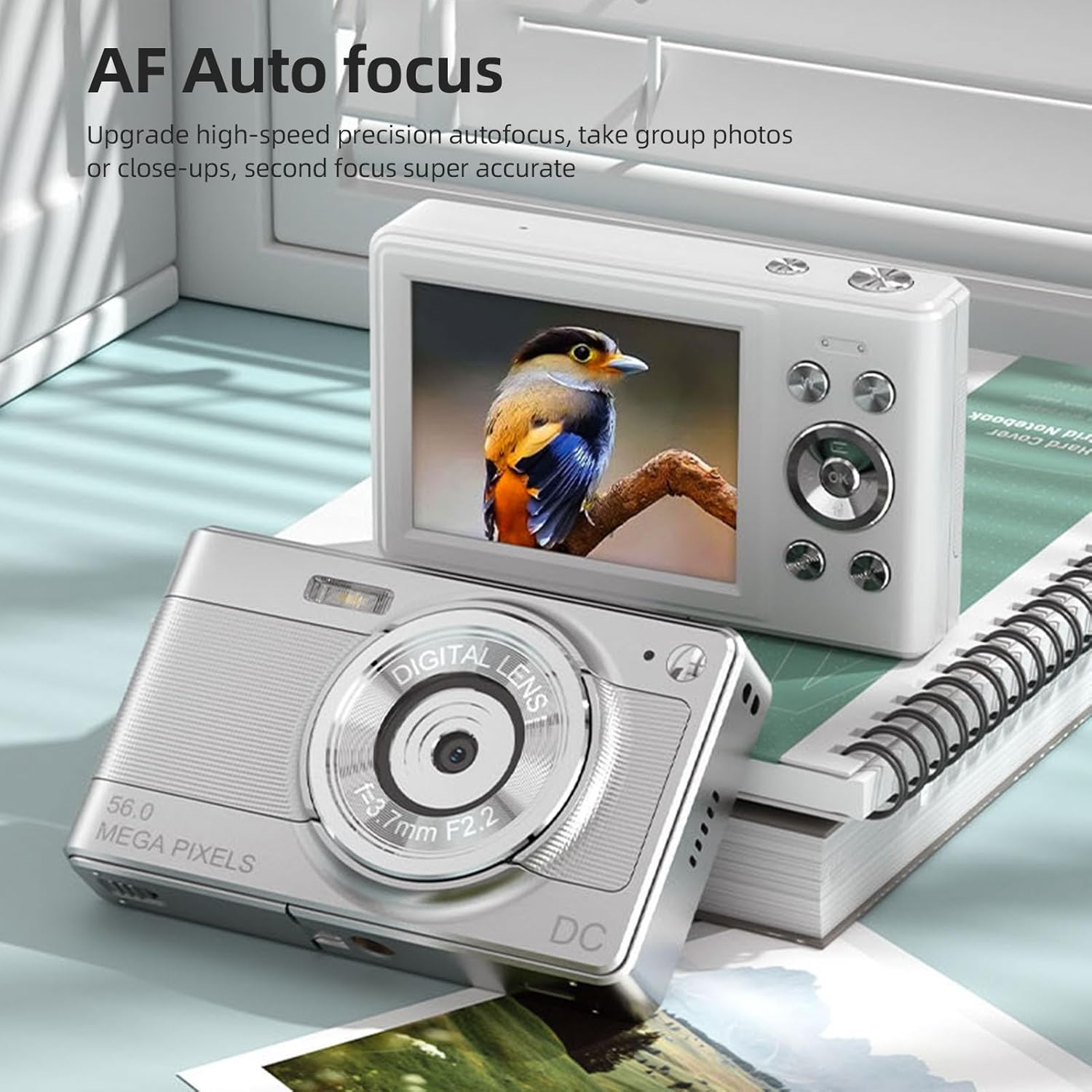
The camera's AF Auto Focus system ensures sharp images by automatically adjusting the lens.
3. Nagrywanie filmów
Record videos in 1080P resolution.
- Włącz kamerę.
- Switch to video recording mode (indicated by a video camera icon).
- Naciśnij przycisk migawki, aby rozpocząć nagrywanie. Na ekranie pojawi się czerwony wskaźnik lub timer.
- Naciśnij ponownie przycisk migawki, aby zatrzymać nagrywanie.
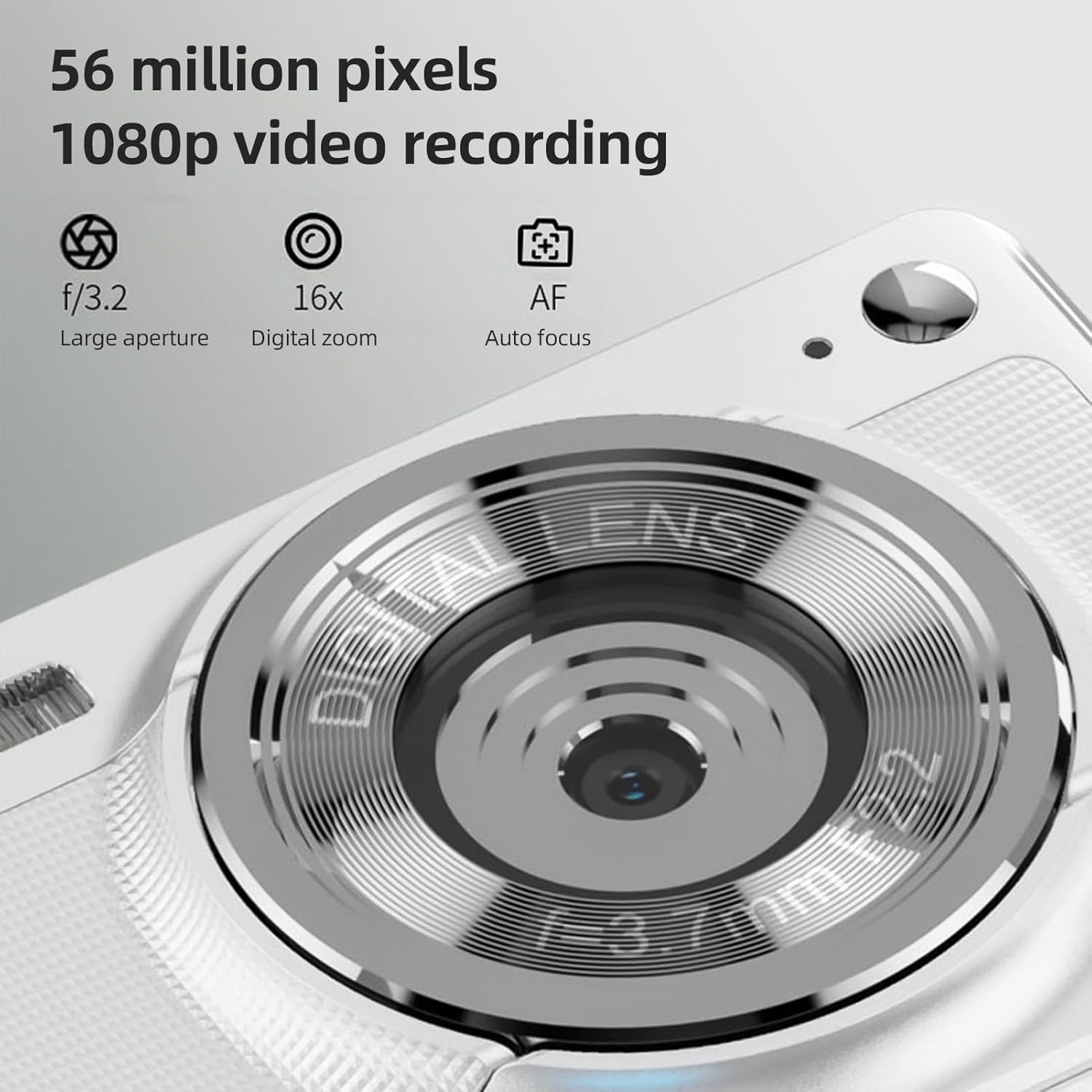
The camera is capable of capturing 56-megapixel photos and recording 1080p videos.
4. Zoom cyfrowy
The camera features an 8X digital zoom.
- While in photo or video mode, use the zoom buttons (often marked with W for Wide and T for Telephoto, or +/- symbols) to zoom in or out.
- Note that digital zoom may reduce image quality compared to optical zoom.

Comparison showing the effect of 8X digital zoom versus no zoom mode.
5. Wbudowana pamięć Flash
Use the built-in flash for low-light conditions.
- Access the flash settings through the camera's menu.
- Select from options such as Auto Flash, Fill-in Flash, Red-eye Reduction, or Flash Off.
6. Inne funkcje
The camera includes several features to enhance your photography:
- Przeciwwstrząsowy: Pomaga zmniejszyć rozmycie spowodowane ruchem aparatu.
- Wykrywanie twarzy: Automatycznie wykrywa i ustawia ostrość na twarzach w kadrze.
- Fotografia ciągła: Captures a series of photos rapidly.
- Samowyzwalacz: Delays the shutter release by 2, 5, or 10 seconds.
- Efekty kolorystyczne: Apply various filters or color tones to your images.
7. Viewi przesyłanie Files
Review your captured media and transfer them to other devices.
- Odtwarzanie nagranego dźwięku: Press the playback button (often indicated by a play icon) to view photos and videos on the 2.88-inch IPS screen. Use the navigation buttons to browse.
- File Transfer (OTG Method):
- Remove the memory card from the camera.
- Insert the memory card into a card reader.
- Connect the card reader to your mobile phone or computer using an OTG adapter or USB cable to export photos and videos.

The camera's memory card can be used with an OTG adapter or card reader for easy transfer of files to a mobile phone or computer.
Konserwacja
- Czyszczenie obiektywu: Używaj miękkiej, niepozostawiającej włókien ściereczki przeznaczonej specjalnie do czyszczenia obiektywów aparatów. Unikaj dotykania obiektywu palcami.
- Czyszczenie ekranu: Gently wipe the IPS screen with a microfiber cloth. Do not use harsh chemicals.
- Składowanie: When not in use, store the camera in the provided carrying bag in a cool, dry place away from direct sunlight and extreme temperatures.
- Pielęgnacja baterii: Do not expose batteries to high temperatures. If the camera will not be used for an extended period, remove the battery.
Rozwiązywanie problemów
| Problem | Możliwa przyczyna | Rozwiązanie |
|---|---|---|
| Kamera się nie włącza. | Bateria jest rozładowana lub nieprawidłowo włożona. | Naładuj akumulator. Upewnij się, że akumulator jest włożony z zachowaniem prawidłowej polaryzacji. |
| Nie można robić zdjęć/kręcić filmów. | Karta pamięci jest pełna, zablokowana lub nie została włożona. | Insert a memory card. Check if the memory card is locked. Delete unnecessary filelub wymień kartę. |
| Obrazy są niewyraźne. | Drżenie aparatu, obiekt znajduje się zbyt blisko lub obiektyw jest brudny. | Hold the camera steady. Ensure adequate lighting. Clean the lens. Use AF auto-focus. |
| Flash nie działa. | Lampa błyskowa jest wyłączona lub bateria jest słaba. | Check flash settings in the menu. Charge the battery. |
Specyfikacje
- Czujnik obrazu: Czujnik CMOS
- Wyświetlacz: Ekran IPS 2.88 cala
- Rozdzielczość obrazu: 56M, 48M, 36M, 30M, 24M, 20M, 16M, 12M, 8M, 5M, 3M
- Rozdzielczość wideo: 1080P, 720P
- Zoom cyfrowy: 8X
- Auto Focus: Yes (AF)
- Przeciwwstrząsowy: Tak
- Wykrywanie twarzy: Tak
- Samowyzwalacz: 2 sec / 5 sec / 10 sec / Off
- Narażenie: EV-3 do EV+3
- Balans bieli: Auto / Światło dzienne / Pochmurno / Fluorescencyjne / Żarowe
- Zasilanie: Lithium battery (3.7V 750mAh)
- Rozmiar przedmiotu: 9.8 * 6 * 2 cm / 3.9 * 2.4 * 0.8 cala
- Waga przedmiotu: 110 g / 3.8 uncji (wraz z baterią)
- Karta pamięci w zestawie: 32 GB
- Obsługa języków: Chinese, Japanese, English, French, Spanish, Portuguese, German, Dutch, Italian, etc.
Gwarancja i wsparcie
Specific warranty details are not provided in this manual. For warranty information, technical support, or service inquiries, please refer to the product packaging or contact Andoer customer service directly through their official webwitrynę lub sprzedawcę, u którego zakupiono produkt.
Zachowaj paragon jako dowód zakupu na wypadek ewentualnych roszczeń gwarancyjnych.