
Wstęp
Welcome to the Redmi Pad Pro 5G user manual. This document provides essential information to help you set up, operate, and maintain your new tablet. The Redmi Pad Pro 5G features a 12.1-inch display, Snapdragon 7s Gen 2 processor, 10000mAh battery, and runs on HyperOS, offering a powerful and versatile user experience.
Co jest w pudełku
Upon unboxing your Redmi Pad Pro 5G, verify that all the following items are included:
- Komputer typu Tablet
- Adapter
- Kabel USB typu C.
- Szybki przewodnik
- Narzędzie do wyjmowania karty SIM
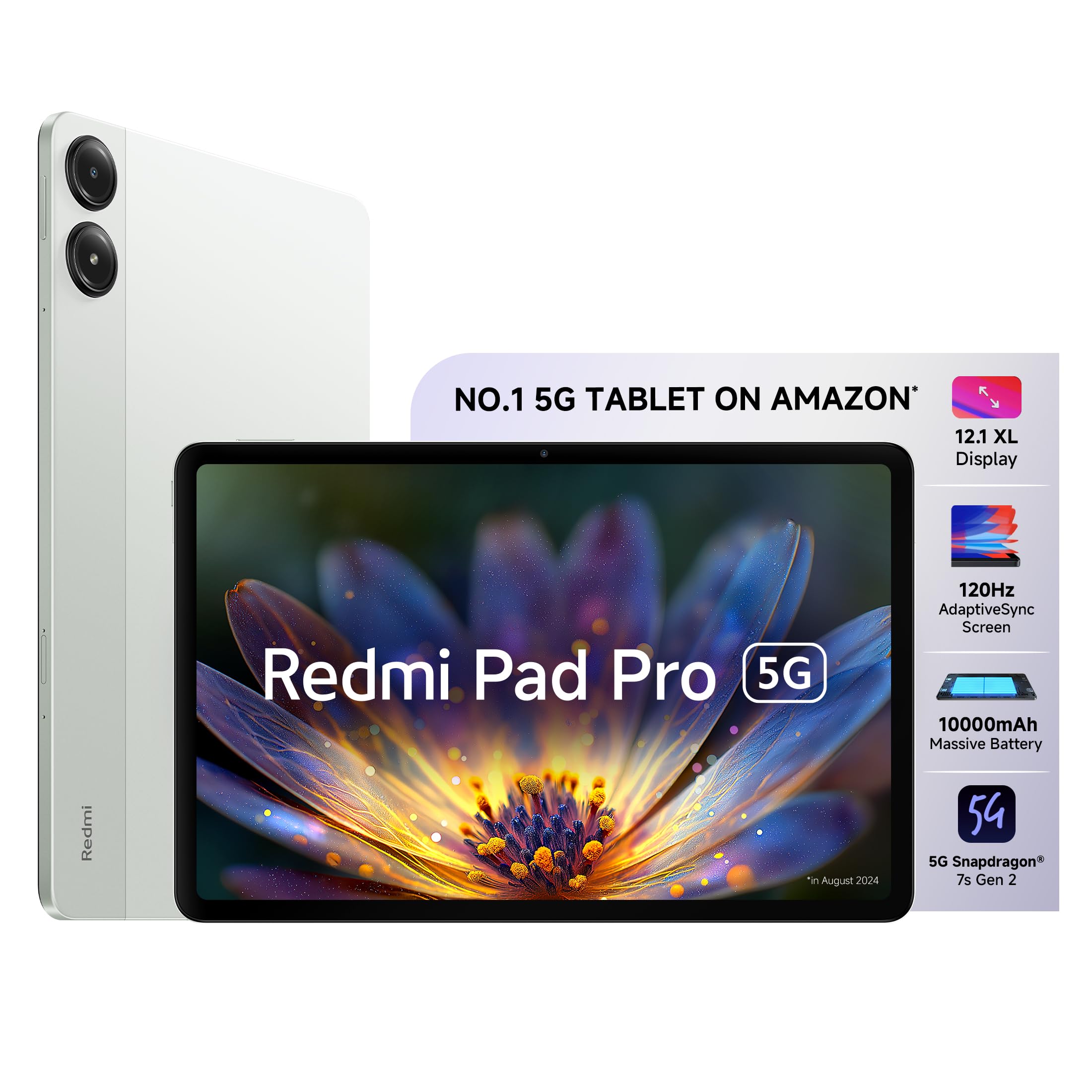
Image: The Redmi Pad Pro 5G tablet with its included accessories, including the adapter, USB-C cable, and SIM ejector tool.
Organizować coś
1. Ładowanie początkowe
Before first use, fully charge your Redmi Pad Pro 5G using the provided adapter and USB Type-C cable. Connect the USB Type-C cable to the tablet's charging port and the adapter to a power outlet. The tablet supports 33W fast charging.
2. Włączanie/wyłączanie zasilania
- Włączanie: Naciśnij i przytrzymaj przycisk zasilania, aż pojawi się logo Redmi.
- Aby wyłączyć: Naciśnij i przytrzymaj przycisk zasilania, a następnie wybierz na ekranie opcję „Wyłącz”.
- Zrestartować: Naciśnij i przytrzymaj przycisk zasilania, a następnie wybierz z dostępnych opcji opcję „Uruchom ponownie”.
3. SIM Card Installation (for 5G models)
For 5G connectivity, insert a nano-SIM card into the SIM card tray. Use the provided SIM ejector tool to open the tray. Ensure the SIM card is correctly oriented before reinserting the tray.

Obraz: Bok view of the Redmi Pad Pro 5G, illustrating the location of the SIM tray and other external components.
4. Wstępna konfiguracja
Postępuj zgodnie z instrukcjami wyświetlanymi na ekranie, aby dokończyć konfigurację początkową, obejmującą wybór języka, połączenie Wi-Fi, logowanie do konta Google i ustawienia zabezpieczeń.
Instrukcja obsługi
Funkcje wyświetlacza
The Redmi Pad Pro 5G features a 12.1-inch XL display with a 2.5K resolution (2560x1600 pixels) and a 120Hz AdaptiveSync refresh rate. This adaptive refresh rate adjusts automatically to optimize battery efficiency based on content. The display also includes triple eye-care technology for reduced eye strain.

Image: The 12.1-inch XL display of the Redmi Pad Pro 5G, highlighting its large viewObszar objęty badaniem.

Image: Visual representation of the 120Hz AdaptiveSync screen technology on the Redmi Pad Pro 5G.
Funkcje audio
Experience immersive sound with the tablet's quad speakers and Dolby Atmos support. Adjust volume using the physical volume buttons located on the side of the device.

Image: Diagram showing the quad speaker placement and Dolby Atmos branding on the Redmi Pad Pro 5G.
Zarządzanie baterią
The Redmi Pad Pro 5G is equipped with a 10000mAh (typical) battery, providing extended usage times. For optimal battery life, use the included 33W fast charger. Avoid extreme temperatures and fully discharging the battery frequently.

Image: Illustration of the 10000mAh battery inside the Redmi Pad Pro 5G, emphasizing its large capacity.
HyperOS Interconnectivity
HyperOS enables seamless interaction between your Redmi Pad Pro 5G and compatible Xiaomi smartphones.
- Network Sync: Connect to your phone's hotspot with a single click when Wi-Fi signals are unavailable.
- Home Screen+: Receive messages, answer calls, and access phone apps directly on the tablet.
- Shared Clipboard: Copy and paste text and images between devices.
- Cross-device Notes: Access your smartphone camera from the Notes app on the tablet to take photos and insert them.

Obraz: Ponadview of Xiaomi HyperOS features, including Network Sync and Home Screen+.

Image: A visual demonstrating the Network Sync feature, allowing the tablet to connect to a phone's hotspot.
Akcesoria (sprzedawane oddzielnie)
Enhance your Redmi Pad Pro 5G experience with optional accessories:
- Redmi Smart Pen: For handwritten notes, drawing, and painting. Features handwriting recognition.
- Redmi Pad Pro Keyboard: Transforms your tablet into a productivity device for typing and presentations.

Image: A user taking notes on the Redmi Pad Pro 5G with the Redmi Smart Pen.

Image: The Redmi Pad Pro 5G attached to its dedicated keyboard, illustrating its use for productivity tasks.
Konserwacja
- Czyszczenie: Do czyszczenia ekranu i obudowy używaj miękkiej, niepozostawiającej włókien ściereczki. Unikaj materiałów ściernych i silnych środków chemicznych.
- Ochrona: Aby zapobiec zarysowaniom i uszkodzeniom, rozważ użycie etui ochronnego i folii ochronnej na ekran.
- Warunki środowiskowe: Unikaj wystawiania tabletu na działanie ekstremalnych temperatur, bezpośredniego światła słonecznego i wysokiej wilgotności.
- Aktualizacje oprogramowania: Regularnie sprawdzaj dostępność aktualizacji systemu i instaluj je, aby zapewnić optymalną wydajność i bezpieczeństwo.

Obraz: Tył view of the Redmi Pad Pro 5G, showing its camera module and sleek design.
Rozwiązywanie problemów
Typowe problemy i rozwiązania
- Tablet się nie włącza: Ensure the battery is charged. Connect the charger and wait a few minutes before attempting to power on again. If unresponsive, perform a force restart by holding the power button for approximately 10-15 seconds.
- Ekran nie reaguje: Try restarting the tablet. If the issue persists, ensure the screen is clean and free of debris.
- Problemy z połączeniem Wi-Fi: Sprawdź, czy Wi-Fi jest włączone w ustawieniach. Uruchom ponownie router i tablet. Usuń sieć i połącz się ponownie.
- Niska wydajność: Zamknij niepotrzebne aplikacje działające w tle. Wyczyść pamięć podręczną i tymczasowe. files. Ensure sufficient storage space is available. Consider a factory reset as a last resort (back up data first).
- Bateria szybko się rozładowuje: Reduce screen brightness. Disable unused features like GPS, Bluetooth, and Wi-Fi when not needed. Limit background app refresh. Check for apps consuming excessive power in battery settings.
Specyfikacje
| Funkcja | Szczegół |
|---|---|
| Marka | Czerwony mi |
| Nazwa modelu | Redmi Pad Pro 5G |
| Pojemność pamięci masowej | 256 GB |
| Rozmiar ekranu | 12.1 cala (30.7 cm) |
| Maksymalna rozdzielczość wyświetlacza | 2560x1600 (2.5K) |
| Typ wyświetlacza | OLED |
| Wyświetl częstotliwość odświeżania | 120 Hz AdaptiveSync |
| Zainstalowana pamięć RAM | 8 GB |
| Edytor | Snapdragon 7s drugiej generacji |
| System operacyjny | HyperOS |
| Technologia komórkowa | 5G |
| Typ technologii bezprzewodowej | Wi-Fi 6 (802.11ax) |
| Pojemność baterii | 10000 mAh |
| Szybkie ładowanie | 33 W |
| Rozdzielczość tylnej kamery | 8 MP |
| Rozdzielczość przedniej kamery | 8 MP |
| Wymiary przedmiotu (dł. x szer. x grubość) | 18.2L x 28W x 0.8Th Centimeters |
| Human Interface Types | Ekran dotykowy z obsługą rysika |
Gwarancja i wsparcie
For detailed warranty information, please refer to the warranty card included in your product packaging or visit the official Redmi/Xiaomi webstrona.
If you encounter issues not covered in this manual or require further assistance, please contact Redmi customer support. Support contact details can typically be found on the manufacturer's webstronie lub w Przewodniku szybkiego startu.
Zasoby internetowe:


