
Wstęp
Thank you for choosing the Xtorm Nova Ultra Power Bank. This manual provides essential information for the safe and efficient use of your device. Please read it thoroughly before operation and retain it for future reference.
The Xtorm Nova Ultra Power Bank (Model XNP276) is a high-capacity portable charger designed to power a wide range of devices, including laptops, tablets, and smartphones, with its 27600 mAh battery and 140W output capabilities.
Informacje dotyczące bezpieczeństwa
Aby zapewnić bezpieczną obsługę i zapobiec uszkodzeniom, należy przestrzegać następujących środków ostrożności:
- Nie wystawiaj powerbanku na działanie ekstremalnych temperatur (powyżej 45°C i poniżej 0°C).
- Unikaj upuszczania, uderzania i demontażu urządzenia.
- Trzymać z dala od wody, wilgoci i materiałów łatwopalnych.
- Używaj wyłącznie certyfikowanych kabli ładujących i adapterów.
- Do not attempt to repair or modify the power bank yourself. Contact qualified service personnel.
- Powerbank należy utylizować zgodnie z lokalnymi przepisami.
- This power bank has a capacity of 99.9 Wh, making it compliant with maximum allowed standards for air travel in carry-on luggage. Always confirm with your airline's specific regulations before flying.
Zawartość opakowania
Proszę sprawdzić, czy w paczce znajdują się następujące elementy:
- Xtorm Nova Ultra Power Bank (XNP276)
- Kabel do ładowania z USB-C na USB-C
- Instrukcja obsługi
Produkt ponadview
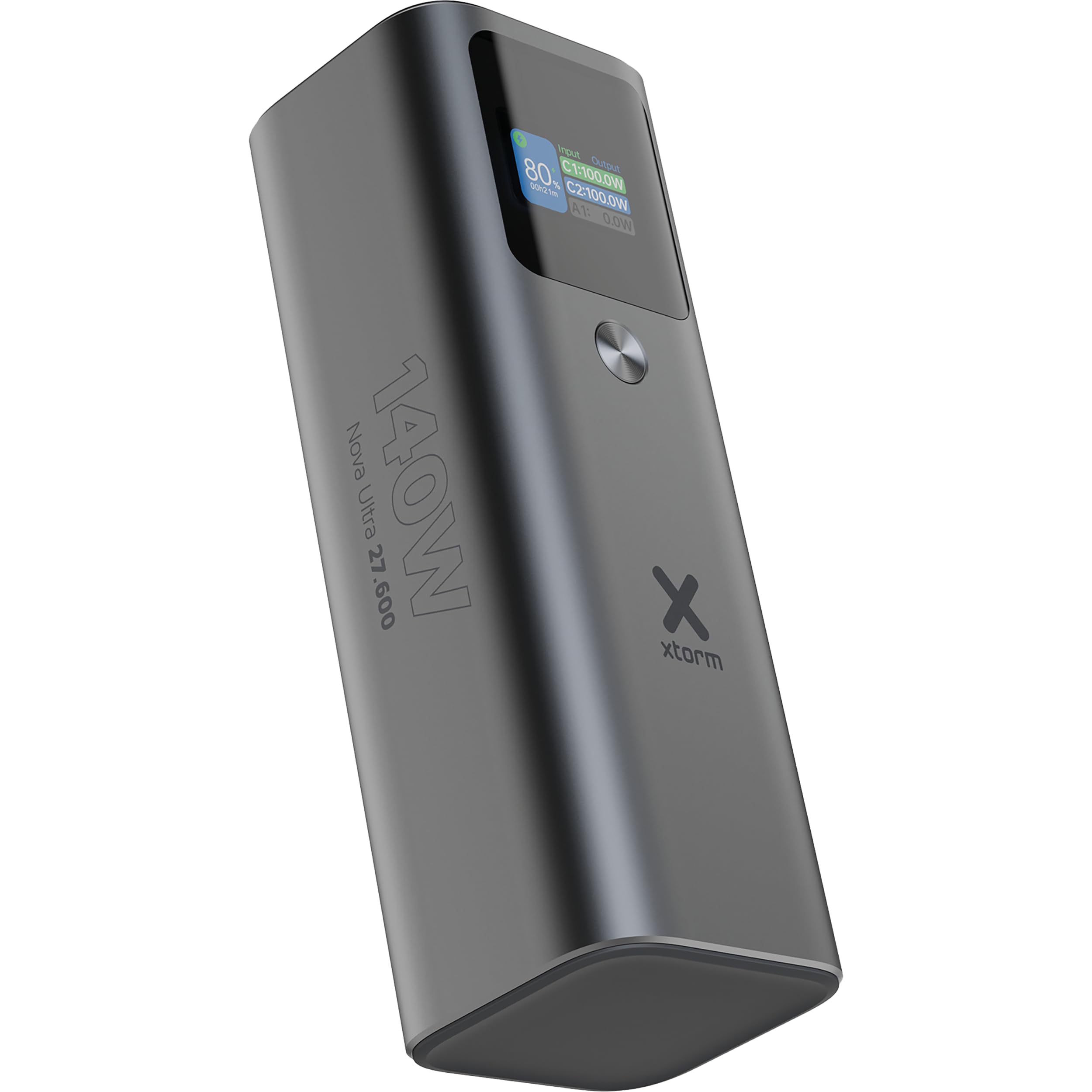
The Xtorm Nova Ultra Power Bank features a robust aluminum casing and an advanced intelligent display for real-time information.
Porty i złącza:
- 2x USB-C PD Ports (Input/Output): Each capable of up to 140W Power Delivery for fast charging of laptops, tablets, and smartphones. These ports are used for both charging the power bank and charging other devices.
- 1x USB-A QC 3.0 Port (Output): Provides up to 22.5W output for charging smartphones and other compatible devices.
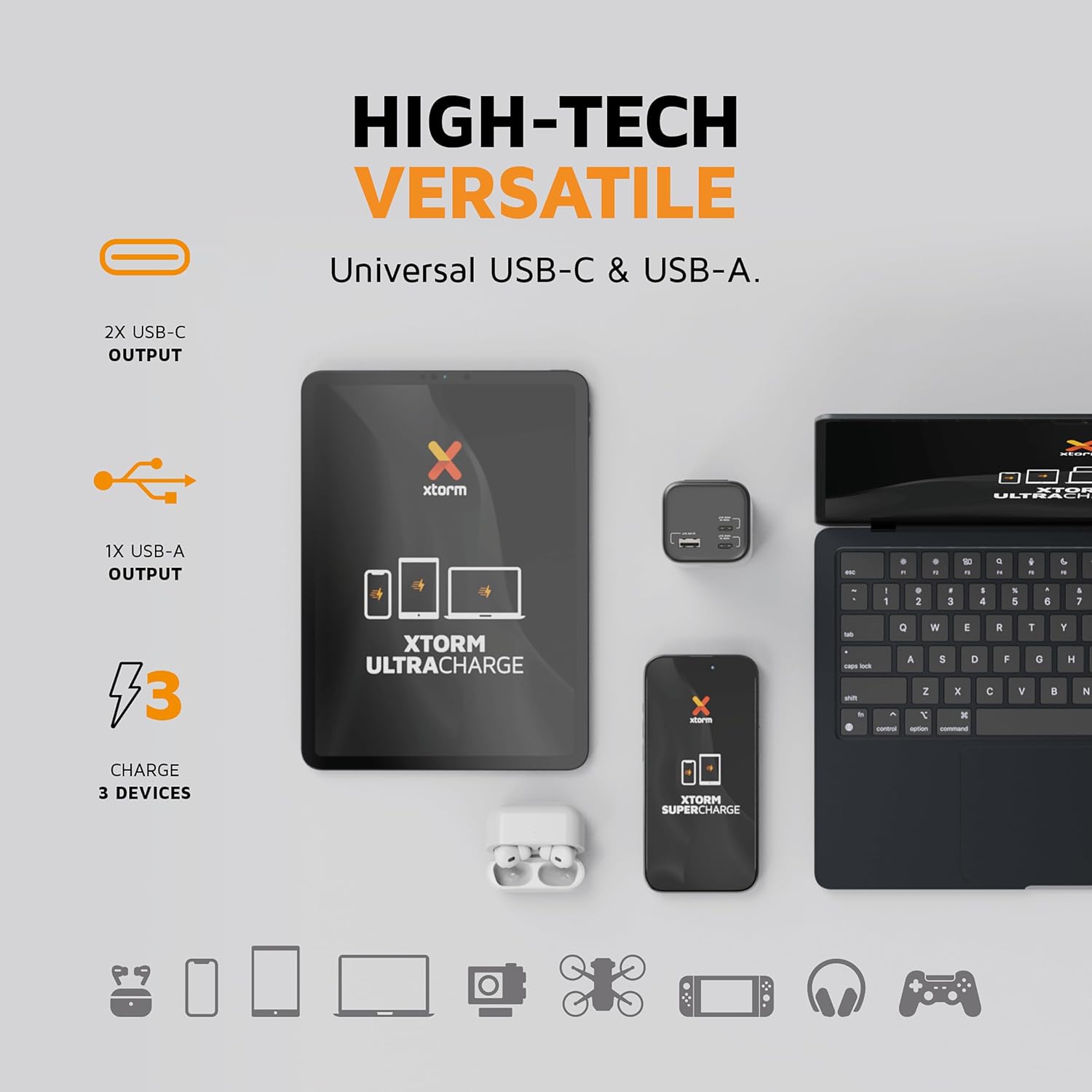
Obraz: Zbliżenie view of the Xtorm Nova Ultra Power Bank showing its two USB-C ports and one USB-A port, labeled with their respective power outputs.
Inteligentny wyświetlacz:
The integrated display provides real-time information on:
- Procent bateriitagPozostało.
- Wprowadź wattage (when charging the power bank).
- Moc wyjściowatage for each connected device.
- Estimated time remaining for charging or recharging.

Obraz: szczegółowy view of the Xtorm Nova Ultra Power Bank's intelligent display, showing battery level, input/output wattages for C1, C2, and A1 ports, and screen display time settings.
Organizować coś
Before initial use, it is recommended to fully charge your Xtorm Nova Ultra Power Bank.
- Connect one end of the provided USB-C cable to one of the USB-C PD ports on the power bank.
- Connect the other end of the USB-C cable to a compatible USB-C power adapter (not included) with a minimum output of 60W, preferably 100W or 140W for fastest charging.
- Podłącz zasilacz do gniazdka ściennego.
- The intelligent display will show the input wattage i procent bateriitage wzrostasing. The power bank is fully charged when the display shows 100%.
A full charge may take several hours depending on the power adapter used.
Instrukcja obsługi
Ładowanie urządzeń:
The Xtorm Nova Ultra Power Bank can charge up to three devices simultaneously.
- Identify the appropriate charging cable for your device (USB-C to USB-C for laptops/tablets/phones, USB-A to desired connector for other devices).
- Podłącz jeden koniec kabla ładującego do urządzenia.
- Connect the other end of the charging cable to an available output port on the power bank (USB-C PD or USB-A QC 3.0).
- The power bank will automatically begin charging your device. The display will show the output wattage for each active port.
Note on Laptop Charging: For optimal laptop charging speeds, use one of the USB-C PD ports. When charging a single laptop via one USB-C PD port, the power bank can deliver up to 140W. When charging two laptops simultaneously via both USB-C PD ports, the power output will be distributed.
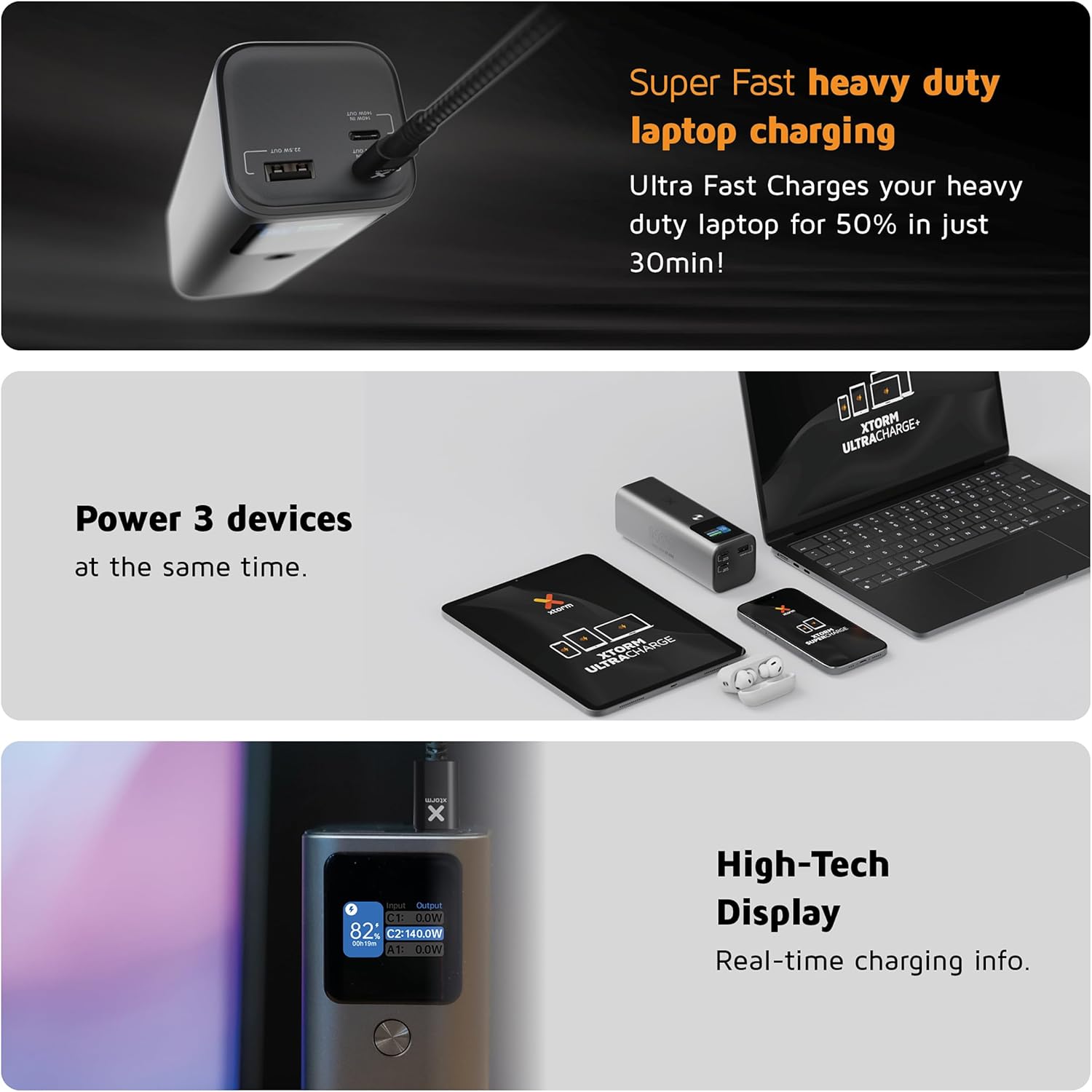
Image: A collage showing the Xtorm Nova Ultra Power Bank charging a laptop, a tablet, and a smartphone simultaneously, highlighting its ability to power three devices.
Sprawdzanie poziomu baterii:
The intelligent display automatically activates when a device is connected or when the power bank is being charged. It shows the current battery percentage and real-time power flow.
Konserwacja
- Czyszczenie: Do czyszczenia zewnętrznej części powerbanku używaj miękkiej, suchej ściereczki. Nie używaj płynnych środków czyszczących ani materiałów ściernych.
- Składowanie: Przechowuj power bank w chłodnym, suchym miejscu, z dala od bezpośredniego światła słonecznego i ekstremalnych temperatur. W przypadku długotrwałego przechowywania ładuj power bank do około 50–70% pojemności co trzy miesiące, aby utrzymać baterię w dobrym stanie.
- Pielęgnacja baterii: Avoid fully discharging the power bank regularly, as this can reduce its lifespan.
Rozwiązywanie problemów
- Power bank nie ładuje:
- - Ensure the charging cable is securely connected to both the power bank and the wall adapter.
- - Verify that the wall adapter is functioning correctly and plugged into a live outlet.
- - Try a different USB-C cable and/or wall adapter.
- Devices are not charging from the power bank:
- - Check if the power bank has sufficient charge.
- - Ensure the charging cable is securely connected to both the power bank and your device.
- - Try a different charging cable or a different port on the power bank.
- - Some devices may require specific charging protocols; ensure compatibility.
- Niska prędkość ładowania:
- - Ensure you are using a high-quality, compatible cable that supports fast charging.
- - For laptops, use the USB-C PD ports. Charging multiple devices simultaneously may reduce individual port output.
- - Check if your device supports the fast charging protocols (e.g., USB Power Delivery) offered by the power bank.
- Wyświetlacz nie działa:
- - Connect a device or charger to activate the display. If it remains off, the power bank might be fully discharged or require service.
Specyfikacje
| Funkcja | Szczegół |
|---|---|
| Numer modelu | XNP276 |
| Pojemność baterii | 27600 mAh (99.9 Wh) |
| USB-C PD Output (x2) | Up to 140W each (Total shared output) |
| USB-A QC 3.0 Output (x1) | Do 22.5 W |
| Całkowita maksymalna wydajność | 140 W |
| Wejście (USB-C PD) | Do 140 W |
| Wymiary | 15.5 dł. x 5.3 szer. x 5 wys. cm |
| Waga | 910 gramów |
| Skład baterii | Litowo-jonowy |
| Kompatybilne urządzenia | Smartphone, Smartwatch, Tablet, Laptop |
| Kraj pochodzenia | Niemcy |

Image: The Xtorm Nova Ultra Power Bank held in a hand, illustrating its compact size and lightweight design. While the image indicates 647 grams, the product specifications state a weight of 910 grams.
Informacje o gwarancji
Xtorm products are designed and manufactured to the highest quality standards. This product is covered by a standard manufacturer's warranty against defects in materials and workmanship from the date of purchase. Please refer to the official Xtorm website or your retailer for specific warranty terms and conditions applicable to your region.
Zachowaj dowód zakupu (paragon lub fakturę), ponieważ będzie on wymagany w przypadku reklamacji.
Wsparcie
For technical support, product inquiries, or further assistance, please visit the official Xtorm website or contact their customer service department. Contact details can typically be found on the Xtorm webmiejscu lub w opakowaniu produktu.
Webstrona: www.xtorm.pl