
1. Wprowadzenie
This manual provides essential information for the safe and effective operation of your HAVIT Smart Life Series PJ211 PRO projector. Please read this manual thoroughly before using the device and retain it for future reference.
The HAVIT PJ211 PRO is a compact smart projector designed for home entertainment, gaming, and presentations. It features a native HD resolution of 1280x720, supporting up to 4K input, and integrates Android TV 9.0 for direct access to streaming services.
2. Zawartość opakowania
Po rozpakowaniu upewnij się, że wszystkie przedmioty są obecne i w dobrym stanie:
- HAVIT Smart Life Series PJ211 PRO Projector
- Kabel zasilający
- Zdalne sterowanie
- Instrukcja obsługi (ten dokument)
3. Koniec produktuview
Zapoznaj się z fizycznymi podzespołami projektora i portami połączeniowymi.
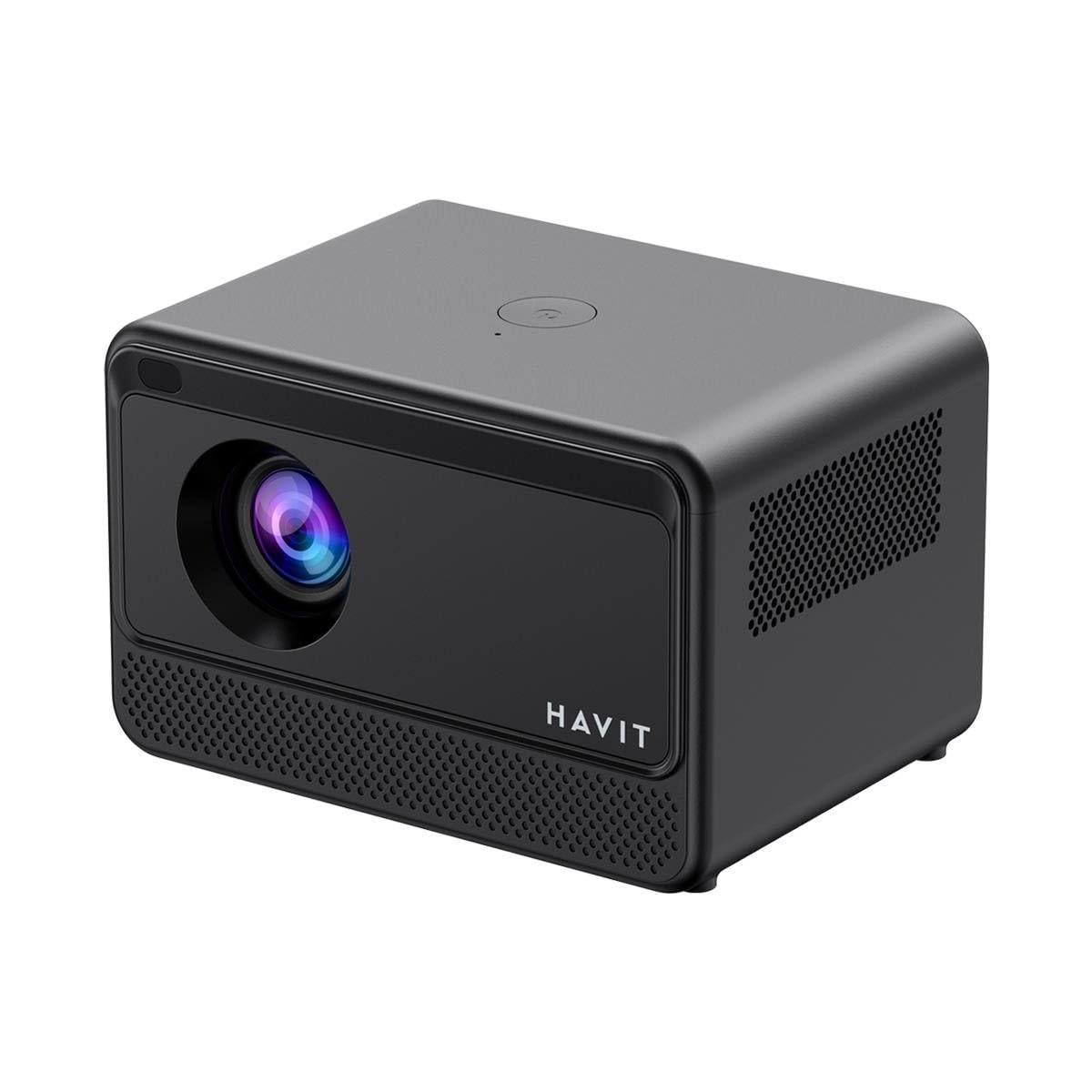
Obraz: tył i bok view of the HAVIT PJ211 PRO projector, highlighting the power input, HDMI, USB, and audio ports.

Obraz: Przód view of the HAVIT PJ211 PRO projector, showing the projection lens and front grille.
Porty i elementy sterujące:
- Pobór mocy: Łączy się z zasilaczem.
- Port HDMI: Do podłączania zewnętrznych źródeł wideo, takich jak laptopy, konsole do gier lub odtwarzacze Blu-ray.
- Porty USB: Do podłączania urządzeń pamięci masowej USB w celu odtwarzania multimediów filelub podłączania urządzeń peryferyjnych.
- Wejście AV: Do podłączania starszych urządzeń za pomocą kabla AV.
- Gniazdo audio 3.5 mm: Do podłączenia zewnętrznych głośników lub słuchawek.
- Przycisk zasilania: Located on the top panel for turning the projector on/off.
4. Konfiguracja
4.1 Umieszczenie
Position the projector on a stable, flat surface. Ensure there is adequate ventilation around the device. The optimal projection distance ranges from 1 to 4 meters, yielding a screen size between 32 and 150 inches.
4.2 Połączenie zasilania
- Podłącz kabel zasilający do portu wejściowego zasilania projektora.
- Podłącz drugi koniec kabla zasilającego do odpowiedniego gniazdka elektrycznego.
4.3 Pierwsze włączenie zasilania
Press the power button on the projector or the remote control to turn on the device. The projector will boot up and display the Android TV interface.
4.4 Korekcja ostrości i zniekształceń trapezowych
The PJ211 PRO features semi-auto focus and semi-auto keystone correction. The projector will attempt to adjust these settings automatically upon startup or movement. Fine-tuning can be done via the on-screen menu if needed.
4.5 Połączenie sieciowe
To access online content, connect the projector to a Wi-Fi network.

Image: Illustration showing the projector's support for both 2.4G and 5G dual-band Wi-Fi connections, indicating improved transmission rates and smoother online viewing with 5G.
- Navigate to the 'Settings' menu on the Android TV interface.
- Wybierz „Sieć i Internet”.
- Wybierz interesującą Cię sieć Wi-Fi z listy.
- Enter the password if prompted and confirm the connection. The projector supports 2.4G and 5G dual-band Wi-Fi for stable connectivity.
5. Instrukcja obsługi
5.1 Interfejs Android TV 9.0
The projector runs on Android TV 9.0, providing access to various applications and streaming services. Use the remote control to navigate the interface, select apps, and adjust settings.
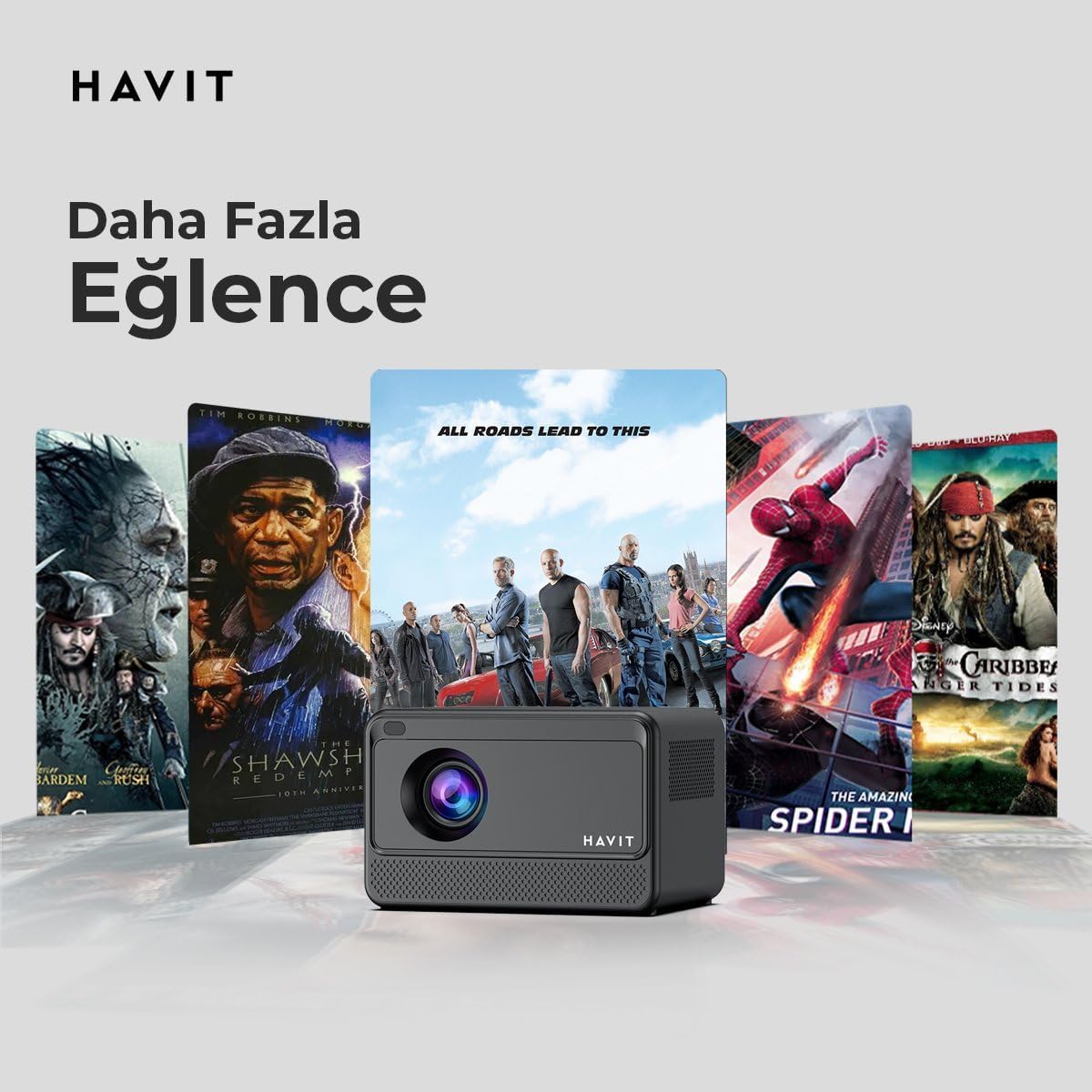
Image: The HAVIT PJ211 PRO projector displaying a selection of popular streaming service icons, illustrating its 'More Entertainment' capability through Android TV.
5.2 Podłączanie urządzeń zewnętrznych
You can connect various external devices to the projector:
- HDMI: Connect a device (e.g., laptop, game console) using an HDMI cable. Select the HDMI input source from the projector's input menu.
- USB: Insert a USB drive into a USB port. The projector's media player will typically detect the drive, allowing you to browse and play supported media files.
- AV: Use an AV cable to connect compatible devices. Select the AV input source.
- Wyjście audio (gniazdo 3.5 mm): Connect external speakers or headphones for enhanced audio. The projector has a built-in 3W speaker for standard audio output.
6. Konserwacja
6.1 Czyszczenie
- Obiektyw: Używaj miękkiej, niepozostawiającej włókien ściereczki przeznaczonej specjalnie do soczewek optycznych. Nie używaj szorstkich środków czyszczących ani ściereczek.
- Zewnętrzny: Przetrzyj obudowę projektora miękką, suchą ściereczką. Unikaj stosowania płynnych środków czyszczących bezpośrednio na urządzeniu.
- Wentylacja: Aby zapobiec przegrzaniu, należy upewnić się, że otwory wentylacyjne są czyste, bez kurzu i przeszkód.
6.2 Łamp Życie
Dioda LEDamp in your PJ211 PRO projector has an estimated life of 30,000 hours, providing long-term reliability under normal usage conditions.
7. Rozwiązywanie Problemów
Jeśli masz problemy z projektorem, zapoznaj się z poniższymi typowymi problemami i ich rozwiązaniami:
| Problem | Możliwa przyczyna | Rozwiązanie |
|---|---|---|
| Obraz nie jest wyświetlany | Odłączony kabel zasilający, nieprawidłowe źródło sygnału wejściowego, założona osłona obiektywu. | Check power connection, select correct input source (HDMI, USB, AV), remove lens cap. |
| Obraz jest rozmazany | Brak ostrości, nieprawidłowa odległość projekcji. | Adjust focus manually via settings, ensure projector is within 1-4 meters of screen. |
| Brak dźwięku | Volume too low, external speakers not connected properly, audio settings. | Increase volume, check external speaker connection, verify audio output settings. |
| Problemy z połączeniem Wi-Fi | Nieprawidłowe hasło, problemy z routerem, zakłócenia sygnału. | Re-enter Wi-Fi password, restart router, ensure projector is within Wi-Fi range. |
8. Specyfikacje
Detailed technical specifications for the HAVIT Smart Life Series PJ211 PRO projector:

Image: A visual representation of the HAVIT PJ211 PRO projector's specifications, including system, resolution, projection distance, brightness, and connectivity.
- Technologia wyświetlania: LCD
- Rozdzielczość natywna: 1280x720 (wysoka rozdzielczość)
- Obsługiwana rozdzielczość: Do 3840 x 2160 (4K)
- Jasność: Over 5000 lumens (180+ ANSI lumens)
- Współczynnik kontrastu: 1500:1
- Proporcje obrazu: 16:9 / 4:3
- Odległość projekcji: 1 – 4 metrów
- Zakres rozmiarów ekranu: 32 – 150 cali
- Regulacja ostrości: Semi-Auto Focus
- Korekcja Keystone'a: Semi-Auto Keystone
- Wbudowany głośnik: 3W
- System operacyjny: Android TV 9.0
- Połączenie bezprzewodowe: Wi-Fi (dwuzakresowy 2.4G/5G)
- Porty wejściowe: HDMI, USB, AV, 3.5mm audio jack
- Lamp Typ: PROWADZONY
- Lamp Życie: 30,000 godziny
- Pobór mocy: 65 W
- Waga przedmiotu: 2.3 kilograma
- Kolor: Czarny
9. Gwarancja i wsparcie
9.1 Informacje o gwarancji
The HAVIT Smart Life Series PJ211 PRO projector comes with a 1-letnia gwarancja od daty zakupu. Niniejsza gwarancja obejmuje wady produkcyjne i usterki powstałe w wyniku normalnego użytkowania. Prosimy zachować dowód zakupu na wypadek roszczeń gwarancyjnych.
9.2 Obsługa klienta
For technical assistance, troubleshooting beyond this manual, or warranty inquiries, please contact HAVIT customer support through their official website or the retailer where the product was purchased. Please have your model number (PJ211 PRO) and purchase details ready when contacting support.


