
Wstęp
This manual provides instructions for the VTech VG232-2 Cordless Phone with Digital Answering System. It covers setup, operation, maintenance, and troubleshooting to ensure optimal performance of your device. Please read these instructions carefully before using your phone.
Organizować coś
1. Rozpakowanie i sprawdzenie komponentów
Przed rozpoczęciem należy upewnić się, że w opakowaniu znajdują się wszystkie elementy:
- 1 Jednostka bazowa
- 2 słuchawek bezprzewodowych
- 2 zasilacze sieciowe
- 2 akumulatory
- 1 ładowarka do telefonu komórkowego
2. Instalacja baterii
Install the rechargeable battery into each cordless handset. Open the battery compartment cover on the back of the handset, connect the battery connector, and place the battery inside. Close the cover securely.

Opis obrazu: A VTech cordless phone handset is shown next to its base unit. The image highlights that the unit can be placed on a tabletop or mounted on a wall, demonstrating its versatile placement options. This image also shows the general form factor of the handset and base, relevant for battery installation.
3. Podłączenie jednostki bazowej
Connect the AC adapter to the base unit and plug it into a standard electrical outlet. Connect the telephone line cord to the base unit and then to your telephone wall jack.
4. Pierwsze ładowanie słuchawki
Place each handset in its respective charger or the base unit. Allow the handsets to charge for at least 16 hours before initial use to ensure full battery capacity.
5. Ustawianie daty i godziny
After the initial charge, follow the on-screen prompts or refer to the handset menu to set the correct date and time. This is crucial for accurate caller ID and answering system timestamps.
Instrukcja obsługi
1. Wykonywanie i odbieranie połączeń
- Zadzwonić: Naciskać ROZMOWA/BŁYSK, a następnie wybierz numer telefonu.
- Aby odebrać połączenie: Gdy telefon zadzwoni, naciśnij ROZMOWA/BŁYSK or any dial pad key (0-9, #, *).
- Aby zakończyć połączenie: Naciskać WYŁĄCZ/ANULUJ lub odłóż słuchawkę do ładowarki.
2. Głośnik pełnodupleksowy
The phone features a full-duplex speakerphone, allowing both parties to speak and be heard simultaneously for more natural conversations.
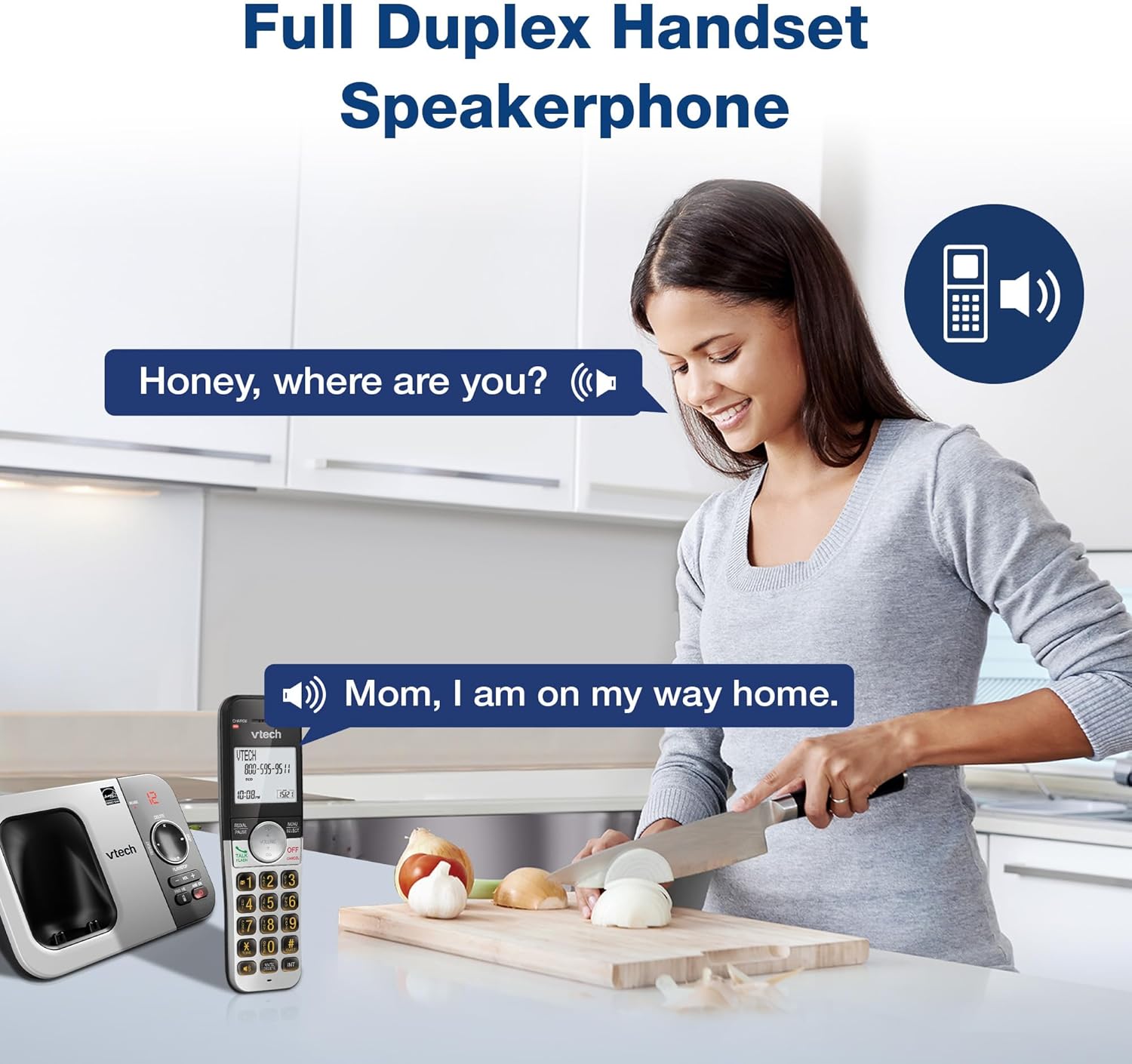
Opis obrazu: A woman is shown in a kitchen, talking on the VTech cordless phone which is placed on the counter. A speech bubble indicates a conversation, highlighting the full-duplex speakerphone feature that allows hands-free communication.
3. Identyfikator dzwoniącego i połączenie oczekujące
The handset displays the name, number, time, and date of incoming calls. The system stores up to 50 caller ID entries.

Opis obrazu: The VTech cordless phone handset and base unit are displayed. The handset screen shows a list of phone numbers, demonstrating the Caller ID feature which stores up to 50 calls.
4. Cyfrowy system odpowiedzi
The integrated digital answering system records messages for up to 14 minutes.

Opis obrazu: A man in a suit points to the VTech phone base unit, which has a digital display showing '12' (likely message count). A graphic bubble indicates 'Record 14 Mins', highlighting the answering system's recording capacity.
Message Counter
The base unit features a message counter that displays the number of new or saved messages.

Opis obrazu: A close-up of the VTech phone base unit's digital display, showing the number '12'. A text overlay explains that this displays the number of recorded messages.
Zdalny dostęp
You can access your answering system messages remotely by calling your phone number from an external line and entering your remote access code.

Opis obrazu: A woman is shown smiling while on a phone call, with arrows pointing between her and the VTech cordless phone. A speech bubble states 'You have 3 new messages...', illustrating the remote access feature for checking messages.
5. Książka telefoniczna
Możesz zapisać w książce telefonicznej do 50 nazw i numerów, aby mieć możliwość szybkiego wybierania numerów.

Opis obrazu: The VTech cordless phone handset is shown with a graphic illustrating a phonebook icon and the text '50 Name and Number Phonebook Contacts', indicating the capacity of the phone's contact list.
6. Last 10 Number Redial
Quickly redial any of the last 10 numbers called using the redial feature.

Opis obrazu: A hand is shown pressing the 'REDIAL/PAUSE' button on the VTech cordless phone handset. A graphic icon depicts two arrows circling, symbolizing the redial function for the last 10 numbers.
7. Interkom między słuchawkami
Use the intercom feature to communicate between two handsets within the system.

Opis obrazu: Two VTech cordless phone handsets are displayed, with blue arrows pointing between them, symbolizing the intercom functionality that allows communication between handsets.
8. Tryb cichy
Activate Quiet Mode to silence the ringer on the handset and base unit for a specified period.

Opis obrazu: The VTech cordless phone handset is shown with the '# QUIET' button highlighted. The background shows a person sleeping, illustrating the benefit of the Quiet Mode feature.
9. Tryb EKO
The phone utilizes ECO Mode power-conserving technology to optimize battery life and reduce power consumption.

Opis obrazu: The VTech cordless phone handset and base unit are shown. A green leaf icon with a recycling symbol represents 'ECO Mode Power-Conserving Technology', indicating the phone's energy efficiency.
10. Backlit Keypad and Display
The entire keypad and the 2-inch LCD screen are backlit for easier vieww warunkach słabego oświetlenia.
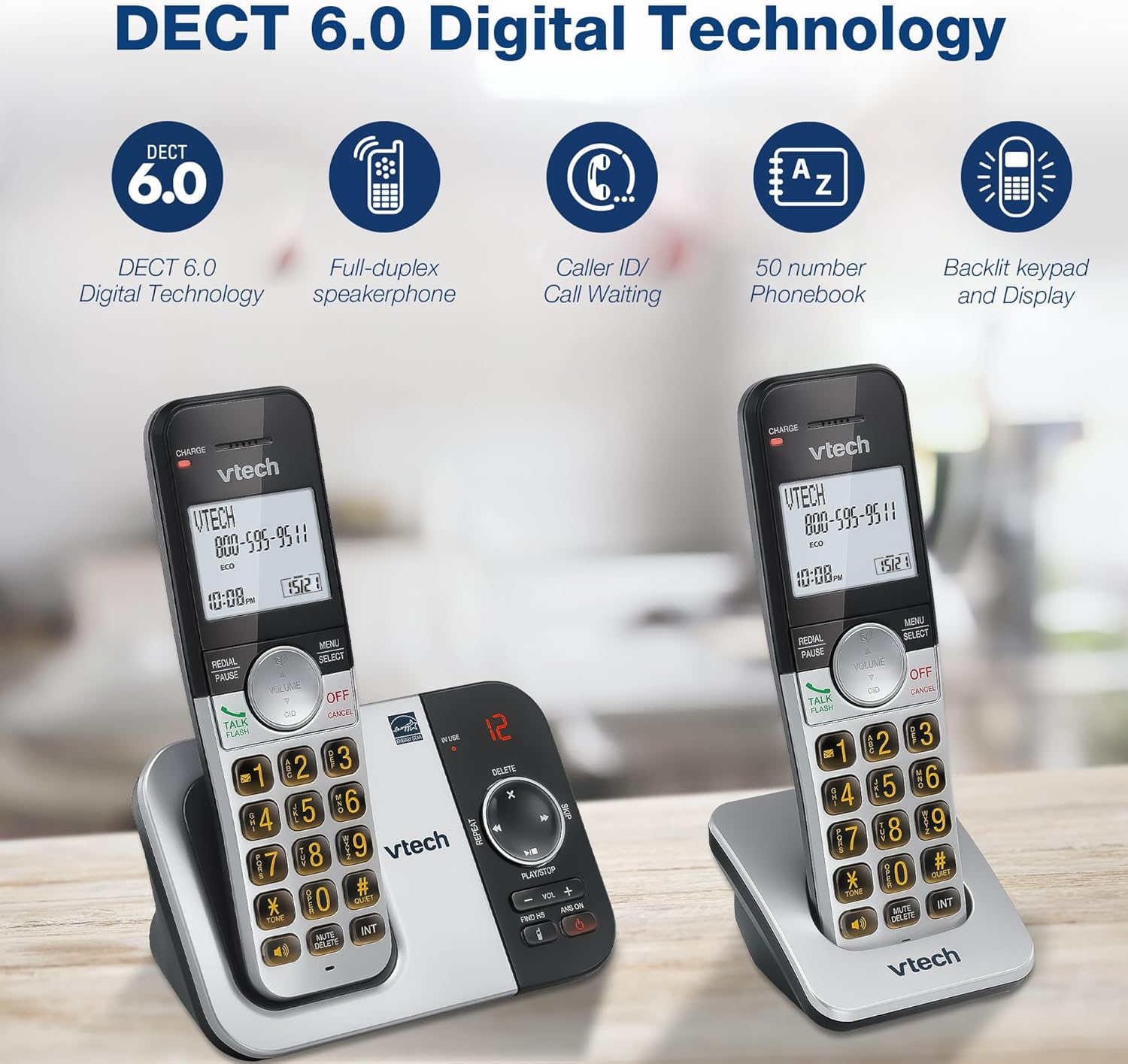
Opis obrazu: A close-up of the VTech cordless phone handset's keypad, showing the illuminated buttons, highlighting the 'Lighted Keypad' feature for visibility in the dark.
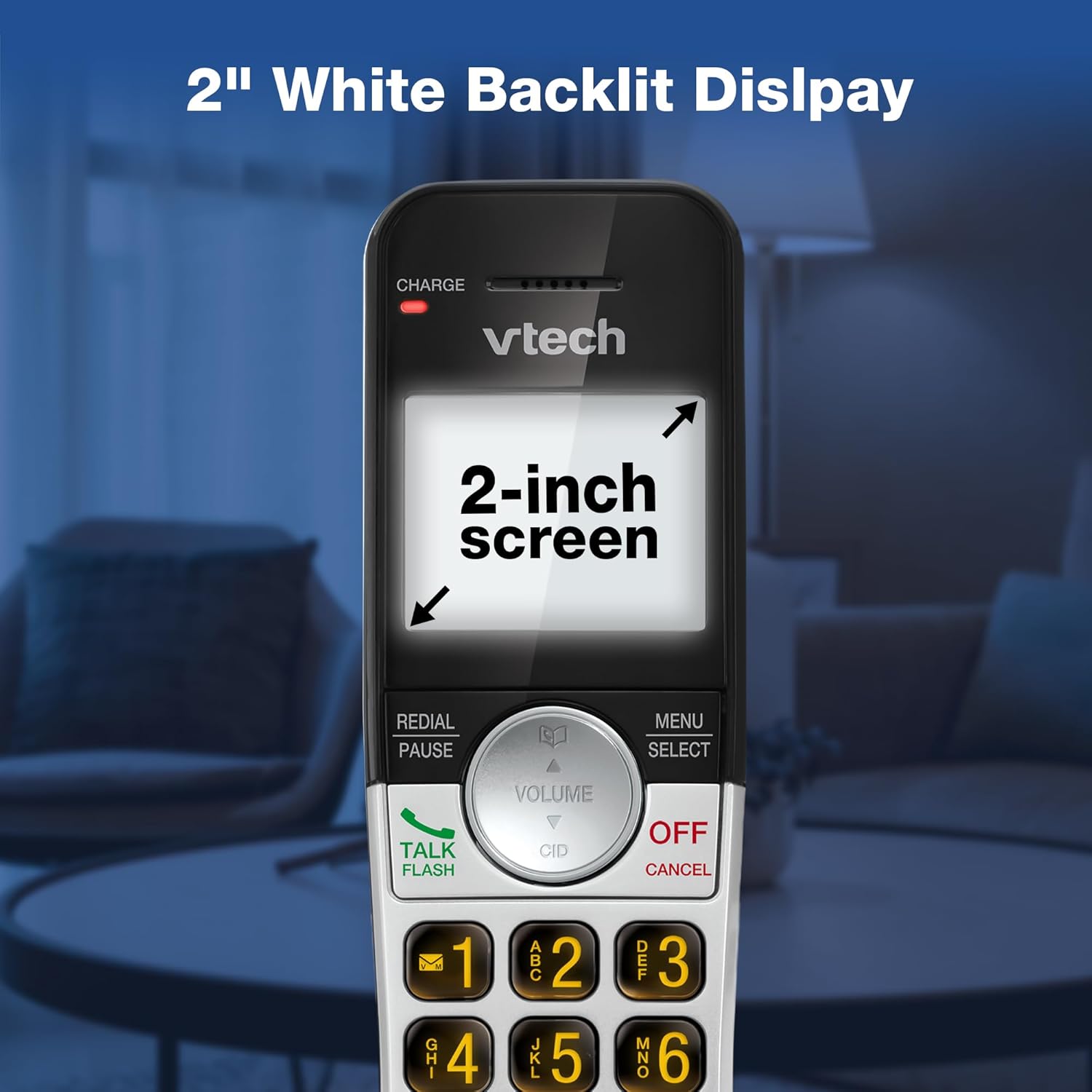
Opis obrazu: A close-up of the VTech cordless phone handset's screen, which is illuminated with a white backlight. Text on the screen indicates '2-inch screen', emphasizing the display size and backlighting.
Konserwacja
To maintain your VTech VG232-2 phone, follow these guidelines:
- Czyszczenie: Przetrzyj telefon i jednostkę bazową miękką szmatką.amp ściereczką. Nie używaj sprayów czyszczących ani silnych środków chemicznych.
- Pielęgnacja baterii: Wymień baterie, gdy nie trzymają już ładunku. Używaj wyłącznie baterii zamiennych zatwierdzonych przez VTech.
- Umieszczenie: Unikaj pozostawiania telefonu w bezpośrednim świetle słonecznym, w pobliżu źródeł ciepła lub w miejscach o dużej wilgotności.
Rozwiązywanie problemów
| Problem | Rozwiązanie |
|---|---|
| Brak sygnału wybierania | Ensure the telephone line cord is securely connected to both the base unit and the wall jack. Check if the AC adapter is properly connected. |
| Słuchawka się nie ładuje | Ensure the handset is correctly seated in the charger. Clean the charging contacts on both the handset and charger with a dry cloth. Verify the charger is plugged into a working power outlet. |
| Słaba jakość dźwięku | Move the handset closer to the base unit. Avoid placing the phone near other electronic devices that may cause interference. Check for any obstructions between the handset and base. |
| Automatyczna sekretarka nie nagrywa | Upewnij się, że automatyczna sekretarka jest włączona. Sprawdź, czy pamięć jest pełna; w razie potrzeby usuń stare wiadomości. |
| Date/Time incorrect | Manually reset the date and time through the handset menu. Ensure the phone has a stable power connection. |
Specyfikacje
| Funkcja | Szczegół |
|---|---|
| Marka | VTech |
| Numer modelu | VG232-2 |
| Typ telefonu | Bezprzewodowy |
| Kolor | Srebrny/Czarny |
| Tworzywo | Plastikowy |
| Źródło zasilania | Elektryczny przewodowy |
| Liczba słuchawek | 2 |
| Typ baterii | Product-specific (2 included) |
| Typ systemu odbierającego | Cyfrowy |
| Pojemność nagrywania | 14 minut |
| Identyfikator dzwoniącego | Yes (stores 50 calls) |
| Głośnik | Pełny dupleks |
| Pojemność książki telefonicznej | 50 Name and Number Contacts |
| Możliwość prowadzenia rozmów konferencyjnych | 3-drożny |
| Czas rozmów telefonicznych | 7 godzin |
| Czas czuwania telefonu | 5 dni |
| Pozycja Wymiary (dł. x szer. x wys.) | Wymiary 14.1 x 8.5 x 18.4 cm |
| UPC | 735078053824 |
| Zawarte komponenty | 1 handset charger, 2 AC adapters, 2 cordless handsets, 2 batteries, Base unit |
Produkt ponadview Wideo
Opis filmu: Ten film przedstawia ogólny przeglądview of the VTech VG232-2 cordless phone, showcasing its features and design. It offers a visual guide to the product's main functionalities.
Informacje o gwarancji
VTech products are manufactured with high-quality components and are subject to rigorous testing. This product is covered by a limited warranty against defects in material and workmanship. For specific warranty terms and conditions, please refer to the warranty card included in your product packaging or visit the official VTech webstrona.
Wsparcie
If you require further assistance or have questions not covered in this manual, please visit the VTech support website or contact customer service. Contact details can typically be found on the VTech official webmiejscu lub w opakowaniu produktu.