
DOOGEE U10
Instrukcja obsługi tabletu DOOGEE U10 z systemem Android 14
Model: U10
1. Wprowadzenie
Welcome to the user manual for your new DOOGEE U10 Android 14 Tablet. This guide provides detailed instructions on how to set up, operate, maintain, and troubleshoot your device. The DOOGEE U10 is a versatile tablet featuring a 10.1-inch HD IPS display, 9GB RAM (4GB + up to 5GB extended) and 128GB ROM, powered by Android 14, and equipped with an 8MP rear camera and 5MP front camera, a 5060mAh battery, Bluetooth 5.0, and WiFi-6 connectivity.
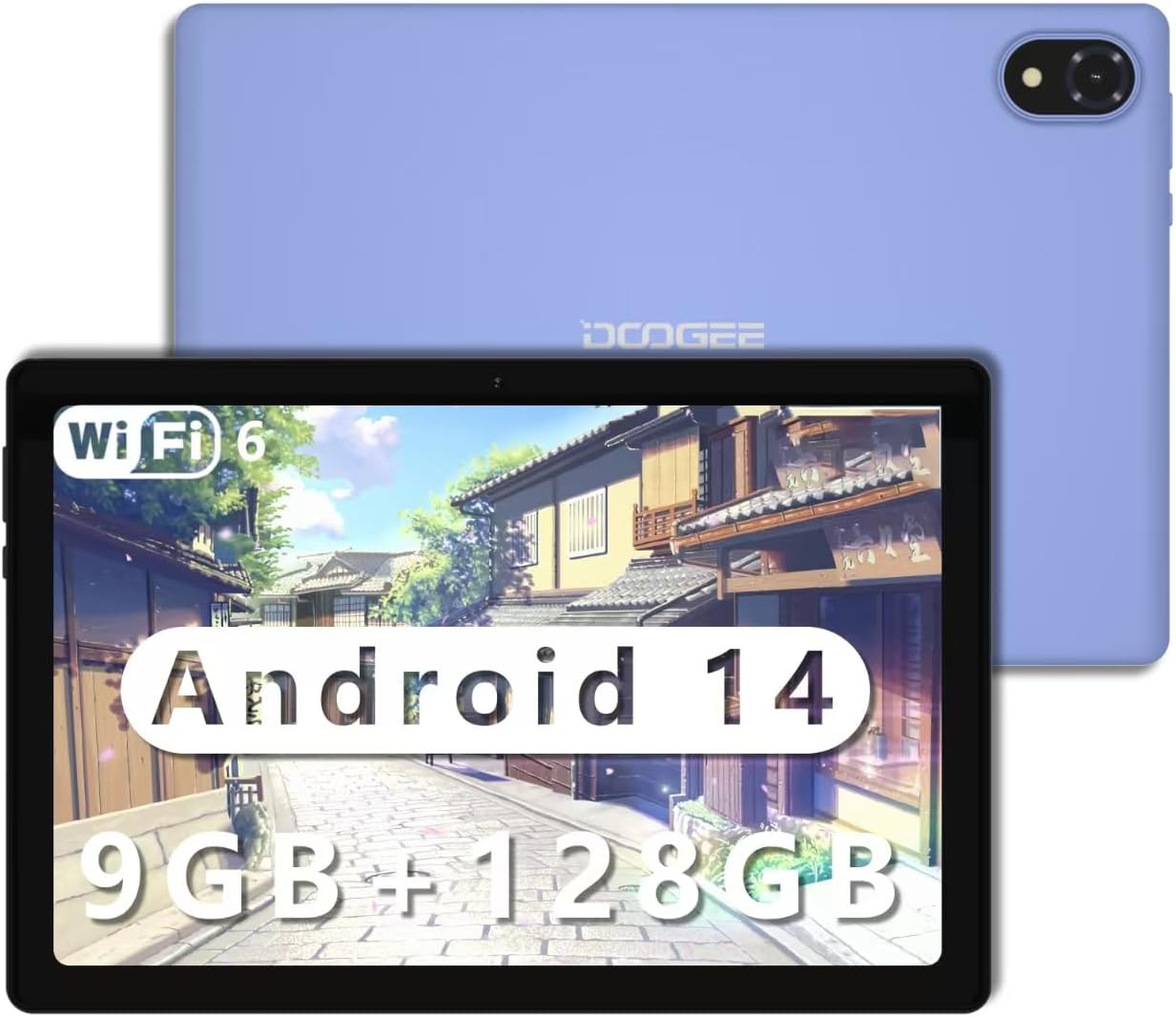
Figure 1.1: The DOOGEE U10 Android 14 Tablet in purple.
2. Rozpoczęcie pracy
2.1 Zawartość pudełka
- DOOGEE U10 Tablet x1
- Ładowarka x1
- Linia danych x1
- Instrukcja obsługi x1
2.2 Ładowanie tabletu
Before first use, fully charge your tablet. Connect the provided data line to the tablet's Type-C port and the charger to a power outlet. The battery indicator on the screen will show charging status. A full charge ensures optimal performance and battery longevity.

Figure 2.1: The DOOGEE U10 features a 5060mAh large battery, providing extended usage times for photography, music, and multimedia. It charges via a Type-C port.
2.3 Włączanie/wyłączanie
- Włączanie: Naciśnij i przytrzymaj przycisk zasilania, aż pojawi się logo DOOGEE.
- Aby wyłączyć: Naciśnij i przytrzymaj przycisk zasilania, aż na ekranie pojawią się opcje zasilania, a następnie wybierz opcję „Wyłącz”.
- Zrestartować: Naciśnij i przytrzymaj przycisk zasilania, aż pojawią się opcje zasilania, a następnie wybierz opcję „Uruchom ponownie”.
3. Using Your DOOGEE U10 Tablet
3.1 Wyświetlacz i wrażenia wizualne
The DOOGEE U10 features a vibrant 10.1-inch IPS HD display with a resolution of 1280 x 800 pixels. It offers a high brightness of 300 cd/m² and supports 16.7 million colors for accurate and vivid reproduction. The tablet also incorporates blue light filtering technology, certified by TÜV SÜD, to reduce eye strain during prolonged use.
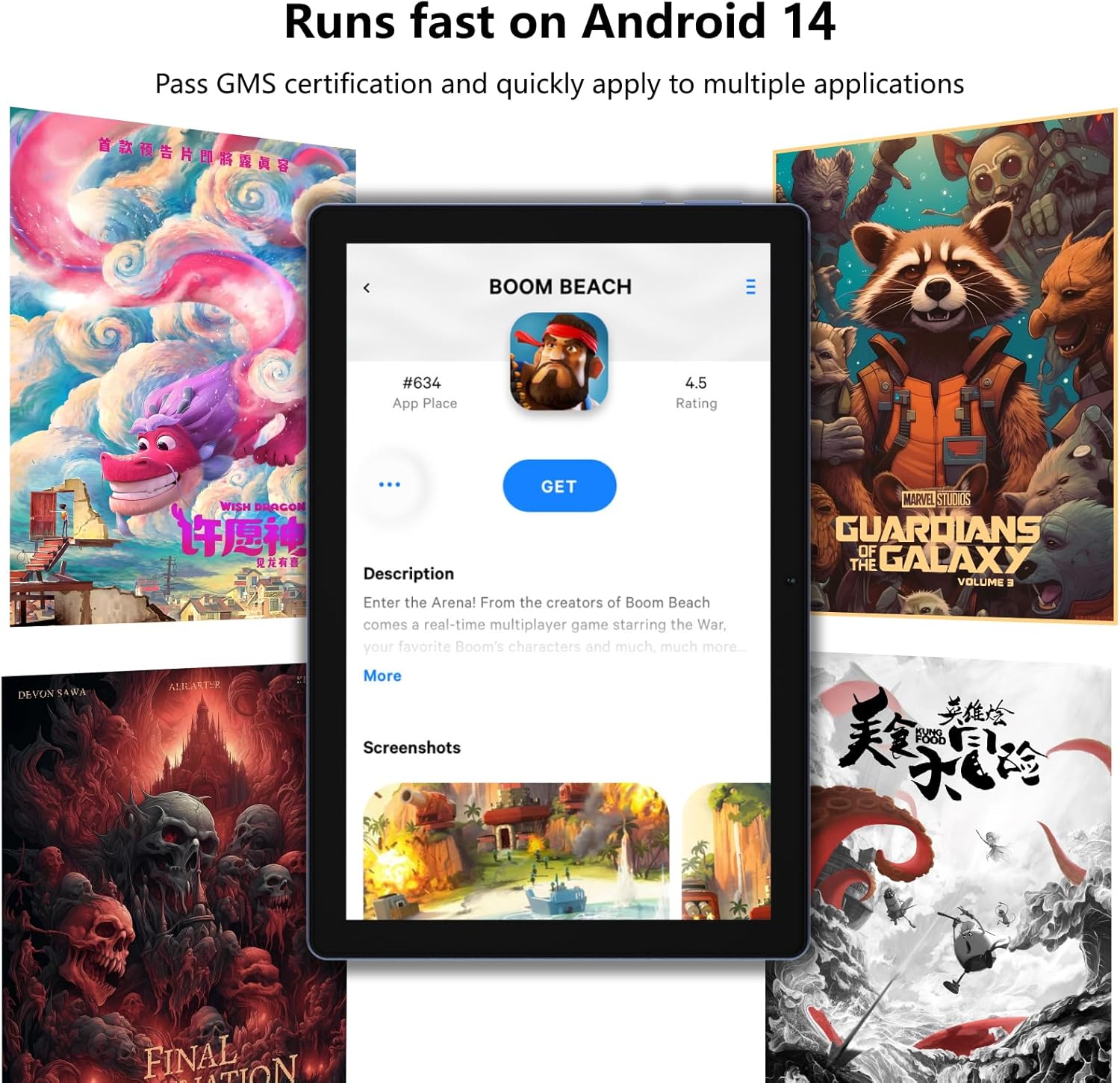
Figure 3.1: The 10.1-inch HD+ IPS display provides clear visuals, while TÜV blue light certification helps protect your eyes.
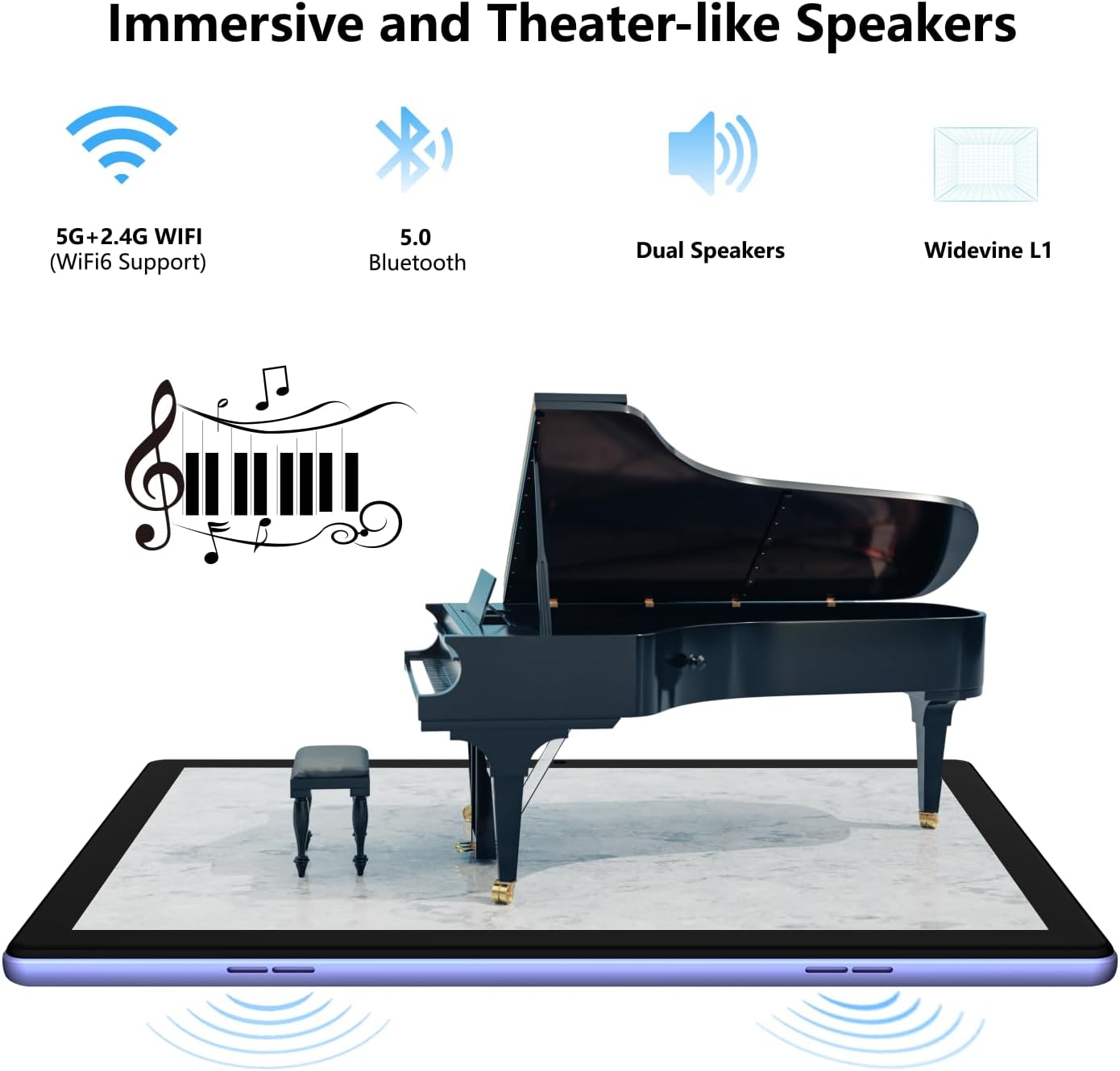
Figure 3.2: The tablet is designed with TÜV Safety Assurance Certification for a satisfying and user-friendly experience, including eye protection.
3.2 Wydajność i przechowywanie
Equipped with a stable quad-core RK3562 processor and the latest Android 14 operating system, the DOOGEE U10 ensures smooth performance for various applications. It comes with 9GB of RAM (4GB physical + 5GB virtual RAM) and 128GB of internal storage, expandable up to 1TB via a Micro SD card, providing ampprzestrzeń dla wszystkich Twoich filei aplikacje.
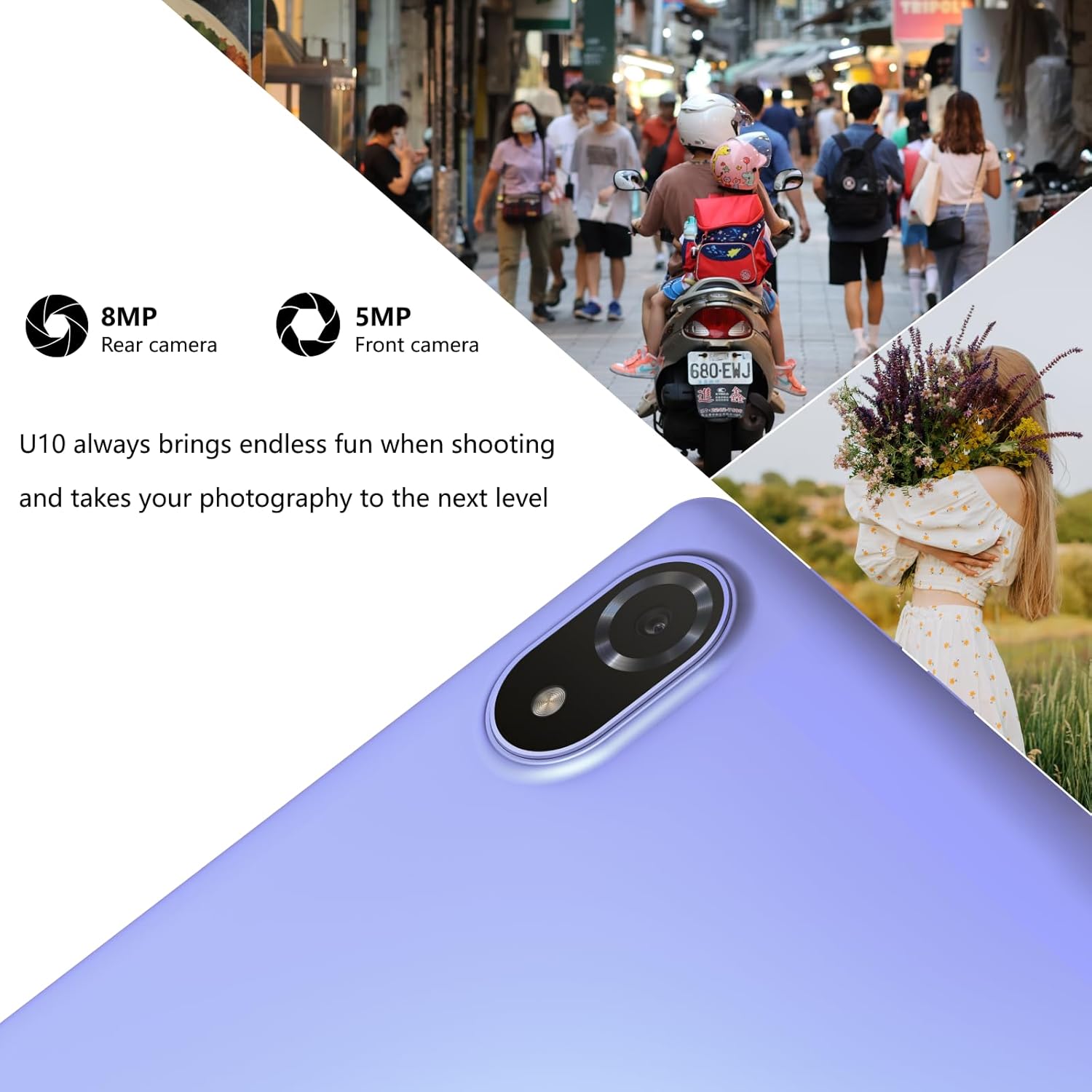
Figure 3.3: The tablet runs fast on Android 14, allowing quick access and smooth operation of multiple applications.

Figure 3.4: Experience faster speeds, greater security, and an easy-to-use interface with the latest Android 14 operating system.

Figure 3.5: With 9GB RAM and 128GB ROM (expandable to 1TB), the DOOGEE U10 offers large storage capacity and ultra-smooth switching between applications.
3.3 Funkcje aparatu
Capture moments with the 8MP rear camera and take clear selfies or video calls with the 5MP front camera. The tablet is designed to enhance your photography experience.

Figure 3.6: The U10 tablet features an 8MP rear camera and a 5MP front camera, perfect for capturing photos and video calls.

Figure 3.7: Utilize the 8MP rear and 5MP front cameras to capture stunning portraits and diverse scenes.
3.4 Doświadczenie dźwiękowe
Enjoy immersive sound with the DOOGEE U10's dual stereo speakers, enhanced by Dual Smart PA technology, providing a theater-like audio experience for your multimedia content.

Figure 3.8: The tablet offers immersive and theater-like sound quality through its dual speakers.
3.5 Łączność
The tablet supports WiFi-6 (802.11ax) for fast and stable internet connections, along with Bluetooth 5.0 for seamless pairing with wireless accessories.
3.6 Obsługa Widevine L1
With Widevine L1 support, the DOOGEE U10 allows for secure and high-resolution streaming of premium content from platforms like Hulu, Amazon Prime Video, and HBO Max, ensuring an enhanced entertainment experience.

Figure 3.9: Widevine L1 support ensures safe and immersive playback of premium content, elevating your entertainment experience.
3.7 Stylus and Keyboard Compatibility
The DOOGEE U10 supports a 1024-level capacitive pressure stylus for precise drawing and note-taking, and can be paired with a Bluetooth keyboard for improved productivity.
3.8 Oficjalny film o produkcie
Wideo 3.1: Sędziaview pokaz wideoasing the key features and usage scenarios of the DOOGEE U10 Android 14 Tablet, including its display, performance, camera, and audio capabilities.
4. Pielęgnacja i konserwacja
- Czyszczenie: Do czyszczenia ekranu i obudowy używaj miękkiej, niepozostawiającej włókien ściereczki. Unikaj środków czyszczących o właściwościach ściernych i rozpuszczalników.
- Aktualizacje oprogramowania: Regularnie sprawdzaj dostępność aktualizacji systemu i instaluj je, aby zapewnić optymalną wydajność i bezpieczeństwo.
- Pielęgnacja baterii: Aby przedłużyć żywotność baterii, należy unikać ekstremalnych temperatur i nie dopuszczać do częstego całkowitego rozładowania baterii.
- Składowanie: Przechowywać tablet w chłodnym i suchym miejscu, z dala od bezpośredniego światła słonecznego i wilgoci.
5. Rozwiązywanie Problemów
5.1 Typowe problemy i rozwiązania
| Problem | Możliwe rozwiązanie |
|---|---|
| Tablet się nie włącza | Ensure the tablet is charged. Connect to charger for at least 30 minutes. If still unresponsive, perform a forced restart by holding the power button for 10-15 seconds. |
| Niska wydajność | Close unused apps, clear cache, free up storage space, or restart the tablet. |
| Problemy z połączeniem Wi-Fi | Restart the tablet and your Wi-Fi router. Forget and reconnect to the Wi-Fi network. Ensure you are within range. |
| Awarie aplikacji | Update the app to the latest version. Clear the app's cache and data (Settings > Apps). Reinstall the app if necessary. |
| Bateria szybko się rozładowuje | Reduce screen brightness, disable unused features (Wi-Fi, Bluetooth, GPS), close background apps, or check for rogue apps consuming excessive power. |
6. Specyfikacje techniczne
| Funkcja | Specyfikacja |
|---|---|
| Marka | DOOGEE |
| Nazwa modelu | U10 |
| System operacyjny | Android 14 |
| Rozmiar ekranu | 10.1 cali |
| Rozdzielczość ekranu | 1280 x 800 pikseli |
| BARAN | 9GB (4GB + Up to 5GB Extended) |
| Pamięć wewnętrzna | 128 GB pamięci ROM |
| Możliwość rozbudowy pamięci masowej | Up to 1TB with Micro SD card |
| Kamera tylna | 8 MP |
| Przednia kamera | 5 MP |
| Pojemność baterii | 5060mAh |
| Typ bezprzewodowy | 802.11n, 802.11b, 802.11ax (WiFi-6), 802.11ac, 802.11g |
| Bluetooth | Bluetooth 5.0 |
| Waga przedmiotu | 1.15 funta |
| Wymiary produktu | 9.65 x 6.43 x 0.39 cala |
| Kolor | Fioletowy |
7. Gwarancja i wsparcie
DOOGEE offers comprehensive support for your U10 tablet:
- 30-dniowa gwarancja zwrotu pieniędzy: Jeśli nie jesteś zadowolony z zakupu, możesz go zwrócić w ciągu 30 dni i otrzymać pełny zwrot pieniędzy.
- 2-letnia ograniczona gwarancja: Your DOOGEE U10 tablet is covered by a 2-year limited warranty against manufacturing defects. Please retain your proof of purchase.
- Wsparcie online 24/7: For any technical assistance or inquiries, please contact our dedicated customer service team available 24/7.

Figure 7.1: DOOGEE provides worry-free customer service, including a money-back guarantee, limited warranty, and online support.
Ask a question about this manual
Ask about setup, troubleshooting, compatibility, parts, safety, or missing instructions. Manuals+ will review the question and use this page’s manual context to help answer it.