
1. Wprowadzenie
This manual provides detailed instructions for the proper use and maintenance of your Sandberg Pocket Radio FM+AM Recharge, Model 421-02. Please read this manual thoroughly before operating the device to ensure optimal performance and longevity.
2. Koniec produktuview
The Sandberg Pocket Radio is a compact, portable device designed for receiving FM and AM radio broadcasts. It features a built-in rechargeable battery and a digital display for easy tuning.
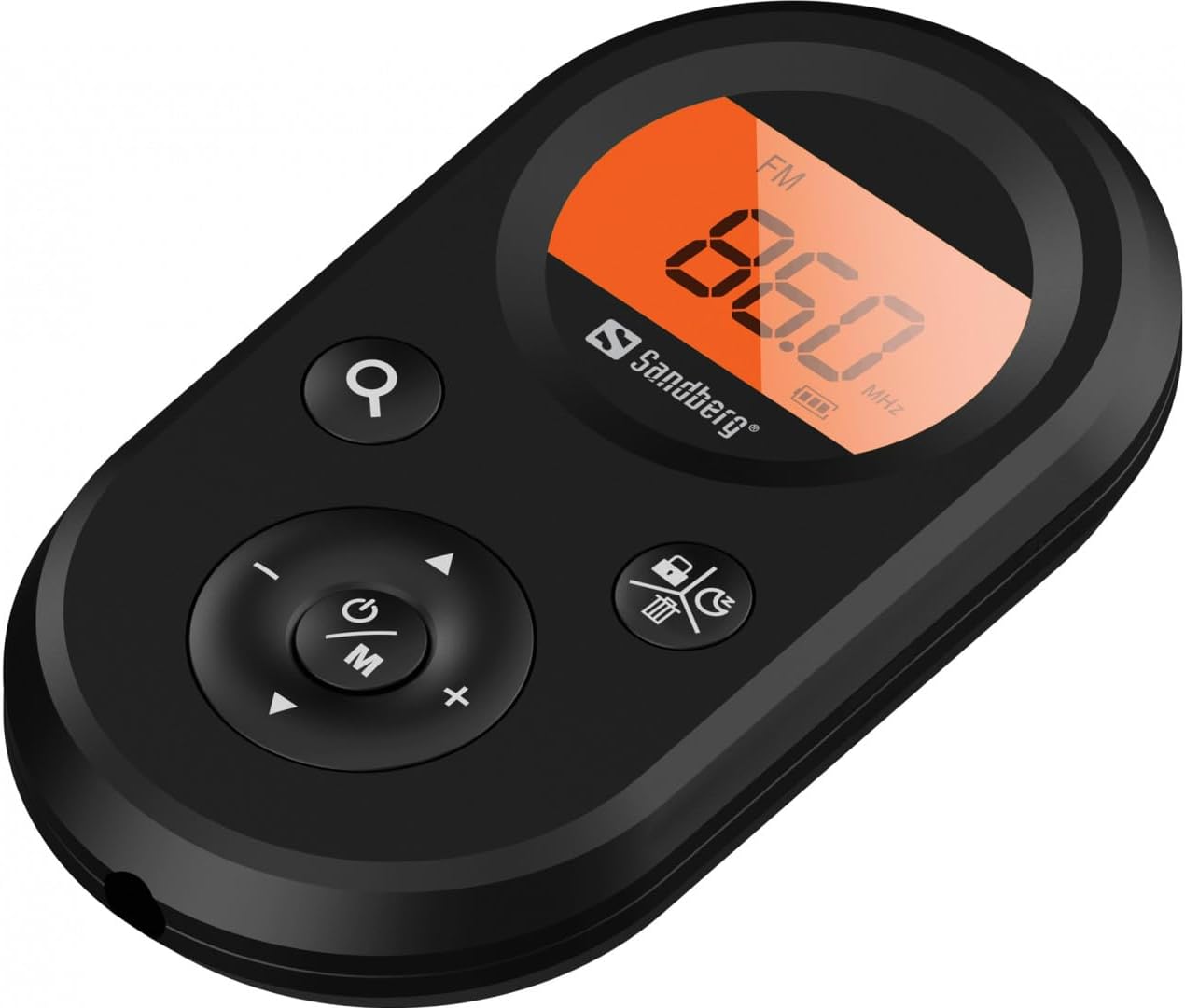
Rycina 1: Przód view of the Sandberg Pocket Radio, displaying the frequency and controls.
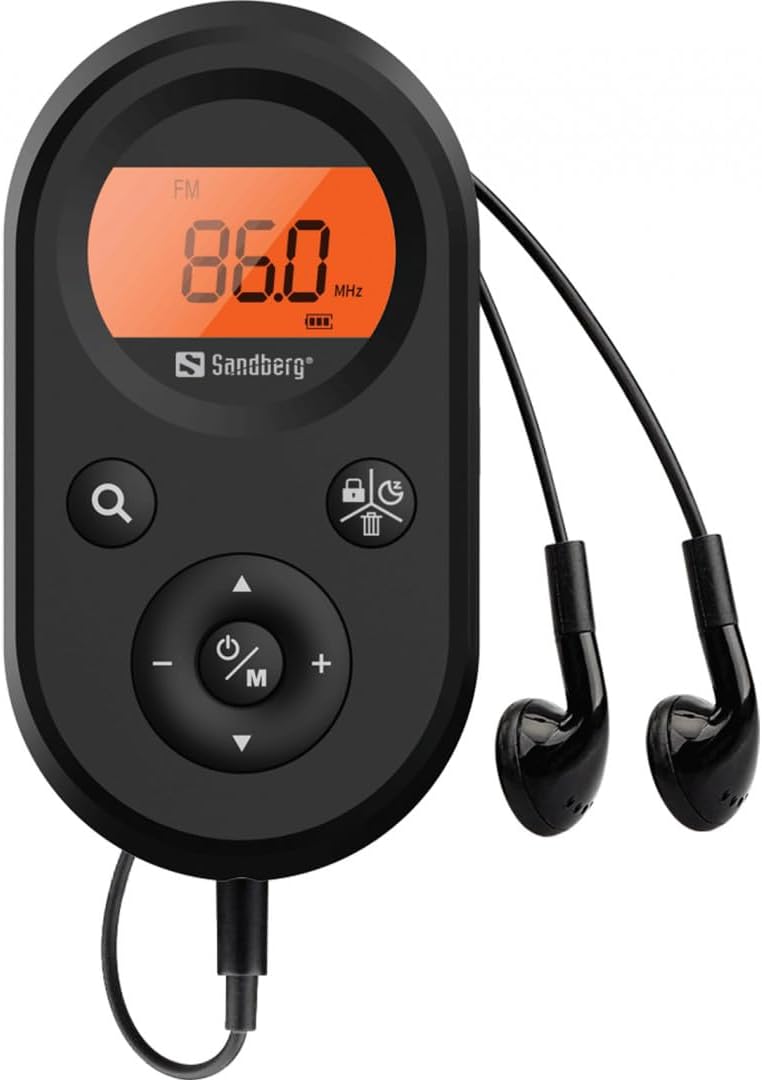
Figure 2: The radio connected to the included earphones, which also function as the FM antenna.
Zawartość opakowania:
- 1 x Sandberg Pocket Radio FM+AM Recharge (Model 421-02)
- 1 x Słuchawka
- 1 x Charging cable (USB-A to USB-C, 50 cm)
3. Konfiguracja
3.1 Ładowanie akumulatora
- Connect the small end of the included USB-C charging cable to the charging port on the radio.
- Connect the standard USB-A end of the cable to a USB power adapter (not included) or a computer's USB port.
- The radio's display will indicate charging status. A full charge typically takes a few hours.
- Po pełnym naładowaniu akumulatora odłącz kabel ładujący.
3.2 Podłączanie słuchawek
The included earphones are essential for operation as they serve as the antenna for FM reception. Without them, FM reception will be severely limited or non-existent.
- Insert the 3.5mm jack of the earphones into the earphone port on the radio.
- Upewnij się, że połączenie jest bezpieczne.
4. Instrukcja obsługi
4.1 Włączanie/wyłączanie zasilania
- Aby włączyć radio, naciśnij i przytrzymaj przycisk Power/Mode (ⓘ/M) button for approximately 2-3 seconds. The display will light up.
- Aby wyłączyć radio, naciśnij i przytrzymaj przycisk Power/Mode (ⓘ/M) button again for approximately 2-3 seconds. The display will turn off.
4.2 Wybór trybu (FM/AM)
- While the radio is powered on, short press the Power/Mode (ⓘ/M) button to switch between FM and AM radio bands. The current band will be indicated on the display.
4.3 Stacje strojenia
- Automatyczne skanowanie: To automatically scan for and store available stations, press and hold the Search (⌕) button. The radio will scan through the frequency range and save stations with strong signals.
- Strojenie ręczne: To manually tune to a specific frequency, short press the W górę (▲) or W dół (▼) buttons to adjust the frequency incrementally.
4.4 Regulacja głośności
- Aby zwiększyć głośność, naciśnij Zwiększanie głośności (+) przycisk.
- Aby zmniejszyć głośność, naciśnij Ściszanie (-) przycisk.
4.5 Wyświetlanie informacji
The digital display shows the current radio band (FM or AM), the tuned frequency, and the battery level indicator.
5. Konserwacja
5.1 Czyszczenie
- Wytrzyj zewnętrzną część radia miękką, suchą ściereczką.
- Do not use abrasive cleaners, solvents, or strong chemicals, as these can damage the surface.
- Unikaj dostania się wilgoci do otworów.
5.2 Pielęgnacja baterii
- Aby przedłużyć żywotność baterii, należy unikać częstego całkowitego rozładowywania baterii.
- Jeśli radio nie będzie używane przez dłuższy czas, należy je przechowywać w chłodnym i suchym miejscu.
- Jeśli akumulator jest przechowywany przez dłuższy czas, należy go okresowo doładowywać, aby zapobiec jego głębokiemu rozładowaniu.
6. Rozwiązywanie Problemów
- Brak zasilania: Upewnij się, że bateria jest naładowana. Podłącz radio do źródła zasilania za pomocą kabla USB-C.
- Brak dźwięku: Check that the earphones are securely plugged in. Adjust the volume using the Zwiększanie głośności (+) przycisk.
- Słaby odbiór FM: Ensure the earphones are fully plugged in, as they function as the FM antenna. Try repositioning the radio or the earphone cable for better signal.
- Cannot Save Favorite Stations: This model does not support saving favorite radio stations. Stations are found via automatic scan or manual tuning each time.
- Wyświetlacz nie działa: If the display is blank or flickering, try recharging the battery. If the issue persists, contact customer support.
7. Specyfikacje
| Funkcja | Specyfikacja |
|---|---|
| Numer modelu | 421-02 |
| Zakres częstotliwości AM | 522-1710 KHz (9KHz) / 520-170KHz (10KHz) |
| Zakres częstotliwości FM | 76-108MHz |
| Czułość AM | <20mV/m |
| FM Signal to Noise Ratio | >40db |
| Maksymalna moc wyjściowa | 6.5mW |
| Pojemność baterii | 5000 mAh, 3.7V (1.85 Wh) |
| Technologia łączności | Auxiliary (for earphones/antenna) |
| Źródło zasilania | Zasilany bateryjnie |
| Waga przedmiotu | 60 gramów (2.12 uncji) |
8. Gwarancja i wsparcie
Sandberg products are manufactured to high quality standards. For information regarding warranty terms and conditions, or for technical support, please refer to the official Sandberg webOdwiedź stronę internetową lub skontaktuj się bezpośrednio z działem obsługi klienta. Zachowaj paragon jako dowód zakupu.