
STRONG SRT32HG6733C
STRONG SRT32HG6733C 32-inch HD Android Smart TV User Manual
Model: SRT32HG6733C
Wstęp
This manual provides essential information for the setup, operation, and maintenance of your STRONG SRT32HG6733C 32-inch HD Android Smart TV. Please read these instructions carefully before using the product to ensure proper functionality and safety.
Co jest w pudełku
Po rozpakowaniu należy sprawdzić, czy wszystkie wymienione poniżej przedmioty znajdują się na miejscu i są w dobrym stanie:
- STRONG SRT32HG6733C TV Unit
- Remote control with voice recognition
- 2 baterie AAA
- Instrukcja obsługi (ten dokument)

Image: The STRONG SRT32HG6733C TV unit with its central stand, remote control, and included accessories.
Organizować coś
1. Mocowanie stojaka
Carefully place the TV screen-down on a soft, clean surface to prevent scratches. Align the central stand with the mounting holes on the bottom of the TV. Secure the stand using the provided screws. Ensure the stand is firmly attached before proceeding.

Obraz: Tył view of the TV showing the central stand attachment points and various input ports.
2. Podłączanie zasilania
Podłącz przewód zasilający do gniazda zasilania telewizora, a następnie do gniazdka ściennego. Telewizor przejdzie w tryb czuwania.
3. Konfiguracja początkowa i połączenie sieciowe
Upon first power-on, the TV will guide you through the initial setup process. This includes language selection, country, and network connection. For optimal Smart TV functionality, connect to your Wi-Fi network. You can also connect via an Ethernet cable for a stable wired connection.

Image: The TV screen displaying connectivity options, highlighting Wi-Fi and Bluetooth symbols.
Instrukcja obsługi
Podstawowe funkcje
- Włączanie/wyłączanie: Naciśnij przycisk zasilania na pilocie lub telewizorze.
- Wybór kanału: Use the CH+/- buttons or the number pad on the remote.
- Regulacja głośności: Użyj przycisków VOL+/-.
- Źródło sygnału wejściowego: Press the SOURCE button to select between HDMI, AV, DVB-T/T2, DVB-C, DVB-S/S2 inputs.
Funkcje Smart TV (Google TV)
Your TV runs on Google TV, providing access to a wide range of applications and services.
- Ekran główny: Access your favorite apps, movies, and shows directly from the customizable home screen.
- Aplikacje do strumieniowania: Pre-installed apps include Netflix, Prime Video, YouTube, and Disney+. Additional apps can be downloaded from the Google Play Store.
- Asystent Google: Use the voice recognition remote to control your TV, search for content, and get information by pressing the Google Assistant button and speaking your command.
- Google Cast: Stream content from your compatible smartphone or tablet directly to the TV.

Image: The TV screen showing the Google TV interface with icons for Netflix, YouTube, Prime Video, Disney+, and other streaming services.

Image: A user holding the voice-controlled remote, with a visual representation of Google Assistant responding to a voice command on the TV screen.
Łączność
Telewizor oferuje różne porty umożliwiające podłączanie urządzeń zewnętrznych:
- Porty HDMI (x2): Podłącz odtwarzacze Blu-ray, konsole do gier i inne urządzenia z obsługą HDMI.
- Port USB (x1): Odtwarzaj media file(zdjęcia, filmy, muzykę) z urządzenia pamięci masowej USB.
- Port Ethernet (RJ45): Do przewodowego połączenia internetowego.
- Antenna (ANT in) / Satellite (SAT in) Inputs: Connect your terrestrial or satellite antenna for live TV.
- Gniazdo CI: W przypadku modułów dostępu warunkowego (CAM) możliwe jest odszyfrowanie zaszyfrowanych kanałów.
- Wyjście SPDIF: Do cyfrowego wyjścia audio do soundbara lub systemu kina domowego.
- Wejście AV: Do podłączania starszych urządzeń wykorzystujących sygnał wideo kompozytowy i dźwięk stereo.
- Wyjście słuchawkowe: Do podłączenia słuchawek.

Zdjęcie: Szczegółowy tył view of the TV highlighting all available input and output ports, including AV in, HDMI, USB, Ethernet, S/PDIF, ANT in, SAT in, CI slot, and Headphone output.
Wideo: Krótki wstępview demonstrating the TV's use in a mobile setting, such as a camper van, showing its compact size and clear display for entertainment on the go.
Konserwacja
Czyszczenie telewizora
Aby wyczyścić ekran, delikatnie przetrzyj go miękką, niepozostawiającą włókien ściereczką. W przypadku uporczywych zabrudzeń delikatnie przetrzyjampen the cloth with water or a screen-cleaning solution. Avoid using harsh chemicals or abrasive materials. Clean the TV casing suchą, miękką ściereczką.
Aktualizacje oprogramowania
Your Android TV may receive software updates periodically. Ensure your TV is connected to the internet to receive these updates. Updates can improve performance, add new features, and enhance security. You can check for updates manually in the TV's settings menu.
Rozwiązywanie problemów
| Problem | Możliwe rozwiązanie |
|---|---|
| Brak zasilania | Sprawdź, czy przewód zasilający jest prawidłowo podłączony do telewizora i gniazdka ściennego. Upewnij się, że gniazdko jest sprawne. |
| Brak obrazu, ale dźwięk jest | Sprawdź, czy wybrano prawidłowe źródło sygnału wejściowego. Sprawdź połączenia kablowe z urządzeniami zewnętrznymi. |
| Brak dźwięku, ale obraz jest | Check the volume level and mute status. Ensure audio cables are correctly connected if using external speakers. |
| Pilot nie działa | Wymień baterie. Upewnij się, że między pilotem a czujnikiem podczerwieni telewizora nie ma żadnych przeszkód. |
| Nie można połączyć się z siecią Wi-Fi | Upewnij się, że router jest włączony i działa. Wprowadź ponownie hasło Wi-Fi. Spróbuj ponownie uruchomić telewizor i router. |
| Aplikacje Smart TV działają wolno lub nie reagują | Check your internet connection speed. Close unused applications. Restart the TV. |
Specyfikacje
| Funkcja | Szczegół |
|---|---|
| Numer modelu | SRT32HG6733C |
| Rozmiar ekranu | 32 cali (81 cm) |
| Technologia wyświetlania | PROWADZONY |
| Rezolucja | Obsługa rozdzielczości HD (1366 x 768p) |
| System operacyjny | Telewizja Google |
| Łączność | Wi-Fi, Bluetooth, 2x HDMI, 1x USB, Ethernet (RJ45), AV In, SPDIF, ANT in, SAT in, CI Slot |
| Tunery | DVB-T/T2, DVB-C, DVB-S/S2 (HEVC 265 codec) |
| Cechy specjalne | Google Assistant, Google Cast, Dolby Audio |
| Wymiary (szer. x gł. x wys.) | 71.8 x 22.3 x 45.2 cm (z podstawką) |
| Zawarte komponenty | TV, Voice Remote, 2x AAA Batteries, Manual |
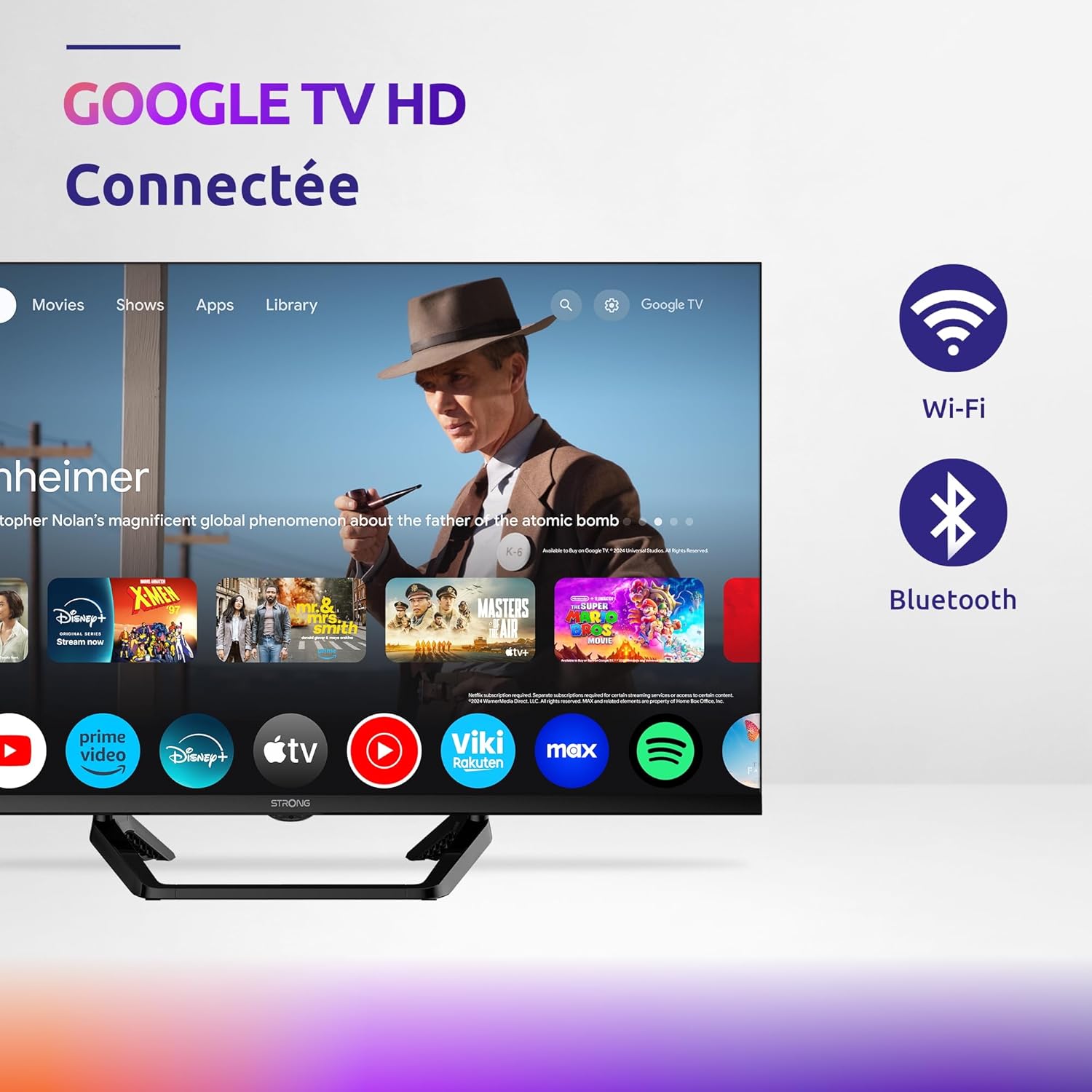
Image: Diagram showing the dimensions of the STRONG SRT32HG6733C TV, including width, height, and depth with the central stand.
Gwarancja i wsparcie
This product comes with a manufacturer's warranty of 24 months. For warranty claims or technical support, please refer to the contact information provided on the official STRONG webwitryny lub dokumentacji zakupu.
For frequently asked questions and additional resources, visit the STRONG Brand Store.


Images: Icons representing warranty information and frequently asked questions.