
1. Wprowadzenie
This manual provides detailed instructions for the installation, operation, and maintenance of your Arenti O3 2.5K/4MP House Camera Outdoor. This camera is designed to provide reliable outdoor surveillance with advanced features such as 2.5K/4MP resolution, color night vision, spotlight and siren alarm, AI-powered motion detection, and two-way audio communication. Please read this manual thoroughly before using the product to ensure proper setup and optimal performance.
2. Zawartość opakowania
Please check the package contents upon unboxing. If any items are missing or damaged, contact Arenti customer support.
- Arenti O3 2.5K/4MP Outdoor Camera
- Zasilacz (ładowarka)
- Śruby montażowe i kołki ścienne
- Szablon montażowy
- Instrukcja obsługi (ten dokument)
3. Koniec produktuview
Familiarize yourself with the components of your Arenti O3 outdoor camera.

Rysunek 3.1: Arenti O3 2.5K/4MP Outdoor Camera. This image shows the camera mounted on a wall, connected by a cable, with a smartphone displaying its live view. The camera features a lens, a spotlight, and a sturdy mounting bracket.
- Obiektyw aparatu: Captures 2.5K/4MP resolution video.
- Reflektor: Zapewnia oświetlenie umożliwiające widzenie kolorowe w nocy i działa odstraszająco.
- Diody podczerwieni: Do tradycyjnego czarno-białego widzenia nocnego.
- Mikrofon: Captures audio for two-way communication and noise detection.
- Głośnik: Enables two-way audio communication and siren alarm.
- Uchwyt montażowy: Do bezpiecznego montażu na ścianie.
- Przewód zasilający: Łączy kamerę z zasilaczem.
- Gniazdo kart Micro SD: Do przechowywania lokalnego (obsługuje do 256 GB, karta nie jest dołączona).
4. Konfiguracja i instalacja
4.1 Instalacja aplikacji i tworzenie konta
Before physical installation, download the Arenti app and create an account.
- Szukaj "Arenti" in your mobile device's app store (Google Play Store for Android or Apple App Store for iOS).
- Download and install the Arenti app.
- Otwórz aplikację i postępuj zgodnie z instrukcjami wyświetlanymi na ekranie, aby zarejestrować nowe konto lub zalogować się, jeśli już je posiadasz.

Rysunek 4.1: Arenti Mobile Application. The image displays the Arenti app icon and a smartphone screen showing the app's interface with multiple camera feeds.
4.2 Fizyczna instalacja
Choose a suitable location for your camera. The Arenti O3 is IP65 weather-resistant, designed to withstand various outdoor conditions.
- Wybierz lokalizację: Wybierz lokalizację, która zapewnia pożądane viewing angle and is within range of your 2.4GHz Wi-Fi network. Ensure there is a power outlet nearby.
- Powierzchnia montażowa: The camera can be wall-mounted. Use the provided mounting template to mark drill holes.
- Wiercenie otworów: Wywierć otwory w zaznaczonych miejscach. W przypadku montażu na murze lub płycie gipsowo-kartonowej włóż kołki rozporowe.
- Bezpieczna kamera: Align the camera's mounting bracket with the holes and secure it using the provided screws.
- Podłącz zasilanie: Connect the power cable to the camera and plug the power adapter into a suitable outdoor-rated electrical outlet.
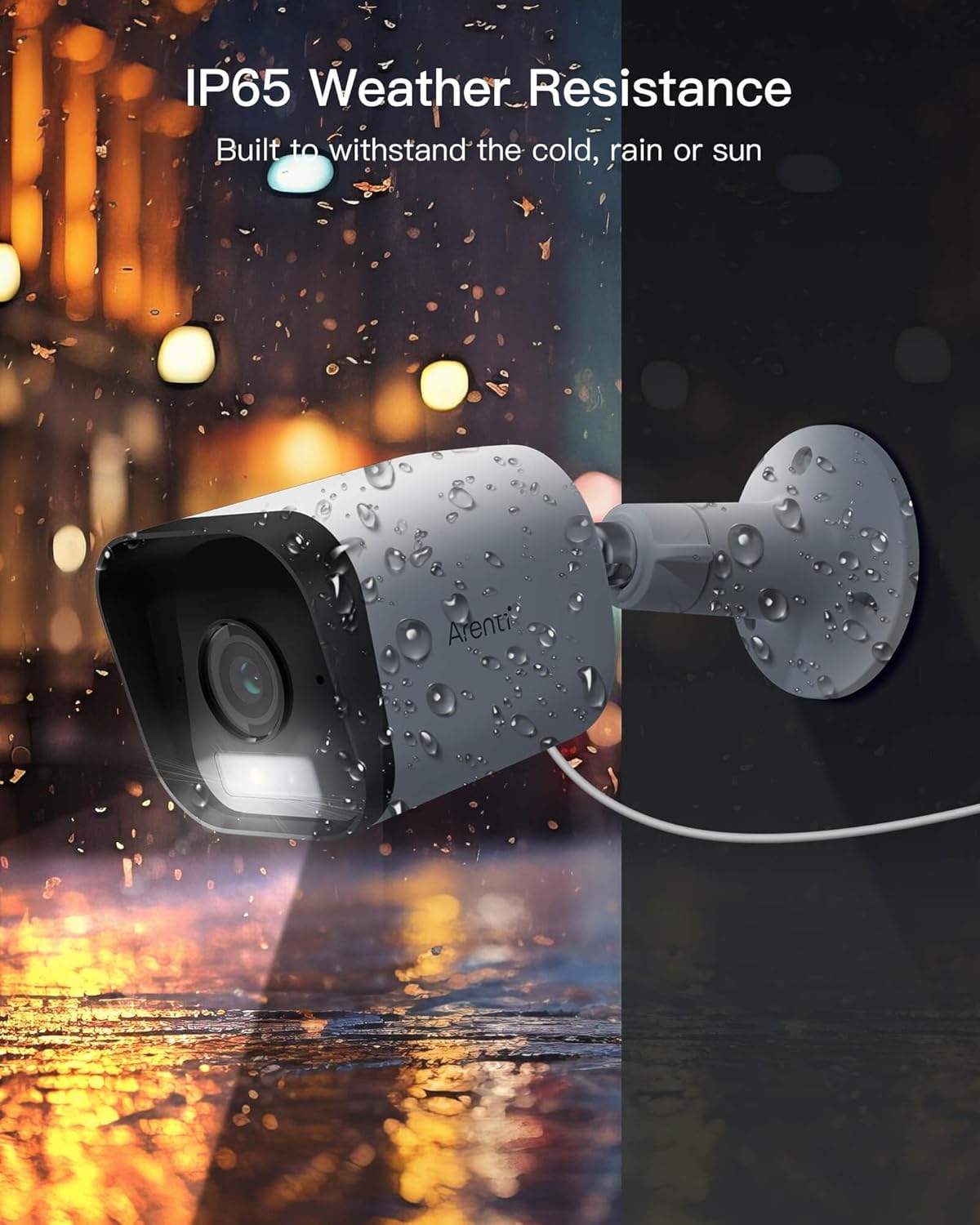
Rysunek 4.2: IP65 Weather Resistance. This image illustrates the Arenti O3 camera's durability against various weather conditions, including rain and snow, highlighting its IP65 rating.
4.3 Łączenie z Wi-Fi
After physical installation, connect your camera to your home Wi-Fi network using the Arenti app.
- Open the Arenti app and tap the "+" icon to add a new device.
- Wybierz model aparatu z listy.
- Follow the in-app instructions to connect the camera to your 2.4GHz Wi-Fi network. This typically involves scanning a QR code generated by the app with the camera's lens.
- Po nawiązaniu połączenia wskaźnik stanu kamery zmieni się, a w aplikacji zobaczysz obraz na żywo.
5. Działanie
5.1 Na żywo View i rozdzielczość
Access the live video feed from your camera through the Arenti app. The camera provides a clear 2.5K/4MP resolution for detailed monitoring.

Rysunek 5.1: 2.5K/4MP Resolution and Color Night Vision. This image compares the superior clarity of Arenti's 4MP resolution with standard 1080P, and demonstrates the camera's ability to capture full-color images even in low-light conditions.
5.2 Dźwięk dwukierunkowy
Wbudowany mikrofon i głośnik umożliwiają dwukierunkową komunikację w czasie rzeczywistym.
- Z koncertu view screen in the app, tap the microphone icon to speak through the camera's speaker.
- Kliknij ikonę głośnika, aby słuchać dźwięku z otoczenia kamery.

Rysunek 5.2: Clearly Two-Way Audio. This image shows the Arenti O3 camera facilitating a conversation between a user and a delivery person, illustrating its two-way audio capability.
5.3 Detekcja ruchu i alerty
The camera features AI-powered human motion detection and customizable detection zones to minimize false alarms.
- Włącz wykrywanie ruchu: W ustawieniach aplikacji kamery włącz wykrywanie ruchu.
- Dostosuj strefy wykrywania: Zdefiniuj określone obszary w obrębie kamery view where you want motion to be detected. This helps focus on critical areas and ignore irrelevant movements.
- Otrzymuj powiadomienia: When motion is detected, the camera will automatically track the movement and send instant alerts to your phone.

Rysunek 5.3: Only Focus What You Care. This image demonstrates the camera's human and activity zone detection, outlining a child to show how it focuses on relevant motion.
5.4 Widzenie nocne
The O3 camera offers both traditional infrared night vision and advanced color night vision.
- Kolorowe widzenie nocne: Enabled by the starlight CMOS sensor and 3000K warm light, providing clear, full-color images even in low-light conditions.
- Nocna Nocna Wizja: Utilizes 2850nm infrared LEDs for clear black and white images in complete darkness.
- Settings for night vision modes can be adjusted within the Arenti app.
5.5 Rejestrowanie i przechowywanie
Your Arenti O3 camera supports both cloud storage and local storage options.
- Bezpłatne przechowywanie w chmurze: The camera supports free 7-day cycle event recording cloud storage (requires App version 4.0.0+ and device version 5.5.4+).
- Pamięć lokalna: Supports full-day recording with FAT32 Micro SD cards (not included) up to 256GB. Insert the Micro SD card into the designated slot on the camera.
- Możesz ponownieview nagrano footage via the Arenti app, selecting either cloud or SD card playback.
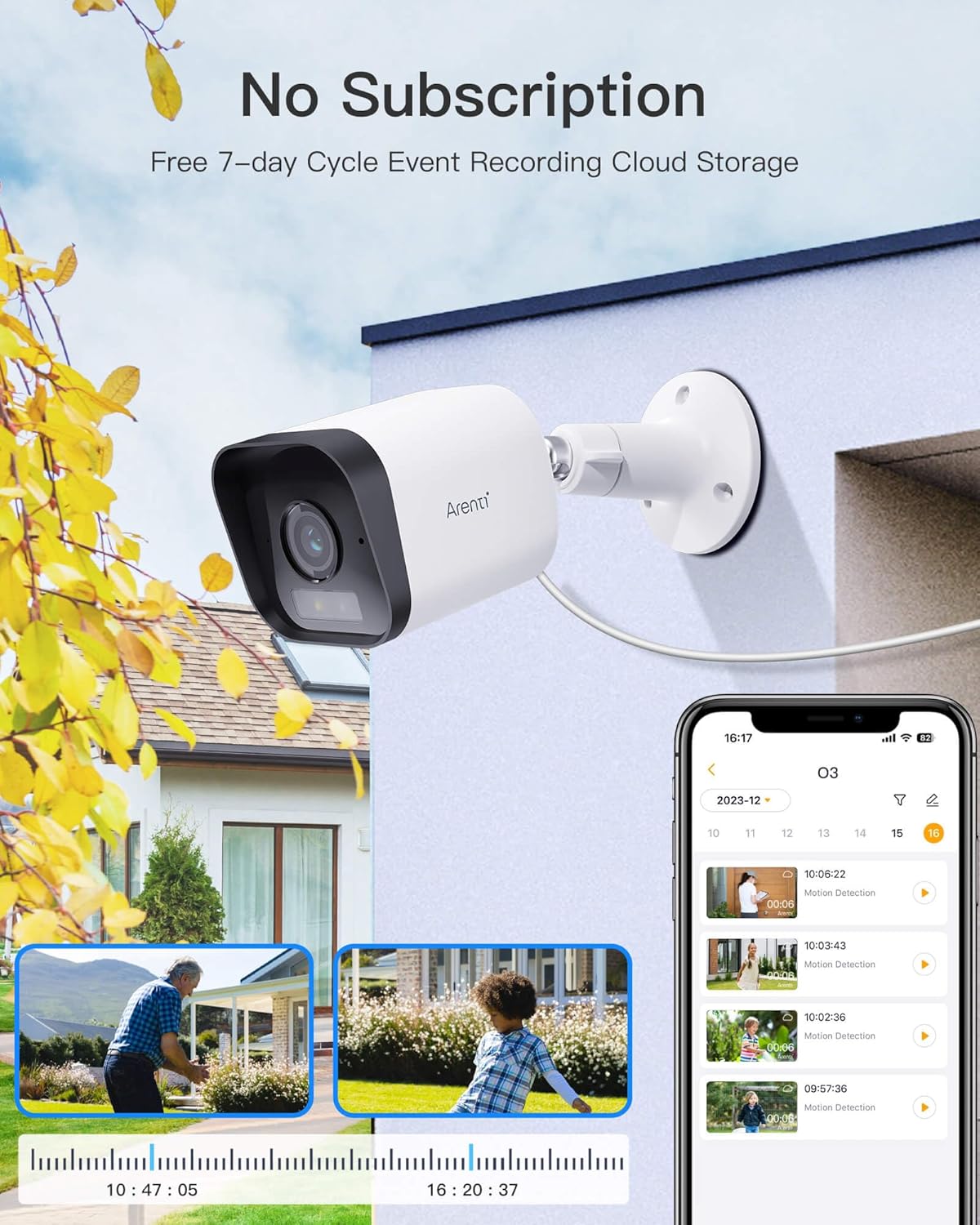
Rysunek 5.4: No Subscription Required for Basic Storage. This image highlights the camera's feature of free 7-day cycle event recording cloud storage, alongside local storage options.
5.6 Alarm reflektorowy i syrena
The camera is equipped with a built-in spotlight and siren for active deterrence.
- When human or motion is detected, you can configure the camera to automatically activate the spotlight and/or siren alarm.
- These features can also be manually triggered from the Arenti app.
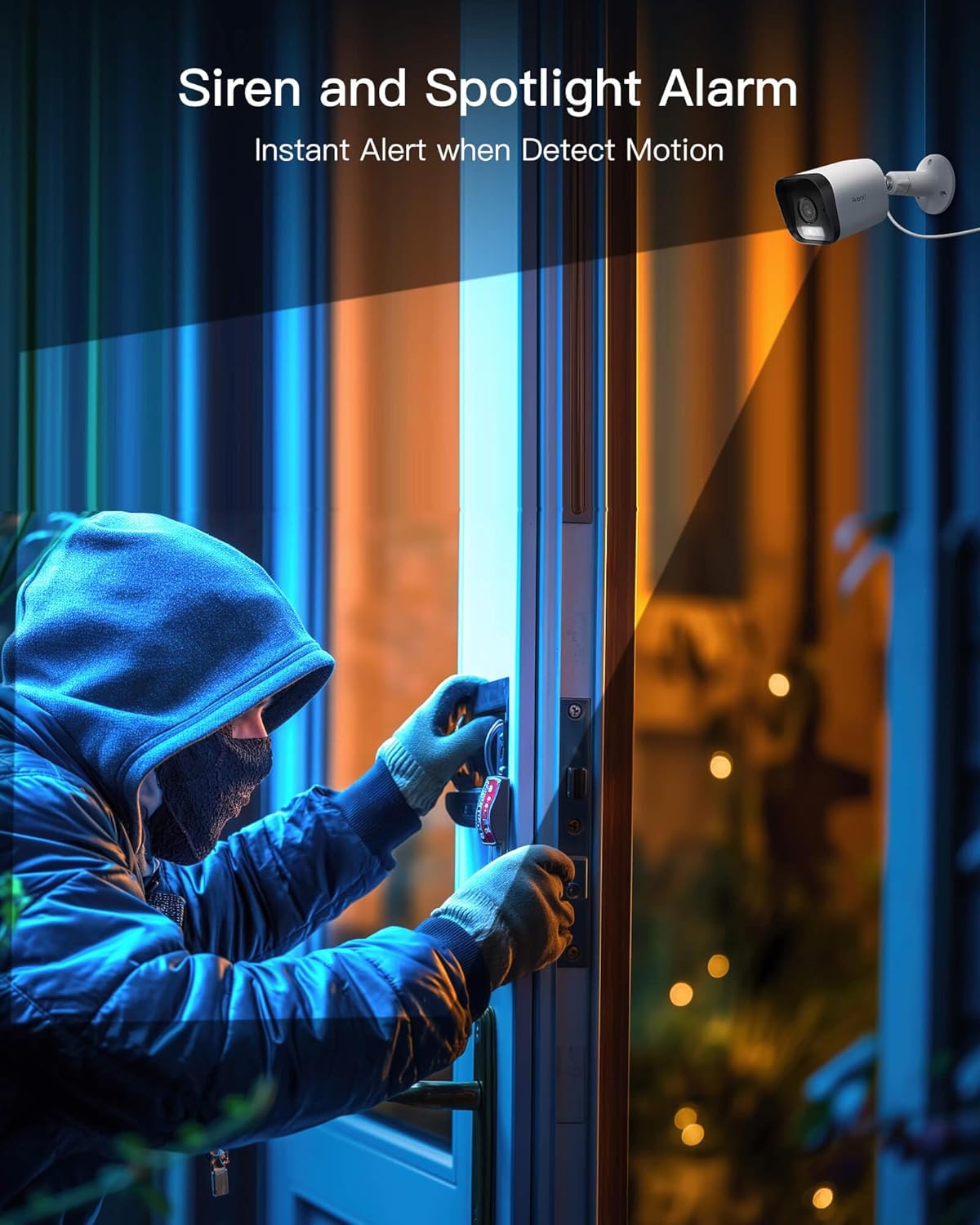
Rysunek 5.5: Siren and Spotlight Alarm. This image depicts the Arenti O3 camera's spotlight illuminating an area and its siren acting as an instant alert to deter unwanted visitors.
5.7 Integracja inteligentnego domu (Alexa)
The Arenti O3 camera is compatible with Amazon Alexa, allowing for voice control and integration into your smart home ecosystem.
- Enable the Arenti skill in the Alexa app.
- Link your Arenti account with your Alexa account.
- You can then use voice commands to view your camera feed on compatible Alexa-enabled devices (e.g., "Alexa, show me the front door camera").
6. Konserwacja
Regular maintenance ensures the longevity and optimal performance of your Arenti O3 camera.
- Czyszczenie soczewek: Gently wipe the camera lens with a soft, clean, lint-free cloth to remove dust or smudges. Avoid abrasive cleaners.
- Sprzątanie mieszkań: Wyczyść korpus aparatu za pomocąamp płótno. Nie używaj ostrych chemikaliów.
- Aktualizacje oprogramowania układowego: Regularly check the Arenti app for firmware updates. Keeping your camera's firmware up-to-date ensures access to the latest features and security enhancements.
- Podłączenie zasilania: Periodically inspect the power cable and adapter for any signs of damage.
7. Rozwiązywanie Problemów
If you encounter issues with your Arenti O3 camera, refer to the following common troubleshooting steps.
| Problem | Możliwa przyczyna | Rozwiązanie |
|---|---|---|
| Kamera jest offline/Nie można połączyć się z siecią Wi-Fi | Weak Wi-Fi signal, incorrect Wi-Fi password, camera too far from router, 5GHz Wi-Fi network used. |
|
| Niska jakość obrazu | Dirty lens, low bandwidth, insufficient lighting. |
|
| Nie otrzymano alertów ruchu | Motion detection disabled, app notifications off, detection zone not set correctly. |
|
| Karta SD nie nagrywa | SD card full, corrupted, or not formatted correctly. |
|
8. Specyfikacje
Key technical specifications for the Arenti O3 2.5K/4MP Outdoor Camera.
| Funkcja | Szczegół |
|---|---|
| Nazwa modelu | O3 |
| Rezolucja | 2.5K/4MP (4 Million Pixels) |
| Wizja nocna | Color Night Vision (Starlight CMOS Sensor, 3000K Warm Light), Infrared LEDs (2850nm) |
| Odporność na warunki atmosferyczne | IP65 |
| Audio | Two-Way Audio (Built-in Mic and Speaker) |
| Wykrywanie ruchu | AI-Powered Human Motion Detection, Noise Detection, Customizable Detection Zones |
| Funkcje alarmu | Built-in Spotlight, Siren Alarm |
| Opcje przechowywania | Free 7-day Cycle Event Recording Cloud Storage, Local Storage (Micro SD card up to 256GB, FAT32) |
| Łączność | Wi-Fi 2.4 GHz |
| Zgodność z inteligentnym domem | Działa z Amazon Alexa |
| Źródło zasilania | Elektryczny przewodowy (5 V, 2.5 W) |
| Wymiary (dł. x szer. x wys.) | Wymiary 5.8 x 5.8 x 15.6 cm |
| Waga przedmiotu | 10 gramów |
| Tworzywo | Plastikowy |
9. Gwarancja i wsparcie
Your Arenti O3 camera comes with a manufacturer's warranty and dedicated customer support.
- Gwarancja: Produkt jest objęty gwarancją Roczna gwarancja producenta. Zachowaj dowód zakupu na wypadek roszczeń gwarancyjnych.
- Obsługa klienta: For technical assistance, troubleshooting, or warranty inquiries, please contact Arenti customer support via email.
- E-mail: wsparcie@arenti.com