
1. Wprowadzenie
Welcome to the UGREEN NASync DXP480T Plus User Manual. This document provides detailed instructions for setting up, operating, maintaining, and troubleshooting your new 4-Bay All-Flash SSD NAS. Please read this manual thoroughly before using the device to ensure optimal performance and longevity.

Figure 1.1: UGREEN NASync DXP480T Plus Front View
2. Koniec produktuview
The UGREEN NASync DXP480T Plus is a high-performance Network Attached Storage (NAS) device designed for ultra-fast data access and robust storage solutions. It is equipped with advanced hardware and software features to meet the demands of professionals and home users alike.
2.1 Główne cechy
- Wydajny procesor: Features an Intel Core i5 12th generation 10-Core, 12-thread processor for unparalleled processing performance.
- Sieć dużej prędkości: Includes a 10GbE network port for peak speeds of 1250 MB/s and integrated Wi-Fi 6 for flexible wireless connectivity.
- All-Flash Storage: Four M.2 NVMe SSD slots support up to 32TB of all-flash storage, offering incredibly fast read/write speeds. Supports RAID levels JBOD/Basic/RAID0/RAID1/RAID5/RAID6/RAID10.
- Pamięć rozszerzalna: Comes with 8GB DDR5 RAM, expandable up to 64GB for demanding software and multitasking.
- Wszechstronna łączność: Equipped with HDMI 8K output and two Thunderbolt 4 ports for ultra-fast data transmission.
- Unified Operating System: The NAS app integrates Storage Manager, File, Photos, and other functions into a single, convenient interface (UGOS Pro).
- Profesjonalne bezpieczeństwo danych: Offers robust local data storage, professional encryption, and multi-factor authentication to protect your data.
2.2 Składniki
Familiarize yourself with the main components and ports of your NAS device.
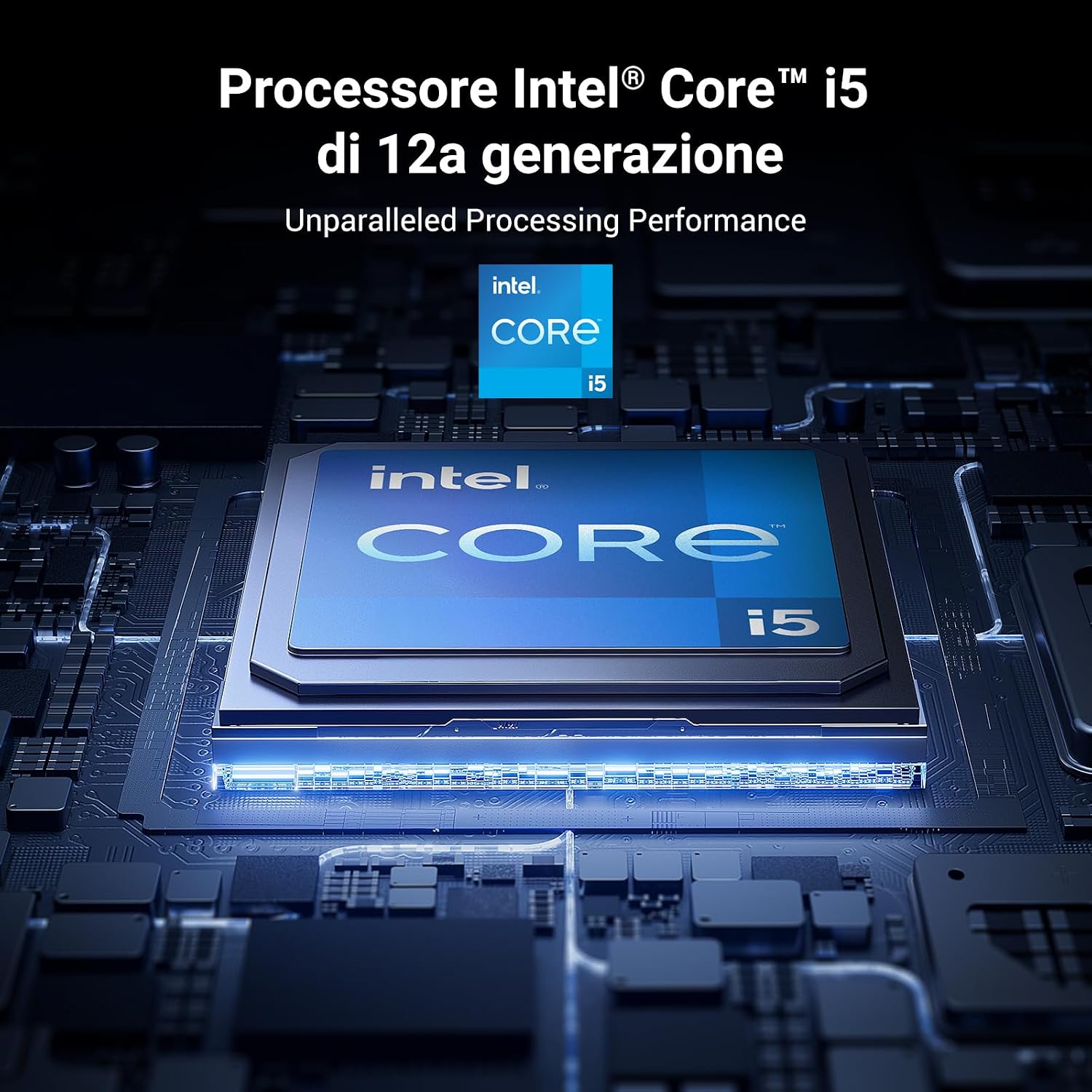
Figure 2.1: Rear Panel Connectivity (10GbE, HDMI, USB, Thunderbolt 4, Power)

Rysunek 2.2: Procesor Intel Core i5 12. generacji

Figure 2.3: DDR5 Expandable Memory
3. Przewodnik konfiguracji
3.1 Zawartość opakowania
Przed przystąpieniem do dalszych czynności sprawdź, czy w opakowaniu znajdują się wszystkie elementy:
- UGREEN NASync DXP480T Plus Unit
- Instrukcja obsługi
- Karta Wsparcia Klienta
- Kabel zasilający
- Kabel Ethernet (CAT7)
- SSD Silicone Pads (x4)
- Śruby i śrubokręt

Rysunek 3.1: Zawartość opakowania
3.2 Hardware Installation (SSD/NVMe Drives)
The DXP480T Plus supports four M.2 NVMe SSDs. Follow these steps to install your drives:
- Carefully open the NAS enclosure to access the M.2 slots.
- Insert each M.2 NVMe SSD into its designated slot.
- Secure the SSDs with the provided screws and use the silicone pads if necessary for proper fit and heat dissipation.
- Close the NAS enclosure securely.

Figure 3.2: M.2 NVMe SSD Installation
3.3 Connecting the NAS
- Connect the NAS to your network using the provided Ethernet cable. For optimal performance, use the 10GbE port with a compatible network infrastructure.
- Connect the power adapter to the NAS and then to a power outlet.
- Naciśnij przycisk zasilania, aby włączyć urządzenie.

Figure 3.3: Network Connection via 10GbE Port
3.4 Początkowa konfiguracja oprogramowania
Once powered on, access the NAS through your web browser or the dedicated UGREEN NAS app. Follow the on-screen instructions to initialize the system, create storage pools, and configure user accounts. Ensure you update the firmware for the best experience.

Figure 3.4: UGOS Pro Operating System Overview
4. Instrukcja obsługi
4.1 File Zarządzanie i udostępnianie
Użyj zintegrowanego File Manager within the UGOS Pro interface to organize, upload, download, and share your files. You can create shared folders and manage access permissions for different users.

Figure 4.1: Efficient File and FootagZarządzanie
4.2 Data Protection (RAID)
The NAS supports various RAID configurations (JBOD, Basic, RAID0, RAID1, RAID5, RAID6, RAID10) to protect your data against drive failure. Configure your preferred RAID level during initial setup or via the Storage Manager.
4.3 Funkcje multimedialne
Transform your NAS into a home media library. Stream movies, music, and photos to your phones, tablets, PCs, and smart TVs using the built-in multimedia applications.

Figure 4.2: Multimedia Streaming Capabilities
4.4 Dostęp zdalny
Uzyskaj dostęp do swojego files and synchronize photos in real-time from anywhere using the remote access features. The unified app simplifies this process across various devices.

Figure 4.3: Remote Access Functionality
4.5 App Center and Docker
The App Center provides various utilities for system management and entertainment. The NAS also supports Docker, allowing you to deploy and manage containerized applications.

Figure 4.4: Docker Support
5. Konserwacja
5.1 Aktualizacje systemu
Regularly check for and install firmware updates through the UGOS Pro interface to ensure your NAS has the latest features, security patches, and performance improvements.
5.2 Cooling Management
The NAS features an intelligent cooling fan system with multiple modes (Default, Silent, Fast) to maintain optimal operating temperatures. Ensure proper ventilation around the device.

Rysunek 5.1: Inteligentny system wentylatorów chłodzących
5.3 Hardware Checks
Periodically inspect the physical connections (power, network, Thunderbolt) and ensure all SSDs are securely seated. Avoid exposing the device to extreme temperatures or humidity.
6. Rozwiązywanie Problemów
If you encounter issues with your UGREEN NASync DXP480T Plus, refer to the following common solutions:
- Urządzenie nie włącza się: Sprawdź podłączenie kabla zasilającego i gniazdka elektrycznego. Upewnij się, że zasilacz działa prawidłowo.
- Brak dostępu do sieci: Verify the Ethernet cable connection to both the NAS and your router/switch. Check network settings in UGOS Pro. Ensure your router is assigning an IP address.
- Niska wydajność: Check network bandwidth, especially if using a 1GbE connection instead of 10GbE. Monitor CPU and RAM usage through the UGOS Pro interface. Ensure SSDs are healthy and not overloaded.
- Napęd nie został wykryty: Power off the NAS, re-seat the M.2 NVMe SSDs, and power on again. Check the Storage Manager in UGOS Pro to see if the drives are recognized.
- Problemy z oprogramowaniem: Try restarting the NAS. If problems persist, check for firmware updates. For persistent software issues, consider contacting UGREEN support.
For more detailed troubleshooting steps, consult the online knowledge base or contact UGREEN customer support.
7. Specyfikacje
| Funkcja | Szczegół |
|---|---|
| Marka | ZIELONY |
| Numer modelu | DXP480T Plus |
| Edytor | Intel Core i5 1235u (10-Core, 12-thread) |
| BARAN | 8 GB DDR5 (z możliwością rozbudowy do 64 GB) |
| Pamięć wewnętrzna | 4 x M.2 NVMe SSD slots (up to 32 TB total) |
| Interfejs sieciowy | 1 x 10GbE Port, Wi-Fi 6 |
| Wyjście wideo | HDMI 8K |
| Inne porty | 2 x Thunderbolt 4, USB 3.2 |
| Obsługa RAID | JBOD/Basic/RAID0/RAID1/RAID5/RAID6/RAID10 |
| System operacyjny | UGOS Pro |
| Wymiary (DxSxW) | 17.9P x 5.2l x 14.2H cm (Product), 10cm x 10cm x 10cm (Size) |
| Waga | 2 kilograma |
| Tworzywo | Metal |
| Kompatybilne urządzenia | Server, Desktop, Laptop |
8. Gwarancja i wsparcie
8.1 Informacje o gwarancji
Your UGREEN NASync DXP480T Plus comes with a standard manufacturer's warranty. Please refer to the warranty card included in your package or visit the official UGREEN webSzczegółowe warunki gwarancji znajdziesz na stronie. Zachowaj dowód zakupu na wypadek roszczeń gwarancyjnych.
8.2 Obsługa klienta
For technical assistance, troubleshooting, or any product-related inquiries, please contact UGREEN customer support. Contact information can be found on the customer support card included in your package or on the official UGREEN webstrona.