
Wstęp
Dziękujemy za zakupasing the Timex TW5M60900 Activity Tracker Watch. This digital quartz watch combines classic Timex reliability with essential activity tracking features. This manual provides detailed instructions to help you set up, operate, maintain, and troubleshoot your new watch, ensuring you get the most out of its functionalities, including time display, date, and basic activity monitoring.
Organizować coś
1. Initial Power On & Battery Activation
Your watch is powered by a CR2032 battery. If the display is blank upon unboxing, check for a plastic battery saver tab protruding from the side of the watch. Gently pull and remove this tab to activate the battery. The watch display should then illuminate.
2. Ustawianie czasu i daty
- Locate the 'MODE' button (typically on the left side) and the 'SET' or 'ADJUST' button (often on the right side).
- Press the 'MODE' button repeatedly until the time setting mode is displayed, usually indicated by flashing digits.
- Use the 'SET' or 'ADJUST' button to change the flashing hour. Press 'MODE' again to advance to minutes, then seconds, and finally the date (month, day, year).
- Once all settings are correct, press the 'MODE' button one last time to exit the setting mode.
3. Noszenie zegarka
For accurate activity tracking, wear the watch snugly on your wrist, about one finger's width above your wrist bone. Ensure it is not too tight to restrict circulation, nor too loose to slide freely.
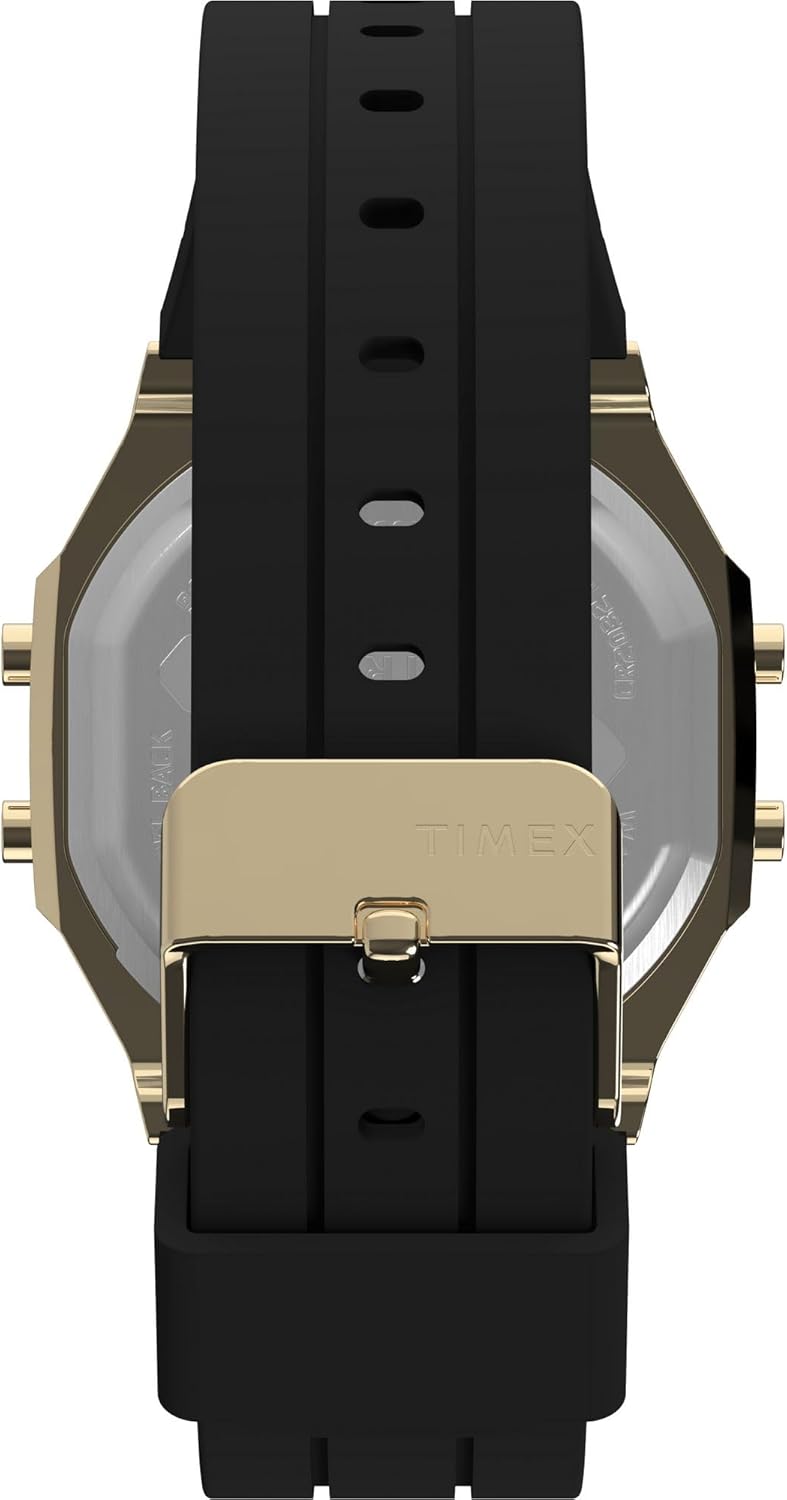
Image: The black silicone strap with a gold-tone buckle, designed for a secure and comfortable fit on the wrist.
Instrukcja obsługi
1. Funkcje przycisków
Your Timex TW5M60900 watch typically features multiple buttons for navigation and function control:
- Przycisk TRYB: Cycles through different display modes (Time, Date, Stopwatch, Alarm, Activity Tracker).
- Przycisk USTAW/DOSTOSUJ: Used to enter setting modes and adjust values (e.g., hours, minutes, date).
- Przycisk START/STOP: Activates and pauses functions like the stopwatch or timer.
- Przycisk ŚWIATŁA: Activates the Indiglo backlight for improved visibility in low light conditions.

Obraz: Bok view of the watch, highlighting the gold-tone case and the functional buttons on the side, used for navigating modes and settings.
2. Nawigacja po trybach wyświetlania
Press the 'MODE' button to cycle through the available display screens. Common modes include:
- Wyświetlacz czasu: Shows current time (hours, minutes, seconds) and often the day of the week.
- Wyświetlanie daty: Pokazuje miesiąc, dzień i rok.
- Stoper: For timing events. Use 'START/STOP' to begin/pause and 'RESET' (often a long press of 'SET') to clear.
- Alarm: Ustawiaj codzienne alarmy.
- Monitor aktywności: Displays your daily activity data.

Obraz: Przód view of the Timex TW5M60900 watch, showcasing its black digital display within a rectangular gold-tone brass case.
Activity Tracking Features
The Timex TW5M60900 includes basic activity tracking capabilities to help you monitor your daily movement.
1. Viewing Activity Data
Press the 'MODE' button until you reach the 'ACTIVITY TRACKER' display. This mode typically shows:
- Kroki: Your total steps taken for the day.
- Dystans: Estimated distance covered based on your steps.
- Kalorie: Szacunkowa liczba spalonych kalorii.
2. Resetting Activity Data
Activity data typically resets automatically at midnight. If you need to manually reset your daily activity, consult the specific instructions for your watch model, usually involving a long press of the 'SET' or 'MODE' button while in the activity tracking display.
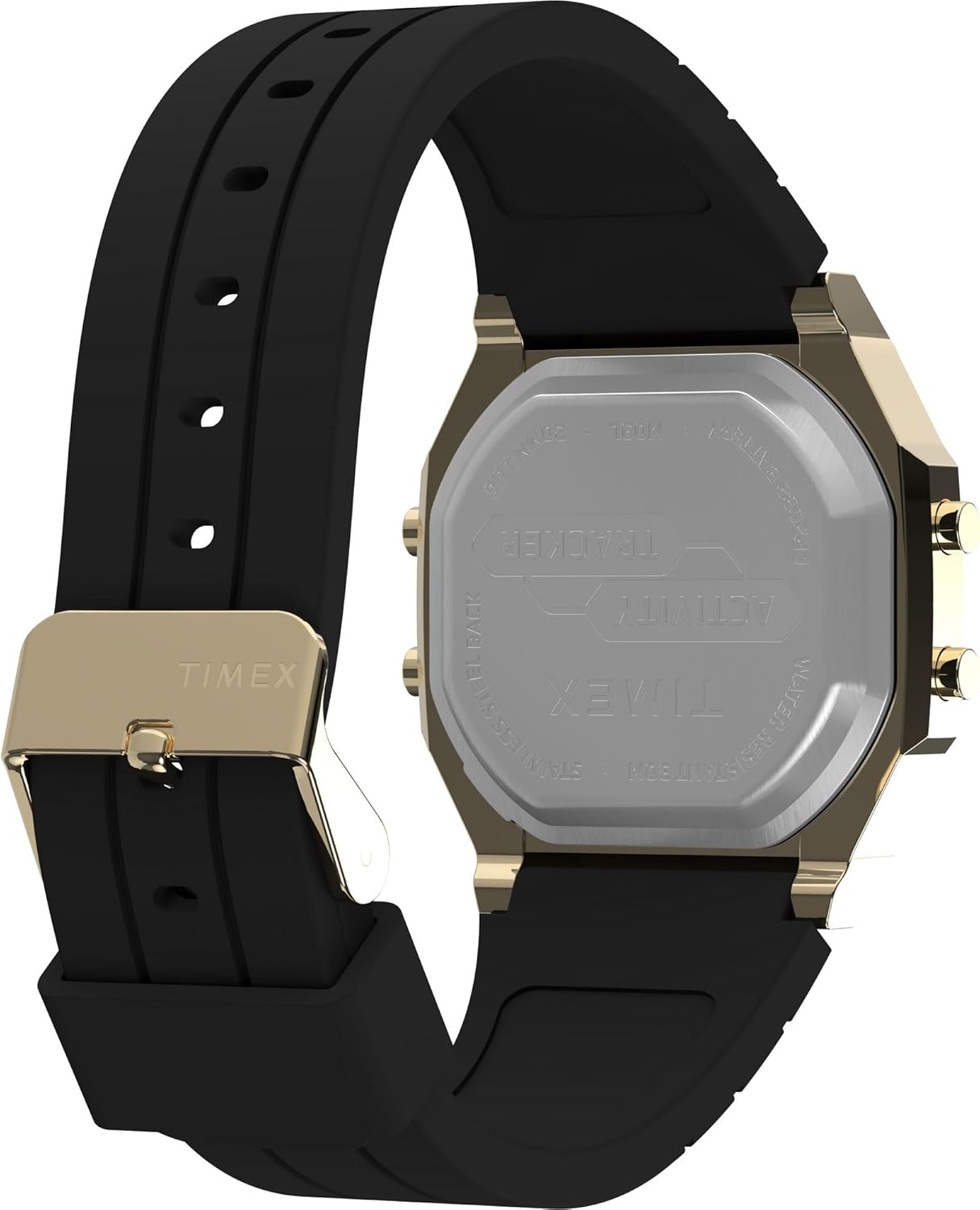
Image: The back of the watch, made of stainless steel, clearly engraved with 'TIMEX', 'ACTIVITY TRACKER', 'WATER RESISTANT 30M', and 'CR2032 BATTERY'.
Konserwacja
1. Czyszczenie zegarka
Aby zachować wygląd i funkcjonalność zegarka:
- Wytrzyj obudowę i szkło miękką ściereczką.amp płótno.
- For the silicone strap, use mild soap and water, then rinse thoroughly and dry.
- Unikaj silnych środków chemicznych i ściernych środków czyszczących.
2. Wodoodporność
Your watch is marked as 'WATER RESISTANT 30M'. This means it is suitable for splashes, rain, or brief immersion in water. It is nie recommended for swimming, showering, or diving. Do not operate buttons while the watch is wet.
3. Wymiana baterii
The watch uses a CR2032 battery. When the display dims or functions become erratic, it's time to replace the battery. It is recommended to have the battery replaced by a qualified watch technician to ensure proper sealing and maintain water resistance.
Rozwiązywanie problemów
Jeśli masz problemy z zegarkiem, zapoznaj się z poniższymi typowymi rozwiązaniami:
- Wyświetlacz jest pusty lub przyciemniony: Check if the battery saver tab has been removed. If so, the battery may need replacement.
- Nieprawidłowa godzina/data: Re-enter the time and date setting mode and adjust as per the 'Setup' section.
- Activity Data Inaccurate: Ensure the watch is worn snugly on your wrist. Movement patterns can affect accuracy. Try resetting the activity data.
- Przyciski nie reagują: Ensure no debris is lodged around the buttons. If the issue persists, a soft reset (removing and reinserting the battery, if accessible, or a factory reset if available) might be necessary. Consult a professional if unsure.
Specyfikacje
| Numer modelu | TW5M60900 |
| Marka | CZAS |
| Typ wyświetlacza | Cyfrowy |
| Typ ruchu | Kwarc |
| Materiał obudowy | Mosiądz |
| Materiał kryształu | Akryl |
| Materiał paska | Silikon |
| Rodzaj zapięcia | Klamra |
| Średnica koperty | 40 milimetrów |
| Grubość obudowy | 10 milimetrów |
| Odporność na wodę | 30 Meters (Splash Resistant) |
| Źródło zasilania | Zasilany bateryjnie (CR2032) |
| Kolor tarczy | Czarny |
| Kolor paska | Czarny |
Gwarancja i wsparcie
Your Timex watch is covered by a limited warranty against manufacturing defects. Please refer to the warranty card included with your purchase for specific terms, conditions, and duration. For technical support, service, or warranty claims, please visit the official Timex website or contact their customer service department through the contact information provided in your product packaging.