
Wstęp
Thank you for choosing the Vention TGESB USB-C Docking Station. This manual provides essential information for the proper setup, operation, and maintenance of your device. Please read it thoroughly before use to ensure optimal performance and longevity.
Produkt ponadview
The Vention TGESB is a versatile 5-in-1 USB-C docking station designed to expand the connectivity of your USB-C enabled devices. It features multiple ports for data transfer, video output, and power delivery.

Figure 1: Vention TGESB USB-C Docking Station with port labels.
Główne cechy:
- USB-C Power Delivery (PD) 100W: Obsługuje szybkie ładowanie kompatybilnych laptopów i urządzeń.
- Porty USB 3.0 (x3): Zapewnia szybką transmisję danych do 5 Gb/s.
- Port HDMI: Obsługuje wyjście wideo o rozdzielczości do 4K przy 30 Hz.
- Trwała obudowa aluminiowa: Ensures heat dissipation and product longevity.
- Kompaktowa konstrukcja: Łatwy do przenoszenia i używania w podróży.
Zawartość opakowania
- Vention TGESB USB-C Docking Station (x1)
- Instrukcja obsługi (x1)
Instrukcje konfiguracji
- Połącz z urządzeniem hosta: Plug the USB-C connector of the Vention TGESB docking station into an available USB-C port on your laptop, tablet, or smartphone. Ensure your device's USB-C port supports video output (DisplayPort Alternate Mode) and power delivery for full functionality.
- Podłącz urządzenia peryferyjne:
- Urządzenia USB: Connect USB flash drives, external hard drives, keyboards, mice, or other USB peripherals to the USB 3.0 ports.
- Wyświetlacz HDMI: Connect an HDMI cable from the docking station's HDMI port to your monitor or TV.
- Zasilacz (opcjonalnie): If your host device requires charging, connect your original USB-C power adapter to the PD (Power Delivery) port on the docking station. This will pass power through to your host device.
- Instalacja sterownika: The Vention TGESB is typically plug-and-play and does not require additional drivers for most operating systems (Windows, macOS, Linux, Android). If you encounter issues, ensure your operating system is up to date.
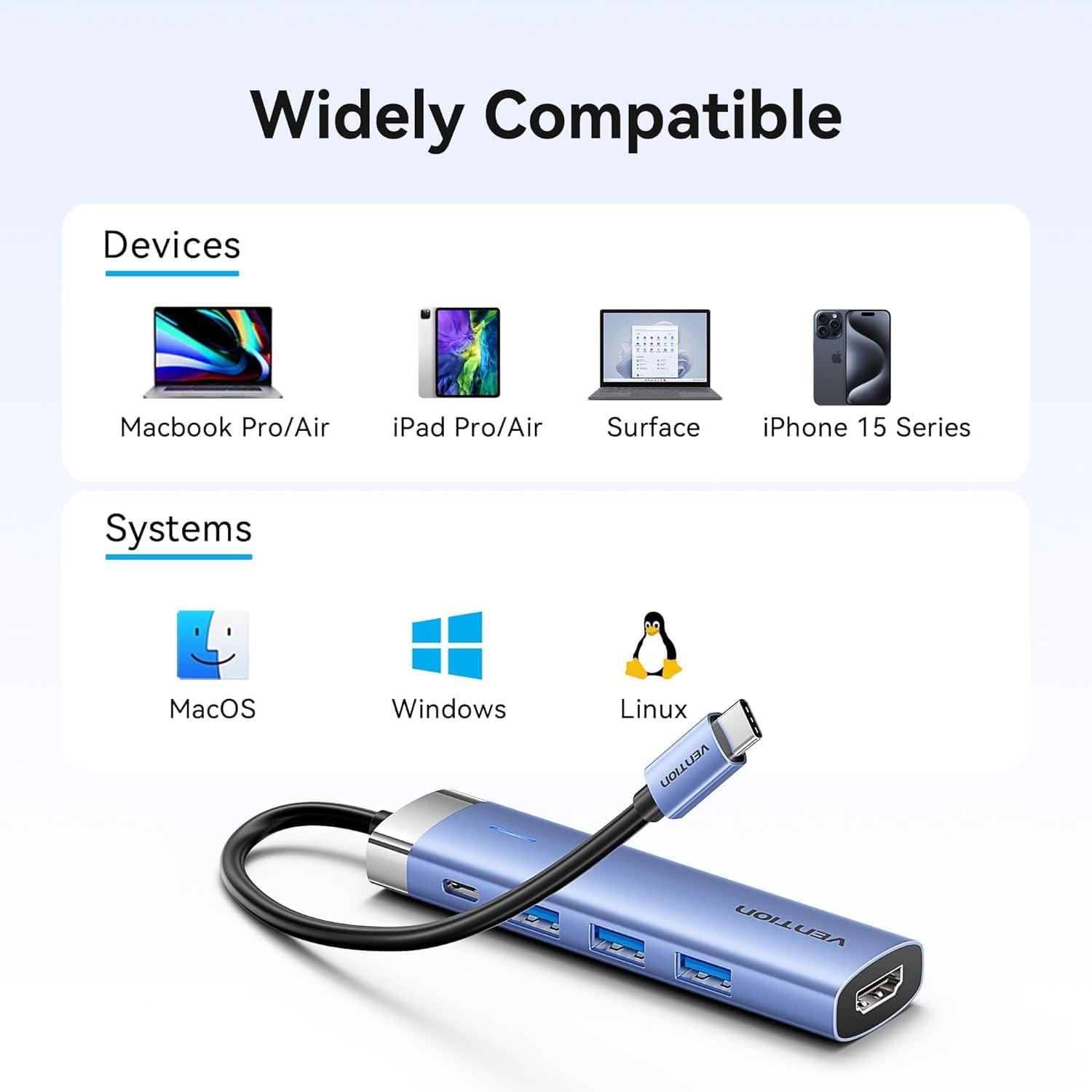
Figure 2: Device and operating system compatibility.
Instrukcja obsługi
Using USB 3.0 Ports:
Connect your USB devices to any of the three USB 3.0 ports. These ports support data transfer speeds up to 5Gbps, allowing for quick file transfers. For optimal performance, ensure your connected USB devices also support USB 3.0.
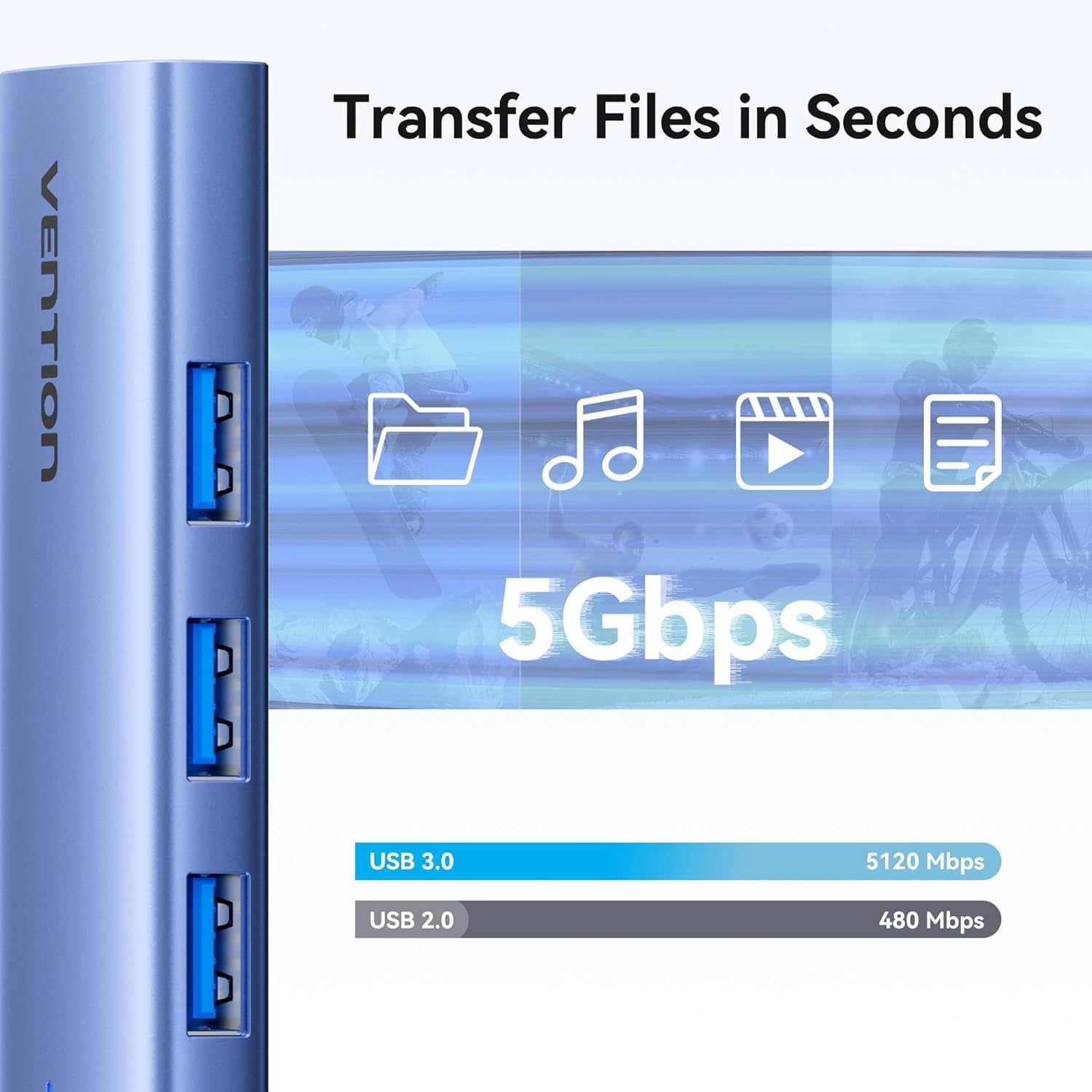
Figure 3: High-speed data transfer via USB 3.0 ports.
Using HDMI Output:
The HDMI port supports resolutions up to 4K at 30Hz. After connecting your monitor, your operating system should automatically detect the external display. You can configure display settings (mirror mode, extend mode) through your device's display settings.

Figure 4: Multiple display modes (Mirror and Extend).
Using Power Delivery (PD) Port:
Connect your laptop's original USB-C power adapter to the PD port on the docking station. This port supports up to 100W power delivery, allowing you to charge your host device while using the docking station's other features.

Figure 5: Power Delivery 100W fast charging.
Konserwacja
- Czyszczenie: Use a soft, dry cloth to clean the surface of the docking station. Avoid using liquid cleaners or solvents.
- Składowanie: Przechowywać urządzenie w chłodnym i suchym miejscu, z dala od bezpośredniego światła słonecznego i ekstremalnych temperatur.
- Obsługiwanie: Unikaj upuszczania urządzenia i narażania go na silne uderzenia. Nie próbuj demontować stacji dokującej.
Rozwiązywanie problemów
| Problem | Możliwa przyczyna | Rozwiązanie |
|---|---|---|
| Brak wyjścia wyświetlania przez HDMI. |
|
|
| Urządzenia USB nie są rozpoznawane. |
|
|
| Host device is not charging. |
|
|
Specyfikacje
| Funkcja | Szczegół |
|---|---|
| Model | TGESB |
| Marka | WENTYLACJA |
| Wejście | USB-C |
| Porty wyjściowe |
|
| Wymiary (dł. x szer. x wys.) | 6.5 x 3.54 x 0.79 cala (16.5 x 9 x 2 cm) |
| Waga | 2.46 uncji (0.07 kg) |
| Materiał skorupy | Stop aluminium |
| Zgodność | Devices with full-featured USB-C port (supporting DisplayPort Alt Mode and Power Delivery). Compatible with Windows, macOS, Linux, Android. |
Gwarancja i wsparcie
Vention products come with a standard manufacturer's warranty. For detailed warranty information, technical support, or customer service, please visit the official Vention webOdwiedź naszą stronę lub skontaktuj się z lokalnym dystrybutorem. Zachowaj dowód zakupu na wypadek reklamacji.
Official Vention Webstrona: Vention Store on Amazon (Link provided for reference, actual official web(strona może się różnić)