
1. Wprowadzenie
Welcome to the SUUNY H12 Smartwatch user manual. This guide provides detailed instructions on how to set up, operate, and maintain your new smartwatch. The SUUNY H12 is a feature-rich device designed to enhance your daily life with advanced health monitoring, communication, and smart functionalities.
2. Co znajduje się w pudełku
Upon opening your SUUNY H12 Smartwatch package, you should find the following items:
- SUUNY H12 Smartwatch (1 unit)
- Wireless Magnetic Charging Cable (1 unit)
- Instrukcja obsługi (1 szt.)
- Original Box (1 unit)
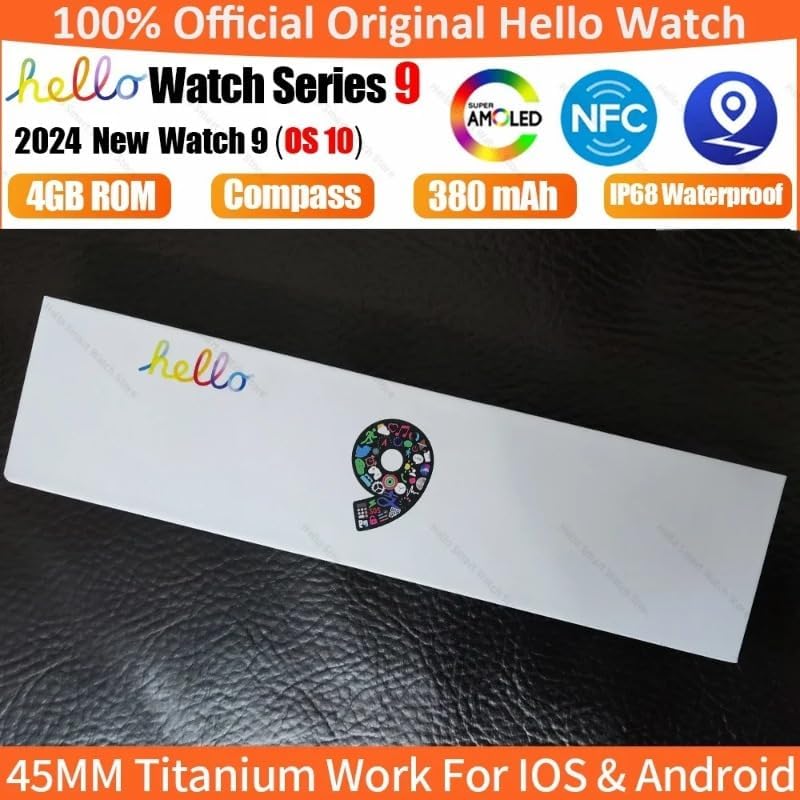
Image: The SUUNY H12 Smartwatch packaging box, indicating official product and key features like AMOLED, NFC, 4GB ROM, Compass, 380mAh battery, and IP68 Waterproof rating.
3. Koniec produktuview
The SUUNY H12 Smartwatch features a 2.0-inch Full HD AMOLED display, a titanium alloy casing, and a comfortable silicone band. It is equipped with a powerful CPU and 4GB of internal storage for music and other data. Key functionalities include Bluetooth calling, comprehensive health monitoring, multiple sports modes, and NFC access control.
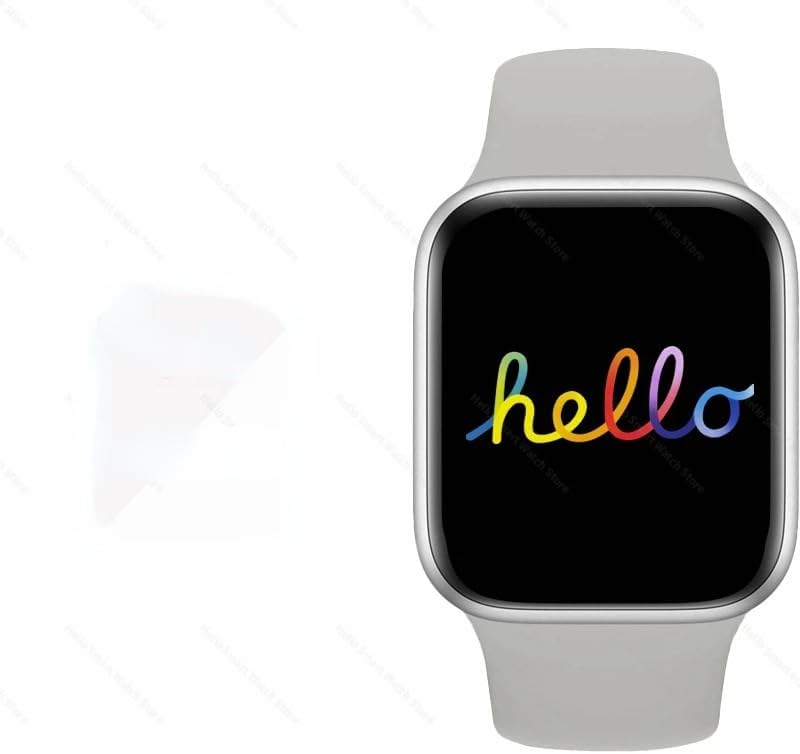
Image: The SUUNY H12 Smartwatch displaying a colorful 'hello' message on its screen, showcasing the vibrant AMOLED display.
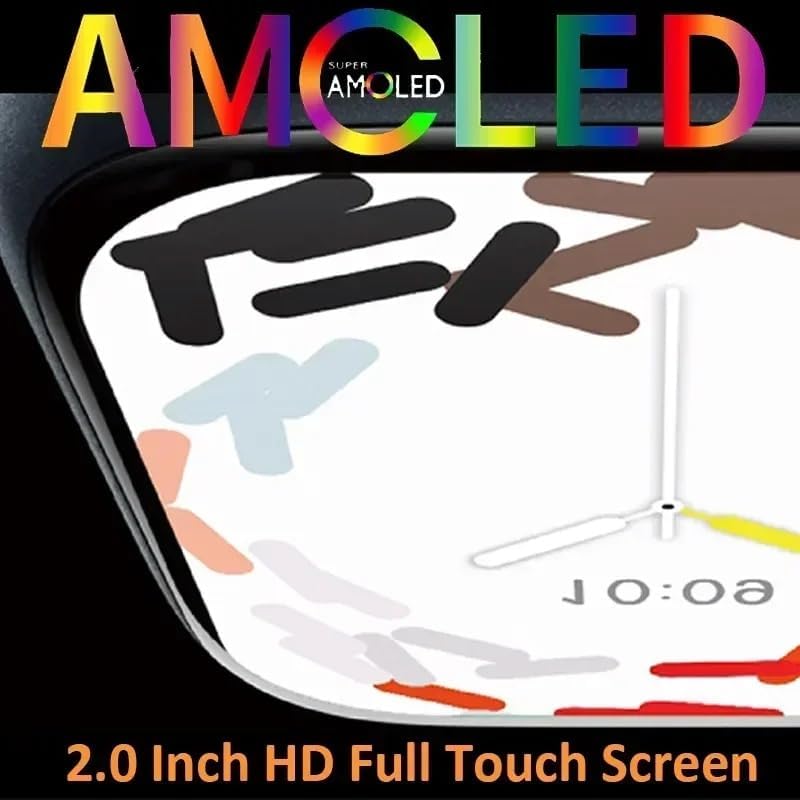
Obraz: Zbliżenie view of the SUUNY H12 Smartwatch screen, highlighting the 'Super AMOLED' display technology and its 2.0-inch HD full touch capabilities.
4. Konfiguracja
4.1 Pierwsze ładowanie
Before first use, fully charge your SUUNY H12 Smartwatch. Connect the wireless magnetic charging cable to a USB power adapter (not included) and place the watch on the charging pad. The watch will indicate charging status on its screen.
4.2 Instalacja i parowanie aplikacji
- Pobierz QifitPro app from your smartphone's app store (compatible with Android 5.0+ and iOS 8.0+).
- Open the QifitPro app and follow the on-screen instructions to create an account or log in.
- Włącz Bluetooth w swoim smartfonie.
- In the QifitPro app, search for your SUUNY H12 Smartwatch and select it to pair. Confirm the pairing request on both your phone and watch.
- Po sparowaniu zegarek będzie synchronizował dane z telefonem, w tym godzinę, datę i powiadomienia.
5. Instrukcja obsługi
5.1 Podstawowa nawigacja
- Ekran dotykowy: Przesuwaj w górę, w dół, w lewo lub w prawo, aby poruszać się po menu i ekranach. Dotknij, aby wybrać elementy.
- Inteligentny przycisk: Press the side button to return to the home screen or access the app menu. Customize its functions via settings.
- Podnieś, aby się obudzić: Unieś nadgarstek, aby ekran włączył się automatycznie.
- Cover to Turn Off Screen: Place your palm over the screen to turn it off.
5.2 Komunikacja
- Połączenia Bluetooth: Once paired with your phone, you can make and receive calls directly from your watch. The watch supports up to 500 contacts synchronized from your phone.
- Powiadomienia o wiadomościach: Receive notifications for messages, emails, and app alerts. A red dot indicates unread messages.
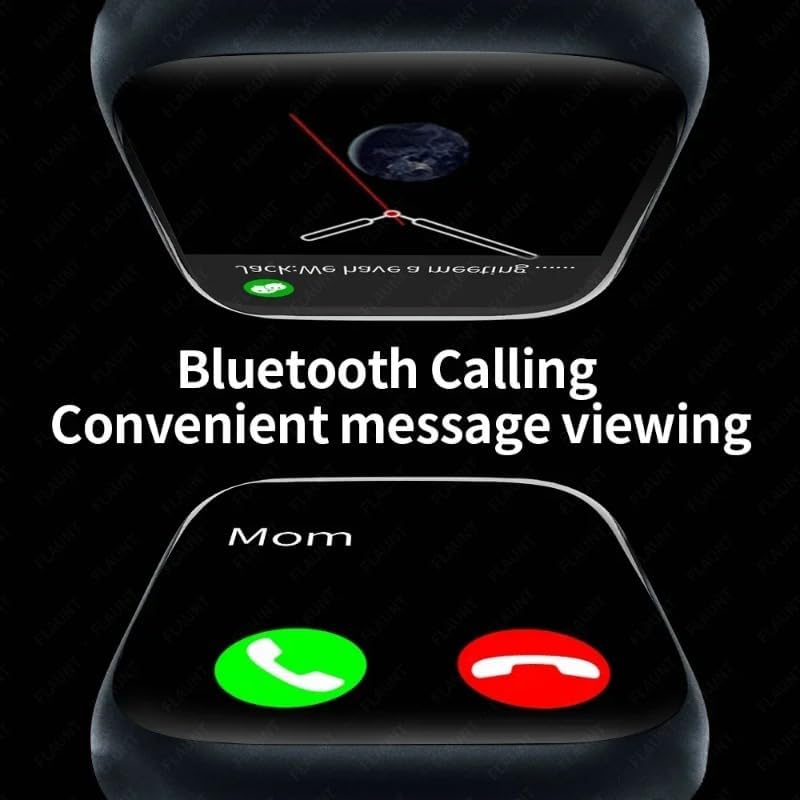
Image: The SUUNY H12 Smartwatch displaying an incoming call and a message notification, illustrating its Bluetooth calling and convenient message viewfunkcje.
5.3 Monitorowanie stanu zdrowia
- Monitorowanie częstości akcji serca: The watch supports 24-hour timed heart rate monitoring. View your heart rate data in the app.
- Monitorowanie ciśnienia krwi: Monitoruj poziom ciśnienia krwi.
- Monitorowanie snu: The watch automatically records and analyzes your sleep status from 9:00 PM to 9:00 AM the next day.
- Przypomnienie o siedzącym trybie życia: Otrzymuj powiadomienia, gdy zbyt długo będziesz nieaktywny.
- Przypomnienie o piciu wody: Receive reminders to stay hydrated.
5.4 trybów sportowych
The SUUNY H12 offers 173 sport modes to track various activities, including walking, running, cycling, and more. It records exercise metrics such as steps, calories burned, and distance.

Image: The SUUNY H12 Smartwatch interface showing different sport modes and exercise tracking data, emphasizing its 173 sport modes for efficient workouts.
5.5 Media and Storage
With 4GB of ROM, you can store music, photos, and even electronic novels directly on your watch. Connect Bluetooth earphones to enjoy music playback without your phone.

Image: A graphic illustrating the 4GB memory of the SUUNY H12 Smartwatch, highlighting its support for storing music, photos, and sound recordings.
5.6 Kontrola dostępu NFC
The watch includes an NFC chip for access control. To use it, record the watch's NFC ID with your building's access control system. Notatka: This feature does not support NFC payments.
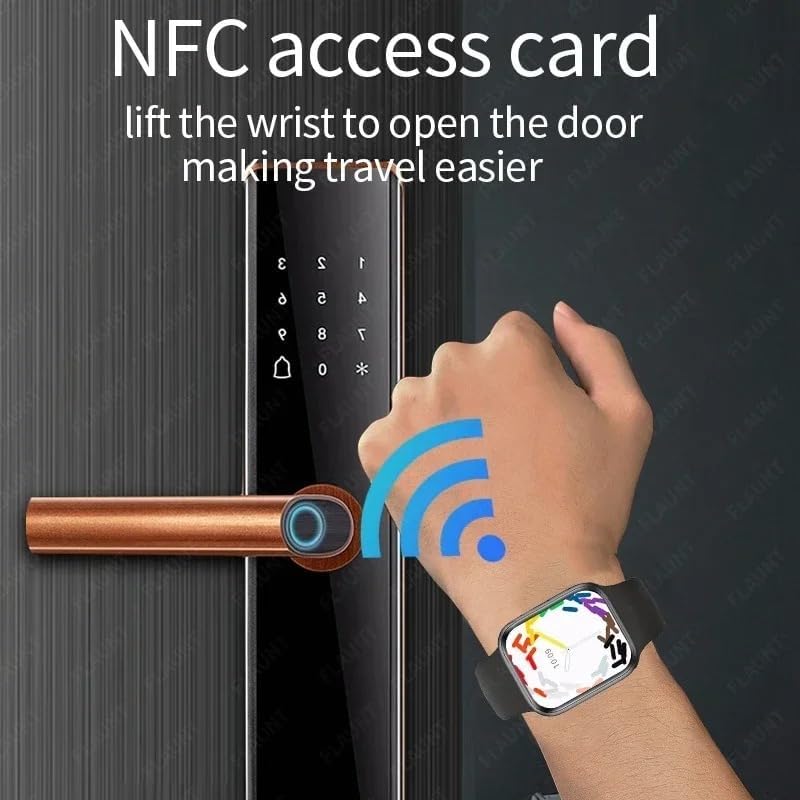
Image: A hand wearing the SUUNY H12 Smartwatch interacting with a door lock, demonstrating the NFC access card function to open doors.
5.7 Pozycjonowanie GPS
The SUUNY H12 Smartwatch does not have a built-in GPS chip. For position tracking, you must connect the watch to the Qifit mobile application, which then pushes location data to the watch.
5.8 Inne funkcje
- Kompas: Real compass function.
- Zawsze włączony wyświetlacz: Keep the time visible at all times.
- Niestandardowe tarcze zegarka: Spersonalizuj tarczę swojego zegarka.
- Asystent głosowy: Uzyskaj dostęp do asystenta głosowego w telefonie.
- Prognoza pogody: Otrzymuj aktualne informacje o pogodzie w czasie rzeczywistym.
- Calculator, Timer, Alarm Clock: Essential utility tools.
- Łóżko lamp: A convenient low-light mode.
- Dostosowania: Customize vibration, brightness, and volume settings.
6. Konserwacja
6.1 Czyszczenie
Regularly clean your smartwatch and band with a soft, dry cloth. Avoid using harsh chemicals or abrasive materials that could damage the device.
6.2 Wodoodporność
The SUUNY H12 Smartwatch is IP68 waterproof, meaning it is resistant to dust and can withstand immersion in water up to 1.5 meters for 30 minutes. It is suitable for daily use, such as hand washing or light rain. However, it is not recommended for swimming, diving, or exposure to hot water/steam.

Image: The SUUNY H12 Smartwatch being splashed with water, illustrating its IP68 waterproof capability.
7. Rozwiązywanie Problemów
7.1 Zegarek się nie włącza
Upewnij się, że zegarek jest w pełni naładowany. Podłącz go do kabla ładującego i źródła zasilania na co najmniej 30 minut.
7.2 Nie można sparować z telefonem
- Upewnij się, że Bluetooth jest włączony w Twoim telefonie i zegarku.
- Ensure the QifitPro app is installed and running.
- Uruchom ponownie telefon i smartwatch.
- Sprawdź, czy zegarek jest już sparowany z innym urządzeniem. W razie potrzeby rozłącz go.
7.3 Inaccurate GPS Data
Remember that the SUUNY H12 does not have a built-in GPS. Ensure your smartwatch is properly connected to the Qifit app on your smartphone, and that your phone's GPS is active and has a clear signal.
7.4 NFC Access Not Working
Verify that the watch's NFC ID has been correctly registered with your access control system. Confirm that you are using the NFC feature for access control, not for payment, as the watch does not support NFC payments.
7.5 Krótki czas pracy baterii
- Zmniejsz jasność ekranu.
- Wyłącz niepotrzebne powiadomienia.
- Limit continuous heart rate monitoring.
- Turn off the Always-on Display if not needed.
8. Specyfikacje
| Nazwa modelu | H12 |
| Ekran | 2.0 Inch Full HD AMOLED, 90Hz Refresh Rate |
| Procesor | JL7012 |
| Składowanie | RAM 256KB + ROM 4GB |
| Materiał skorupy | Stop tytanu |
| Zespół | Standard Silicone (suitable for 44/45/49mm bands) |
| Rumak | Bezprzewodowe ładowanie magnetyczne |
| Zgodność | Android 5.0+, iOS 8.0+ |
| Bateria | 380mAh litowo-jonowy polimer |
| Wersja Bluetooth | 5.2 |
| Aplikacja | QifitPro |
| Odporność na wodę | IP68 |
| Obsługiwane języki | English, Greek, French, German, Italian, Spanish, Dutch, Portuguese, Russian, Turkish, Japanese, Arabic |
9. Gwarancja i wsparcie
Aby uzyskać informacje o gwarancji i pomocy technicznej, zapoznaj się z dokumentacją dołączoną do zakupu lub skontaktuj się bezpośrednio ze sprzedawcą. Zachowaj dowód zakupu na wypadek roszczeń gwarancyjnych.