
ZTE U10
Instrukcja obsługi mobilnego routera Wi-Fi ZTE U10 4G+
Model: U10
Wstęp
This manual provides comprehensive instructions for the setup, operation, and maintenance of your ZTE U10 4G+ Mobile Wi-Fi Router. Please read this manual carefully to ensure proper use and to maximize the performance of your device.
Co jest w pudełku
Sprawdź, czy w opakowaniu znajdują się wszystkie elementy:
- 1x ZTE U10 Mobile Wi-Fi Router
- 1x kabel ładujący USB typu C
- 1x Quick Start Guide (for initial setup reference)
- 1x Karta gwarancyjna
Produkt ponadview
The ZTE U10 is a portable 4G+ Mobile Wi-Fi Router designed for on-the-go internet access. It supports high-speed connectivity and can share internet with multiple devices.
Główne cechy:
- 4G+ Travel WiFi-6 Hotspot: Supports speeds up to 287Mbps, compatible with 3G/4G networks.
- Długa żywotność baterii: Equipped with a 2000mAh rechargeable battery, providing up to 8 hours of working time.
- Łączność wielourządzeniowa: Connects up to 32 devices simultaneously, including tablets, smartphones, laptops, and gaming consoles.
- Wzmocniony sygnał: Built-in MIMO 2.4Ghz antennas boost signal strength.
- Kontrola rodzicielska i sieć dla gości: Simplified system for online safety and managing network access.
- Odblokowano: Compatible with all 3G/4G networks globally (requires compatible data SIM).
- Kompaktowa konstrukcja: Sleek pebble design for easy portability.
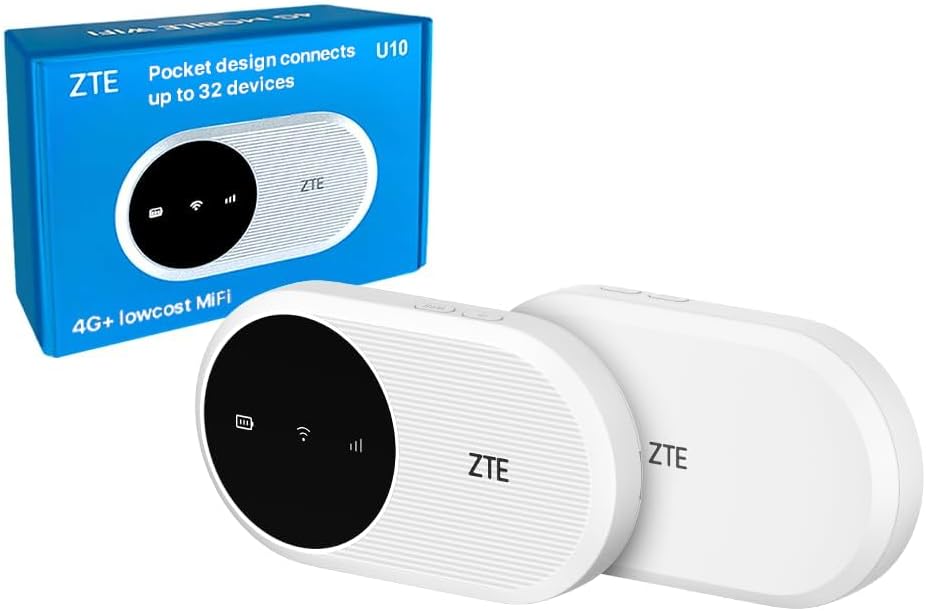
Image: The ZTE U10 4G+ Mobile Wi-Fi Router shown with its retail packaging. The device is white with a black circular display area.
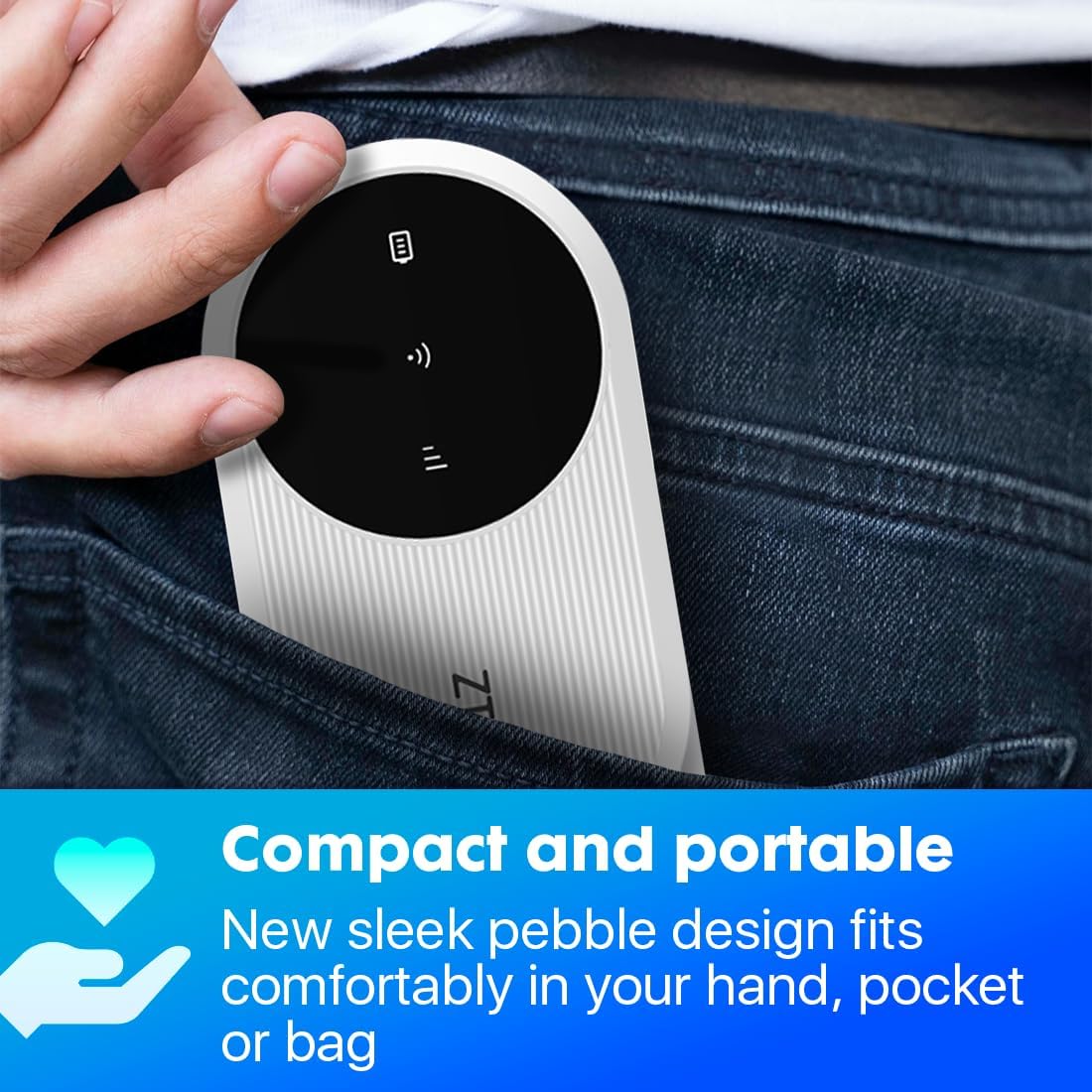
Image: A hand placing the compact ZTE U10 router into a jeans pocket, illustrating its portability.

Image: A banner displaying the ZTE U10 4G+ router with text highlighting its features: 4G+ travel WiFi-6 hotspot, 287Mbps speeds, 2000mAh battery, and built-in MIMO 2.4GHz antennas.
Przewodnik po konfiguracji
1. Wkładanie karty SIM
- Locate the SIM card slot on the device. This is typically found under the battery cover or on the side.
- Ostrożnie otwórz pokrywę gniazda karty SIM.
- Insert your activated data SIM card into the slot with the gold contacts facing down and the notched corner aligned as indicated on the device.
- Zamknij dokładnie pokrywę gniazda karty SIM.
2. Ładowanie urządzenia
- Podłącz dołączony kabel ładujący USB typu C do portu ładowania urządzenia.
- Podłącz drugi koniec kabla do kompatybilnego zasilacza USB (nie ma go w zestawie) lub do portu USB komputera.
- The battery indicator on the device will show charging status. Fully charge the device before first use.
3. Włączanie/wyłączanie zasilania
- To power on, press and hold the Power button for approximately 3-5 seconds until the indicators light up.
- To power off, press and hold the Power button for approximately 3-5 seconds until the indicators turn off.
4. Łączenie z Wi-Fi
- Once the device is powered on, it will broadcast a Wi-Fi network.
- Na komputerze, smartfonie lub tablecie wyszukaj dostępne sieci Wi-Fi.
- Select the network name (SSID) displayed on the device's screen or on the label inside the battery compartment.
- Enter the Wi-Fi password (Key) also found on the device's screen or label.
- Twoje urządzenie powinno być teraz połączone z internetem.
Instrukcja obsługi
Managing Connections
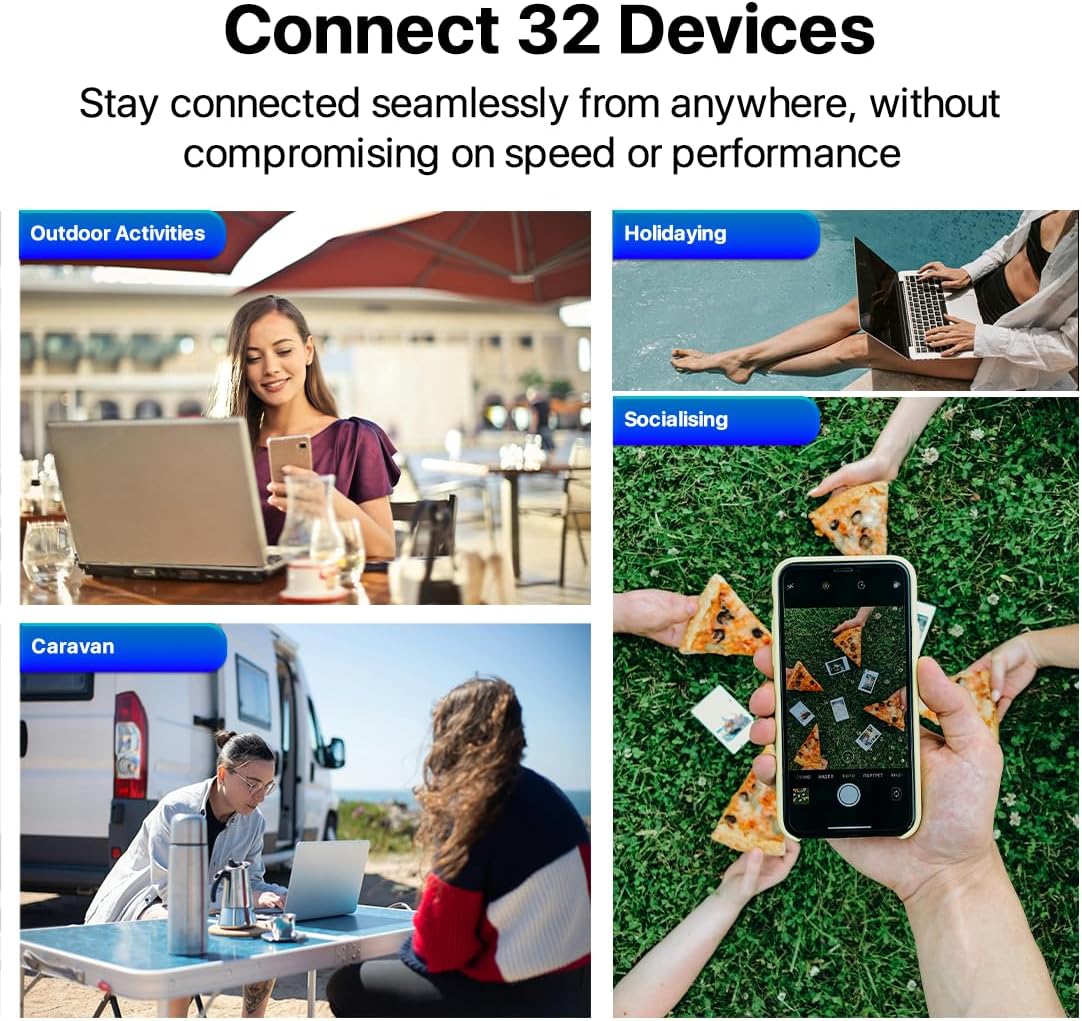
Image: Four scenarios showing people using laptops and smartphones in outdoor activities, holidaying, socialising, and a caravan, illustrating the ability to connect up to 32 devices.
The ZTE U10 can support up to 32 connected devices simultaneously. Ensure your connected devices are within the Wi-Fi range for optimal performance.
Using the ZTE Link App
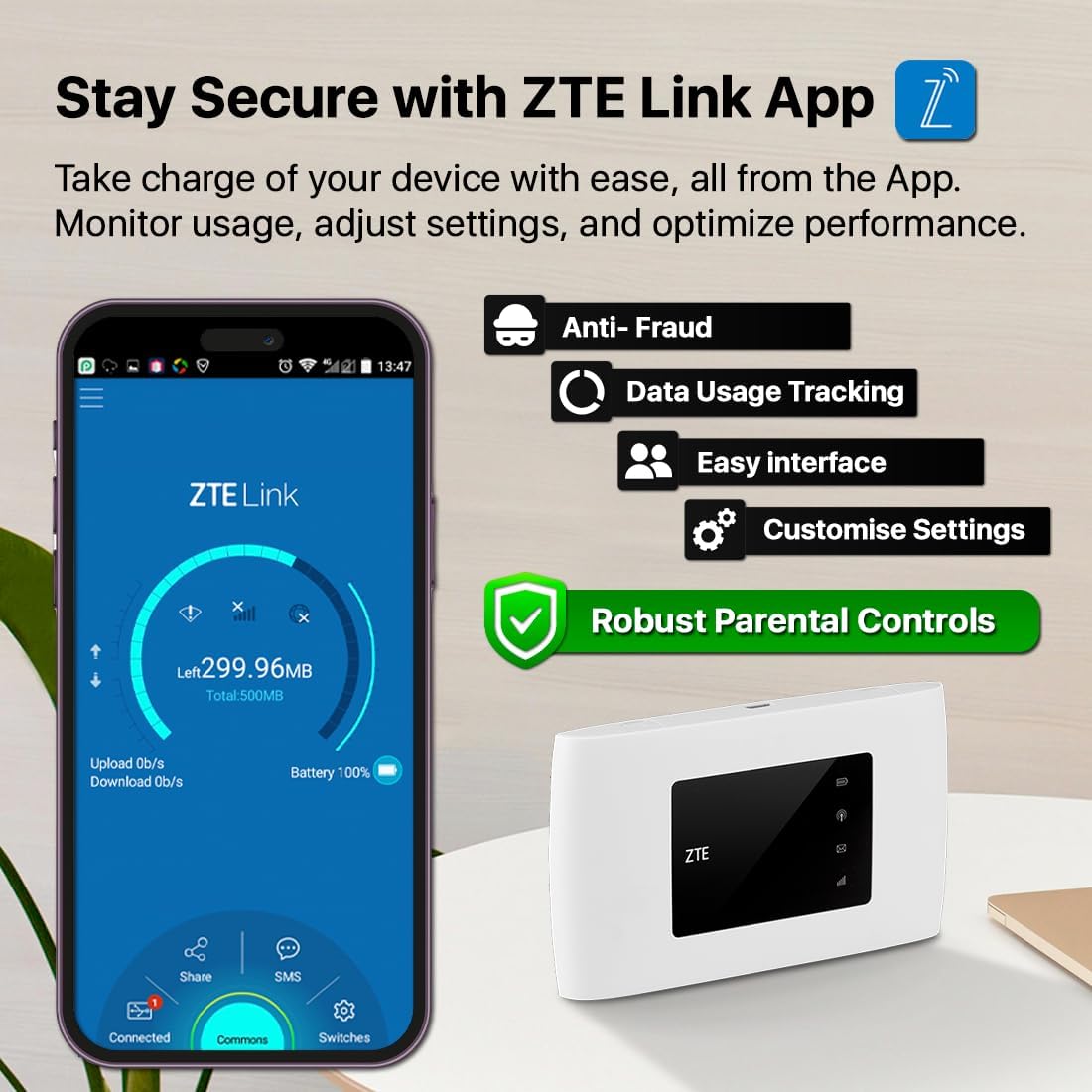
Image: A smartphone displaying the ZTE Link App interface, showing options for data usage tracking, anti-fraud, easy interface, customizable settings, and robust parental controls. The ZTE U10 device is also shown.
For advanced management and monitoring, download the ZTE Link App from your device's app store. The app allows you to:
- Monitoruj użycie danych.
- Adjust Wi-Fi settings (SSID, password).
- Zarządzaj podłączonymi urządzeniami.
- Set up parental controls and guest networks.
- Sprawdź stan baterii i siłę sygnału.
Parental Control and Guest Network

Image: A young girl looking at a tablet, with an overlay showing the ZTE Link App's parental control login screen, emphasizing online safety features.
The device offers simplified parental controls and a guest network system to ensure optimum online safety. Access these features via the ZTE Link App or the web management interface (typically 192.168.0.1 or 192.168.1.1).
- Kontrola rodzicielska: Set time limits, block specific websites, or restrict internet access for certain devices.
- Sieć gości: Utwórz oddzielną sieć Wi-Fi dla gości, zachowując bezpieczeństwo swojej głównej sieci.
Konserwacja
- Aktualizacje oprogramowania: Regularly check for and install software updates via the ZTE Link App or web interfejs zapewniający optymalną wydajność i bezpieczeństwo.
- Czyszczenie: Do czyszczenia urządzenia używaj miękkiej, suchej ściereczki. Unikaj płynnych środków czyszczących i materiałów ściernych.
- Pielęgnacja baterii: To prolong battery life, avoid exposing the device to extreme temperatures. If storing for extended periods, charge the battery to about 50% before storage.
- Bezpieczeństwo: Change default Wi-Fi and administration passwords regularly to prevent unauthorized access.
Rozwiązywanie problemów
| Problem | Możliwa przyczyna | Rozwiązanie |
|---|---|---|
| Brak połączenia internetowego | SIM card not inserted correctly or not activated. No data plan. Weak signal. | Ensure SIM is correctly inserted and activated. Check your data plan. Move to an area with better signal. Restart the device. |
| Nie można połączyć się z siecią Wi-Fi | Incorrect Wi-Fi password. Device too far from router. Wi-Fi disabled. | Verify Wi-Fi password. Move closer to the router. Ensure Wi-Fi is enabled on the router and your device. |
| Niska prędkość Internetu | Weak signal. Too many connected devices. Network congestion. | Relocate the router for better signal. Disconnect unnecessary devices. Try again during off-peak hours. |
| Urządzenie nie włącza się | Low battery. Faulty charging cable/adapter. | Charge the device. Try a different USB cable and power adapter. |
If problems persist, perform a factory reset (refer to the Quick Start Guide for instructions) or contact customer support.
Specyfikacje
| Funkcja | Szczegół |
|---|---|
| Nazwa modelu | U10 |
| Technologia łączności | 4G, Wi-Fi, LTE |
| Standard komunikacji bezprzewodowej | 802.11b (Wi-Fi 6 capable) |
| Klasa pasma częstotliwości | Dwuzakresowy (2.4 GHz) |
| Maksymalna prędkość | Do 287 Mb/s |
| Pojemność baterii | Bateria litowo-jonowa 2000 mAh |
| Czas pracy | Do 8 godzin |
| Maksymalna liczba podłączonych urządzeń | 32 |
| Waga przedmiotu | 93 gramów |
| Wymiary | 12.3 x 8.6 x 5.1 cm (wymiary opakowania) |
| System operacyjny | RouterOS |
Gwarancja i wsparcie
Informacje o gwarancji
Your ZTE U10 Mobile Wi-Fi Router comes with a standard manufacturer's warranty. Please refer to the included Warranty Card for specific terms and conditions, including warranty duration and coverage details.
The device is compliant with the PSTI Act, ensuring a unique identifier and password for security. It will receive security and software updates from purchase until April 2026.
Obsługa klienta
For technical assistance, troubleshooting beyond this manual, or warranty claims, please contact ZTE customer support or the retailer from whom you purchased the device.
- Email for Security Concerns: obsługaklienta@efones.com
- Zapoznaj się z oficjalną instrukcją ZTE website or your purchase documentation for additional support contact information.
Ask a question about this manual
Ask about setup, troubleshooting, compatibility, parts, safety, or missing instructions. Manuals+ will review the question and use this page’s manual context to help answer it.