
Wstęp
These Night Owl Add On Wired IP 4K HD Deterrence Cameras are designed to enhance your existing Night Owl security system. They provide 4K resolution video, two-way audio, and are suitable for both indoor and outdoor use. This manual provides essential instructions for installation, operation, and maintenance to ensure optimal performance and security.
Co jest zawarte
Sprawdź, czy w przesyłce znajdują się wszystkie elementy:
- 2 x Wired IP Deterrence Camera
- 2 x Waterproof Cable Cover
- 2 x Mounting Hardware and Screw Packet
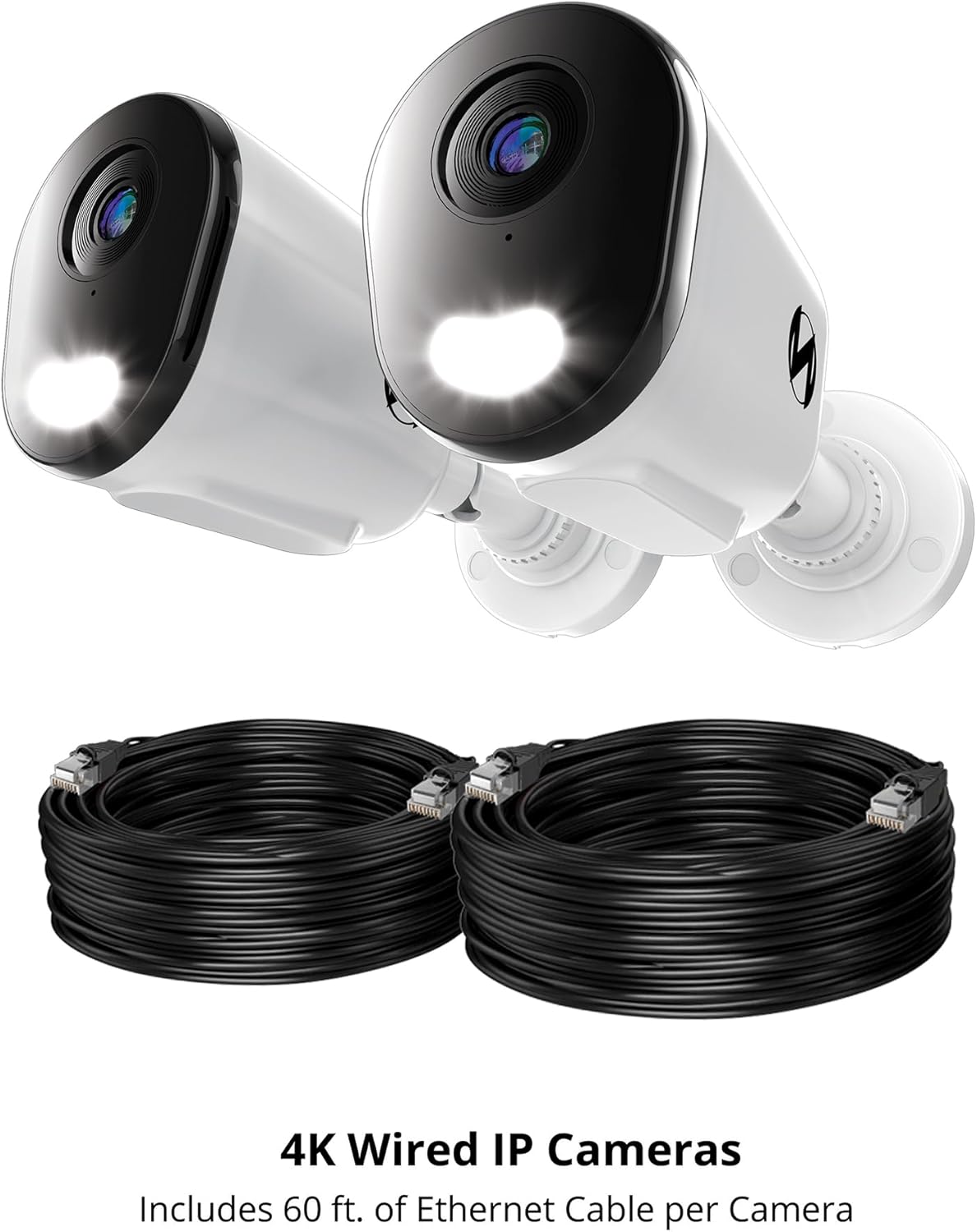
Note: Ethernet cables for Power over Ethernet (PoE) connectivity are sold separately and are required for operation.

This image features two Night Owl 4K Wired IP Cameras alongside two coiled Ethernet cables. The cameras are designed for Power over Ethernet (PoE) connectivity, simplifying installation by providing both power and data through a single cable.
Organizować coś
1. Zagadnienia przed instalacją
- Zgodność z NVR: These cameras are add-on units and require a compatible Night Owl Network Video Recorder (NVR) for operation and recording. Refer to your NVR's manual for specific compatibility details.
- Wymagania dotyczące kabli: Each camera connects using a single Ethernet cable (Cat5e or higher, sold separately) for Power over Ethernet (PoE). Ensure you have sufficient cable length for your desired camera locations.
- Lokalizacja: Wybierz lokalizację, która zapewnia pożądane viewing angle and is within range of your NVR's Ethernet ports. Consider areas prone to activity for optimal deterrence.
2. Montaż kamery
- Ustaw kamerę w żądanym miejscu.
- Use the included mounting hardware and screws to securely attach the camera to a wall or ceiling. Ensure the mounting surface is stable.
- Dostosuj kąt kamery tak, aby objąć cały obszar nadzoru.
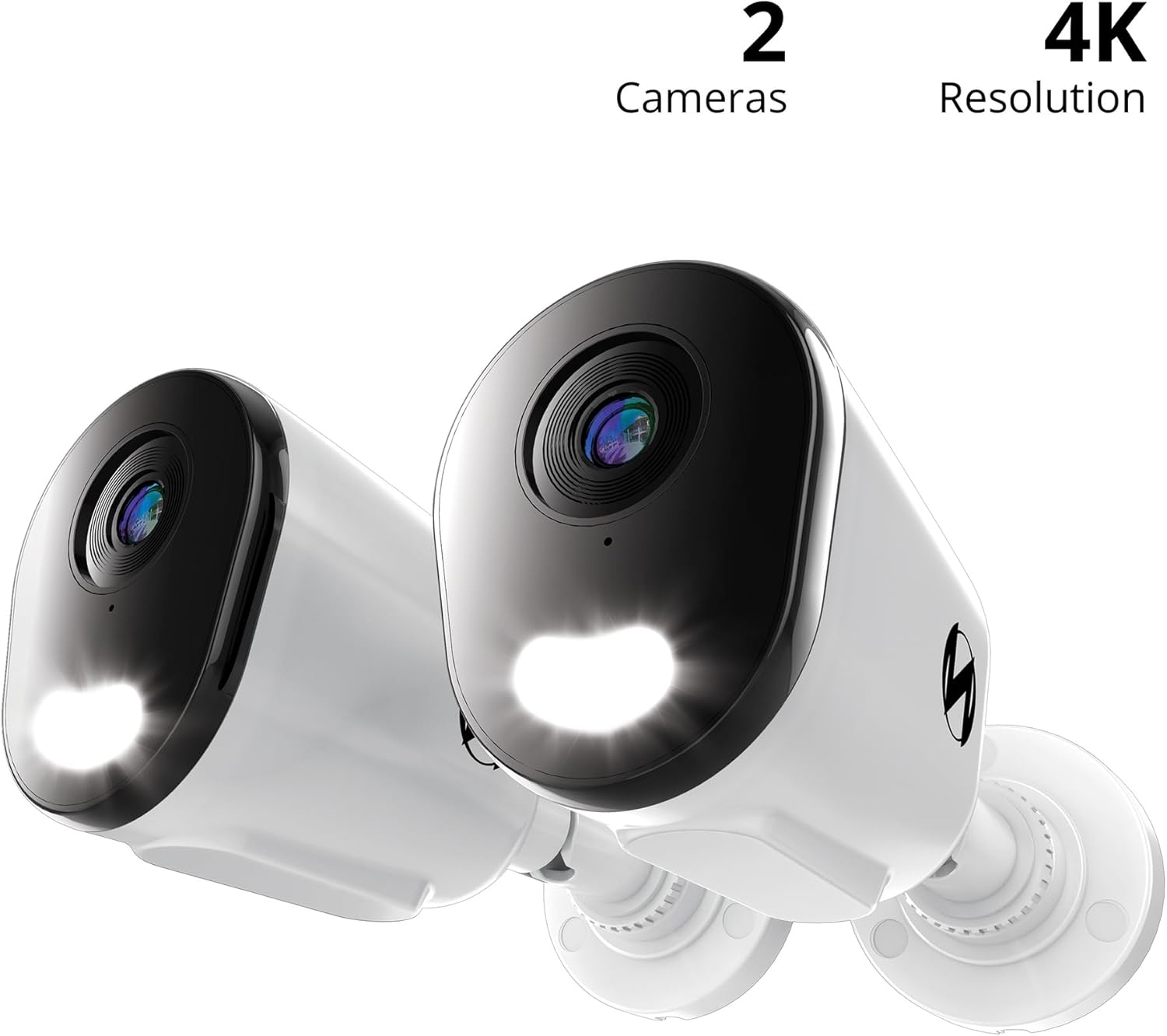
Szczegółowy view of a single Night Owl 4K Wired IP Deterrence Camera, showcasing its lens, integrated spotlight, and mounting base. This camera features a durable housing suitable for various environments.
3. Connecting to the NVR
- Podłącz jeden koniec kabla Ethernet do portu Ethernet aparatu.
- Use the waterproof cable cover to protect the connection if installing outdoors.
- Connect the other end of the Ethernet cable to an available PoE port on your Night Owl NVR.
- Repeat for all cameras.

A Night Owl camera is shown mounted on a wall with its spotlight illuminated, indicating active deterrence. An inset image shows the camera connected via an Ethernet cable to a Network Video Recorder (NVR), which is sold separately.
4. Wstępna konfiguracja
Once connected, refer to your Night Owl NVR's instruction manual for specific steps on how to add and configure new IP cameras to your system. This typically involves scanning for new devices and assigning them to channels.
A compatibility chart detailing which Night Owl wired and Wi-Fi cameras are compatible with various Night Owl DVR and NVR series. Users should consult this chart to ensure their add-on cameras are compatible with their existing recording system.
Instrukcja obsługi
1. Na żywo View i nagrywanie
- Access the live video feed from your cameras through your Night Owl NVR or the Night Owl mobile application.
- All recordings are stored securely on your NVR's hard drive. Refer to your NVR manual for playback and backup procedures.
2. Dźwięk dwukierunkowy
The cameras feature two-way audio, allowing you to listen and speak through the camera using the Night Owl mobile app or NVR interface.
- To listen: Activate the audio monitoring function in the app or NVR.
- To speak: Use the microphone icon in the app or NVR interface to transmit your voice through the camera's speaker.

This image illustrates the two-way audio capability of the Night Owl camera. One person is at the door speaking, while another person is viewing and communicating through a mobile app, demonstrating remote interaction.
3. Deterrence Features
These cameras are equipped with active deterrence features:
- Zintegrowany reflektor: The built-in spotlight can be activated manually or automatically upon motion detection to illuminate the area and deter intruders.
- Camera Siren: A powerful siren can be triggered remotely or automatically to alert and deter potential threats.
- Wstępnie ustawione alerty głosowe: Configure custom voice messages to play automatically when motion is detected, providing an audible warning.
4. Inteligentne wykrywanie i alerty
- AI Human and Vehicle Detection: The cameras utilize advanced AI technology to accurately detect human and vehicle movement, minimizing false alarms from other sources.
- Mobile Alerts: Receive instant notifications on your mobile device when human or vehicle activity is detected, allowing for a fast response.
5. Wizja nocna
The cameras provide clear surveillance both day and night:
- Full-Color Day Viewing: Enjoy vivid, high-resolution video during daylight hours.
- Vivid Night Vision: The cameras offer clear night vision up to 100 feet, ensuring continuous monitoring in low-light conditions.
Konserwacja
- Czyszczenie obiektywu: Okresowo czyść obiektyw aparatu miękką,amp cloth to remove dust, dirt, or smudges that may affect video clarity. Avoid abrasive cleaners.
- Sprawdzanie połączeń: Regularly inspect all cable connections, especially for outdoor installations, to ensure they are secure and free from damage. Ensure waterproof covers are properly sealed.
- Aktualizacje oprogramowania układowego: Check the Night Owl support website for any available firmware updates for your cameras or NVR. Keeping your system updated ensures optimal performance and security.
- Ochrona środowiska: While designed for outdoor use, extreme weather conditions can impact performance. Ensure cameras are securely mounted and protected from direct, prolonged exposure to severe elements where possible.
Rozwiązywanie problemów
Brak źródła wideo
- Upewnij się, że kabel Ethernet jest prawidłowo podłączony do kamery i portu PoE rejestratora NVR.
- Sprawdź, czy rejestrator NVR jest włączony i działa prawidłowo.
- Check the NVR's camera management settings to ensure the camera is properly added and enabled.
- Try connecting the camera to a different PoE port on the NVR or using a different Ethernet cable.
Słaba jakość wideo
- Wyczyść obiektyw aparatu, aby usunąć wszelkie przeszkody i smugi.
- Upewnij się, że kamera jest solidnie zamontowana i nie wibruje.
- Check the video resolution settings on your NVR; ensure it is set to 4K.
- Verify network stability between the camera and NVR.
Problemy z dźwiękiem
- Ensure two-way audio is enabled in the camera settings on your NVR or mobile app.
- Check microphone and speaker volume settings.
- Upewnij się, że nie ma żadnych przeszkód fizycznych blokujących mikrofon lub głośnik kamery.
Wykrywanie ruchu nie działa
- Verify that motion detection is enabled and configured correctly in your NVR's settings.
- Adjust the motion detection sensitivity and detection zones.
- Upewnij się, że obiektyw aparatu jest czysty i nie ma w nim żadnych przeszkód.
For further assistance, please refer to your NVR's manual or contact Night Owl customer support.
Specyfikacje
| Funkcja | Specyfikacja |
|---|---|
| Numer modelu | CAM-FTN8-NEL-BU |
| Zastosowanie wewnątrz/na zewnątrz | Wewnątrz, Na zewnątrz |
| Rozdzielczość przechwytywania wideo | 4K |
| Technologia łączności | Przewodowe (Power over Ethernet) |
| Funkcja specjalna | 2-Way Audio, Deterrence Spotlight, Siren, AI Human/Vehicle Detection |
| Zakres noktowizora | 100 stóp |
| Wymiary (dł. x szer. x wys.) | 3.85 x 3.14 x 3.11 cala |
| Item Weight (Per Camera) | 4.13 funtów (1.88 kg) |
| UPC | 816522026523 |
Gwarancja i wsparcie
Informacje o gwarancji
For detailed warranty information regarding your Night Owl Add On Wired IP 4K HD Deterrence Cameras, please refer to the warranty card included with your product packaging or visit the official Night Owl webstrona.
Obsługa klienta
If you encounter any issues or require technical assistance, please contact Night Owl customer support:
- Wsparcie online: Visit the Night Owl support webwitryna z odpowiedziami na często zadawane pytania, poradnikami rozwiązywania problemów i oprogramowaniem do pobrania.
- Kontakt: Refer to the Night Owl website for current contact methods, including phone and email support.