
Wstęp
The iBall Palmz is a versatile wireless mouse offering dual connectivity options: 2.4 GHz wireless via a mini USB receiver and Bluetooth. Designed for comfort and efficiency, it features silent clicks and an ergonomic form factor, making it suitable for various computing environments including PCs, Macs, and laptops.
Główne cechy
- Podwójna łączność: Seamlessly switch between 2.4 GHz wireless (via USB receiver) and Bluetooth.
- Ciche kliknięcia: Enjoy a quiet working environment with specially designed silent click buttons.
- Ergonomiczna konstrukcja: Contoured shape with a fibre finish provides a comfortable grip for extended use.
- Nano USB Receiver: Compact receiver that can be stored inside the mouse for portability.
- Tryb oszczędzania energii: Automatic power-saving function extends battery life when not in use.
- Trzy przyciski: Standard left, right, and scroll wheel buttons for essential navigation.
- Śledzenie optyczne: Precise and smooth cursor control.
Zawartość opakowania
- iBall Palmz Wireless + Bluetooth Mouse
- Odbiornik Nano USB
- Instrukcja obsługi (ten dokument)
Uwaga: Baterie nie są dołączone do zestawu i należy je zakupić osobno.
Instrukcje konfiguracji
1. Włóż baterię
Locate the battery compartment on the underside of the mouse. Open the cover and insert one AA battery (not included), ensuring correct polarity (+/-). Close the battery compartment cover securely.
2. Connect via 2.4 GHz Wireless
- Remove the Nano USB receiver from its storage slot on the underside of the mouse.
- Plug the Nano USB receiver into an available USB port on your computer (PC, Mac, or laptop).
- The computer should automatically detect and install the necessary drivers.
- Turn on the mouse using the power switch located on the underside. The mouse is now ready for use.

Image: iBall Palmz mouse showing the Nano USB receiver. The receiver is a small USB dongle that plugs into your computer for 2.4 GHz wireless connectivity.
3. Połącz się przez Bluetooth
- Upewnij się, że mysz jest włączona.
- Press and hold the Bluetooth pairing button (usually located on the underside of the mouse) until the indicator light starts blinking, indicating it's in pairing mode.
- Na komputerze lub urządzeniu otwórz ustawienia Bluetooth.
- Szukaj new devices and select "iBall Palmz" from the list.
- Follow any on-screen prompts to complete the pairing process. The indicator light on the mouse will become solid when successfully paired.
Instrukcja obsługi
The iBall Palmz mouse offers standard mouse functionalities with the added benefit of silent clicks.
- Lewy przycisk myszy: Główny przycisk do wybierania elementów, otwierania filei interakcji z oprogramowaniem.
- Kliknij prawym przyciskiem myszy: Dodatkowy przycisk umożliwiający dostęp do menu kontekstowego i dodatkowych opcji.
- Kółko przewijania: Przesuń w górę lub w dół, aby poruszać się po dokumentach i web stron. Kółko przewijania pełni również funkcję środkowego przycisku kliknięcia.

Obraz: Góra view of the iBall Palmz mouse, highlighting its ergonomic shape and button layout. The mouse features a scroll wheel and two main click buttons.
The mouse has a working range of up to 10 meters, providing flexibility in your workspace.

Image: iBall Palmz mouse with an indication of its 10-meter working range. This illustrates the wireless freedom provided by the device.
Konserwacja
- Czyszczenie: Do czyszczenia myszy używaj miękkiej, suchej ściereczki. Unikaj stosowania silnych środków chemicznych i materiałów ściernych.
- Wymiana baterii: Replace the AA battery when the mouse performance degrades or the indicator light signals low battery.
- Oszczędzanie energii: The mouse automatically enters a power-saving mode when idle. To conserve battery life further, turn off the mouse using the power switch when not in use for extended periods.
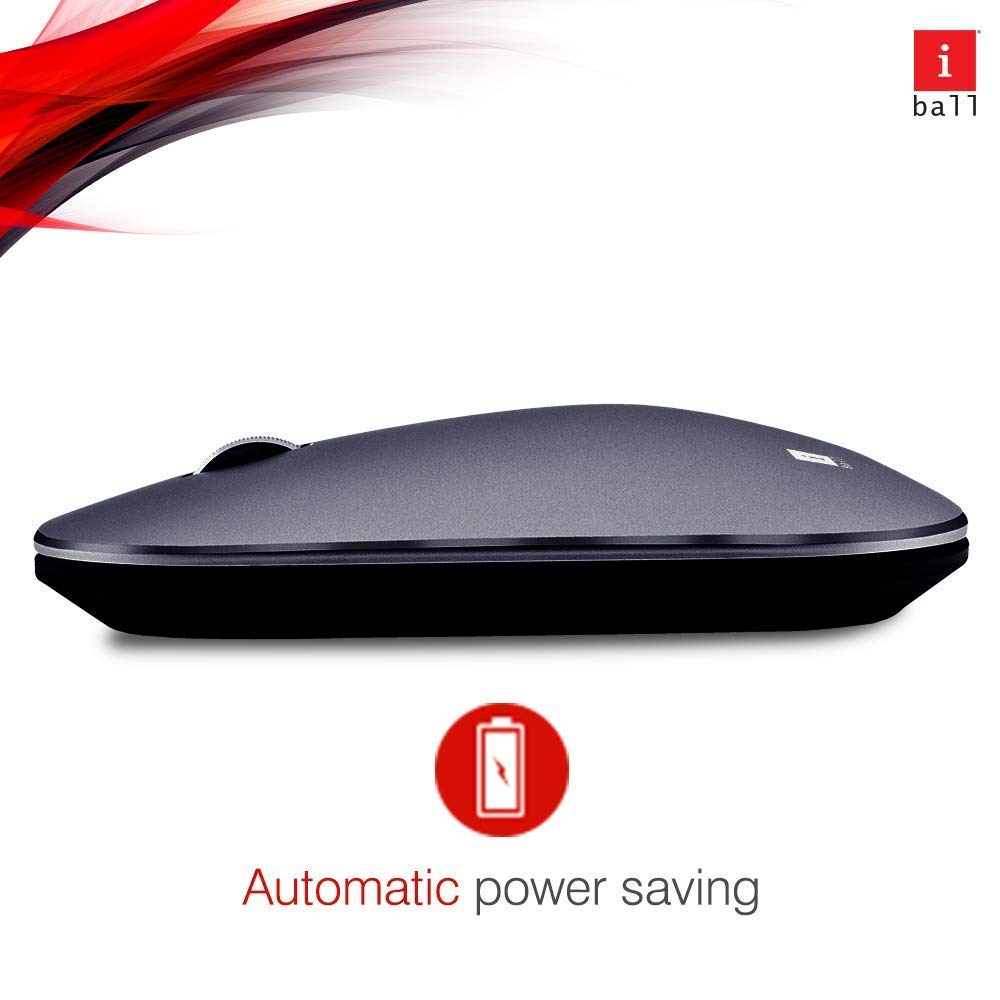
Image: iBall Palmz mouse illustrating its automatic power-saving feature. This function helps extend battery life by entering a low-power state when idle.
Rozwiązywanie problemów
| Problem | Rozwiązanie |
|---|---|
| Mouse is unresponsive (2.4 GHz) |
|
| Mouse is unresponsive (Bluetooth) |
|
| Ruch kursora jest nieregularny |
|
Specyfikacje
| Nazwa modelu | Palmz |
| Technologia łączności | 2.4 GHz Wireless, Bluetooth |
| Wykrywanie ruchu | Optyczny |
| Liczba przycisków | 3 (lewy, prawy, kółko przewijania/środkowy przycisk) |
| Cechy specjalne | Silent Clicks, Lightweight, Automatic Power Saving |
| Kompatybilne urządzenia | Desktop, Laptop, Tablet, Smart Phone |
| Platforma sprzętowa | Linux, Mac |
| Wsparcie systemu operacyjnego | Linux, Windows 7, Windows XP (i nowsze wersje) |
| Waga przedmiotu | 250 gramów |
| Kolor | Szary |
| Wymagane baterie | Tak (1x AA, brak w zestawie) |
Gwarancja i wsparcie
This iBall Palmz mouse comes with a 3-letnia gwarancja od daty zakupu. Zachowaj dowód zakupu na wypadek roszczeń gwarancyjnych.
For technical support or warranty inquiries, please contact the manufacturer or your retailer. Contact information can typically be found on the product packaging or the manufacturer's official webstrona.