
Wstęp
Thank you for choosing the Rapoo V10RGB Wireless Charging Mouse Mat. This manual provides detailed instructions for setting up, operating, and maintaining your new mouse mat. Please read this manual carefully before use to ensure optimal performance and longevity of your device.
Zawartość opakowania
Sprawdź, czy w przesyłce znajdują się wszystkie elementy:
- 1 x Rapoo V10RGB Wireless Charging Mouse Mat
- 1 x USB Cable (6ft / 1.8m)
Organizować coś
- Unpack the Mouse Mat: Carefully remove the Rapoo V10RGB Wireless Charging Mouse Mat from its packaging.
- Pozycja maty: Place the mouse mat on a flat, stable surface on your desk. Ensure there is enough space for comfortable mouse movement.

Image: The Rapoo V10RGB Wireless Charging Mouse Mat laid flat on a desk, showing its overall design and RGB lighting.
- Podłącz zasilanie: Connect the provided USB cable to the USB-C port on the mouse mat and plug the other end into a compatible USB power source (e.g., computer USB port, USB wall adapter). The RGB lighting will illuminate upon successful connection.
Instrukcja obsługi
1. Sterowanie oświetleniem RGB
The Rapoo V10RGB mouse mat features customizable RGB lighting with multiple modes and adjustable brightness levels.
- Zmiana trybów RGB: Press the "RGB Modes" button (usually marked with a refresh or cycle icon) to cycle through various multi-color and solid color backlit modes.
- Regulacja jasności: Press the "Brightness +/-" button (usually marked with a sun icon) to adjust the lighting brightness. Options include high, medium, low, and off.

Obraz: Zbliżenie view of the control buttons on the mouse mat, indicating the RGB Modes button and the Brightness +/- button.
2. Funkcja ładowania bezprzewodowego
The mouse mat includes a wireless charging pad compatible with Qi-enabled devices.
- Umieść urządzenie: Place your Qi-enabled device (e.g., wireless charging mouse, smartphone, earbuds) onto the designated charging area on the mouse mat. This area is typically marked with a lightning bolt icon.
- Wskaźnik ładowania: The device should begin charging automatically. The mouse mat supports 5W, 7.5W, and 10W output, adjusting automatically based on the device's battery levels to protect your device and extend battery life.
- Wykrywanie obiektów: The charging pad features object detection to prevent charging foreign metallic objects.
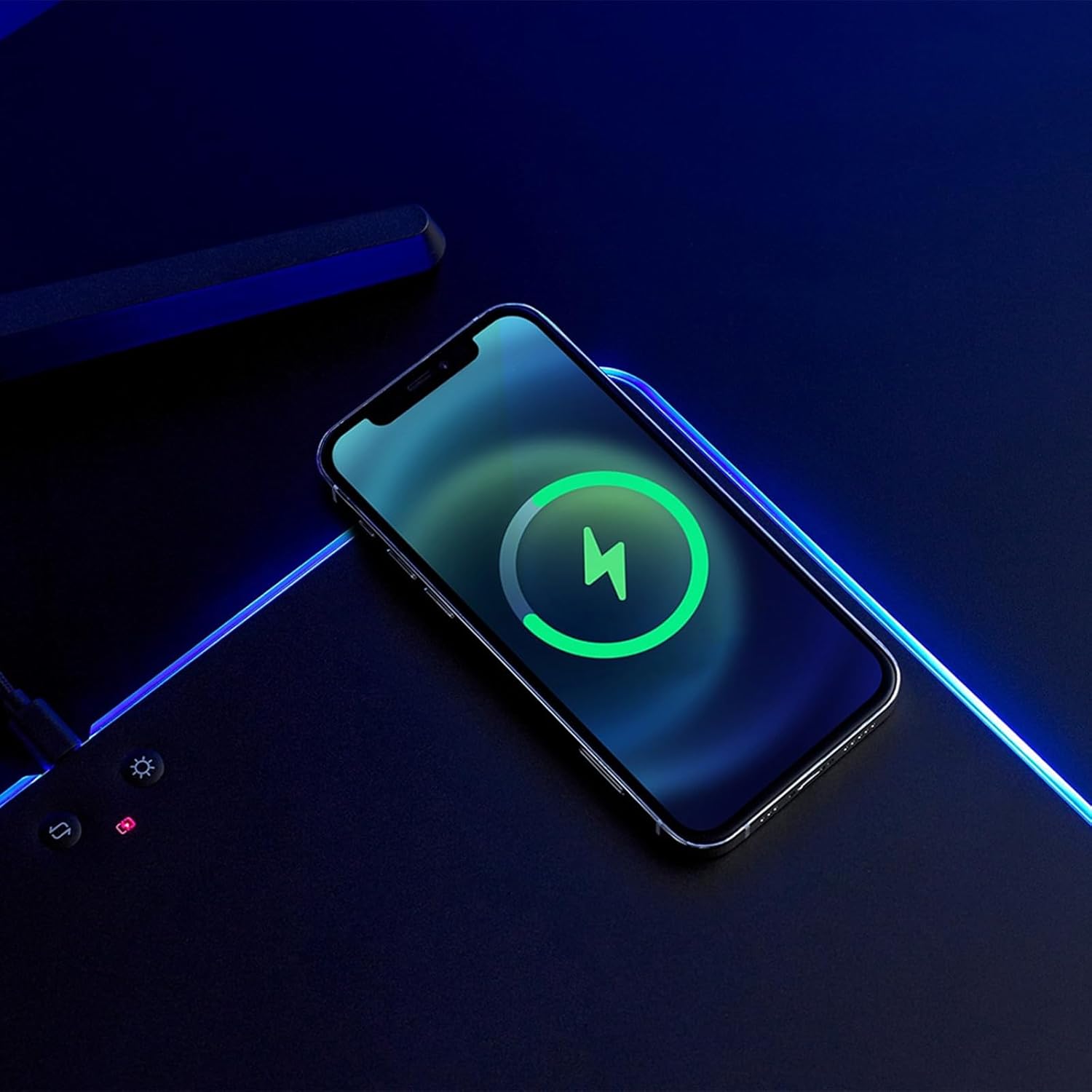
Image: A smartphone placed on the wireless charging area of the mouse mat, displaying a charging indicator on its screen.
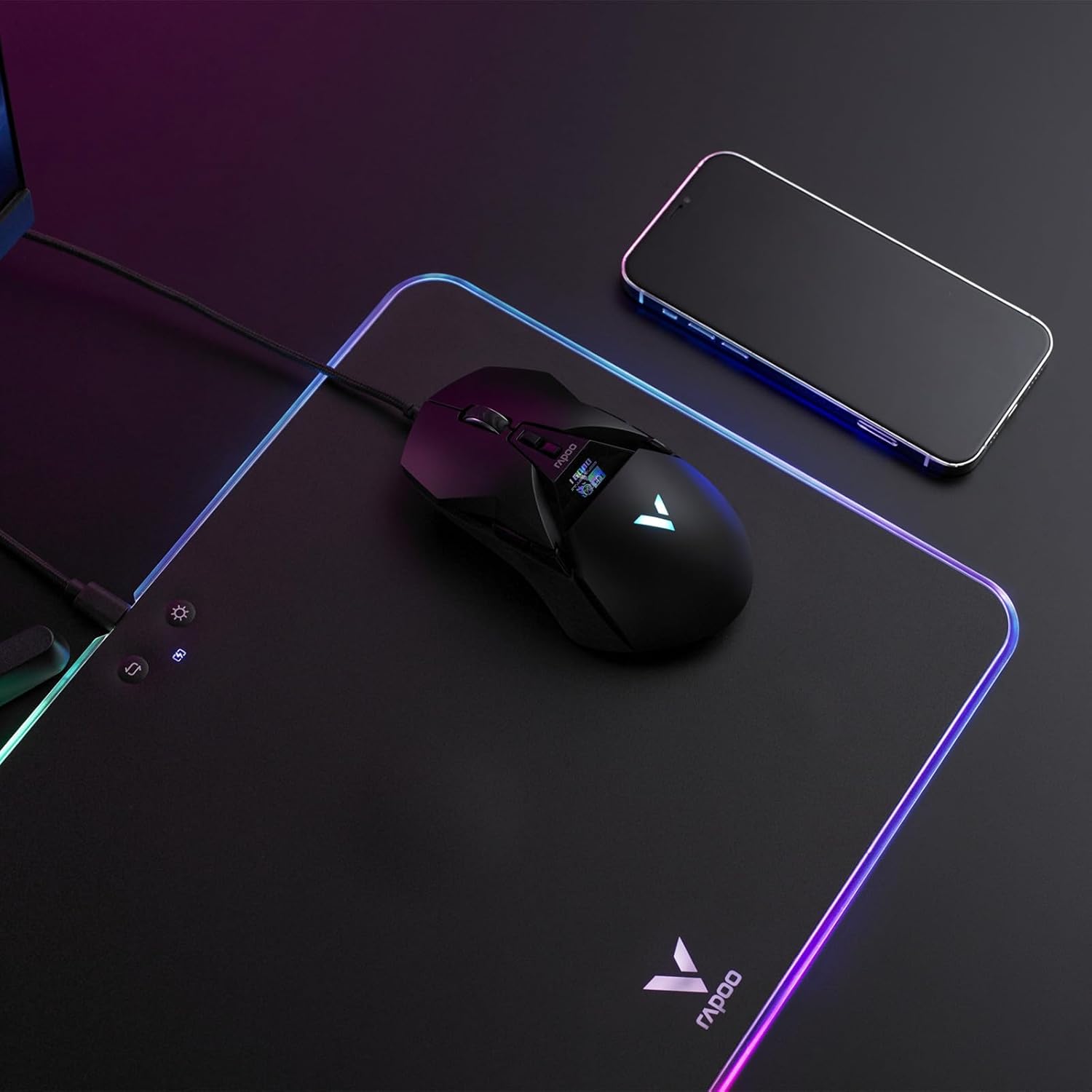
Image: A wireless mouse positioned on the mat for use, with a smartphone placed on the wireless charging area.
3. Hard PC Gaming Surface
The mouse mat features a hard PC gaming surface designed for consistent density, lower friction, and faster response compared to soft foam, rubber, or fabric mouse pads. This provides precise tracking for gaming and general use.
4. Anti-Slip Silicone Base
The underside of the mouse mat is equipped with an anti-slip silicone base. This ensures the mat remains steady and shock-absorbing, preventing unwanted movement during intense use.

Obraz: Powiększony view of the hexagonal pattern on the anti-slip silicone base of the mouse mat.
Konserwacja
- Czyszczenie powierzchni: Użyj miękkiego, damp cloth to gently wipe the hard PC gaming surface. Avoid abrasive cleaners or harsh chemicals, as these may damage the surface or RGB lighting.
- Czyszczenie podstawy: The silicone base can be wiped with a damp cloth if it collects dust. Ensure the mat is completely dry before placing it back on your desk.
- Składowanie: When not in use for extended periods, store the mouse mat flat or gently rolled to prevent creases or damage to the internal components.
Rozwiązywanie problemów
| Problem | Możliwa przyczyna | Rozwiązanie |
|---|---|---|
| RGB lighting does not turn on. |
|
|
| Ładowanie bezprzewodowe nie działa. |
|
|
| Śledzenie myszy jest niespójne. |
|
|
Specyfikacje
| Funkcja | Szczegół |
|---|---|
| Model | V10RGB |
| Wymiary produktu | 14in x 10in / 35.2cm x 25.5cm |
| Waga produktu | 1.19 funta / 542 g |
| Tworzywo | Polycarbonate (Surface), Silicone (Base) |
| Tryby podświetlenia | RGB, Solid Color |
| Poziomy jasności | Wysoki, Średni, Niski, Wył. |
| Prąd wejściowy | 2 A/1.67 A |
| Wyjście ładowania bezprzewodowego | 5W/7.5W/10W |
| Funkcje ochronne | Overcharge Protection, Over Temperature Protection, Object Detection |
| Interfejs | USB-C |
| Długość kabla | 6ft / 1.8m |
Gwarancja i wsparcie
Aby uzyskać informacje dotyczące gwarancji i pomocy technicznej, zapoznaj się z oficjalną stroną Rapoo webOdwiedź stronę internetową lub skontaktuj się bezpośrednio z działem obsługi klienta. Zachowaj paragon zakupu na wypadek reklamacji.
Producent: Shenzhen Rapoo Technology Co., Ltd.